


$94.90
Free delivery · 7–14 days
Lightweight Behind-Ear Hearing Amplifier for Seniors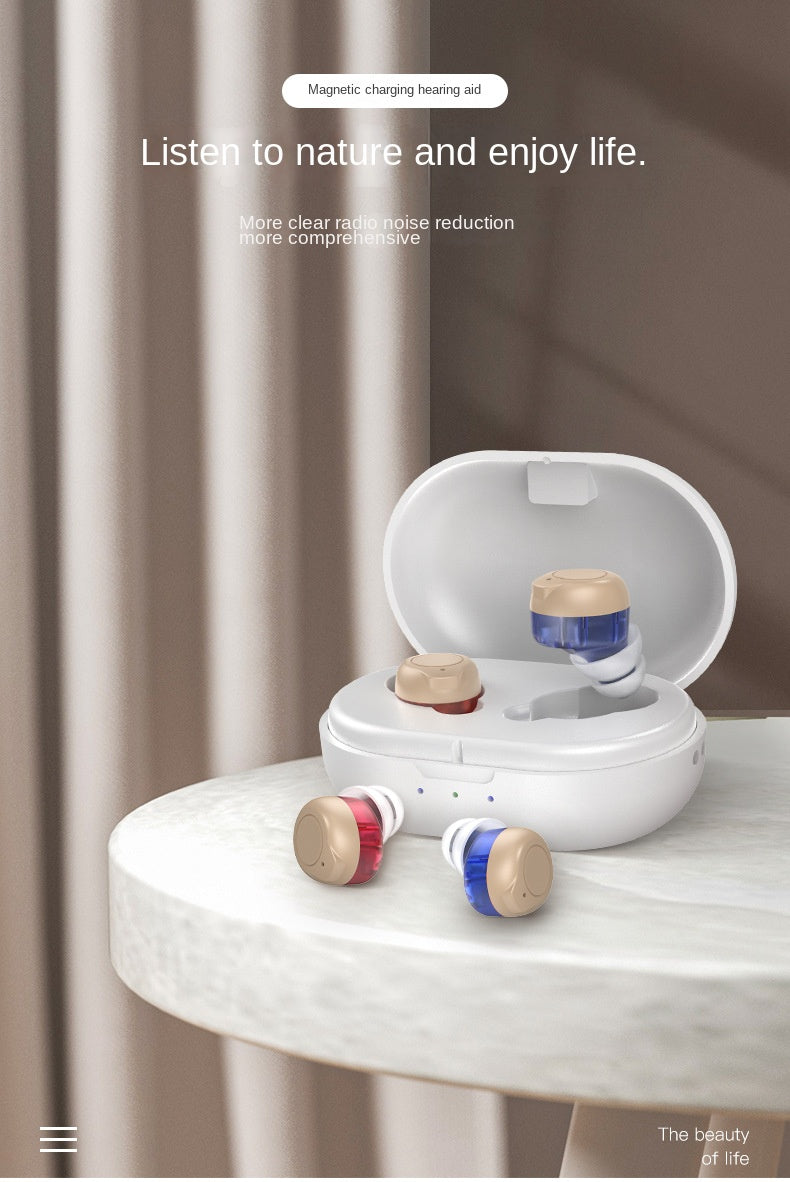
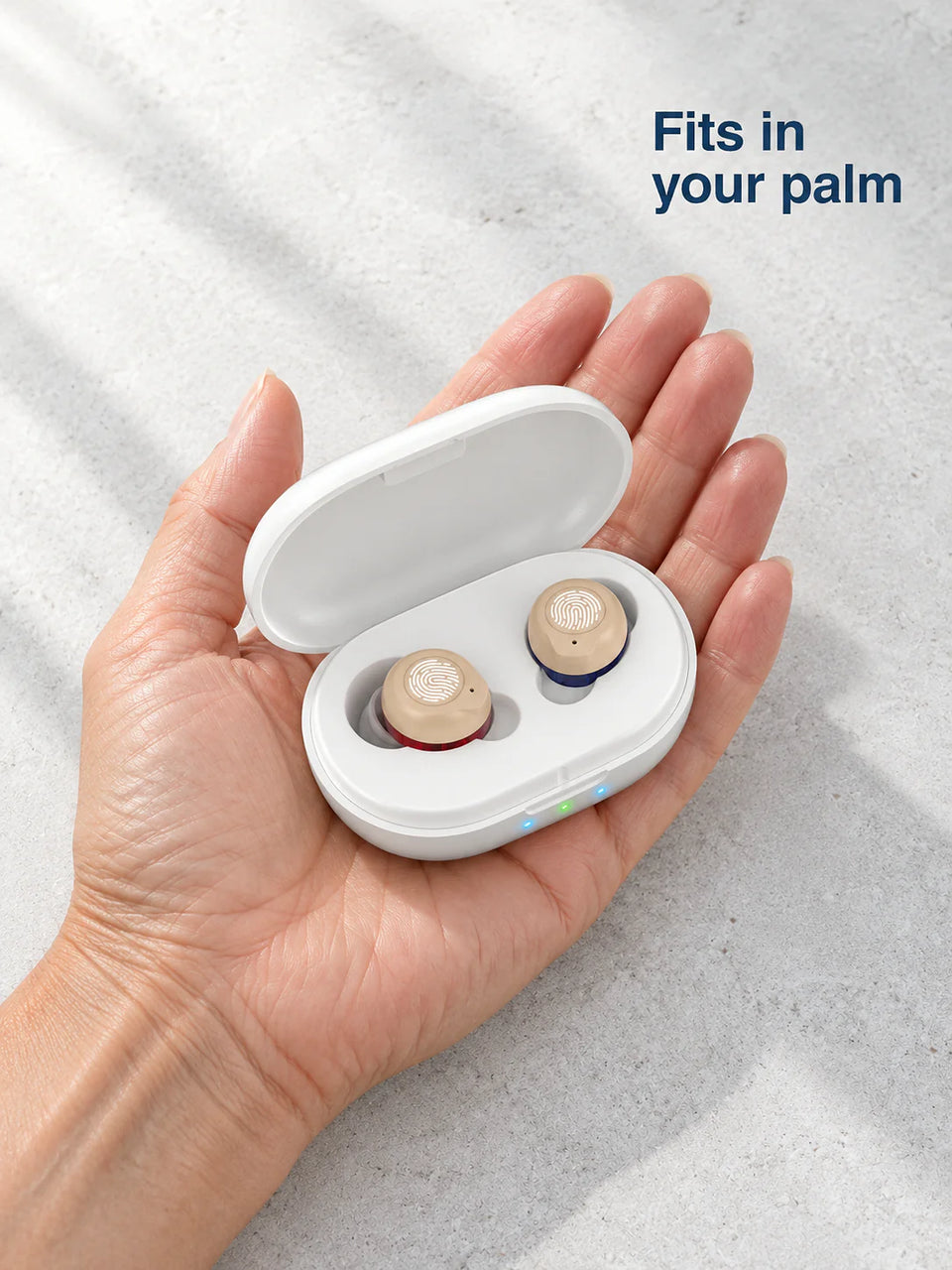
Lift a unit from its case and it powers on by itself, so the next conversation starts without setup. The skin-tone shell sits inside the ear, and one tap steps the volume through five levels. The white case keeps the units charged, with 35 hours of endurance and 4-5 recharges.
Read the full descriptionLift a unit from its case and it powers on by itself, so the next conversation starts without setup. The skin-tone shell sits inside the ear, and one tap steps the volume through five levels. The white case keeps the units charged, with 35 hours of endurance and 4-5 recharges.
Discreet, one-touch sound amplifier that fits inside the ear and recharges in its own case
Conversations at the dinner table blur into noise, and the TV goes up for everyone else. This in-ear amplifier sits almost invisibly, adjusts with one tap, and recharges in its own case, so you can follow the conversation again.

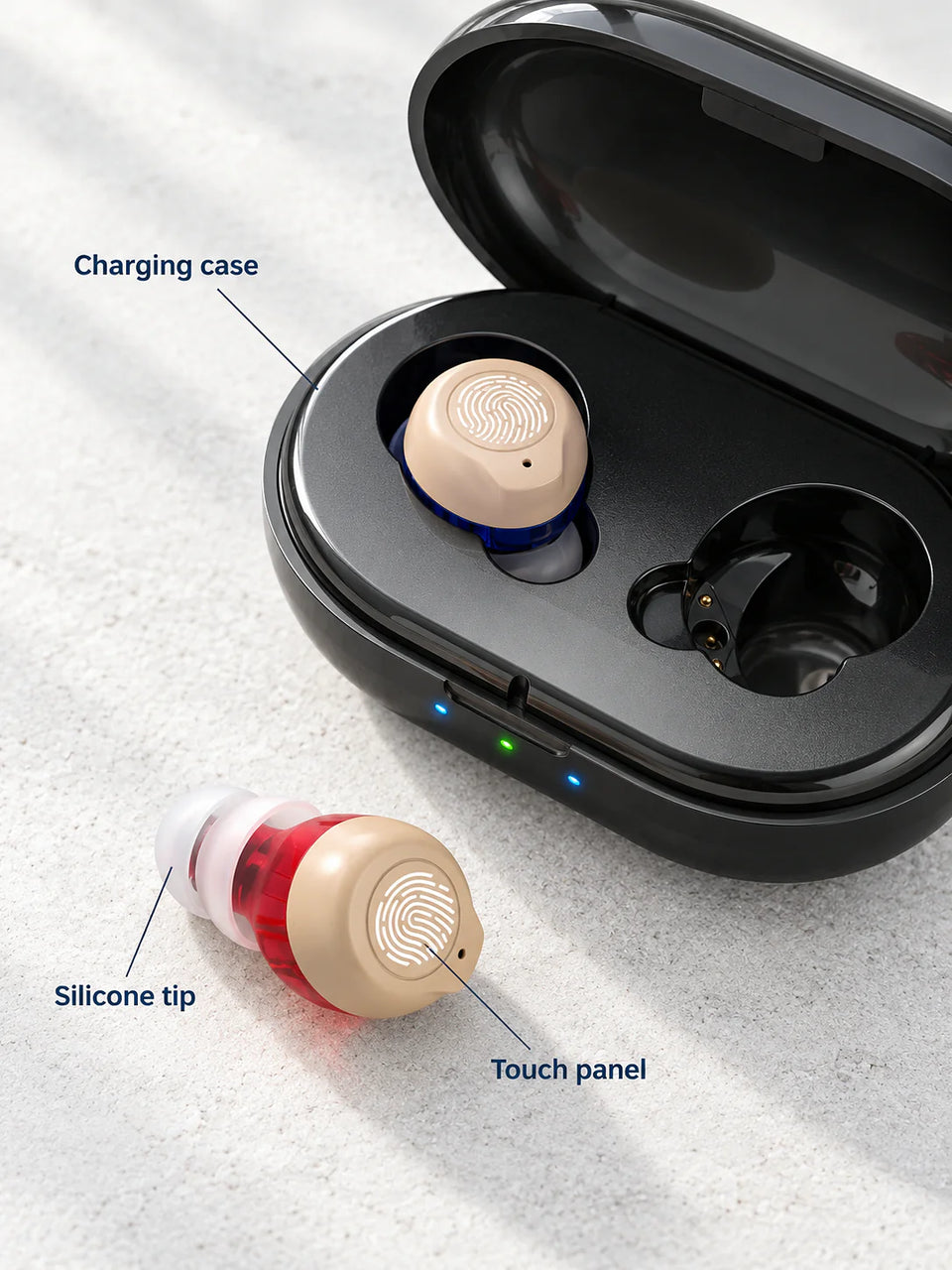
The touch panel handles power and volume. Each tap moves the volume up one of five levels, so you step toward the sound you need without guessing at a dial. Power comes on automatically when you lift a unit out of the case.

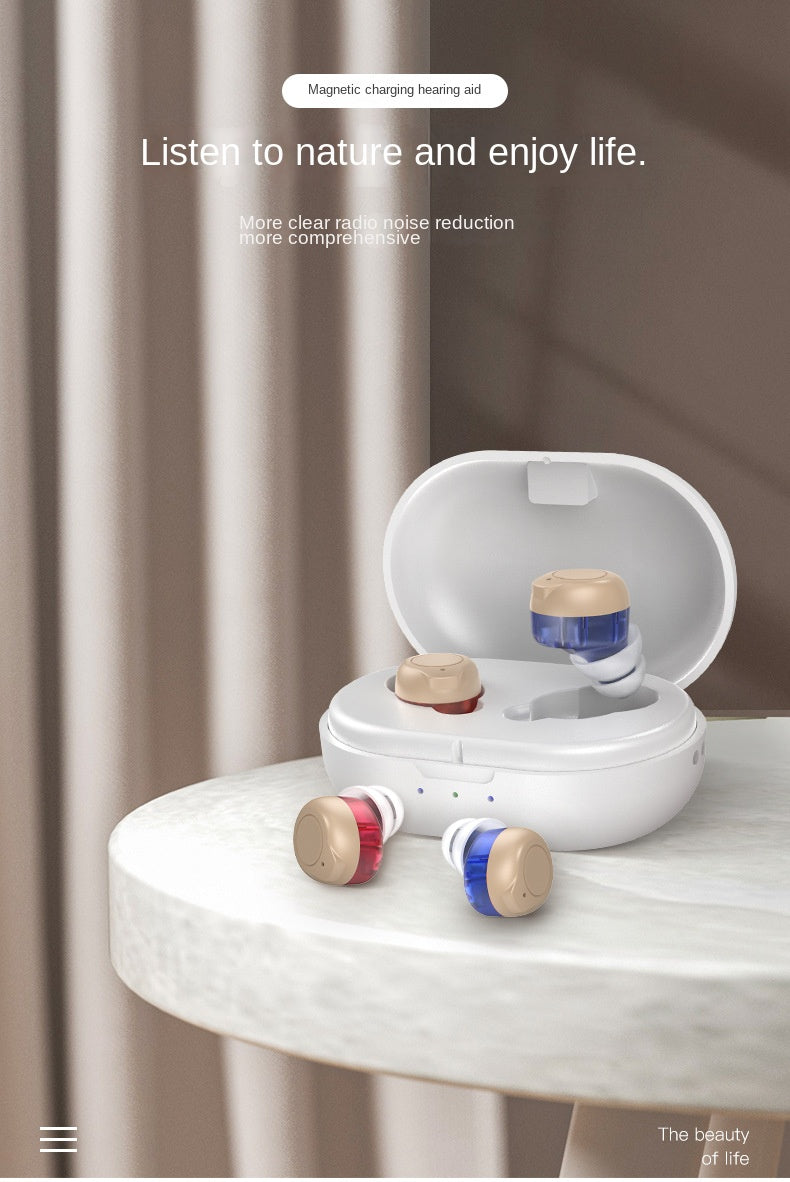
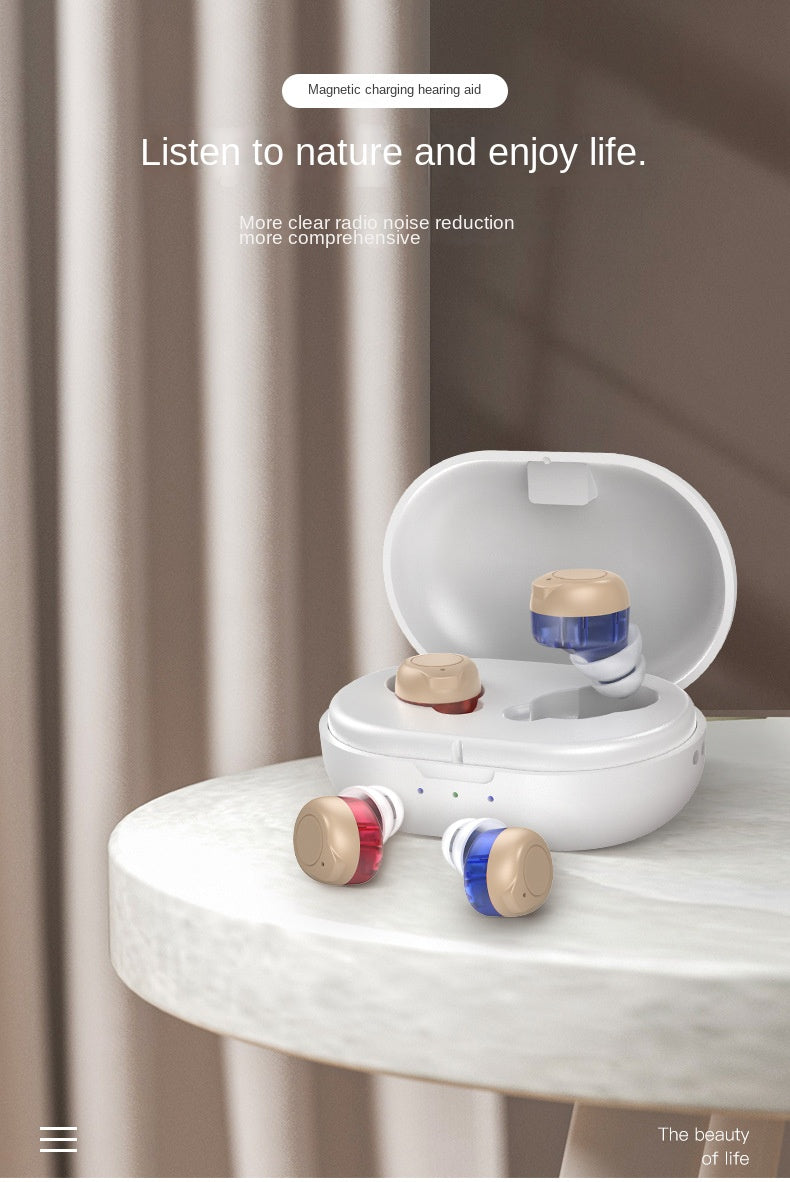
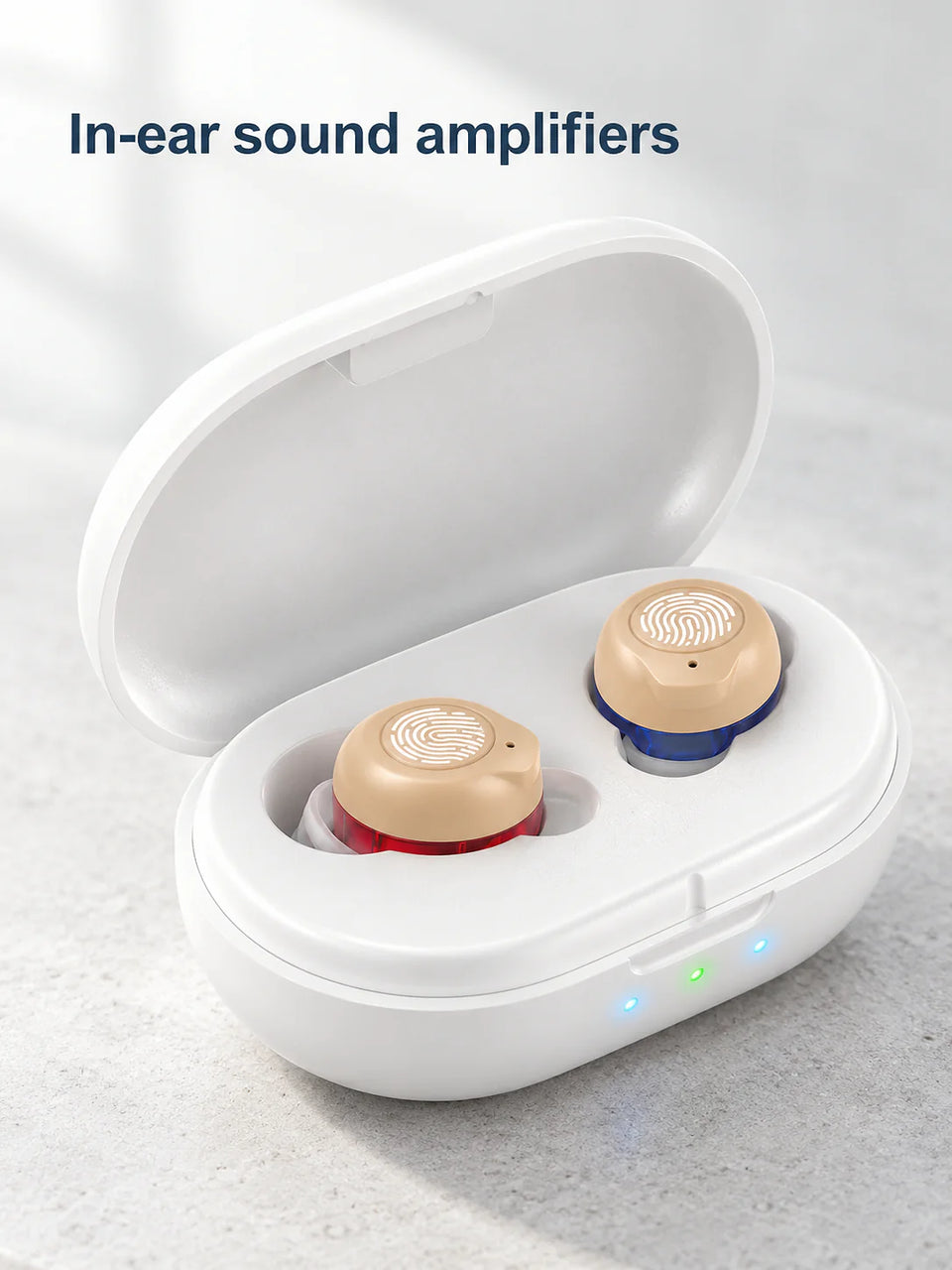
The matte beige shell sits close to skin tone, and the unit sits inside the ear rather than behind it. People across the table will not see a hearing device, which matters when the goal is to join the conversation instead of explaining the gadget.

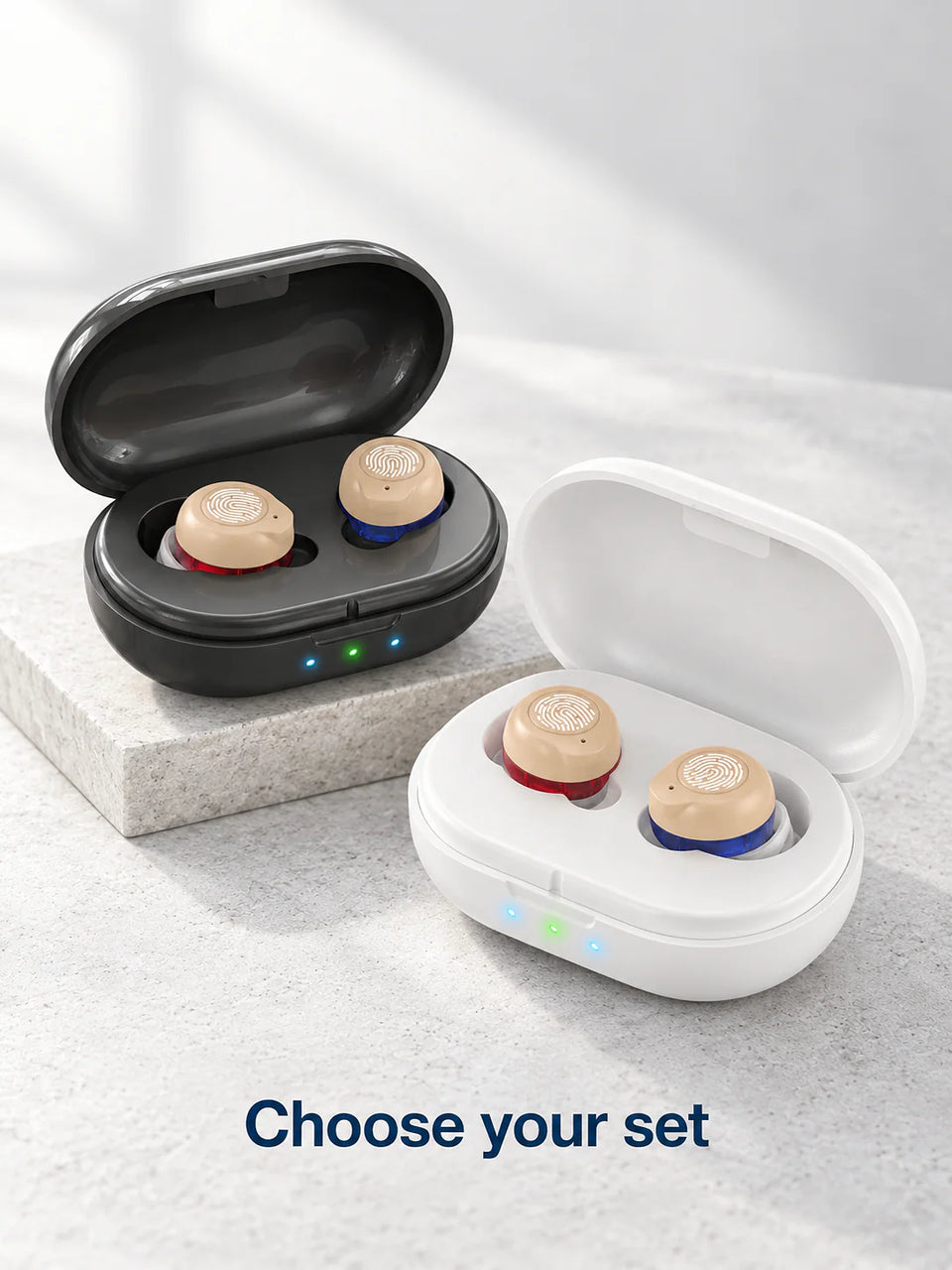
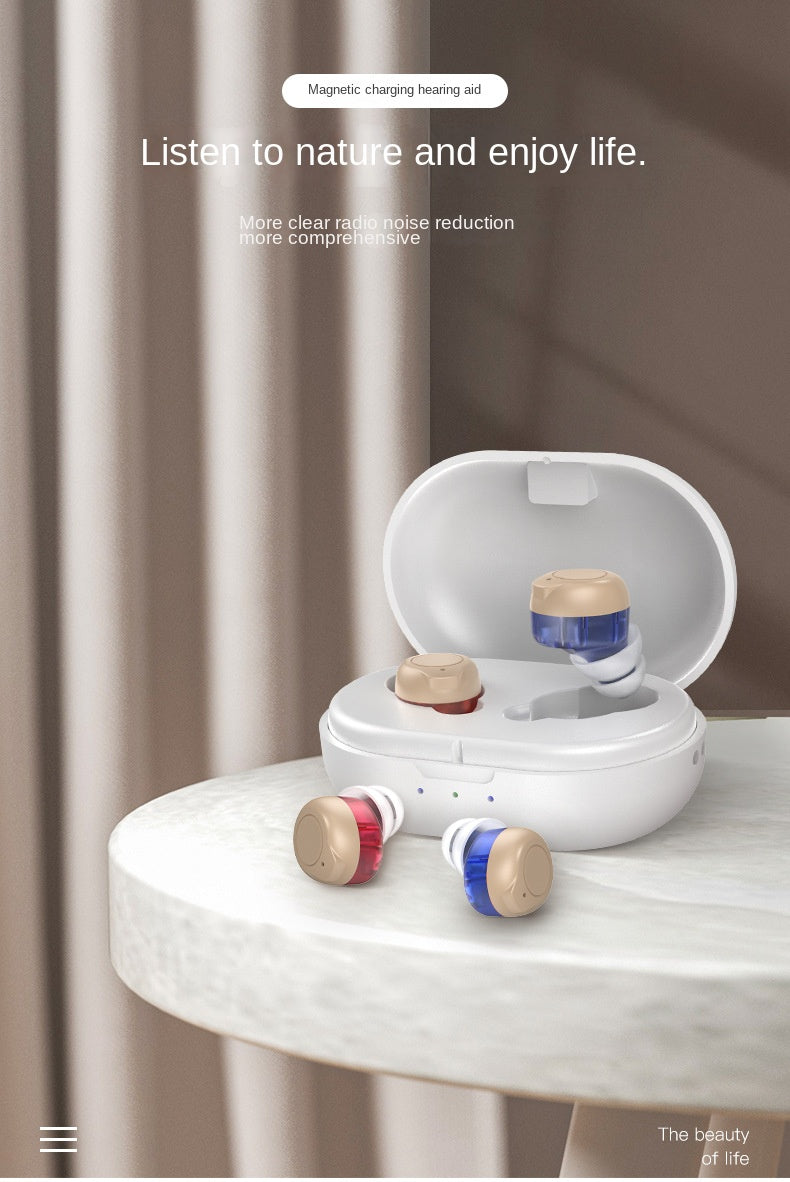
The white oval case has LED indicators and a Type-C port. A blue light means charging, and it switches off when the charge is complete. The case recharges the units 4-5 times, so the units keep going without battery swaps.
Connect the Type-C cable to the case. Wait for the blue light to switch off, which means charging is complete.
Try the white and red-tinted silicone tips and keep the one that seals comfortably.
Remove a unit from the case and wait about 10 seconds for it to power on. Seat it gently in the ear with a slight twist.
Tap the touch panel to step up through five volume levels. Start at level one or two and move up one level at a time until speech sounds clear.
Matte beige skin-tone shell with a touch panel
LED indicators and a Type-C port
Connects to the case to recharge
White and red-tinted options

Halfway through the roast, the voices across the table turn into a hum. You laugh a beat late, nod at the part you missed, and hope nobody asks what the story was. Most evenings the nodding gets easier, and the stories get harder to follow.

A single tap on the touch panel steps the volume up one of five levels. Find the level that suits the table, the room, or the TV, and leave it there. There are no menus to learn and no tiny buttons to hunt for with cold fingers.

Lift a unit out of the case and it powers on by itself after about 10 seconds. The case holds enough charge for 4-5 recharges, and the units are rated for 35 hours of endurance. Plug the Type-C cable into the case, and the blue light switches off when charging is done.
Wait about 10 seconds after lifting the unit from the case for it to power on. Try the white and red-tinted tips until the seal feels snug.
Step through the five levels in a quiet room, then at the dinner table, and settle on the one that suits everyday conversation.
Return the units to the case after use and charge the case when the light signals. One routine is easier than tracking battery levels.
Notice whether TV evenings and family meals feel easier to follow. If hearing changes or the device does not help, book a hearing check with a professional.
| This | Behind-ear device | Cheap button amplifier | |
|---|---|---|---|
| Sits inside the ear | — | Varies | |
| One-touch power and volume | Varies | — | |
| Charges in its own case | Varies | Varies | |
| Ear tip options included | Varies | Varies |
It is a personal sound amplifier for mild hearing difficulty. It is not a medical device and does not diagnose or treat hearing loss. If you notice a sudden change in hearing or ear pain, see a doctor or audiologist first.
The set includes white and red-tinted silicone tips. Pick the one that seals most comfortably, seat it gently with a slight twist, and switch tips if it feels tight. The packaging does not list wear time, so start with a few hours at home and see how it sits.
It sits inside the ear in a skin-tone shell, so it is far less visible than a behind-ear device. Controls are one touch with no menus to learn. It suits mild difficulty, so a fitted prescription aid is the better route for more significant loss.
The kit covers the pair, the white charging case and the Type-C cable, so there is nothing else to buy. The units run up to 35 hours per cycle and the case gives 4-5 recharges, which means no stack of disposable batteries. The premium materials and the sturdy case account for the cost, and a cheap pair with fiddly buttons rarely gives you the same daily ease.
The units are rated for 35 hours of endurance. Charging time is listed as 2-3 hours. Plug the Type-C cable into the case. A blue light means charging, and it goes off when charging is complete. Blinking green means the case itself is charging, and solid green means it is full.
Yes. Lift a unit out of the charging case and it powers on automatically after about 10 seconds. Tap the touch panel to step the volume up through five levels.


 Discreet In-Ear Hearing Sound Amplifier for Seniors