
$109.90
Free delivery · 7–14 days
Foldable 1.3m Live Stream Fill Light Stand with Phone Clamp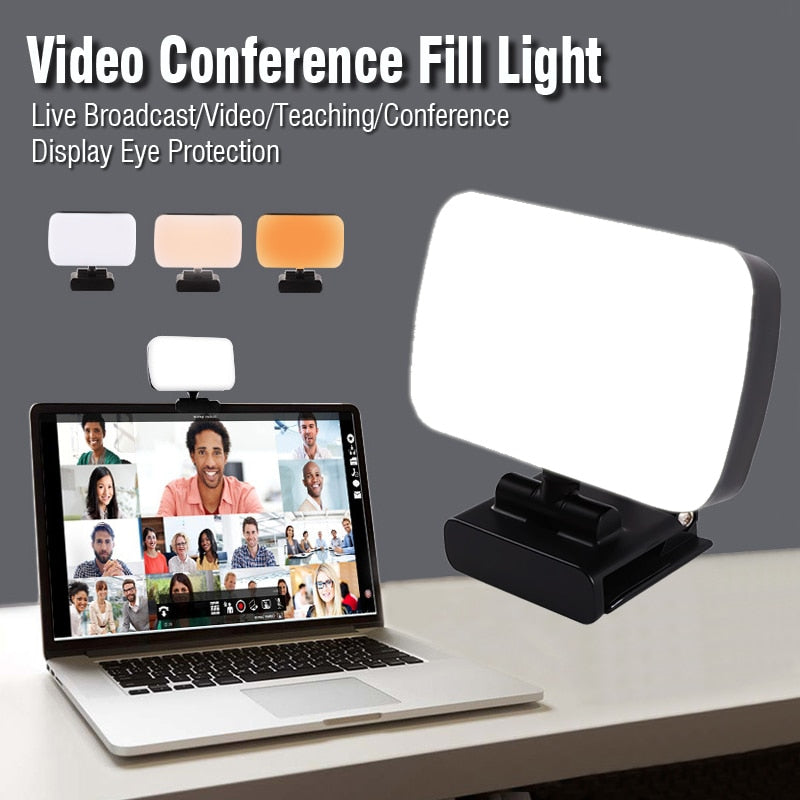
Your face stays lit on every call, even from a dim room with weak overhead light. This clip-on LED panel attaches to your laptop or monitor, tilts toward you, and switches between three colour temperatures. Set it up once and your webcam image looks warm and even for every meeting, class or stream.
Read the full descriptionYour face stays lit on every call, even from a dim room with weak overhead light. This clip-on LED panel attaches to your laptop or monitor, tilts toward you, and switches between three colour temperatures. Set it up once and your webcam image looks warm and even for every meeting, class or stream.
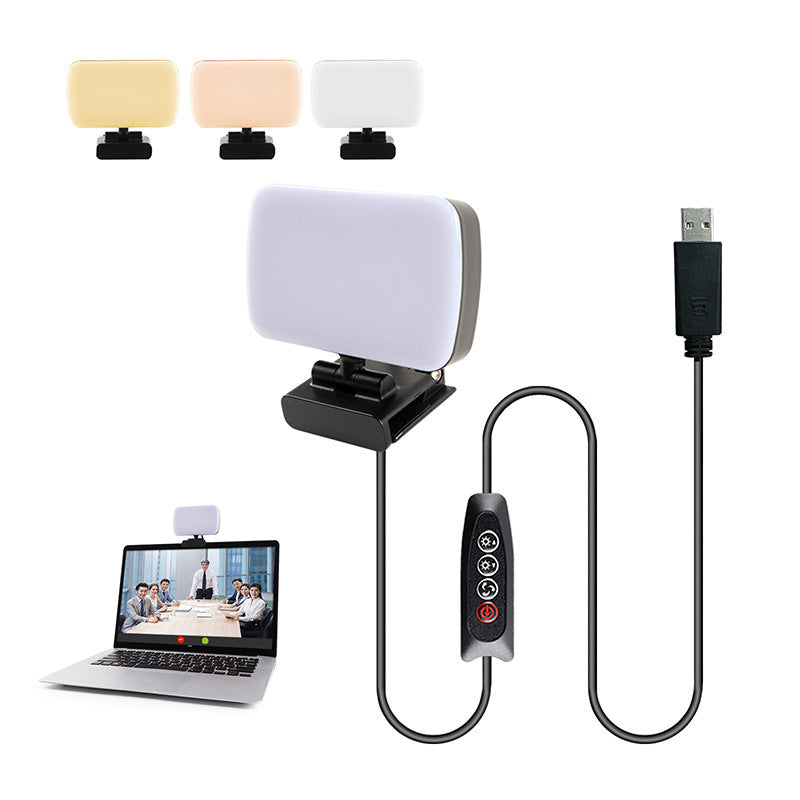
Clip-on LED fill light that instantly brightens your face on video calls, with three adjustable color temperatures
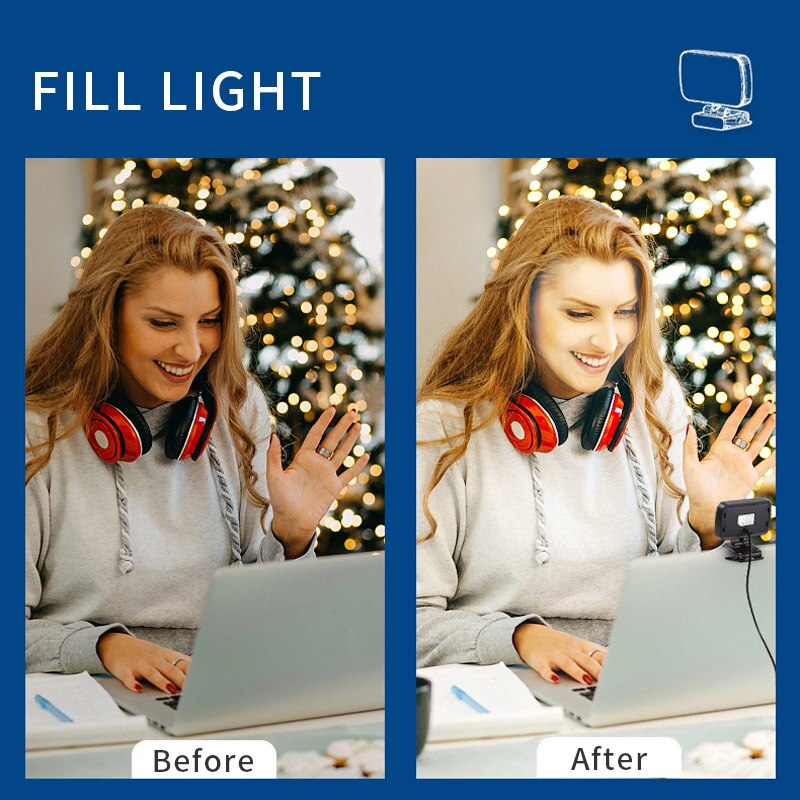
Tired of looking like a shadow on video calls? Clip one light to your screen and go from dim, cool-toned webcam to a warm, evenly lit face.

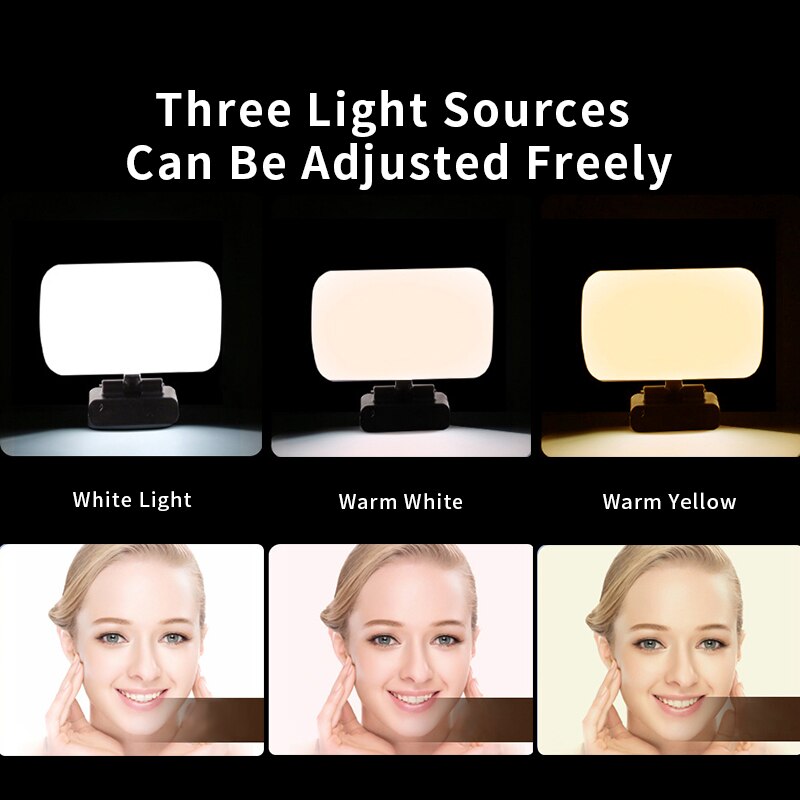
White, warm white and warm yellow cover daytime, indoor and late-evening light. Warm white suits most home offices. Warm yellow works in a dim room and softens a cold screen glow. You switch modes in one press, so you never fight the webcam's colour balance.

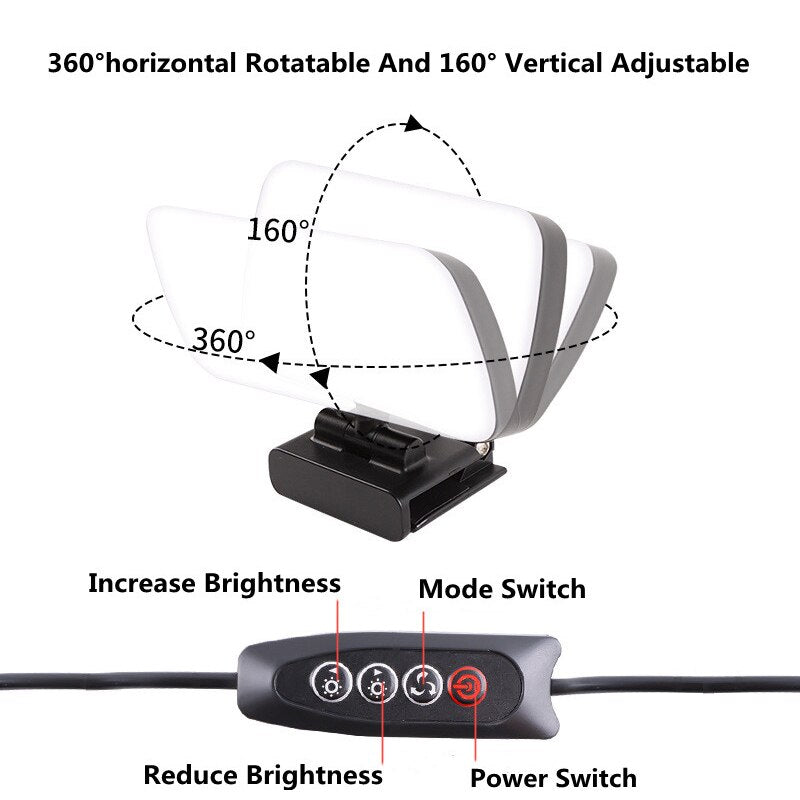
The clip fits a laptop lid or the edge of a monitor and holds firm during calls. The head tilts so the soft panel lands on your face instead of your forehead or the wall behind you.

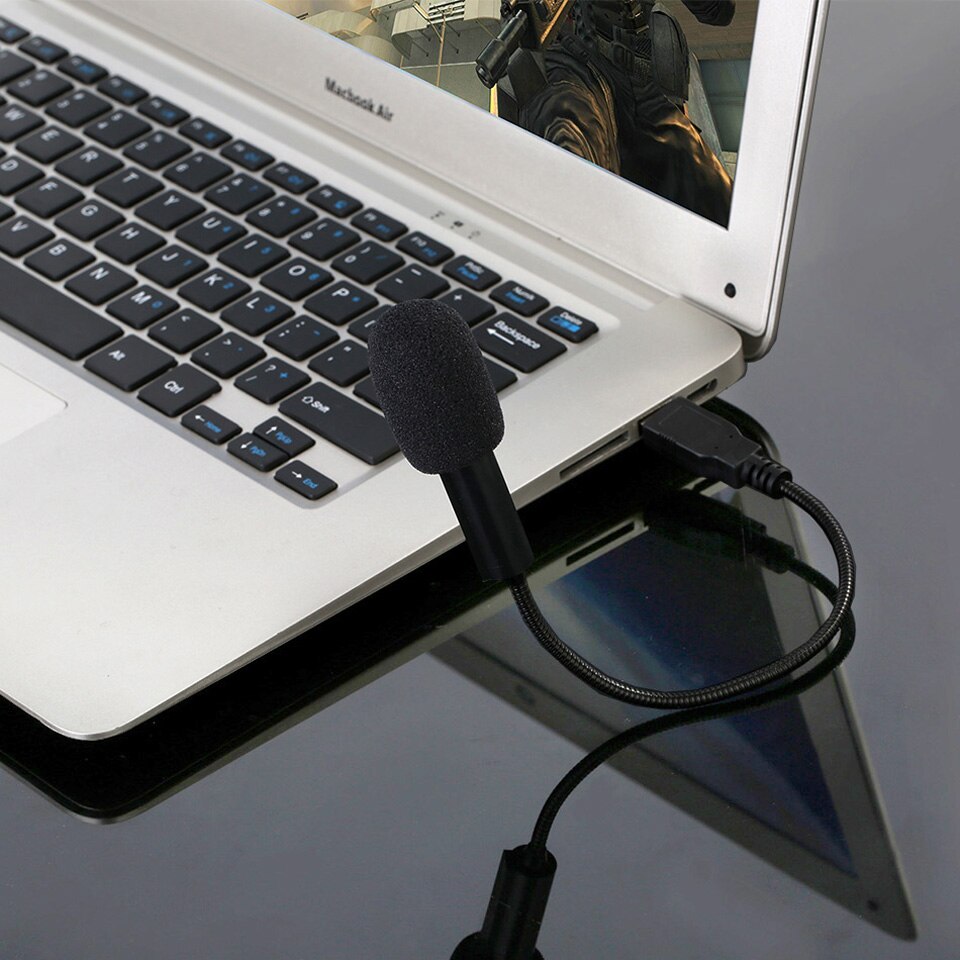
A USB cable runs from the light to any USB port, so your laptop can power it or a wall adapter can. It is not a separate battery to charge, and it lights up as soon as you plug it in.
Open the jaws, set the clip on the top edge of your laptop lid or monitor, and check it sits flat and firm.
Connect the cable to any USB port. The light switches on once it has power.
Tilt the panel toward you from slightly above or to the side. Aim it below eye level if the glare bothers you.
Start with white or warm white for daytime calls, then open your webcam preview and adjust until your face looks right.
Rectangular panel with three colour temperatures and adjustable tilt head
Matte black clip for laptop lids and monitor edges
Powers the light from a USB port

Your face sinks into shadow, the webcam turns it grey-blue, and colleagues notice before you do. Each dim meeting makes you look more tired than you feel, and the image gets blamed on you, not on the room.

The panel attaches to the top edge of your laptop or monitor in seconds. It has a firm spring clip, a matte black body and an adjustable head, so you aim the soft light at your face without moving your desk or hunting for a lighting kit.

Pick white for a daytime look or warm yellow for an evening call, and your face stays evenly lit from one meeting to the next. Remote and hybrid weeks keep filling up, so the difference shows up on every call you take.
Yes. The clip fits a laptop lid or the top edge of a monitor. Check that the edge is not too thick for the jaws and that the clip sits flat before the call starts.
It works alongside any webcam and any video app, because it is a standalone light that plugs into USB. You do not need software. Your camera preview shows the difference straight away.
The body is matte black plastic with a firm spring clip and a tilt head that holds its position. It is light and compact, so it stays on the screen edge without much weight to pull it off.
A ring light needs a stand and a clear footprint, and a desk lamp casts side shadows across your face. This light clips on in seconds, takes no desk space and costs less than a ring light setup. One fixed light that you use on every call pays for itself in the first few weeks of meetings.
The soft diffused panel and the tilt head let you aim light at your face and away from your eyes, and the warm yellow mode suits dim evenings. Keep the brightness low if the panel feels harsh.
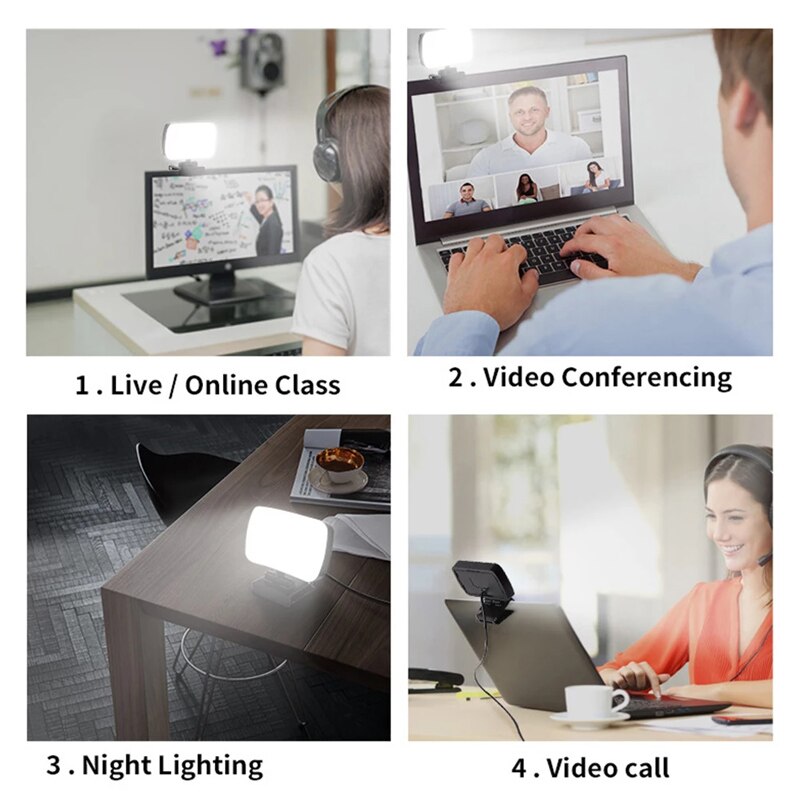
Yes. The same light works for live classes, streams, vlogs and night reading, with the three colour modes covering each setting.


 Clip-On LED Video Light for Webcam Calls, 3 Color Modes