
$109.90
Free delivery · 7–14 days
Foldable 1.3m Live Stream Fill Light Stand with Phone Clamp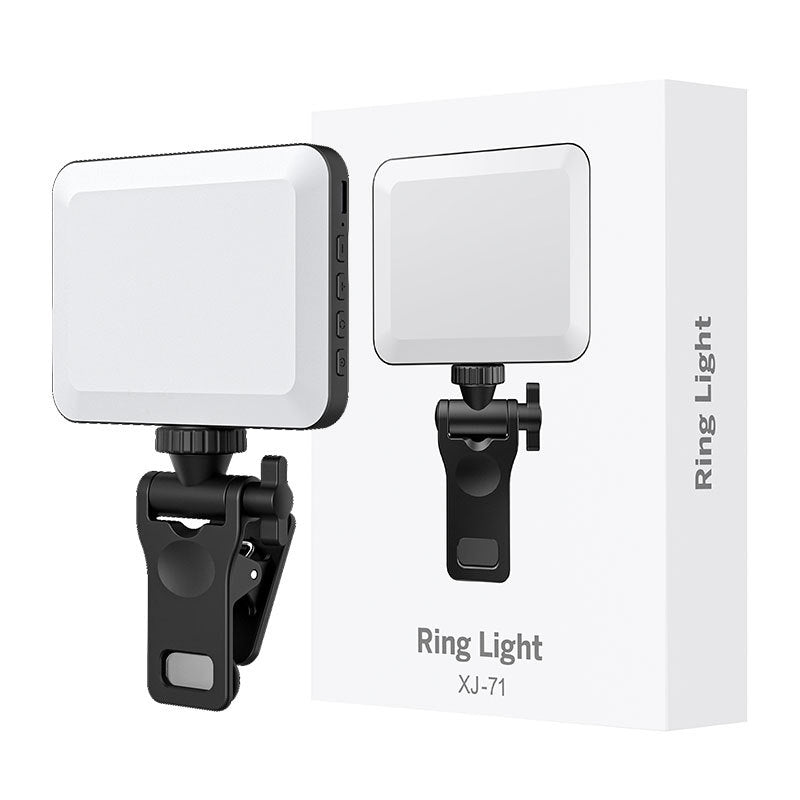
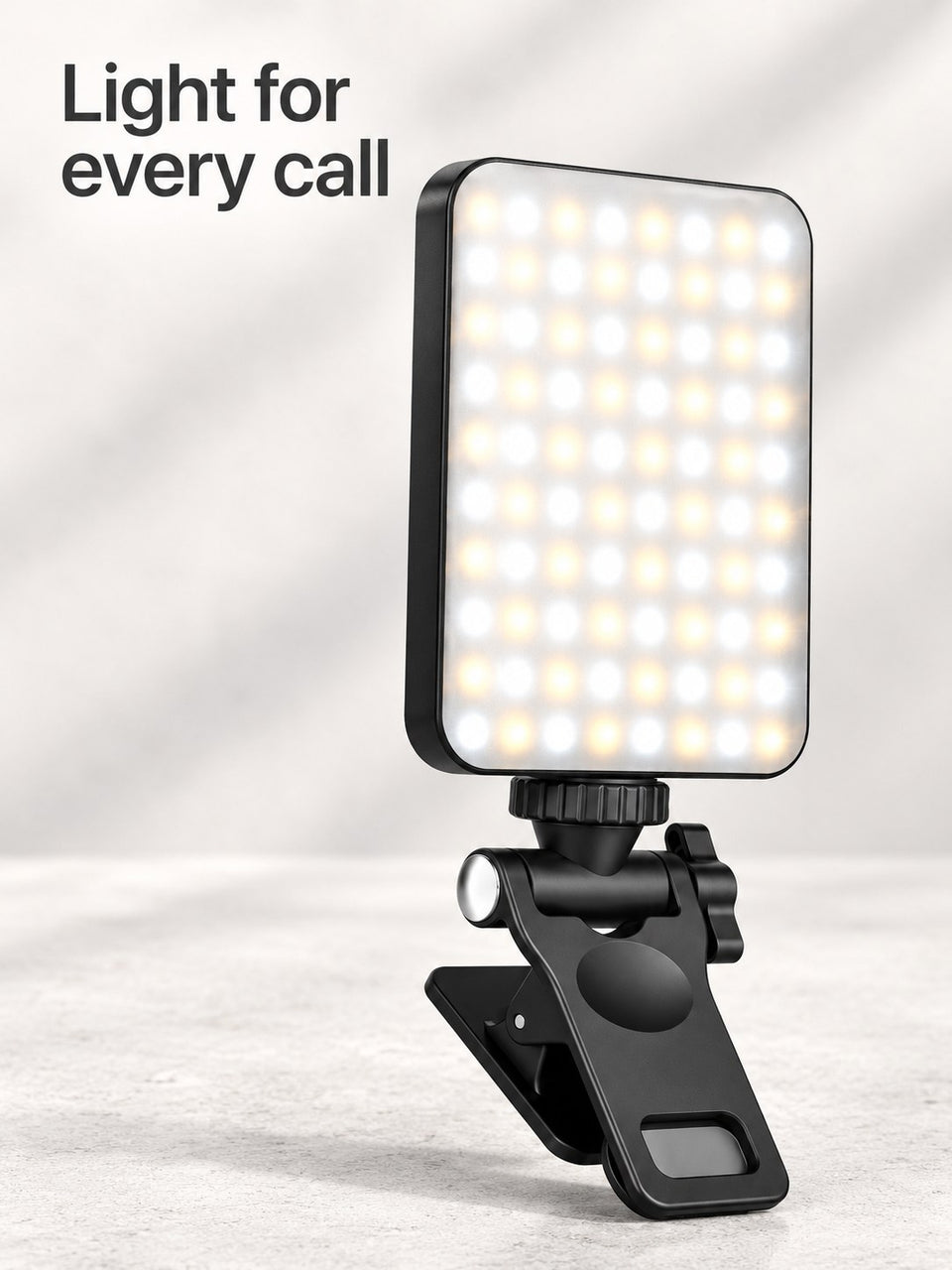
Clip one light on and your face looks even and bright on every call. The grid of about 80 LEDs spreads soft light across your face, and the swivel head aims it where you need it. Warm and cool white modes let you match the room, from a daytime desk to an evening stream.
Read the full descriptionClip one light on and your face looks even and bright on every call. The grid of about 80 LEDs spreads soft light across your face, and the swivel head aims it where you need it. Warm and cool white modes let you match the room, from a daytime desk to an evening stream.
Clip-on LED fill light that makes you look brighter and clearer on video calls and live streams
Tired of looking dim and grainy behind your own camera? Clip this LED grid to your laptop or phone and step into meetings, streams, and selfies with even, flattering light.

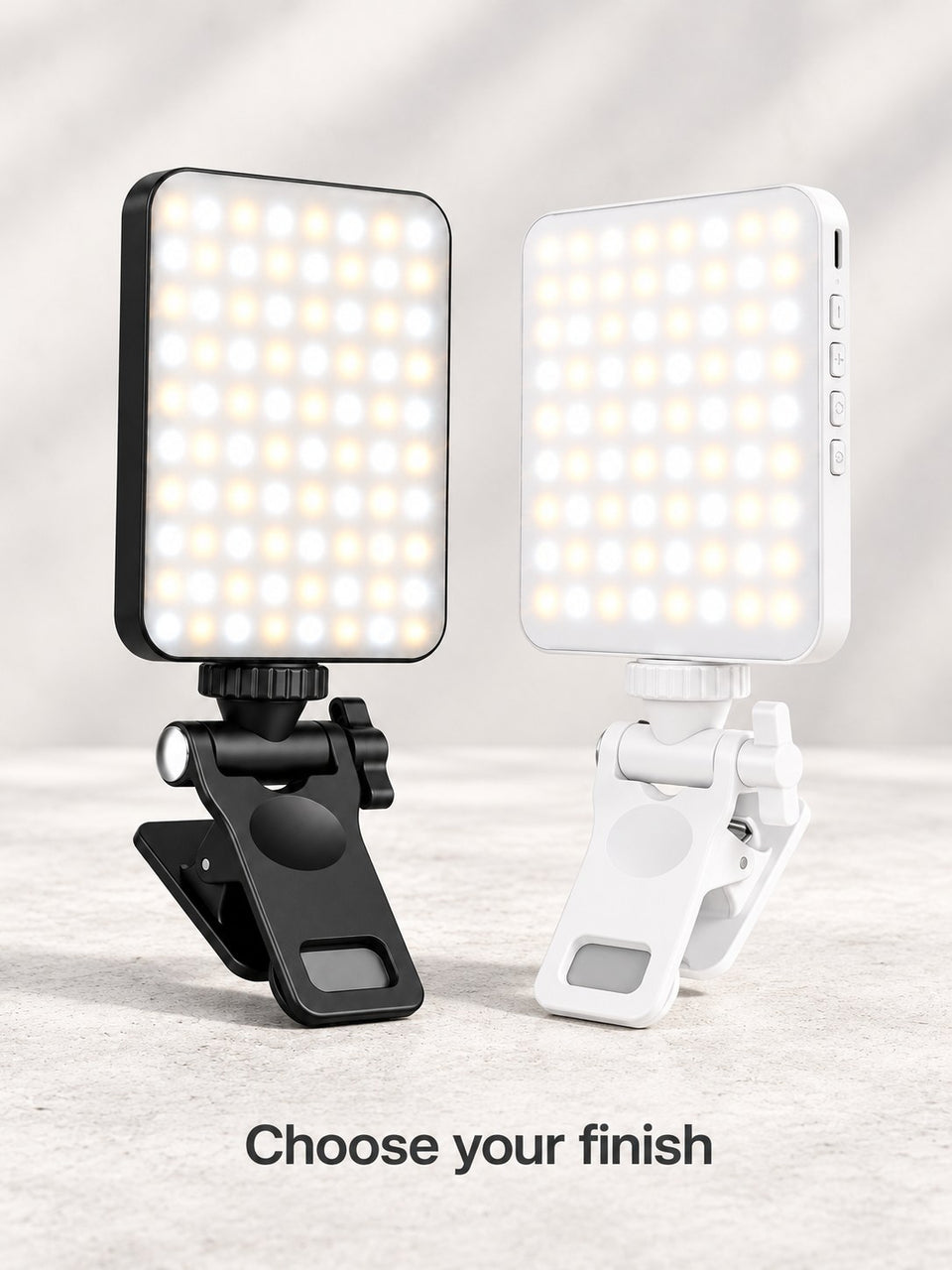
A grid of about 80 LED beads spreads light across the whole face instead of one bright point. Shadows under the eyes soften, and your face reads evenly on the screen.

Warm white reads softer on skin and suits evening calls. Cool white fits a bright daytime desk. Pick the tone that matches your room and keep it for daily use.

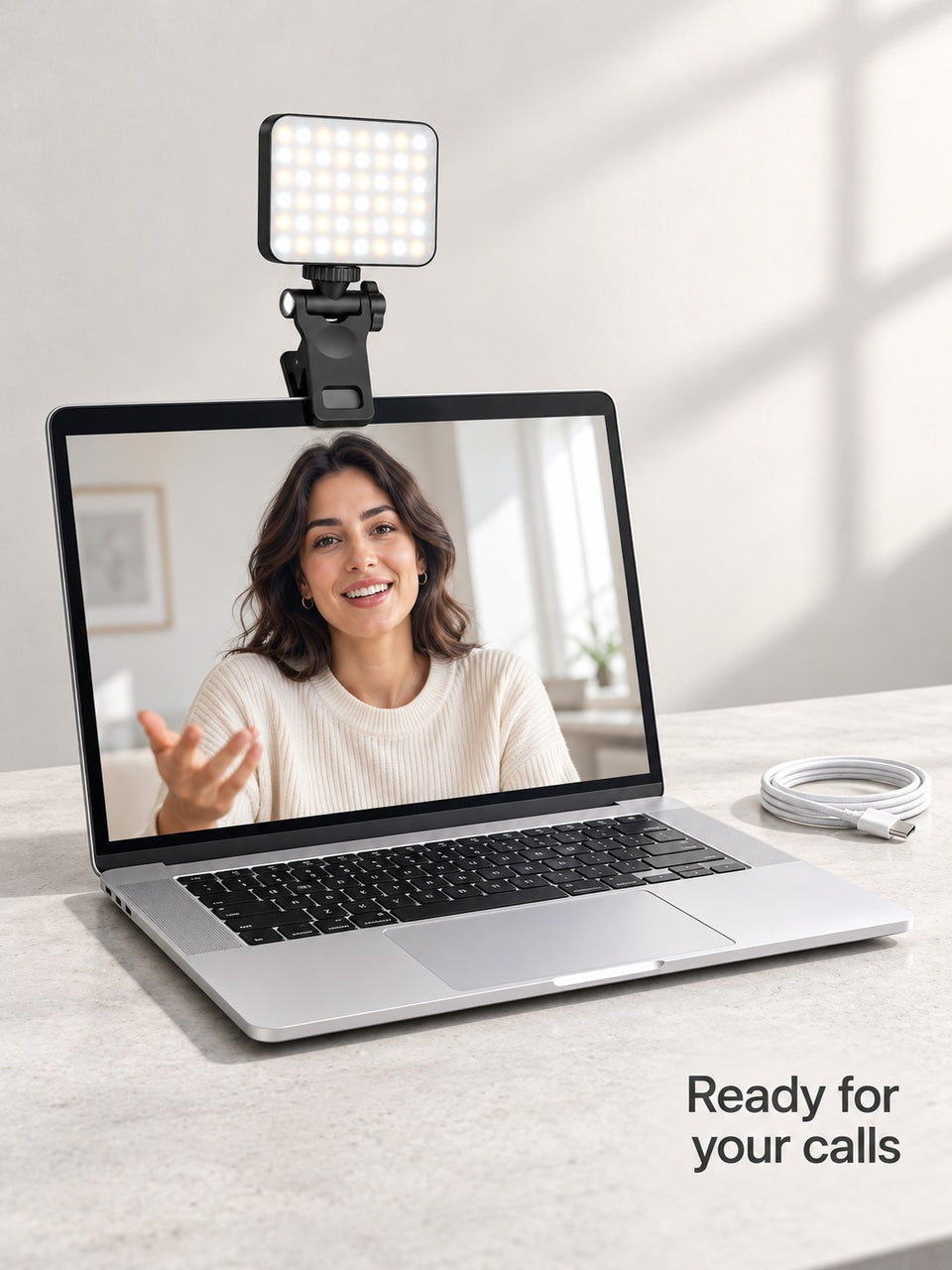
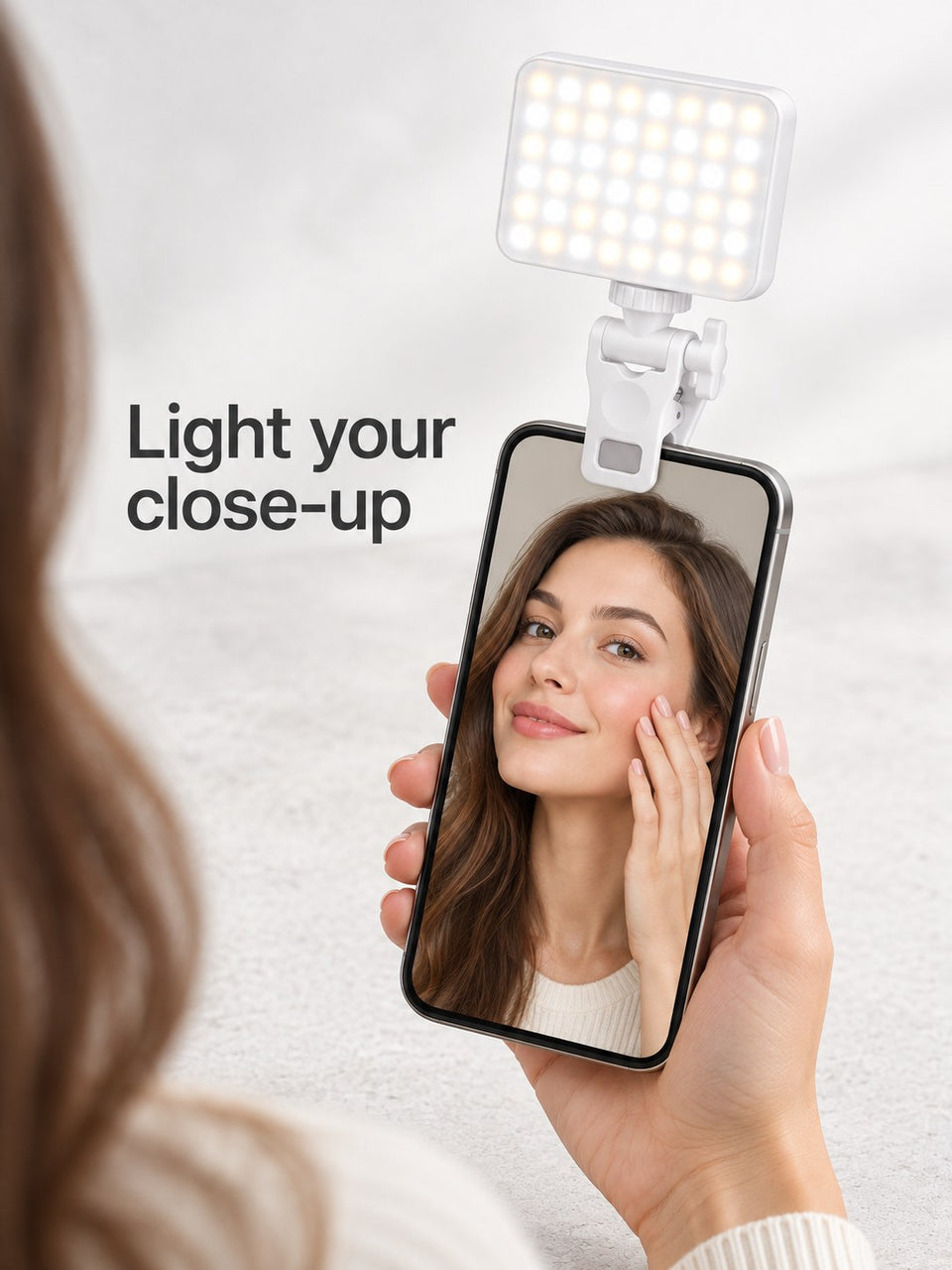
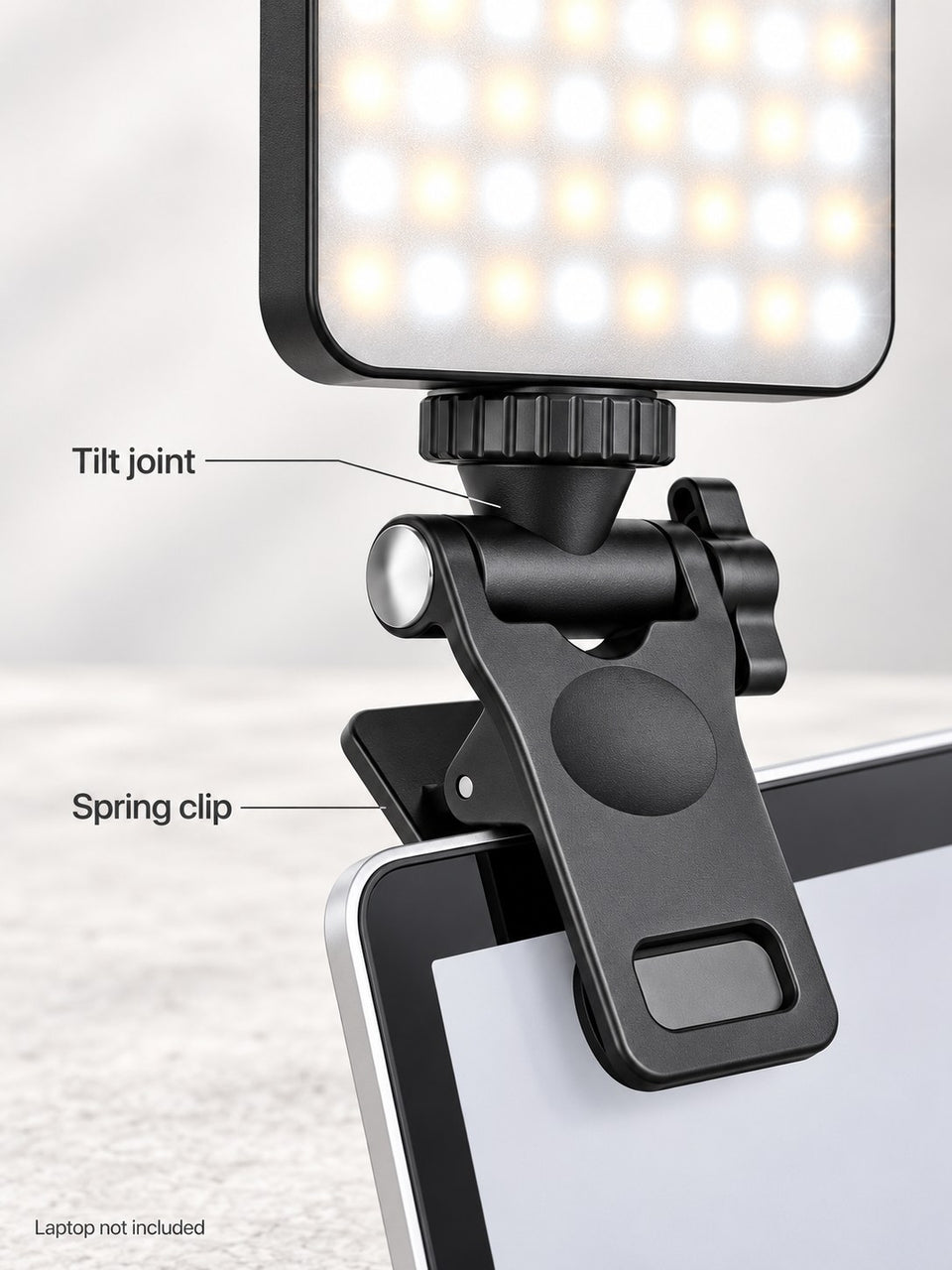
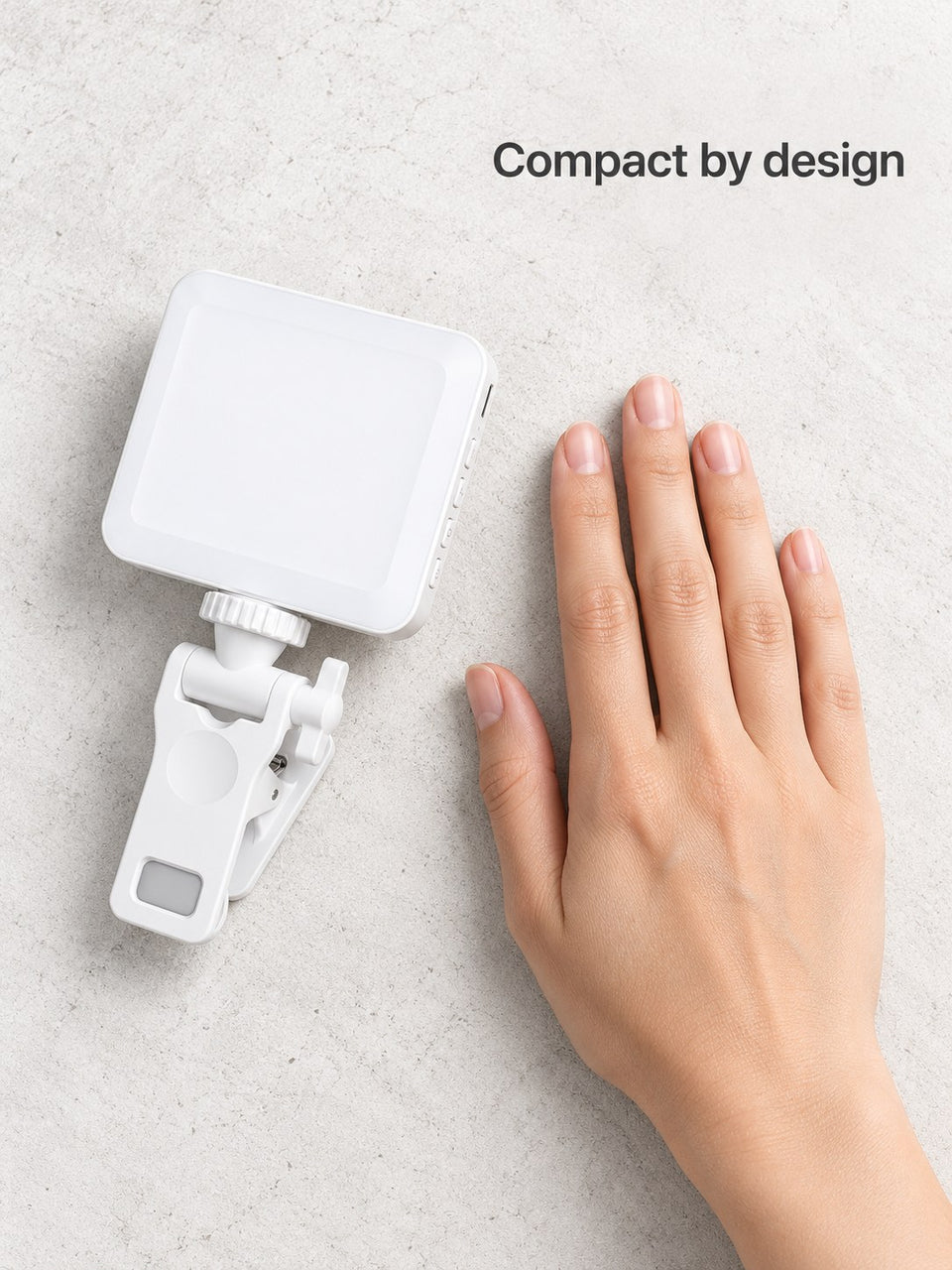
The clip grips a laptop lid or phone edge, and the ball joint turns the head toward your face. You aim it in seconds, and the angle holds once it is set. It is compact enough to ride in a laptop bag.
Open the clip and seat it on the top bezel of your laptop or the top edge of your phone. Press until it holds.
Turn the ball joint so the light comes from slightly above and in front of you. Check your camera preview and adjust once more if shadows show under your eyes.
Warm for evenings and softer tones, cool for a bright daytime desk. Choose one and leave it there for daily calls.
It works on both. The clip grips the top edge of a laptop screen or a phone. It seats best on a flat, even edge, so thick or uneven lids take a little more adjusting. Check the grip before you go live.
Clip it to the bezel or a flat part of the lid, never a hinge or a sticker. The arm holds firm through a full call and releases just as easily. If your lid has a glossy finish you want to protect, slide a thin cloth between the clip and the lid.
Yes, for the face at camera distance. The 80-bead grid covers the face instead of one hard spot, which is the main reason faces look patchy on a laptop. It is compact, so it lights a close area best. If you sit far back or need a wide frame, a larger panel is the better fit.
All four uses are built in: video conferences, selfies, live streaming, and makeup. For makeup, the warm mode gives a natural read. For streams, aim the head slightly above your face and keep the brightness steady for the whole session.
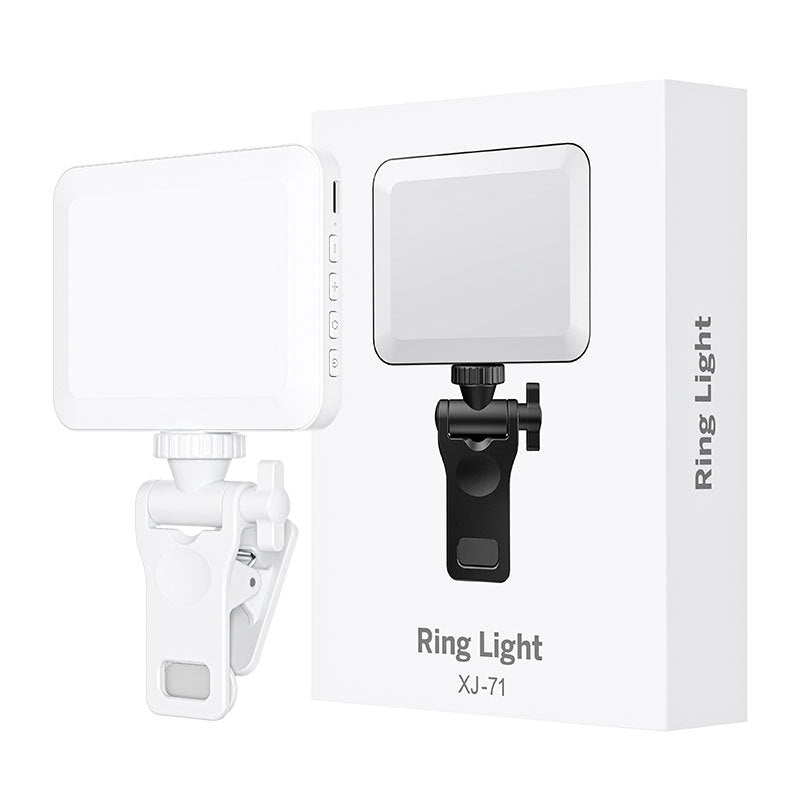
The body is matte black plastic with a firm clip arm and a ball joint that holds its angle. Plastic keeps it light enough to sit on a laptop lid all day. On cost, one clip replaces a desk ring light, a tripod, and the setup time that comes with them, so the price spreads across every call you take.
Warm suits evening calls and softer skin tones. Cool suits a bright daytime desk. Clip it on, check your camera preview, and settle on the one that looks natural in your room.


 Clip-On LED Video Call Fill Light for Laptop and Phone