$59.90
Free delivery · 7–14 days
GoPro Hero 7/6/5 Triple Battery Charger + Battery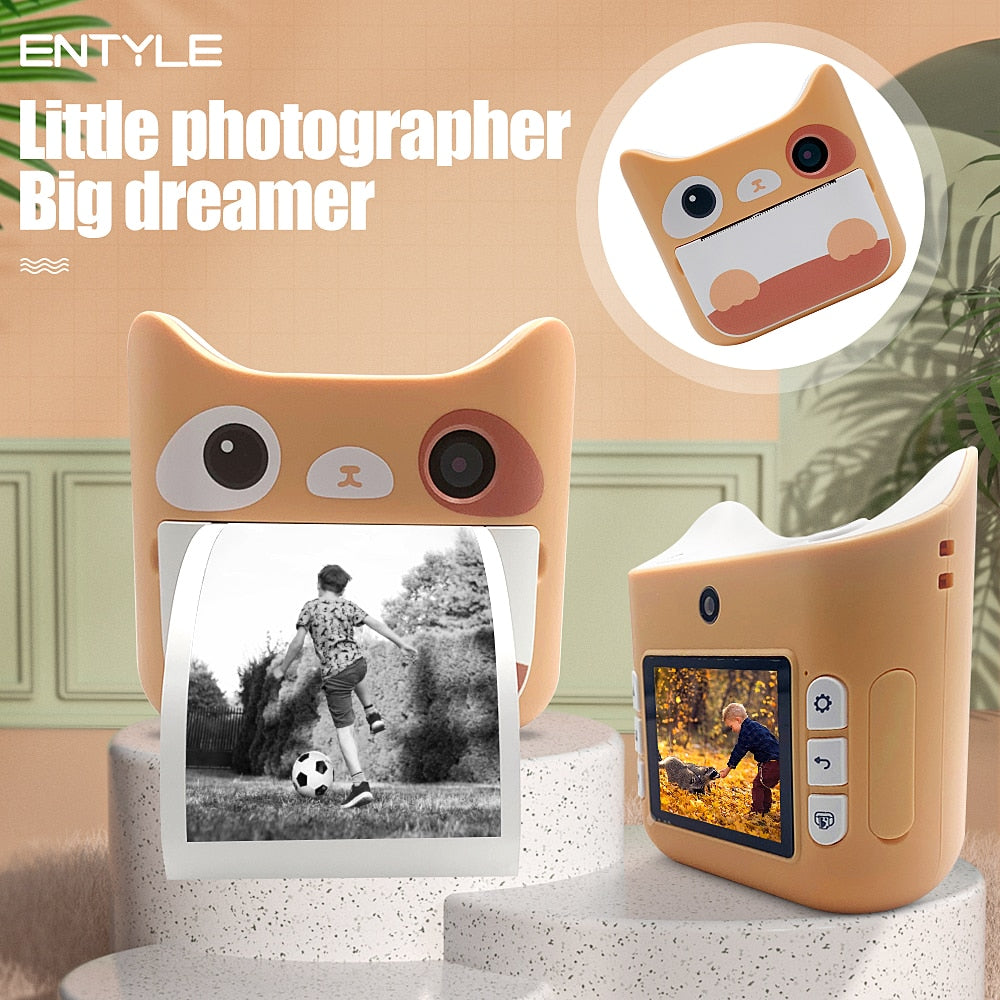
Give them a camera that makes family life feel worth documenting. This lightweight cat-shaped digital camera captures photos and 1080P video, shows each moment on its screen, and prints memories…
Read the full descriptionGive them a camera that makes family life feel worth documenting. This lightweight cat-shaped digital camera captures photos and 1080P video, shows each moment on its screen, and prints memories…
A lightweight, kid-friendly camera that lets children take photos, record videos, view them instantly, and print memories.
Bulky cameras and complicated controls can make photography frustrating for young children. This lightweight camera makes it easy to take photos, record videos, view them, and print memories on the spot.
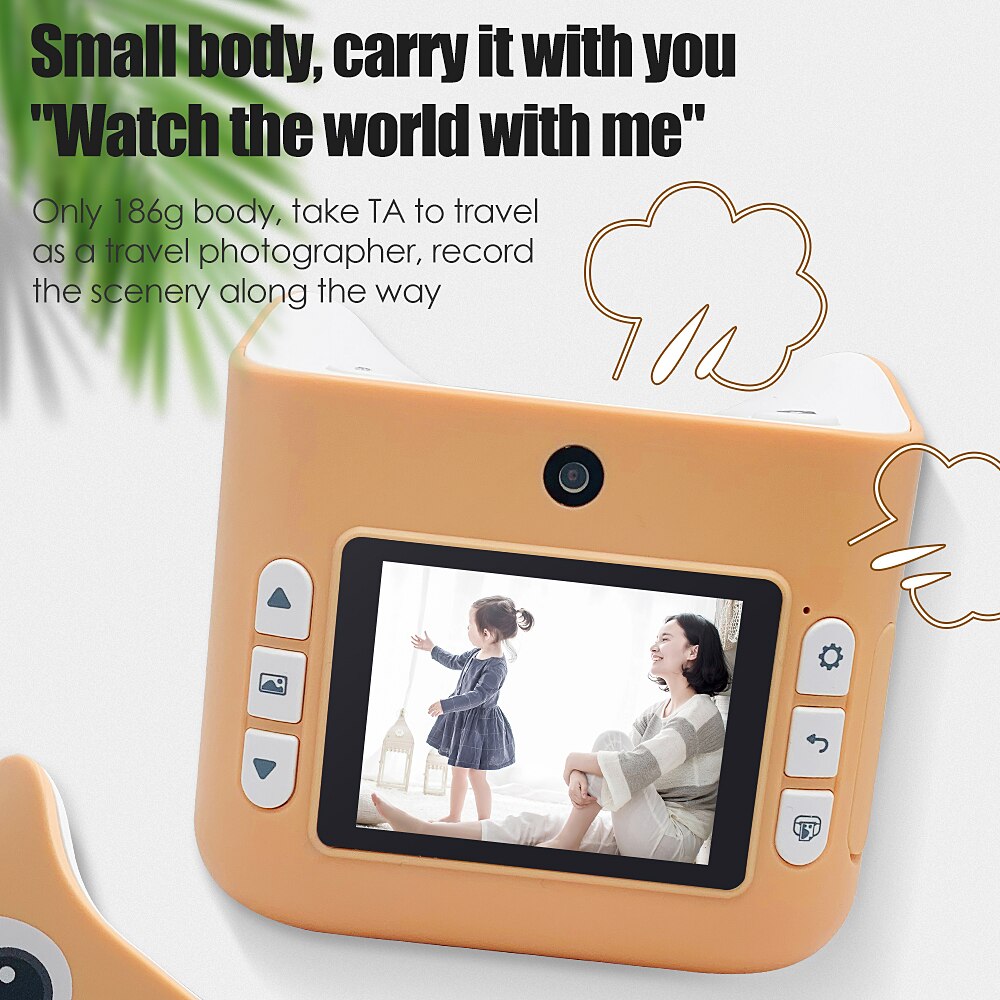
The compact rounded plastic body weighs 186g, making it easier for children to carry during outings, playtime, birthdays, and travel.

The power, lens, camera, and shutter actions are physical and straightforward. Young photographers get a clear route from turning on to taking a photo or recording.

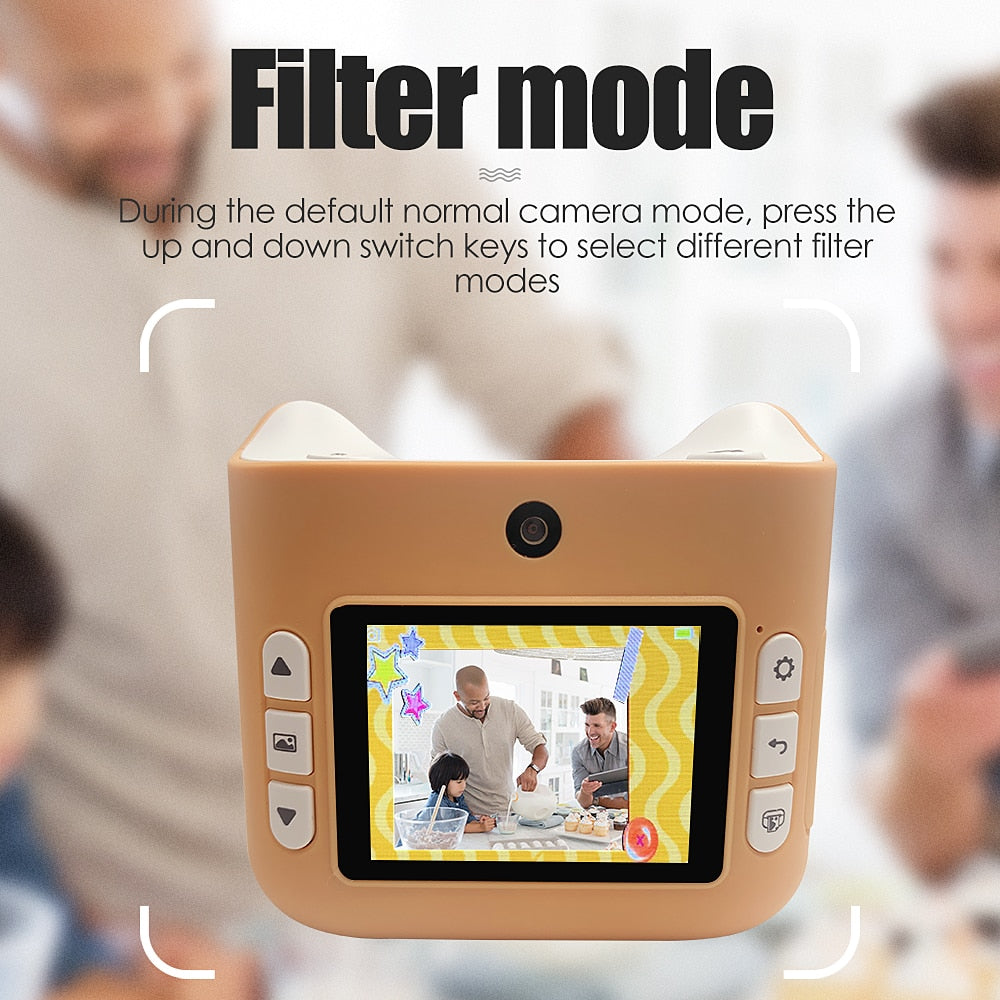
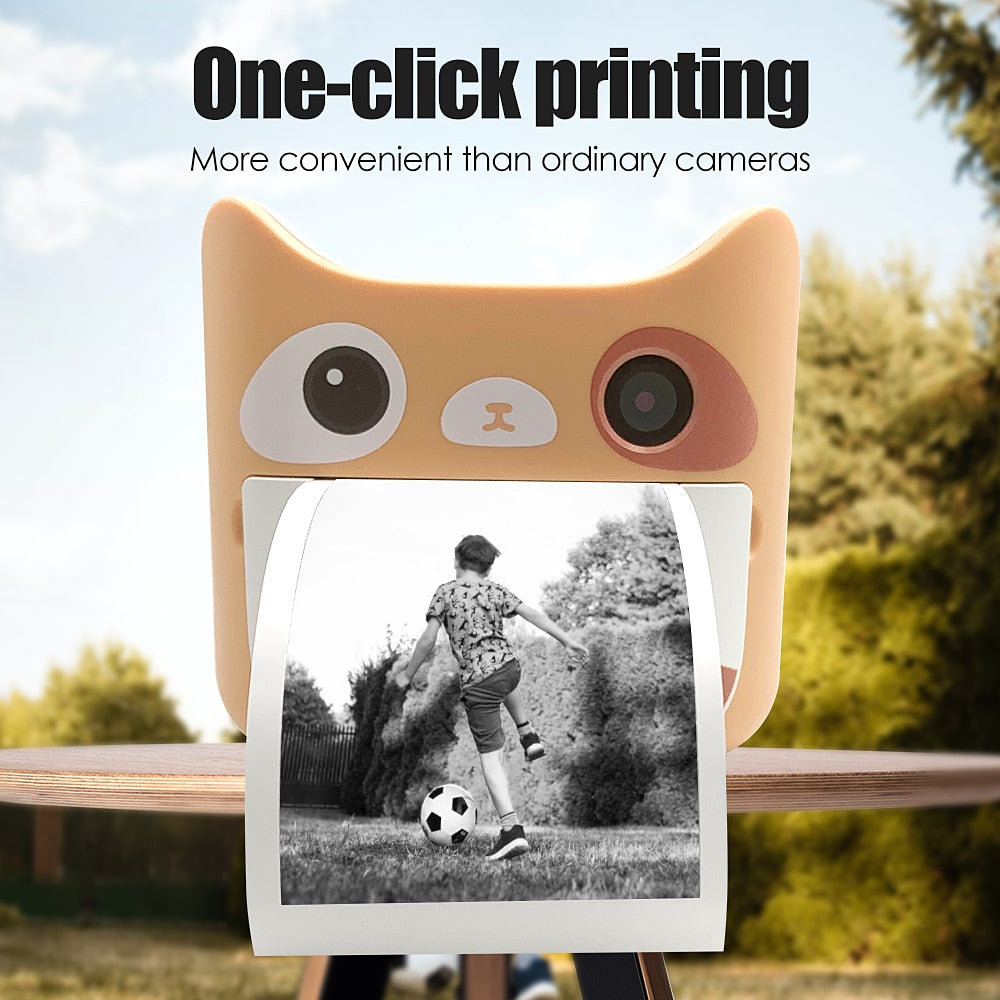
The integrated display lets children view captured moments while instant-print capability turns selected memories into something they can share and keep.
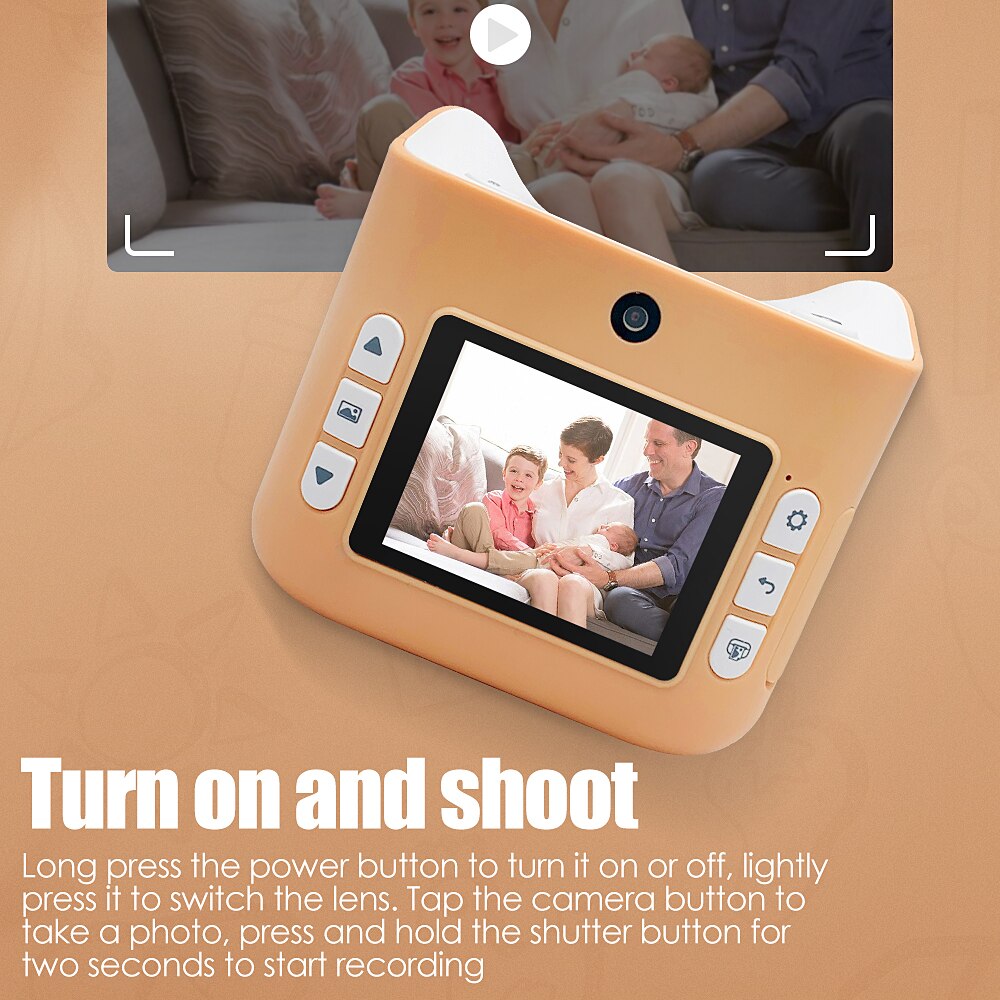
Long press the power button to turn the camera on or off.
Lightly press the power button to switch between the front and rear camera-style lenses.
Tap the camera button to capture a moment, then view it on the built-in display.
Press and hold the shutter button for two seconds to start recording.
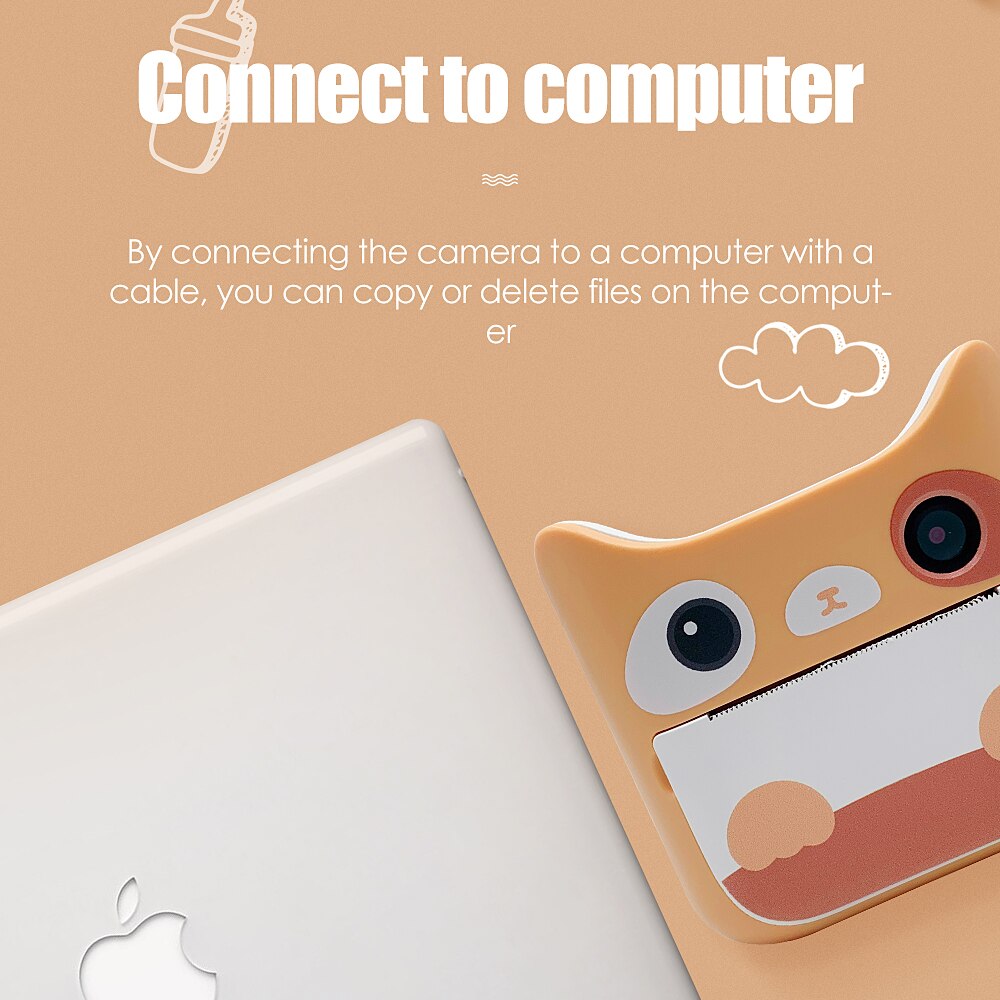
Connect the camera to a computer with a cable to copy or delete files. An adult can handle this step while the child chooses what to keep.
Rounded matte body with built-in display
Turns selected captures into physical memories
Front and rear viewpoints
Supports copying or deleting files by cable
Children notice everything: a funny face, a favorite toy, sunlight on the pavement. Adult phones are fragile and off-limits, while ordinary cameras can feel too bulky and complicated. Their point of view deserves a camera that belongs in their hands.
The rounded 186g body is easy to carry, and the physical buttons give a young photographer a clear path from turning on the camera to taking a photo or recording a video. Less asking for help means more child-led discovery.
The built-in display lets children see what they captured, then the instant-print function turns a favorite moment into something real. Watching a picture emerge is part of the pride, especially when they can hand it to someone they love.
| Children's instant-print camera | Parent smartphone | Ordinary camera | |
|---|---|---|---|
| Child has a device of their own | Yes | No | Partial |
| Simple physical controls | Yes | Partial | Partial |
| Built-in display | Yes | Yes | Yes |
| Instant physical print | Yes | No | No |
| Front and rear camera-style lenses | Yes | Partial | No |
| Computer file management | Yes | Yes | Yes |
Long press the power button to turn the camera on or off. Lightly press it to switch the lens, tap the camera button to take a photo, and hold the shutter button for two seconds to start recording.
Yes. Connect the camera to a computer with a cable to copy or delete files. An adult should manage this step, especially before deleting anything.
It is a strong first-camera choice for young children who are ready for simple button-led play. Show the controls first, then let the child practice taking photos and reviewing the screen.
Yes. The camera displays captured moments on its built-in screen and has instant-print capability for turning selected memories into physical keepsakes.
The two camera-style lenses give children front and rear viewpoints, so they can photograph family moments, surroundings, or themselves without handing the camera back to an adult.
The compact rounded body weighs 186g, so it is easier to carry during walks, travel, birthdays, and playtime than a bulky standard camera.


 Children's Digital Camera With Instant Print Memories