
$109.90
Free delivery · 7–14 days
Window Projector Christmas Lights with 12 Movie Slides
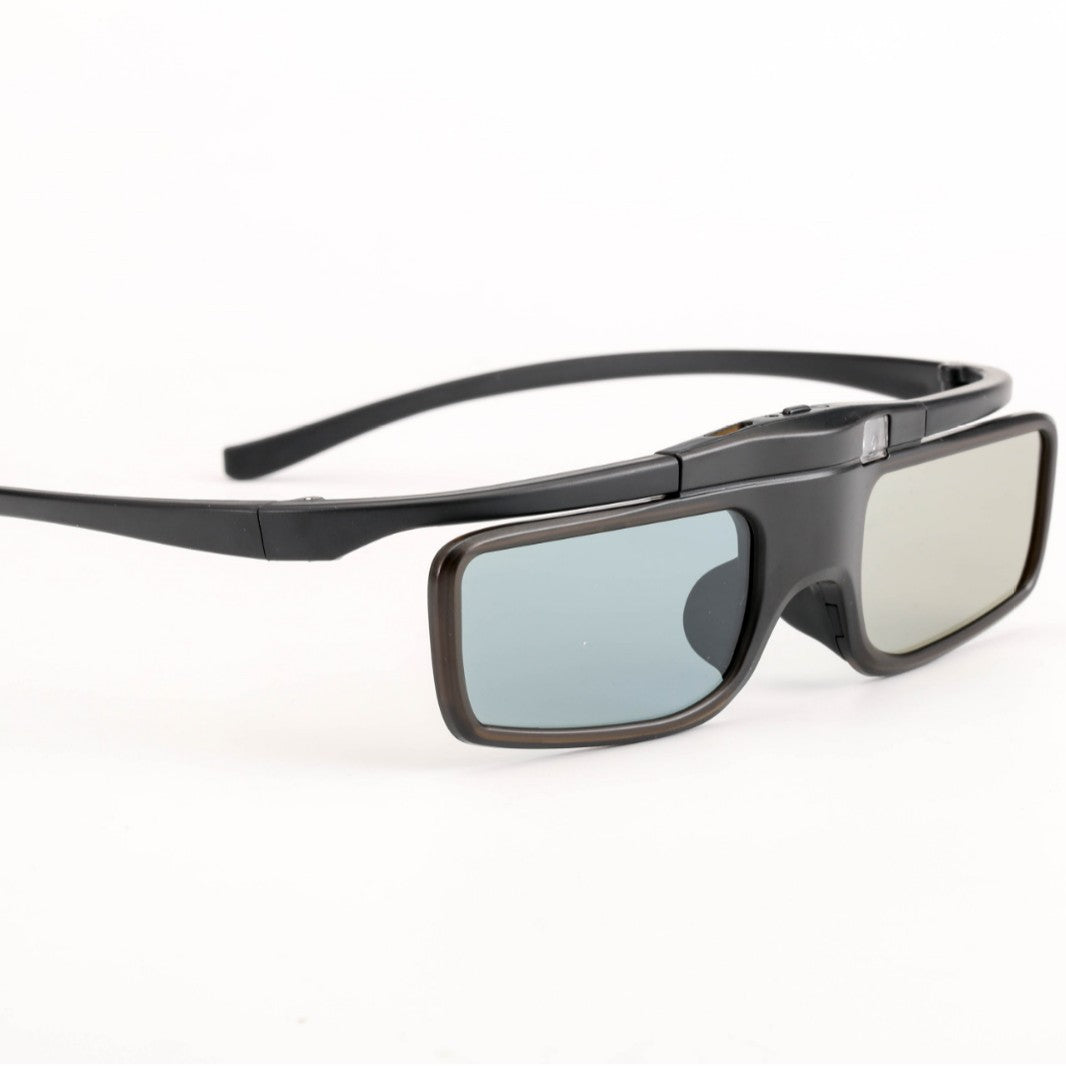


Your Epson projector already fills the wall. These Bluetooth RF active shutter glasses make the 3D part land, so the movie stays steady from start to finish. Built for the Epson TW5700, TW5400, TW5600 and TW930, with a slim matte black frame and adjustable temples.
Read the full descriptionYour Epson projector already fills the wall. These Bluetooth RF active shutter glasses make the 3D part land, so the movie stays steady from start to finish. Built for the Epson TW5700, TW5400, TW5600 and TW930, with a slim matte black frame and adjustable temples.
Active shutter 3D glasses for compatible Epson projectors
Before: 3D glasses that don't pair, flicker, or leave the movie half-watched. After: a matched pair that locks onto your Epson and keeps the whole picture steady.
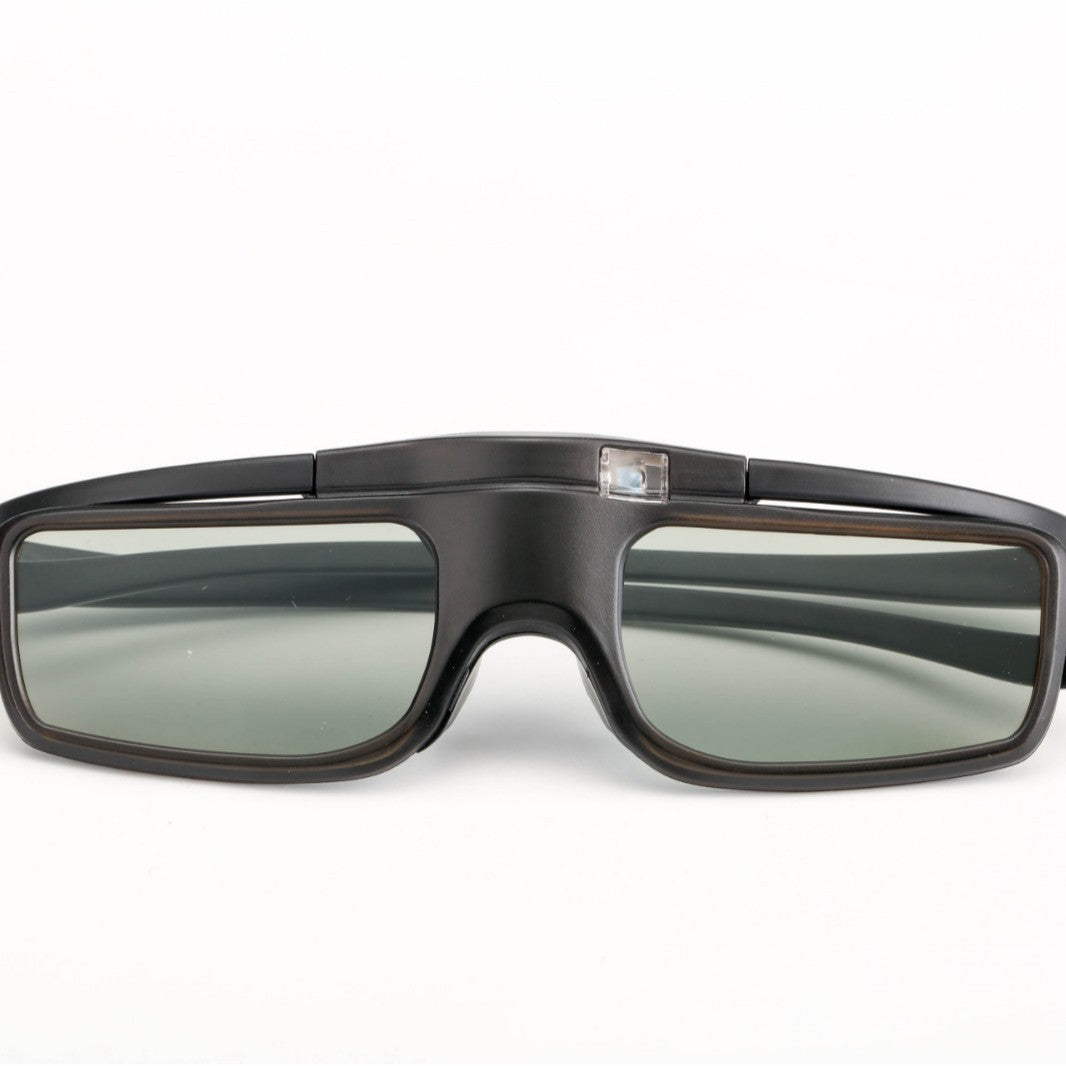
The active shutter lenses are made for the listed Epson 3D models and use Bluetooth RF to stay in step with the projector. The sensor window sits on the bridge and receives the signal, so keep it clear of hair and fingers during viewing.
The rectangular frame is slim, and the temple arms adjust so the glasses sit steady on your face. Power and button controls sit on the temple, so you can switch the glasses on without fumbling for a separate remote.
Matte black plastic frames carry a bronze-tinted rim and smoke grey lenses. The finish is clean and understated, and the black box keeps the set looking like a proper home cinema accessory.
Press the power control on the temple of the glasses until they switch on.
Choose the 3D mode on your Epson TW5700, TW5400, TW5600 or TW930 and follow its pairing prompt.
Adjust the temple arms so the frames sit steady across your nose and ears before the film starts.
Lower the lights and keep the bridge sensor window clear of hands, hair and stickers. If the picture flickers, check the projector's 3D mode first.

You dim the lights, press play, and the image starts to flicker. The glasses have dropped out of step with the screen. A mismatched pair is the usual suspect, and the film is ruined before the first big scene.
These glasses are built for the Epson TW5700, TW5400, TW5600 and TW930. Bluetooth RF sync and a sensor window on the bridge give the projector a clear signal to lock onto, so you stop guessing whether the pair will work.

Switch the projector to 3D, let the picture settle, and sit back. The frame is slim and the temples adjust, so the glasses stay put through the whole film. Pair the setup with compact bluetooth speakers and the room feels like a cinema.
| This pair | Generic universal glasses | |
|---|---|---|
| Listed Epson match | Yes: TW5700, TW5400, TW5600, TW930 | Varies by brand |
| Sync method | Bluetooth RF | Varies by brand |
| Sensor window on the bridge | Yes | Varies by brand |
| Adjustable temples | Yes | Varies by brand |
| Power controls on the temple | Yes | Varies by brand |
Yes, these glasses are built for those four models. If your projector is outside that list, the RF sync may not lock on, so check your model before you buy.
Turn on 3D mode on the projector, power the glasses on with the temple control, and let them sync. The sensor window on the bridge receives the signal, so keep it uncovered.
The frame is slim and the temple arms adjust, so you can set a snug fit that holds through a full film. Fit is personal, so run a short test with a clip before the main feature.
Generic pairs often fail to sync with the Epson RF setup, and a failed pair ruins the night. A matched pair costs less than a wasted movie night, and it uses matte black plastic frames with bronze-tinted rims and smoke grey lenses. If you are still choosing a projector, see epson home theater projectors.
You get the 3D active shutter glasses in a black product box with a line drawing of the glasses on the lid.


 Bluetooth 3D Active Shutter Glasses for Epson Projectors