
$74.90
Free delivery · 7–14 days
Android 7.1 Smart TV Box with 4K H.265 Decoding Player
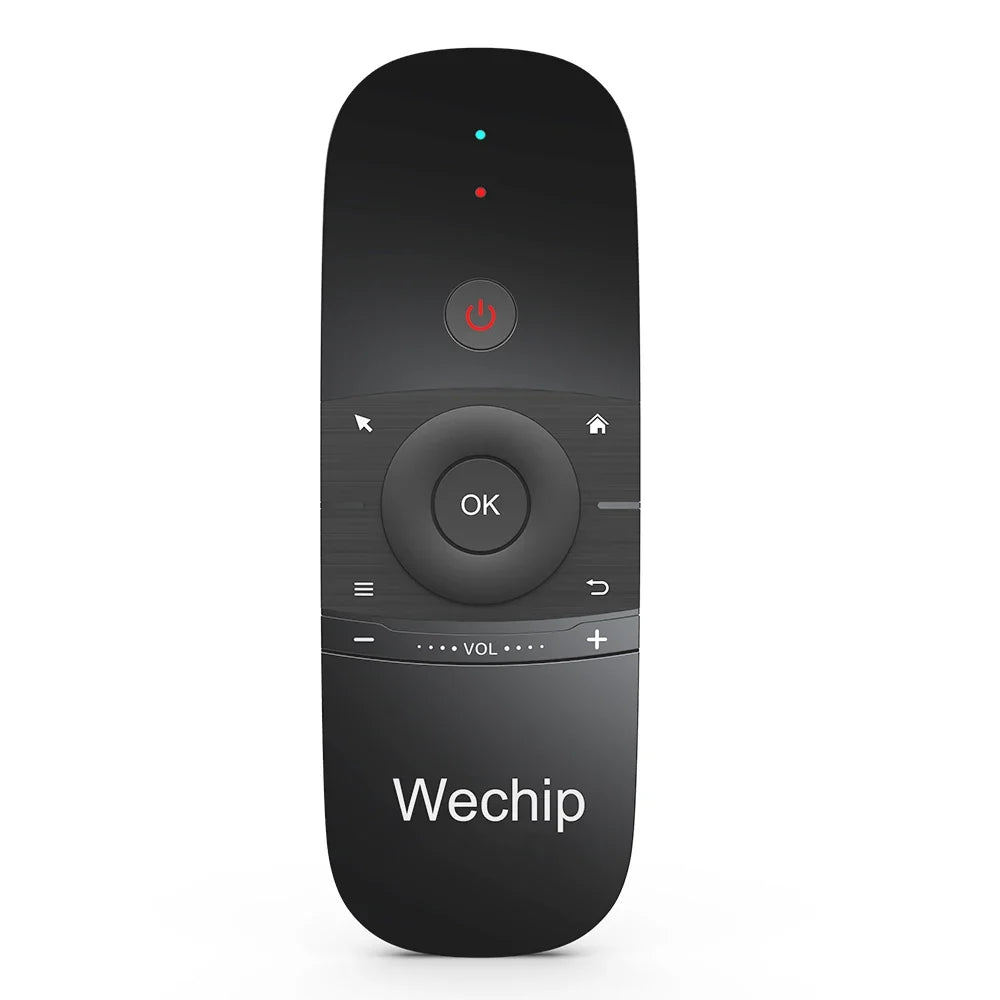

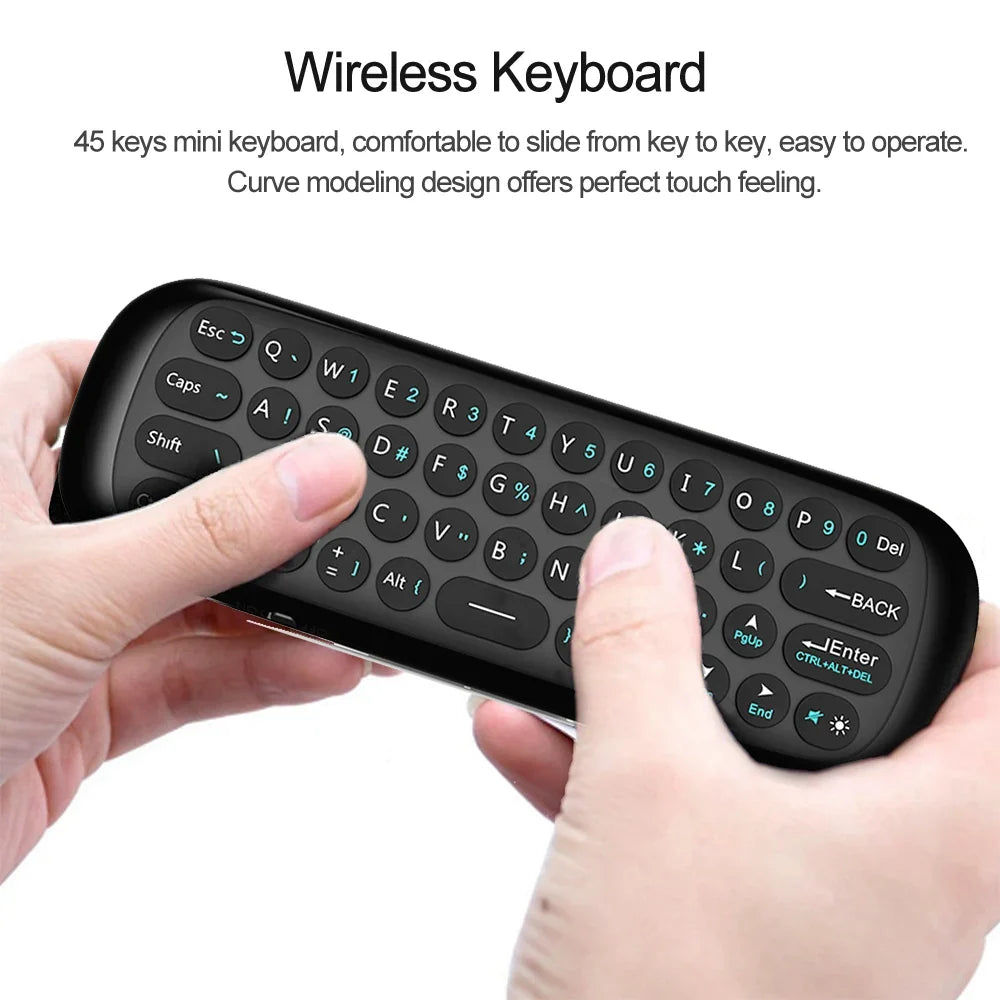
Stop pressing arrow keys through a menu. This W1 handheld points like a mouse, types on a real QWERTY keypad and learns buttons from your old TV remote, so one remote covers the whole couch session. Built for Android TV boxes and smart TVs.
Read the full descriptionStop pressing arrow keys through a menu. This W1 handheld points like a mouse, types on a real QWERTY keypad and learns buttons from your old TV remote, so one remote covers the whole couch session. Built for Android TV boxes and smart TVs.
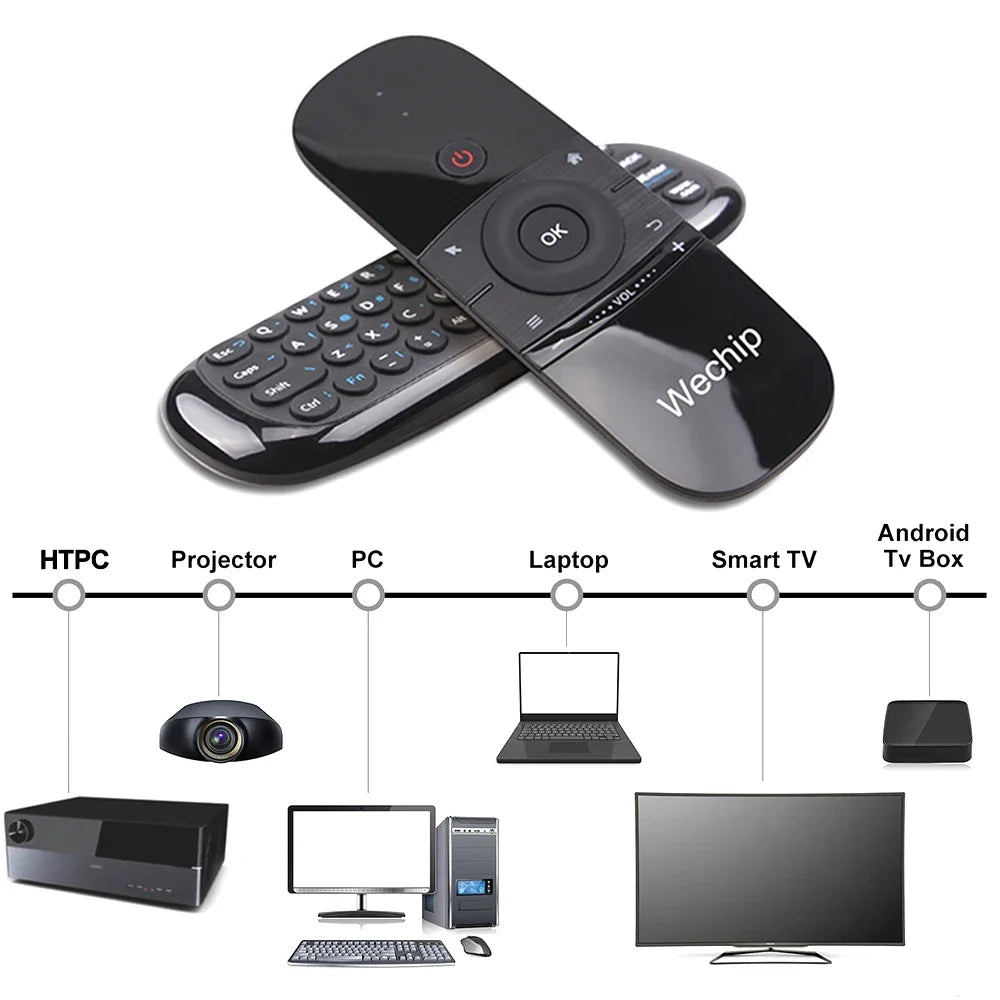
One handheld remote that works as an air mouse and full keyboard for your Android TV box or smart TV
Stop hunting menus with arrow presses and poking letters on an on-screen keyboard. Tilt to point, type on real keys, and control your Android TV box in one handheld.

The 6-axis sensor follows your wrist, so the cursor moves where you aim. Jump straight to the app or video you want instead of pressing down a list. Expect a short stretch to find a comfortable tilt speed, then it feels natural.

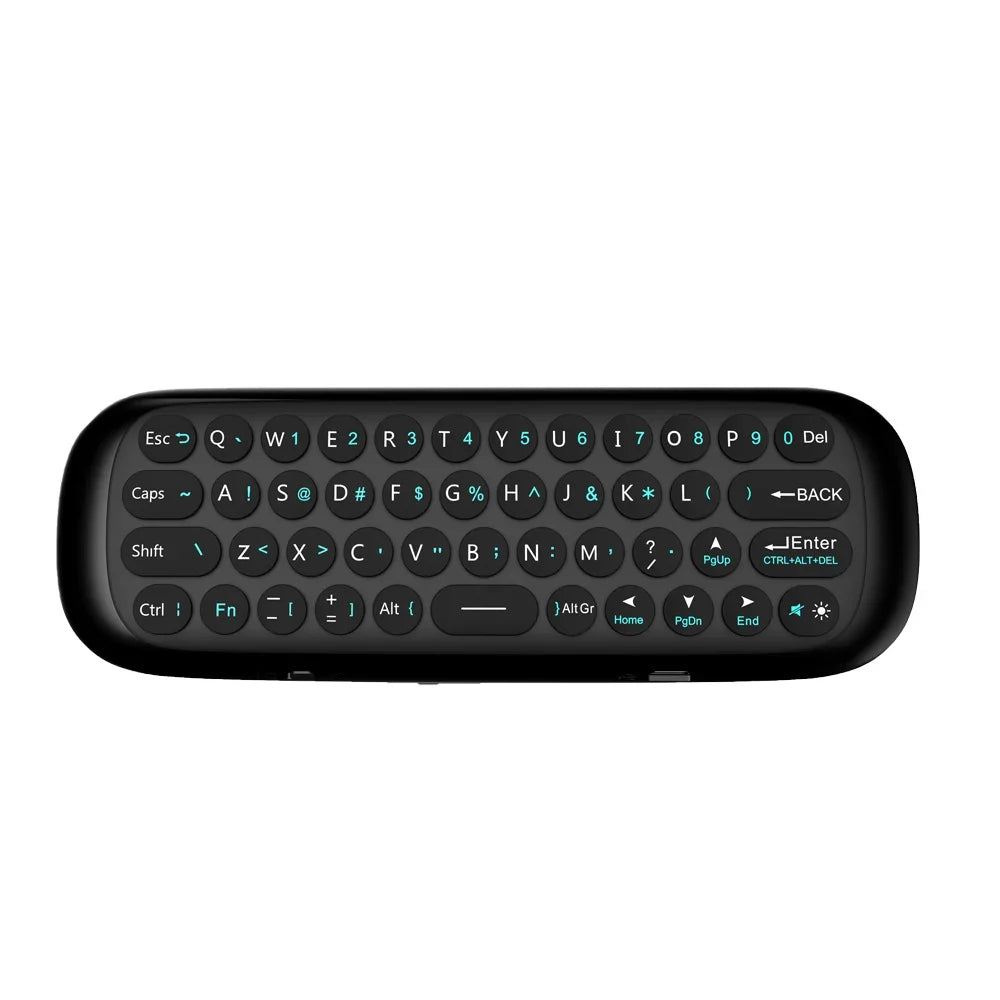
The mini keyboard has a full number row, symbols, Fn and Ctrl keys, and round backlit keys. Titles, logins and search terms go in quickly, and the backlight toggle keeps the keys readable in a dim room.

The IR learning function copies buttons from an existing TV remote, so one handheld can replace the one you keep losing. Hold the two remotes a few centimetres apart, facing each other, and press each button slowly.
Insert the 2.4G USB receiver into a free USB port on your Android TV box, in line of sight of the couch.
Press the power button, watch the red LED light up, then move the cursor across the screen.
Make small wrist tilts to aim the cursor. Press OK to select, and use the volume rocker and home or back keys to move around.
Hold the remotes a few centimetres apart, facing each other. Press the button you want to copy slowly, one key at a time.
Handheld with QWERTY keypad, air pointer and IR learning
Plugs into the TV box to link the remote
A stock remote moves focus one press at a time. Finding a single app means crossing a grid of tiles, then typing a title letter by letter on an on-screen keyboard that eats minutes. Movie night starts to feel like admin work.
The W1 swaps that crawl for a tilt. Point at the tile you want, press OK, and type the title on real keys with a numeric row and backlight. The IR learning function picks up buttons from your old TV remote, so the coffee table ends up with one remote on it.
| W1 air mouse remote | Stock arrow-key remote | Mouse and keyboard combo | |
|---|---|---|---|
| Pointing from the couch | — | — | |
| Typing on real keys | — | ||
| Learns old TV remote buttons | — | — | |
| Needs a flat surface to use | — | — | |
| Single handheld | — |
Yes, it is built for Android TV boxes and smart TVs. The 2.4G USB receiver plugs into a free USB port on the box or TV, so check that one is available first. The IR learning function covers the buttons on an older TV remote.
Leave the receiver in its USB port and keep it in line of sight of the couch. A short USB extension helps when the box sits behind the TV or a metal cabinet, because blocked signals cause lag.
Hold the two remotes a few centimetres apart, facing each other, then press the button you want to copy slowly. Repeat for each key. Once learned, the button works from the W1, so the old remote can go in a drawer.
It takes a short while to settle in. Use small, slow wrist tilts and keep the remote roughly pointed at the screen, because big fast waves overshoot targets. After that, pointing beats pressing arrows through a long menu.
One body replaces three gadgets: a pointer, a keypad and a learning remote. Buying a separate mouse and keyboard for the couch costs more and takes up the coffee table. The matte black soft-touch body has glossy grey brushed-panel accents and a curved shape that sits balanced in the hand.


 Air Mouse Wireless Keyboard Remote for Android TV Box