
$38.90
Free delivery · 7–14 days
LCD Writing Tablet for Kids: Mess-Free Reusable Drawing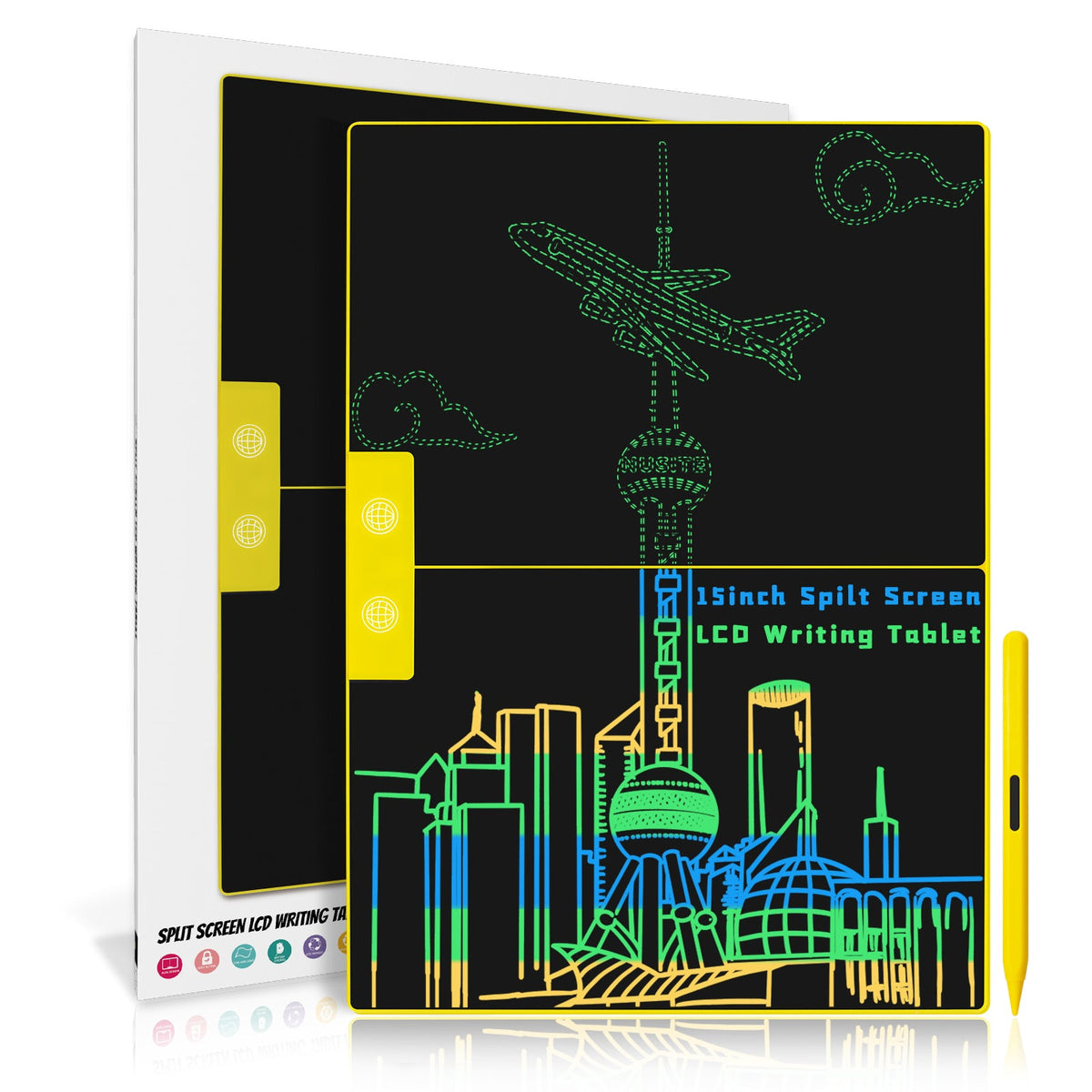
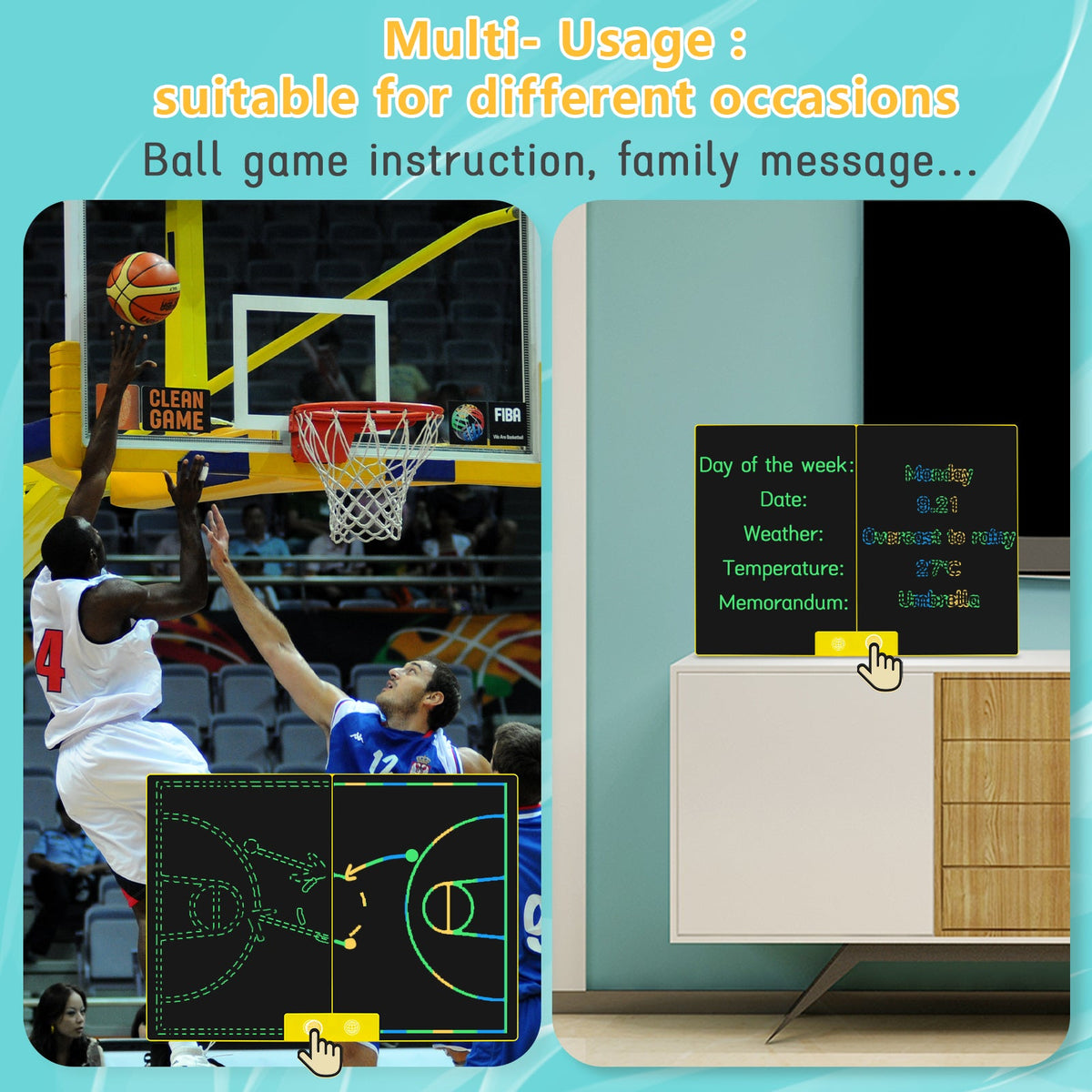
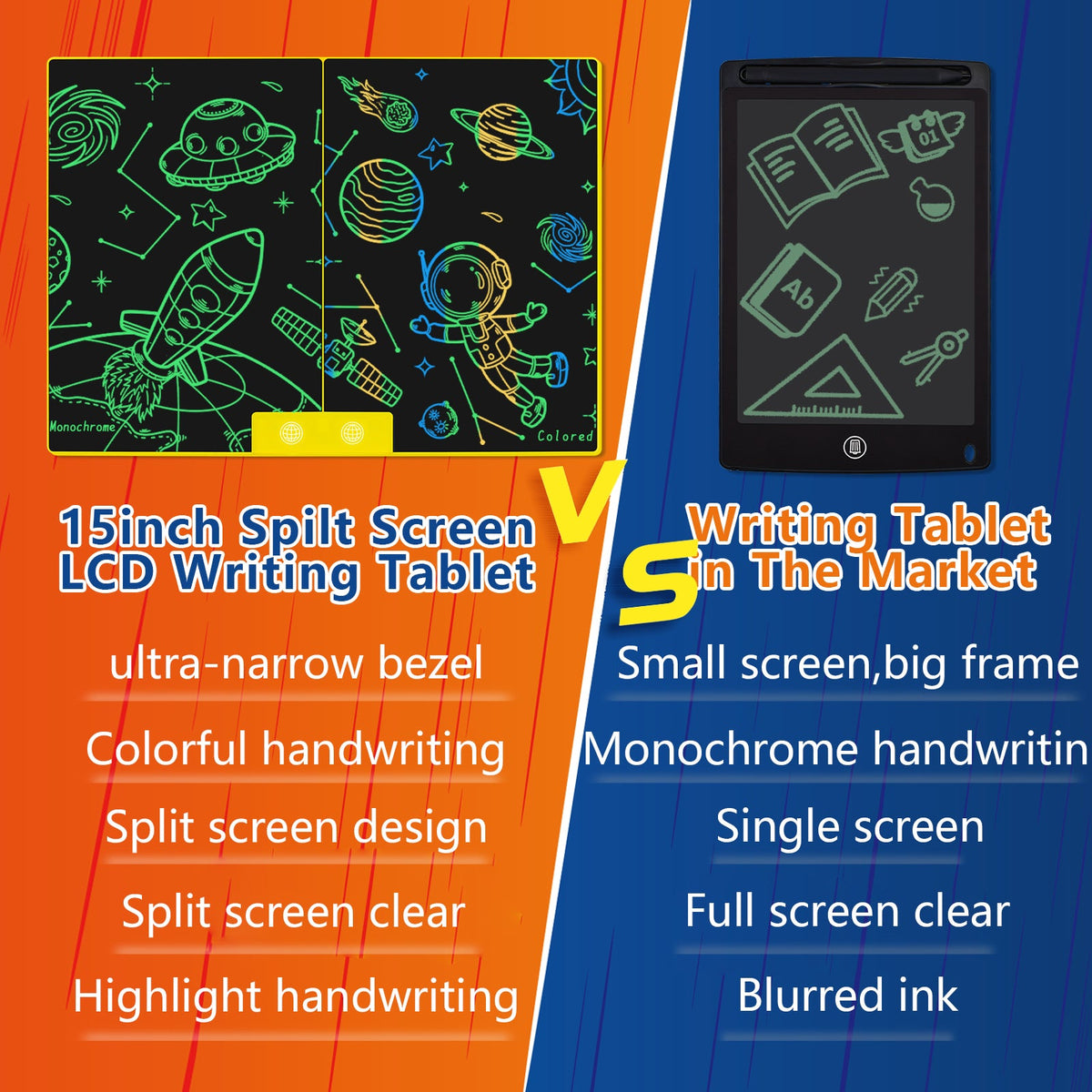
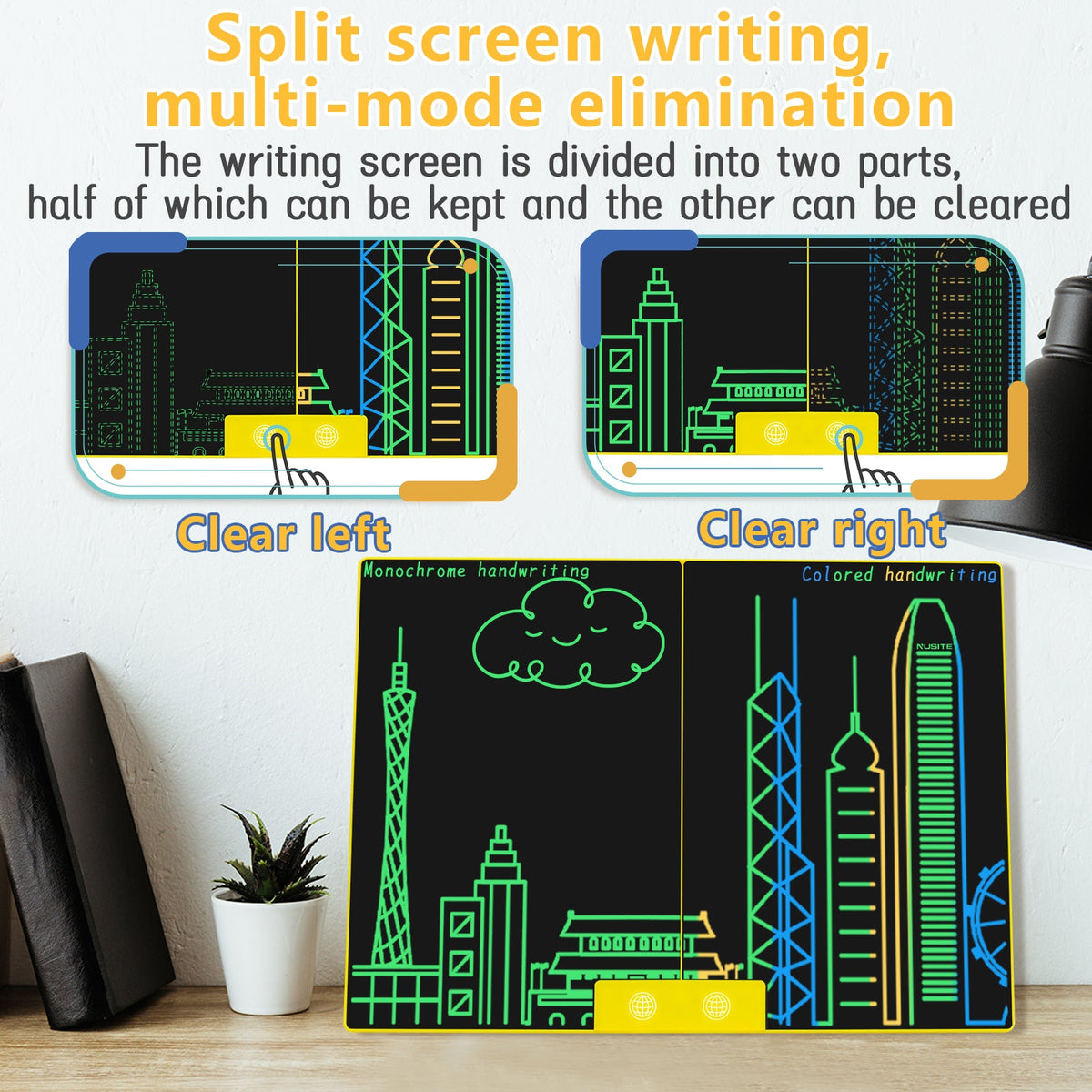
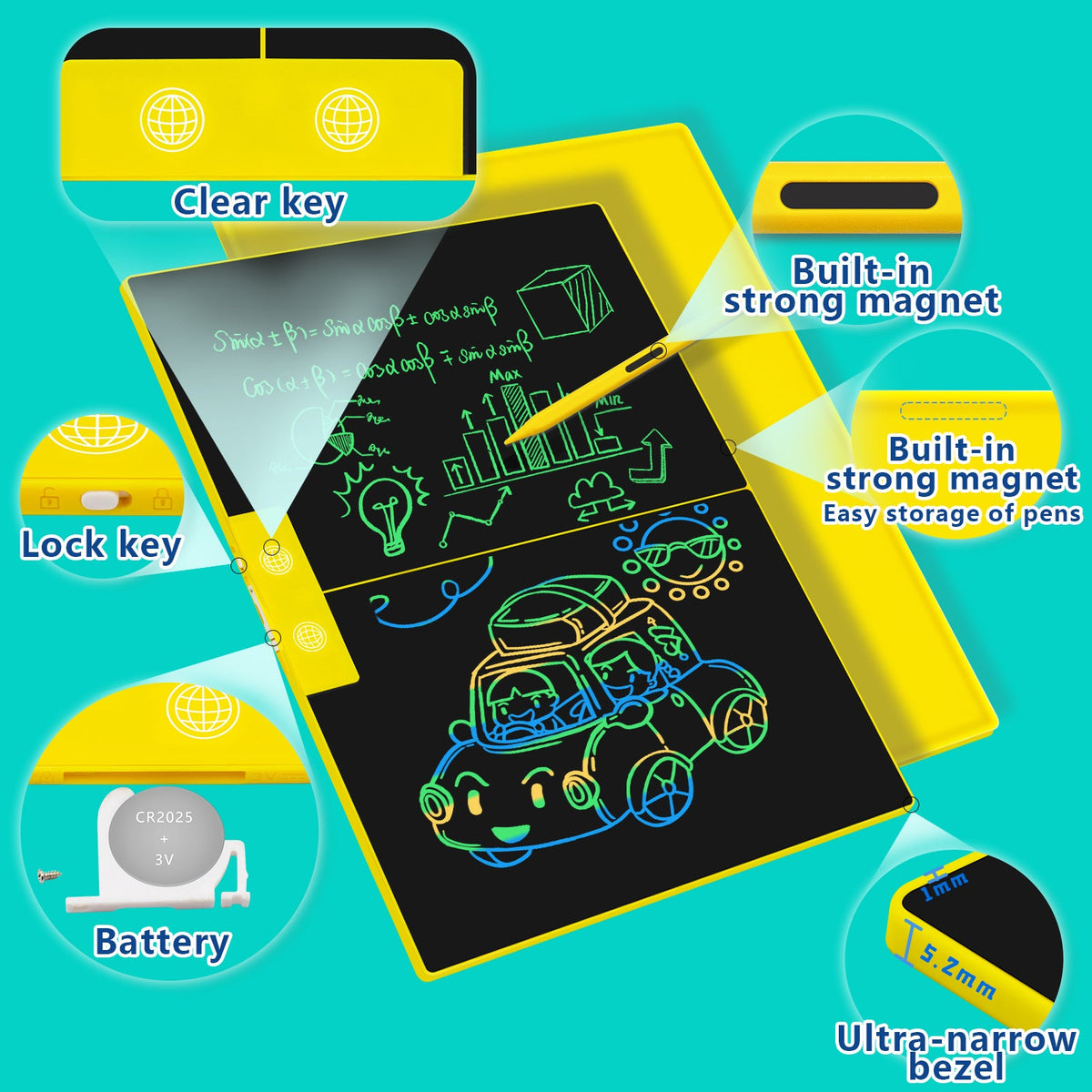
Keep one note visible while the next idea takes shape. This 15-inch split-screen LCD writing tablet brings colorful, reusable space to meetings, lessons, reminders, coaching, and creative play.
Read the full descriptionKeep one note visible while the next idea takes shape. This 15-inch split-screen LCD writing tablet brings colorful, reusable space to meetings, lessons, reminders, coaching, and creative play.
Split-screen LCD writing lets users keep one section while clearing the other, with colorful handwriting and drawing.
Stop rewriting notes or losing the part of a drawing you want to keep. This colorful 15-inch LCD tablet lets you preserve one section while clearing the other.
The divided writing screen lets users keep one section visible while clearing the other. That preserves context during edits, lessons, explanations, and quick team diagrams.
Neon multicolor LCD lines stand out against the black screen, making handwriting and drawings easy to notice at a glance. It is much livelier than a monochrome note board.
The full-size 15-inch display gives families, teachers, coaches, and office users practical space for shared notes, examples, reminders, and sketches.
The three-item package includes the main tablet, matching stylus, and packaging box. The essential writing setup arrives together, ready for notes, diagrams, and doodles.
Use the included stylus to add a note, drawing, example, or diagram to either side of the divided screen.
Check whether you want to clear the left or right section before pressing its corresponding clear button.
The untouched section remains on screen while the selected section starts fresh. The board is for writing and selective clearing, not storing erased notes.
15-inch split-screen board
For handwriting and drawing
Product packaging included

A meeting sketch gets crowded. A child’s drawing needs one more change. A family reminder is still useful, but the board is full. With paper, the clutter piles up. With a standard LCD board, one erase can wipe out the context you wanted to keep.

The split-screen layout changes the rhythm. Write an example on one side, then clear the other for a correction, question, or fresh sketch. The left and right clear buttons work independently, so useful notes stay visible while the workspace resets.
One reusable surface moves easily from office notes to family messages, early learning, sports instruction, and colorful play. The bright lines stand out against the black display, while the spacious 15-inch format gives everyone more room to see and join in.
| 15-inch split-screen tablet | Paper pad | Standard LCD board | |
|---|---|---|---|
| Reusable writing surface | — | ||
| Colorful handwriting | Partial | Partial | |
| Large 15-inch format | Partial | — | |
| Keep one section while clearing another | — | — | |
| Includes matching stylus | — | Partial |
Yes. The writing screen is divided into left and right sections, each with its own clear control. Select the side you want to reset and the other section stays visible.
No. It is a writing and selective-clearing board, not a storage device. Photograph anything important before clearing it.
Yes. The full-size display gives several people more practical space to see examples, reminders, diagrams, and drawings than a compact board.
The package contains three items: the main LCD writing tablet, a matching stylus, and the packaging box.
Yes. Children can use it for colorful doodles, letters, numbers, spelling, and simple drawing with adult guidance. Gentle handling and the included stylus are recommended.
A regular board commonly clears the whole screen at once. This model combines a large 15-inch colorful display with independently clearable left and right sections, so you preserve context while making fresh notes.


 15-Inch LCD Writing Tablet With Split-Screen Notes