
$38.90
Free delivery · 7–14 days
LCD Writing Tablet for Kids: Mess-Free Reusable Drawing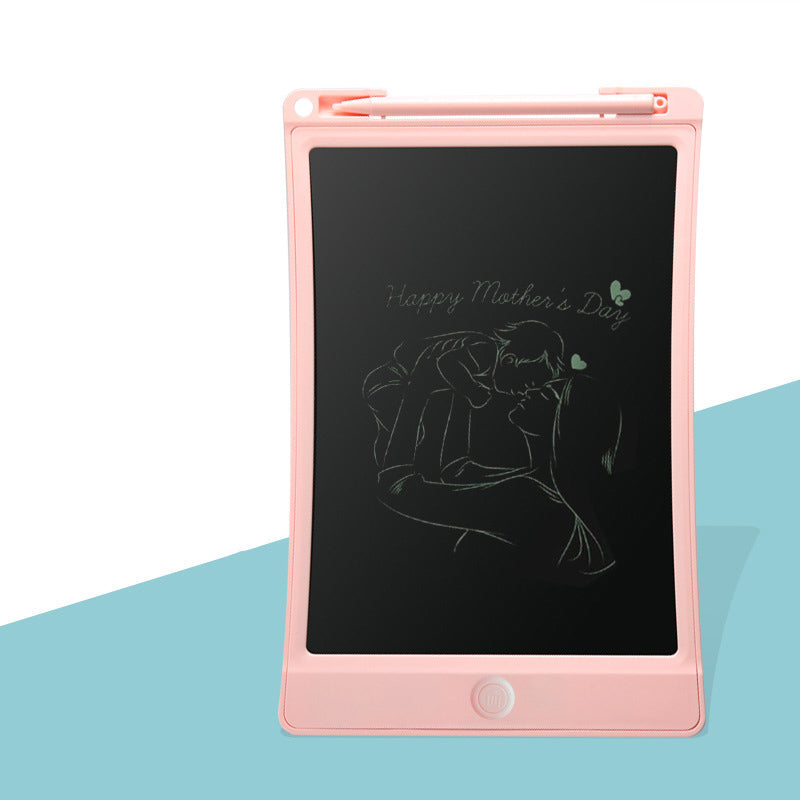
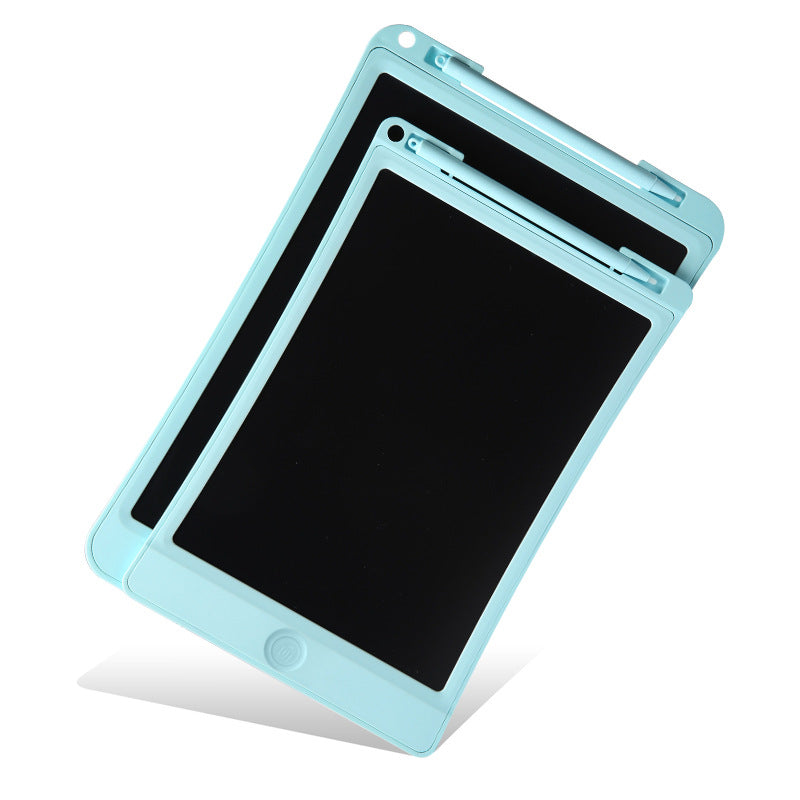
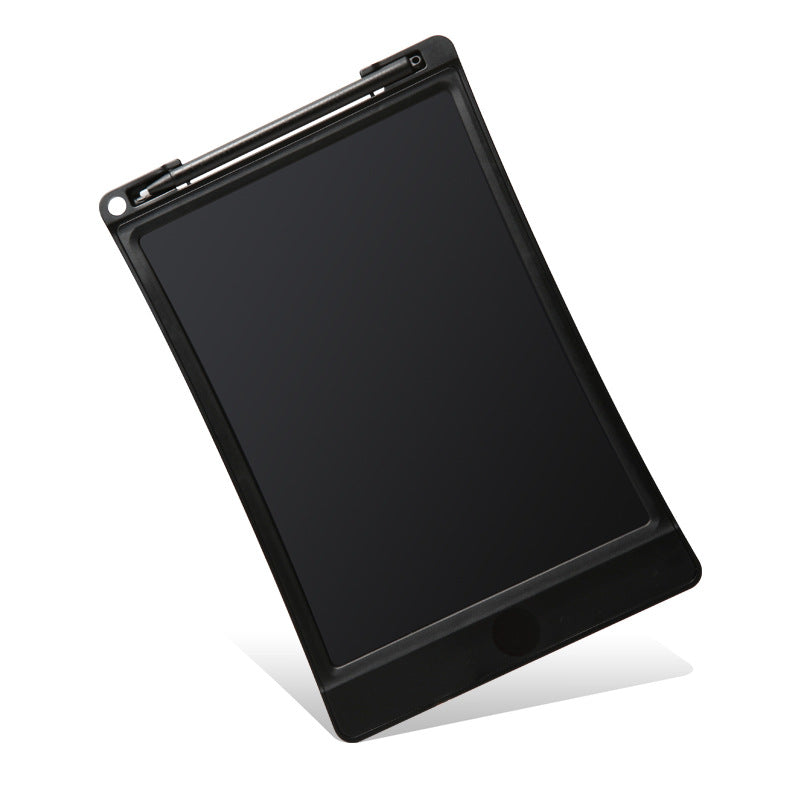
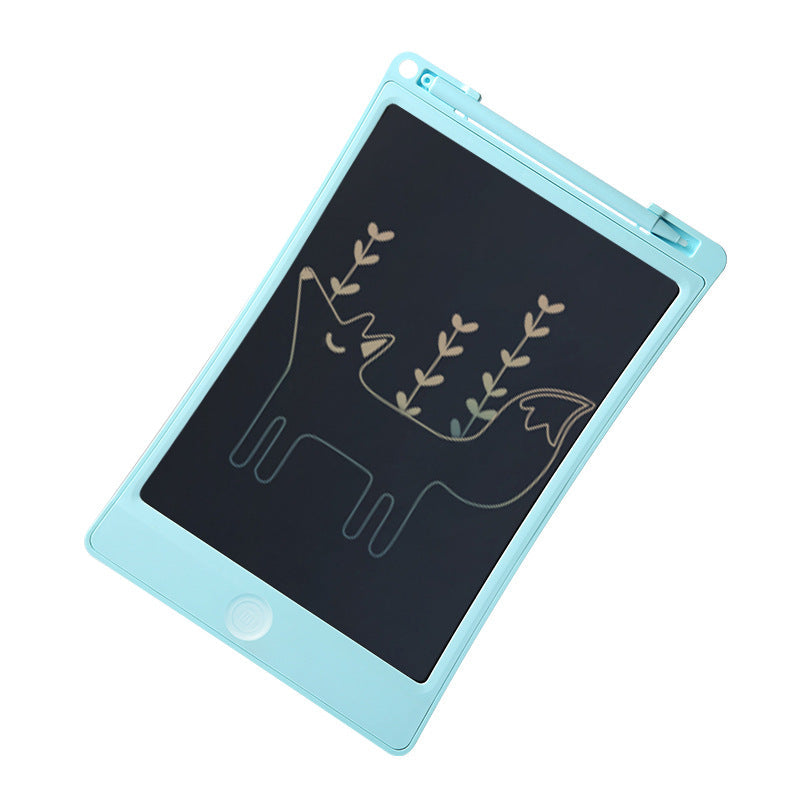
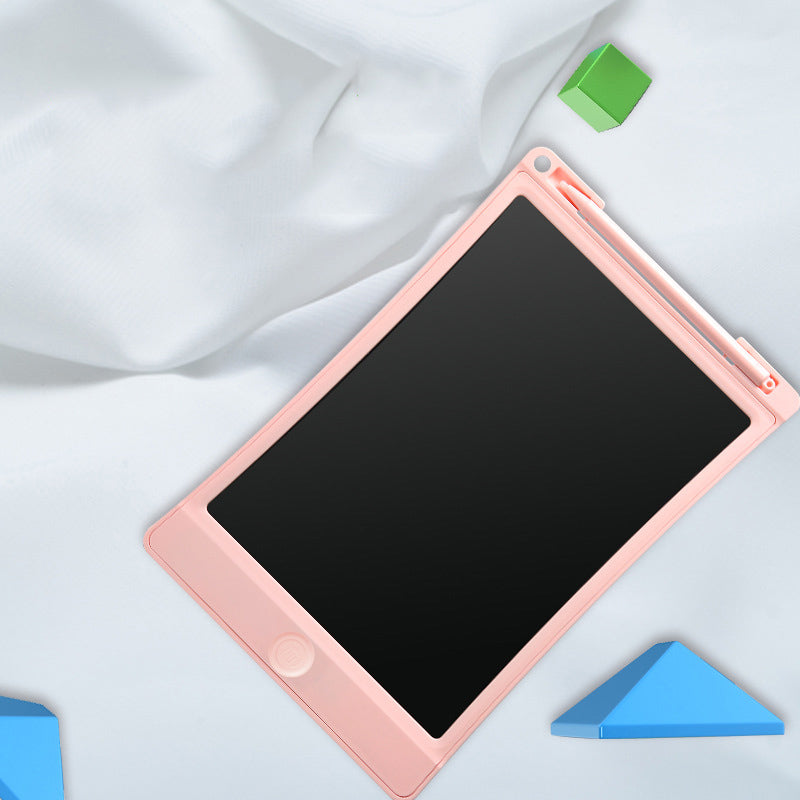
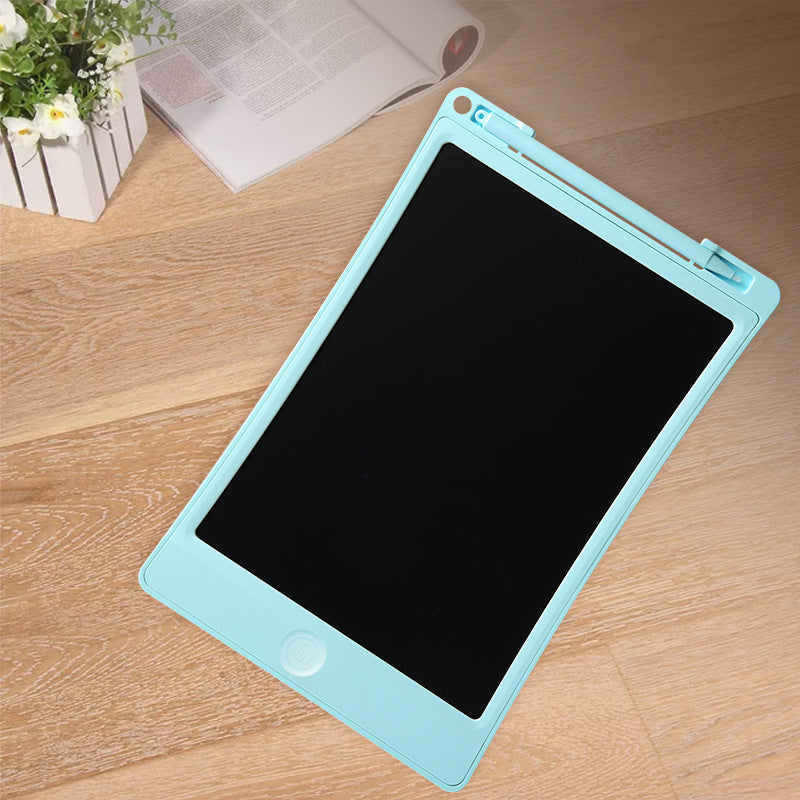
Turn restless waiting into calm, hands-on creativity with a reusable LCD writing tablet for kids. Children can draw, practice letters, erase with one press, and start fresh without paper or crayons.
Read the full descriptionTurn restless waiting into calm, hands-on creativity with a reusable LCD writing tablet for kids. Children can draw, practice letters, erase with one press, and start fresh without paper or crayons.
Reusable paper-free LCD drawing and handwriting surface with one-key erase
Replace scattered paper, crayons, and restless moments with a reusable drawing surface children can enjoy again and again. One press clears the screen for the next idea.

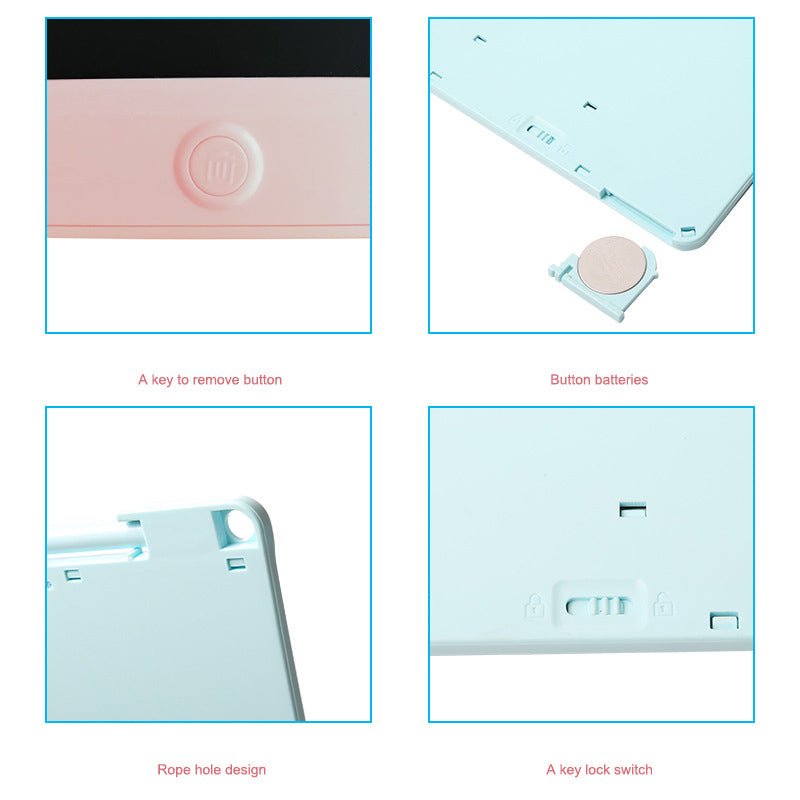
The dedicated erase button clears the bright line drawing surface so children can begin again immediately without a fresh sheet of paper.

The key lock switch helps reduce accidental clearing while a child is carrying or using the tablet.

Slim lightweight construction, a rope-hole design, and an integrated stylus holder make the tablet easy to carry and harder to leave behind.
The listed 8.5-inch and 10-inch options let families prioritize compact portability or a larger drawing area.
Take the stylus from the integrated top holder and use it on the LCD writing surface for letters, shapes, or freehand drawings.
Move the key lock switch when you want to reduce accidental clearing while the board is being carried or handled.
Press the one-key erase button when the child wants a fresh surface. Return the stylus to its holder when finished.
Slim matte plastic board with dark reusable writing surface.
Stores in the integrated top stylus holder.
One-key reset for a fresh drawing surface.
Helps reduce accidental clearing during use or travel.
Access according to the product packaging instructions.
Waiting turns stressful when paper, crayons, and screen requests arrive together. Loose pages wrinkle, crayons disappear under the table, and a parent ends up managing the supplies instead of the moment.
The dark LCD surface shows bright, thin handwriting and line drawings, then clears with one press. One small board becomes repeatable creative play without paper, ink, or chalk.
The slim frame slips naturally into a family bag. The integrated stylus holder keeps the drawing tool with the board, while the lock switch helps protect a picture during the journey.
At home, in a restaurant, or in a waiting room, children can draw, practice shapes, and write names while parents keep the outing tidy. Press once, start fresh, and keep the board ready for the next quiet moment.
Write on the LCD surface with the included stylus.
Keep the matte plastic tablet with its drawing surface facing away from sharp objects.
Use the key lock switch while carrying the board.
Follow the packaging guidance when accessing or replacing the button battery.
Place it in the integrated top holder after every drawing session.
| 8.5 inch | 10 inch | |
|---|---|---|
| Screen format | Compact | Larger |
| Best suited to | Travel bags and smaller hands | More room for broad drawings |
| Portability | Higher | Roomier carry |
Choose the compact format for easy packing or the larger format for a more generous drawing area.
| LCD tablet | Paper and crayons | Phone or tablet | |
|---|---|---|---|
| Reusable drawing surface | Yes | No | Partial |
| One-key reset | Yes | No | No |
| Loose supplies required | No | Yes | No |
| Paper-free creative play | Yes | No | Yes |
| Lock switch | Yes | No | No |
| Best for hands-on drawing | Yes | Yes | Partial |
The key lock switch helps reduce accidental clearing while the tablet is being carried or used. Use it before packing the board in a bag.
The tablet uses a removable button-battery compartment. Check the product packaging for the battery contents and instructions for your selected variant.
The stylus has a dedicated integrated holder at the top of the board. Returning it there after drawing keeps the tool with the tablet.
The 8.5-inch option is the more compact choice for small bags and travel. The 10-inch option gives children a larger drawing area.
Yes. Children can use the stylus for letters, names, shapes, tracing exercises, and freehand line drawings.
Yes. The LCD writing surface clears with the dedicated erase button, so children can start another drawing without paper, ink, crayons, or chalk.


 LCD Writing Tablet for Kids | Reusable Mess-Free Drawing