
$64.90
Free delivery · 7–14 days
Nintendo Switch Cooling Fan: 3-Fan Turbo USB Cooler
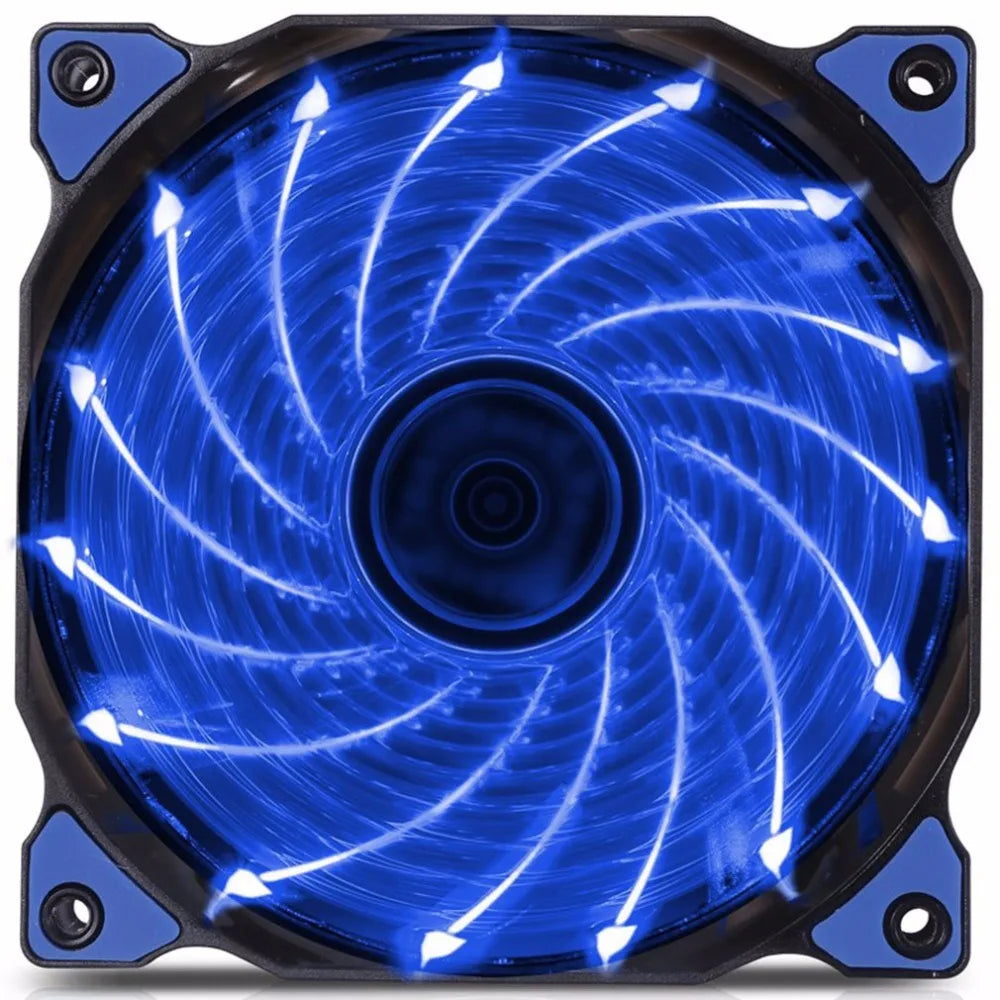
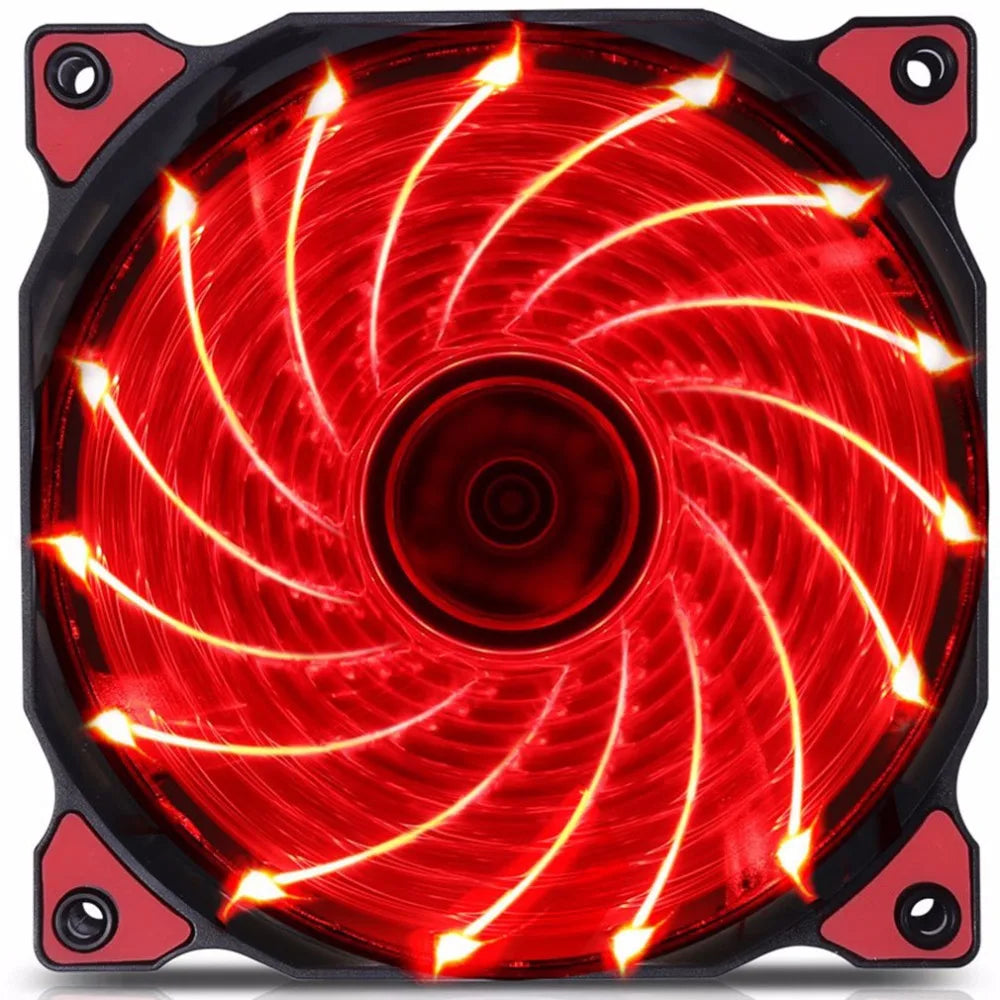


Swap one stock fan for a 120mm LED fan with rubber corner mounts and the calmer case you wanted. Fifteen LEDs light the blades in green, blue, red, or clear, and the Molex plug powers it straight from the PSU with no controller. It fits a standard 120mm fan slot.
Read the full descriptionSwap one stock fan for a 120mm LED fan with rubber corner mounts and the calmer case you wanted. Fifteen LEDs light the blades in green, blue, red, or clear, and the Molex plug powers it straight from the PSU with no controller. It fits a standard 120mm fan slot.
Ultra-silent 120mm LED fan with 15 bright LEDs for better PC cooling and lighting
Tired of a case that hums, rattles, and looks like a beige box? Swap in one 120mm LED fan with rubber mounts and move from noisy stock fans to a calm, lit-up rig.

Rubber anti-vibration corner mounts sit between the frame and the case. They soak up the shake that stock fans pass into the chassis, so the rattle you hear at night drops off. The fan stays in place and the case stays quiet under load.

Fifteen bright LEDs light the blades in green, blue, red, or clear. Spin the fan and the lit blades draw a glowing spiral through the case window. You get the look of a full RGB build from a single fan.

The Molex lead runs straight to a free PSU connector, so there is no RGB controller and no software to install. Mount the fan in four holes, plug it in, and close the panel. The lights come on with the power.
Look at the arrow on the frame and decide whether this fan pulls air in or pushes it out. Match it to your case layout before you mount anything.
Seat the fan in a 120mm fan slot so the rubber corner mounts sit between the frame and the case. Secure it through the four mounting holes.
Connect the Molex lead to a free power connector on the power supply. Do not plug it into a motherboard fan header.
Turn the system on. The 15 LEDs light the blades straight away, so you can check the glow before you close the side panel.
Black frame with rubber corner mounts and 15 LEDs
Plugs into a free PSU power connector

Every session starts with a low buzz that you tuned out months ago. It comes from a stock fan rattling against the frame, and it gets louder the longer the rig runs. The interior is just as flat. Weeks went into the parts, and the inside of the case shows none of it.

The rubber corner mounts sit between the fan and the case, so the spin stays in the fan instead of traveling through the chassis. The 15 LEDs come on with the power and light the blades from inside the frame. The change is quick, and the difference shows up the first time the fan starts.

Open the side panel and the blades throw a glowing spiral across the components. Pick green, blue, red, or clear to match the rest of the rig. The case runs calmer, and the build looks like the work you put into it.
| This fan | Stock case fan | Full RGB kit | |
|---|---|---|---|
| Rubber anti-vibration mounts | — | — | |
| Lights without a separate controller | — | — | |
| Lit blades | — | ||
| Needs software to set up | — | — | |
| Plugs into PSU power | Partial | Partial |
The Molex plug goes into a free PSU power connector, not a motherboard fan header. Use a spare Molex port on the power supply and mount the fan in any 120mm fan slot in the case.
We do not publish a decibel rating, so judge it on the design. The rubber corner mounts stop the vibration that stock fans pass into the chassis, which is where most of the rattle comes from. Expect a calmer case, not a silent one.
If your case has a 120mm fan mount, this fan fits it. The frame has four mounting holes that line up with standard 120mm fan positions.
No. The 15 LEDs light up when the fan gets power from the PSU. There is no RGB controller, hub, or app to set up.
It is a 120mm cooling fan first, and the lights are a bonus. Fan upgrades are one of the cheapest ways to change how a build runs and looks. A full RGB kit with a controller and software costs more and takes more setup for the same effect.


 120mm LED Case Fan: Quiet Cooling With 15 Glowing Lights