
$59.90
Free delivery · 7–14 days
480P USB Webcam with Built-in Mic for Online Classes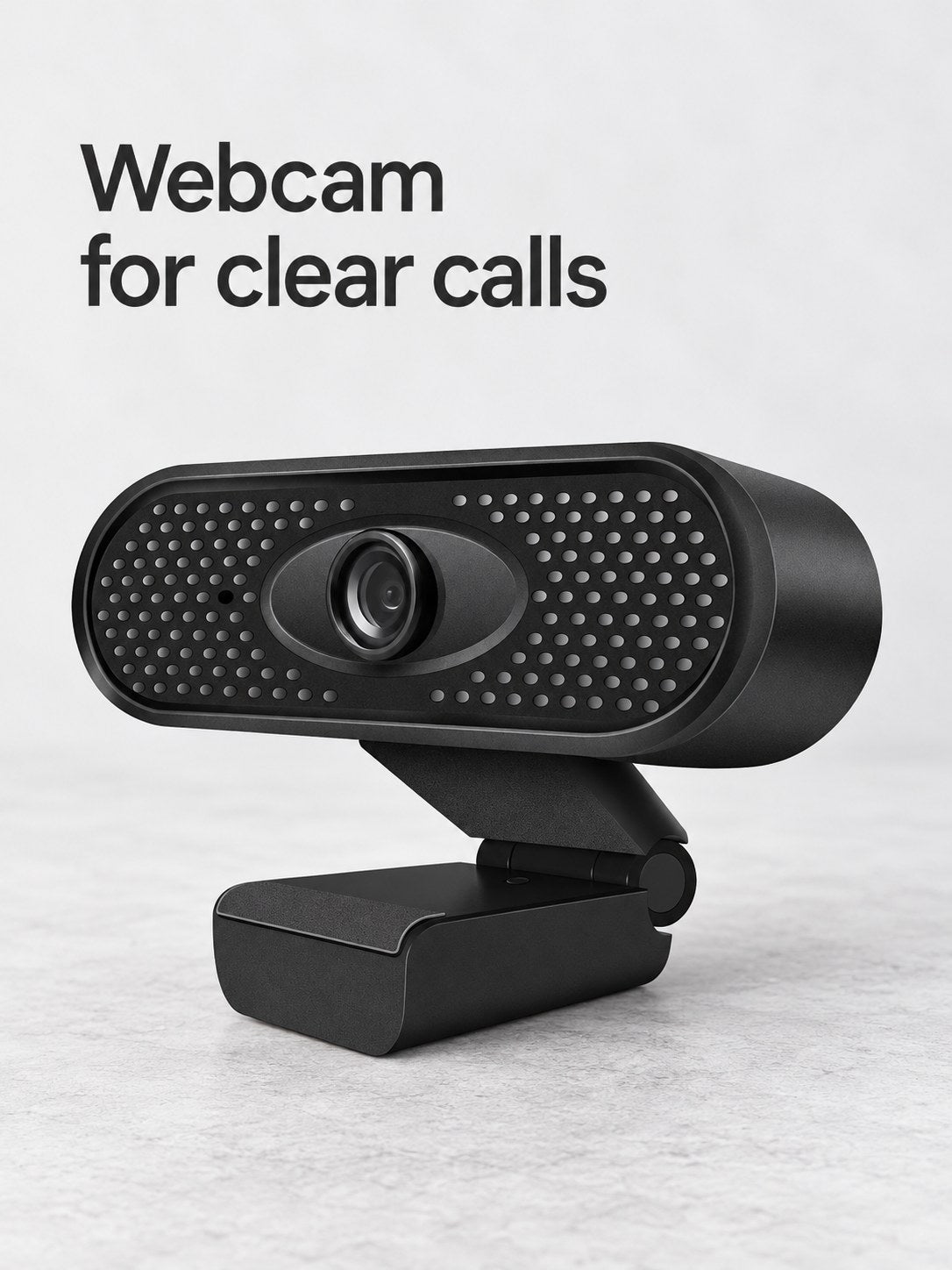
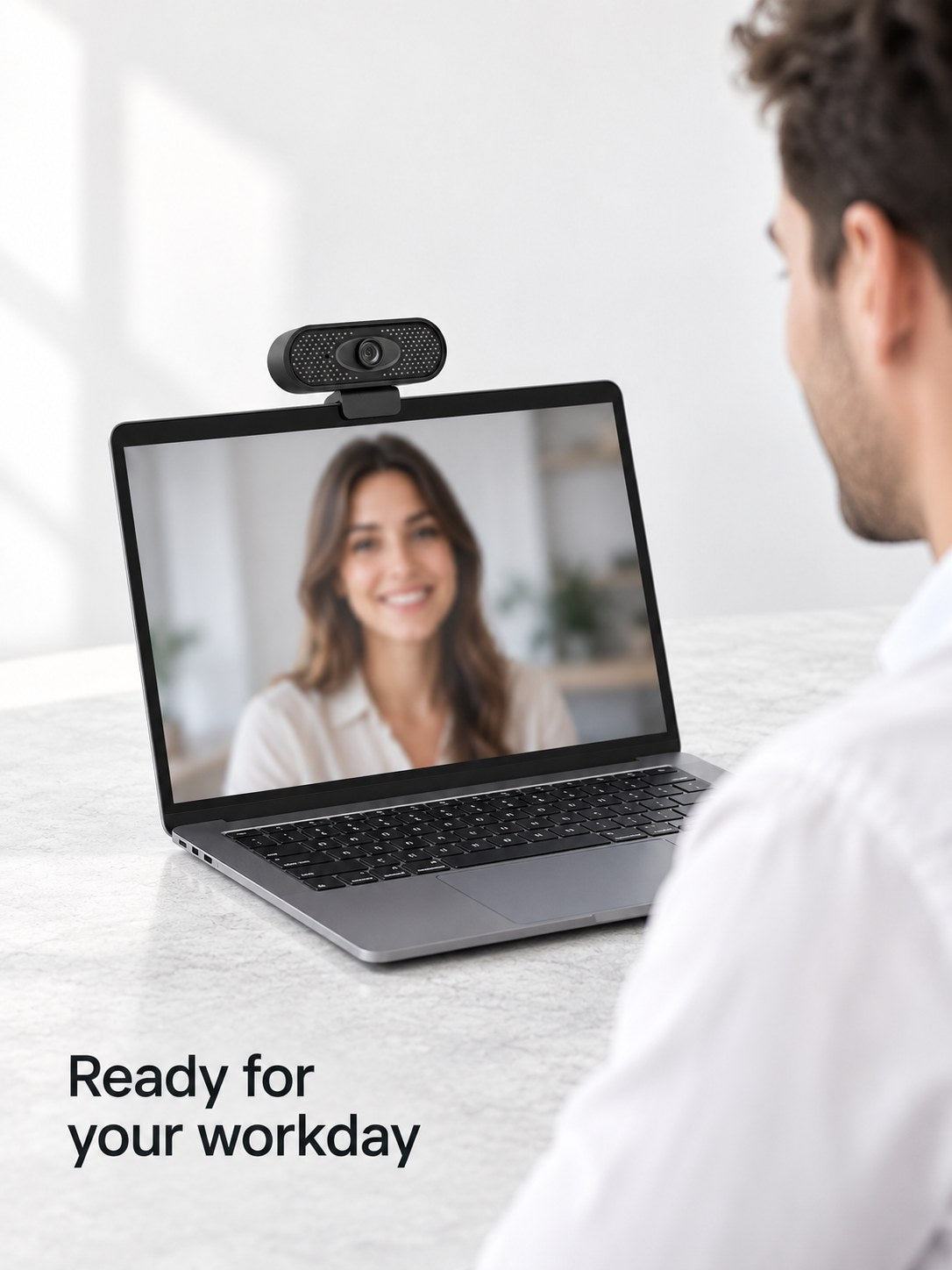
Show up sharp and sound clear on every call. This Full HD 1080P webcam clips onto your monitor or laptop, plugs into USB, and picks up your voice over the room. Set it at eye level and join your next meeting looking like you planned it.
Read the full descriptionShow up sharp and sound clear on every call. This Full HD 1080P webcam clips onto your monitor or laptop, plugs into USB, and picks up your voice over the room. Set it at eye level and join your next meeting looking like you planned it.
Full HD 1080P webcam with noise-reducing microphone for clear video calls
Grainy video and a voice lost under background noise make every meeting harder than it should be. This Full HD webcam clips onto your screen, plugs into USB, and keeps you looking and sounding like you planned it.

Five glass elements sit behind the front lens, and 1080P Full HD video comes through them. The picture holds edges and skin tones better than a typical laptop camera, and the color looks more natural on a call. Pair it with a usb web camera setup you already trust and the gap shows right away.

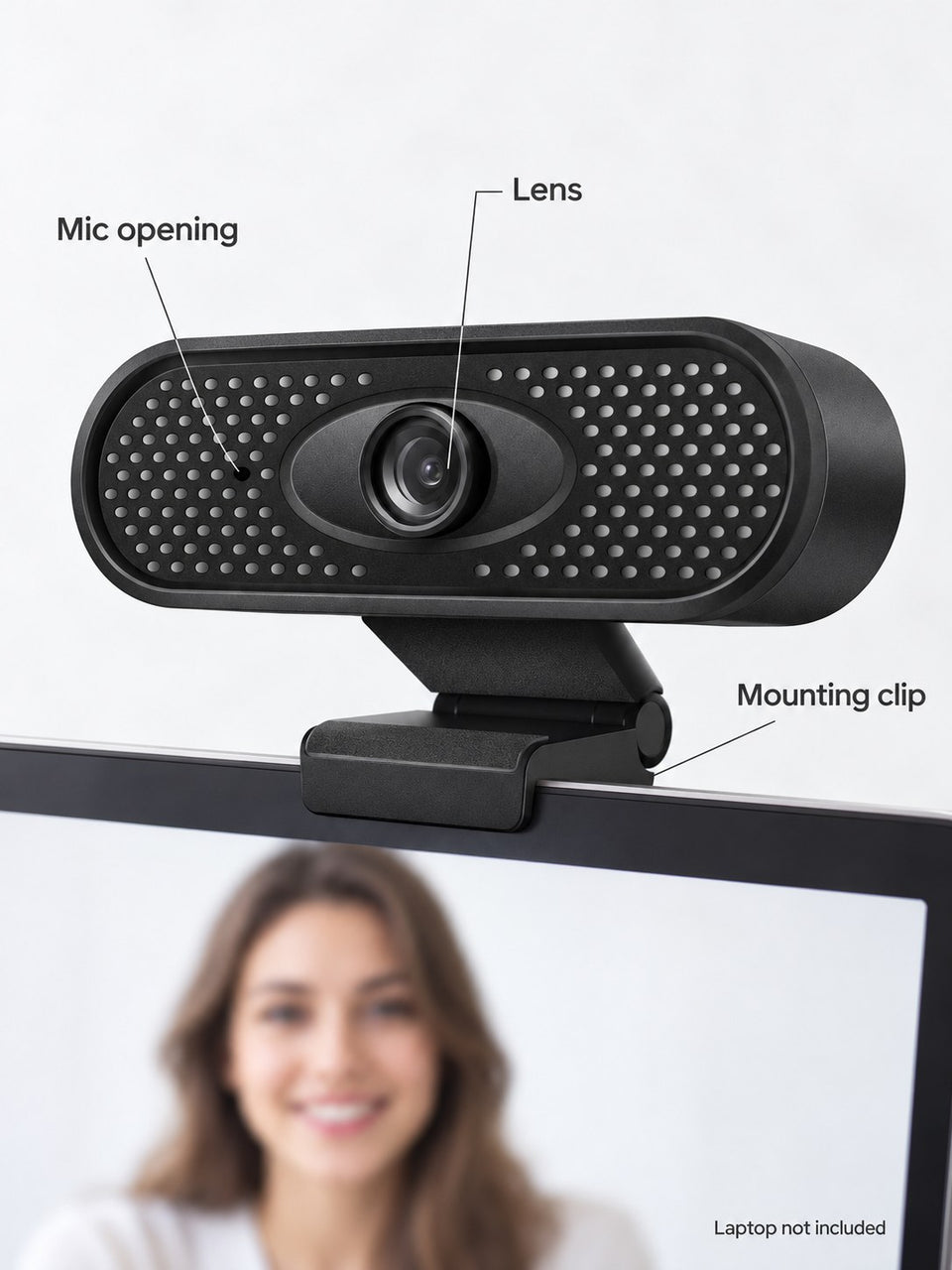
The built-in noise-reduction microphone picks up voice from about 8 m away in every direction. It filters steady background sound such as fans and room hum, so your words stay in front. Loud sudden noise still gets through in a busy room, so a quiet corner helps on important calls.

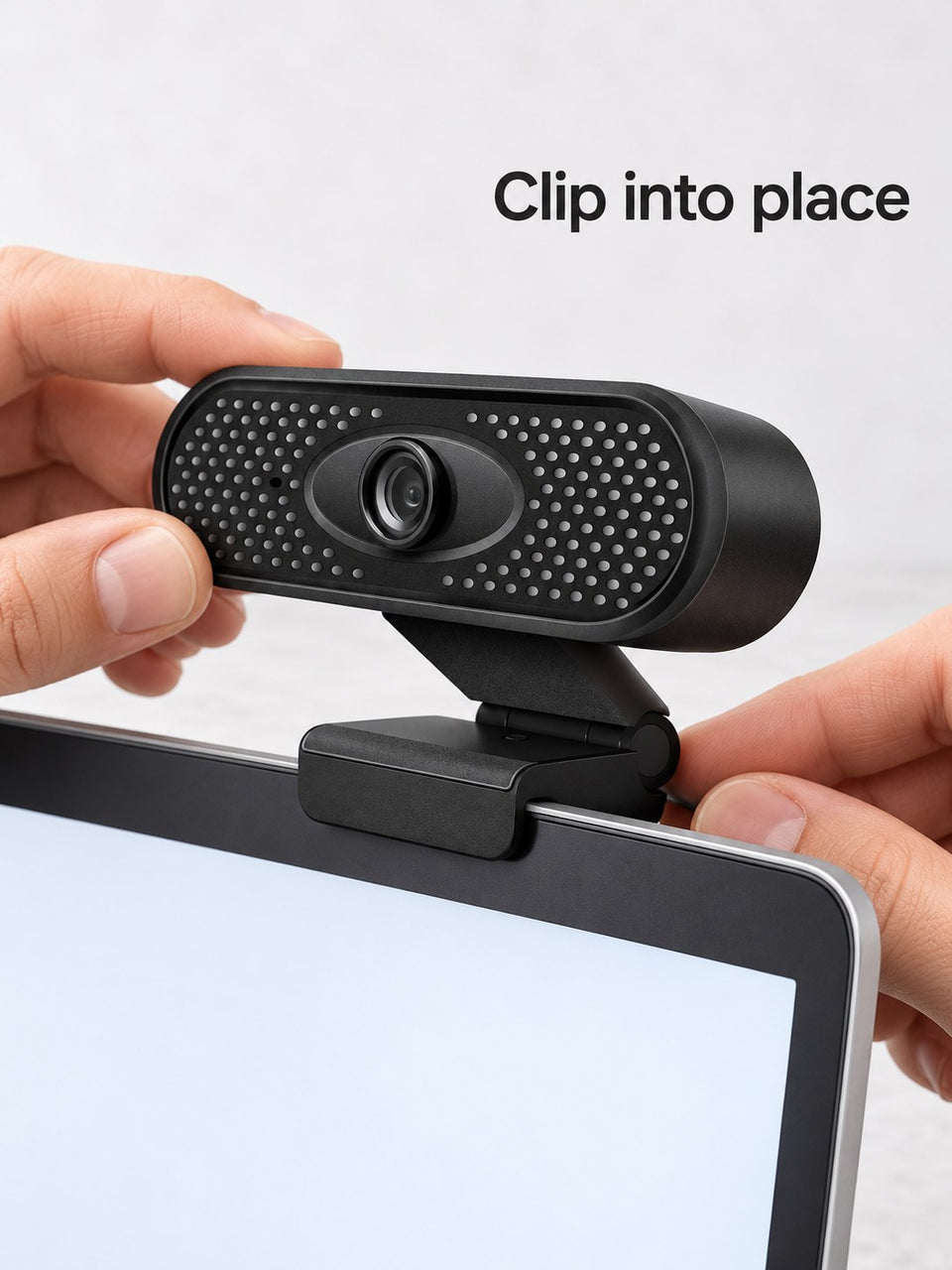
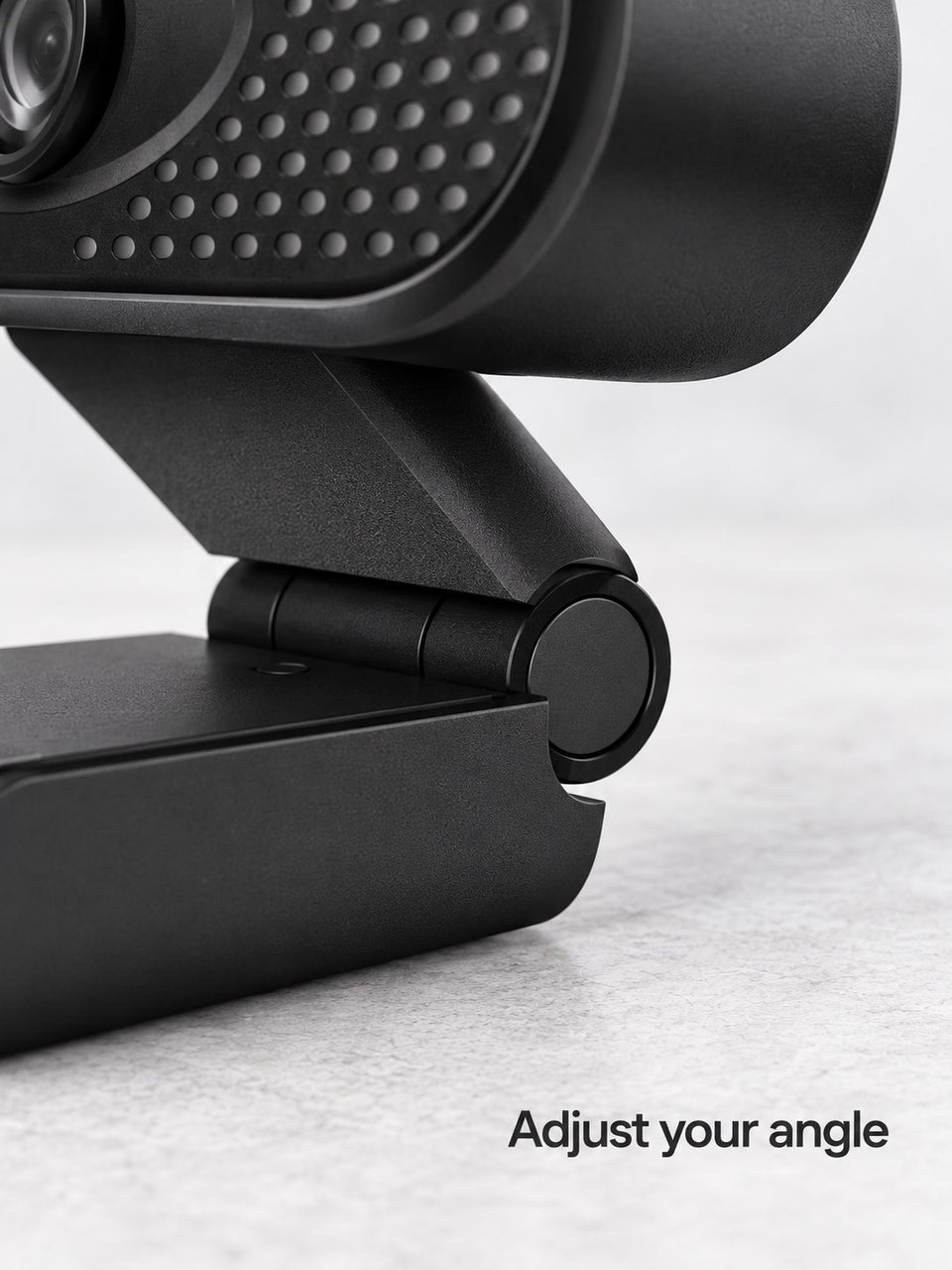
The flexible rotating clip grips a monitor edge or a laptop lid without tools. Turn the body until the lens faces your face, then leave it there. The compact body keeps the desk clear, and the matte black finish blends into most setups.
Open the flexible clip and fit it over the top edge of your monitor or laptop lid. Rotate the body so the lens faces you.
Aim the lens slightly down toward your face. Eye level looks more natural than a shot from the top of a screen.
Connect the USB cable to a free port, then select the webcam as your camera in your video app. Check the preview before you join.
Matte black body with five-glass lens and perforated mic grille
Rotating clip for monitors and laptop lids
Plug-and-play connection to any free USB port

You know the feeling. Your face arrives soft and a little blurred, and your voice drops under the fan and the keyboard. Colleagues lean toward their screens and ask you to say that again.
Weak video does quiet damage. People judge how prepared you are by how clearly they can see you, and a blurry feed reads as a rushed setup. Students tune out when the teacher is hard to follow, and the lesson loses them.
This 1080P webcam sits on top of your monitor or clips to a laptop lid, angles toward your face, and plugs into any free USB port. The five-glass lens gives a sharper picture, and the noise-reducing mic keeps your voice ahead of the room.
| This webcam | Laptop camera | No-name webcam | |
|---|---|---|---|
| Full HD 1080P video | — | Varies | |
| Five-glass lens | — | — | |
| Noise-reducing mic with spec | — | — | |
| Flexible rotating clip | — | Partial |
The clip is flexible and rotates, so it grips a monitor edge or a laptop lid without tools. Thick lids and flat desks both work if you position the camera on top of the screen. Check that the lid can open far enough to clear the clip before you mount it.
Yes, for steady sound such as fan hum, keyboard clatter and room noise. The noise-reduction mic keeps your voice front and center with an 8 m omnidirectional pickup. Sudden loud noises still come through in a busy room, so use a quiet corner for important calls.
Most laptop cameras top out at lower resolutions and sit low on the screen, which shows the chin and nostrils. This camera records Full HD 1080P through a five-glass lens and mounts at eye level, so the picture is clearly more detailed on the same call.
No driver install is needed for typical video apps. Plug the USB cable into a free port, then pick the camera in your app's video settings. Most apps detect it right away.
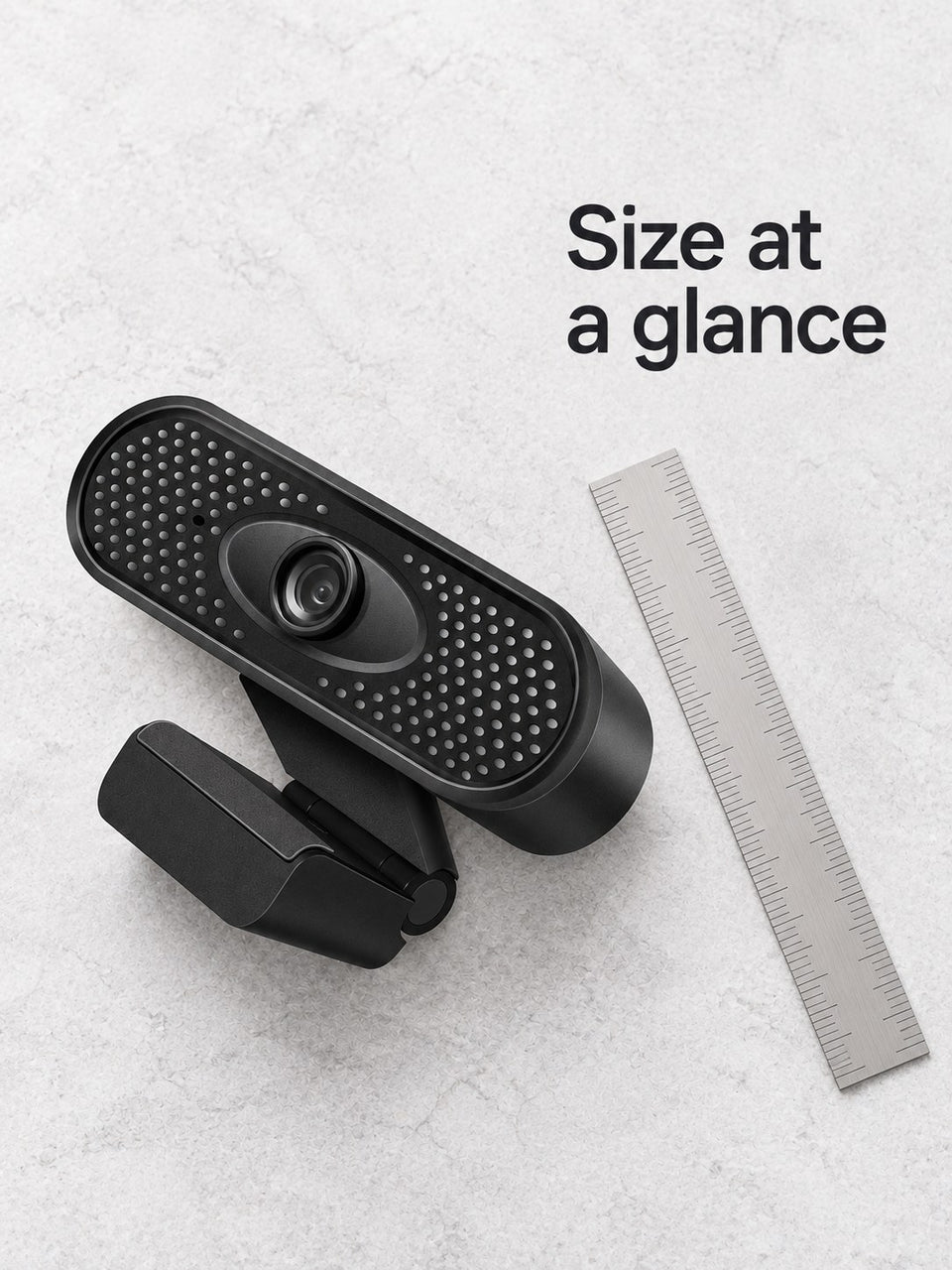
The body is matte black plastic with a perforated grille and a glass lens. It is light and compact, which keeps the clip easy to position on a desk.
A webcam is a one-time purchase that you use on every call, with no subscription or refills. A clear 1080P picture and a mic with a stated noise-reduction feature make a real difference compared with a no-name model that gives no mic spec at all.


 1080P Webcam With Noise-Reducing Mic for Clear Calls