

$64.90
Free delivery · 7–14 days
WiFi Smart Plug for Alexa & Google Home Voice Control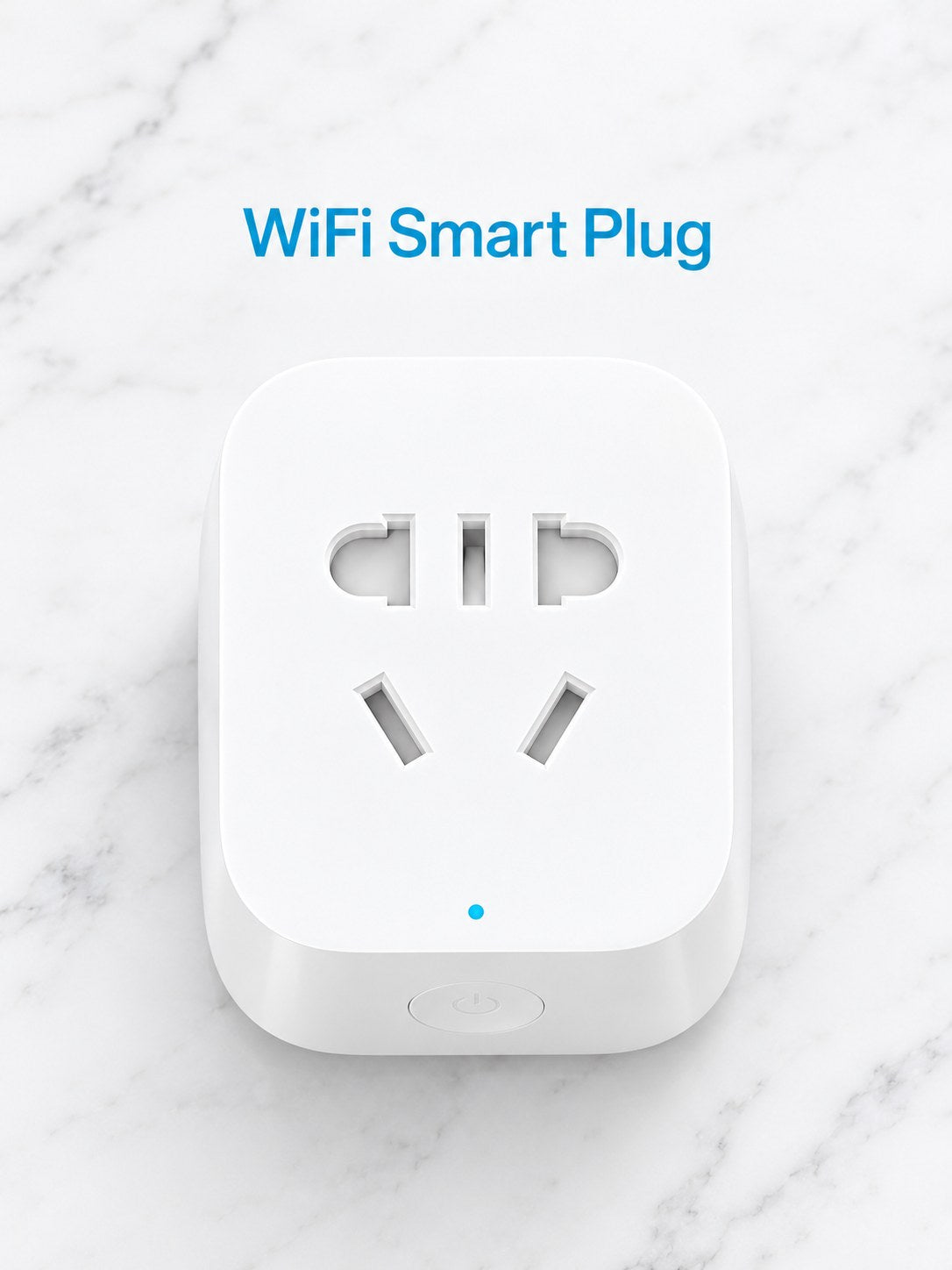
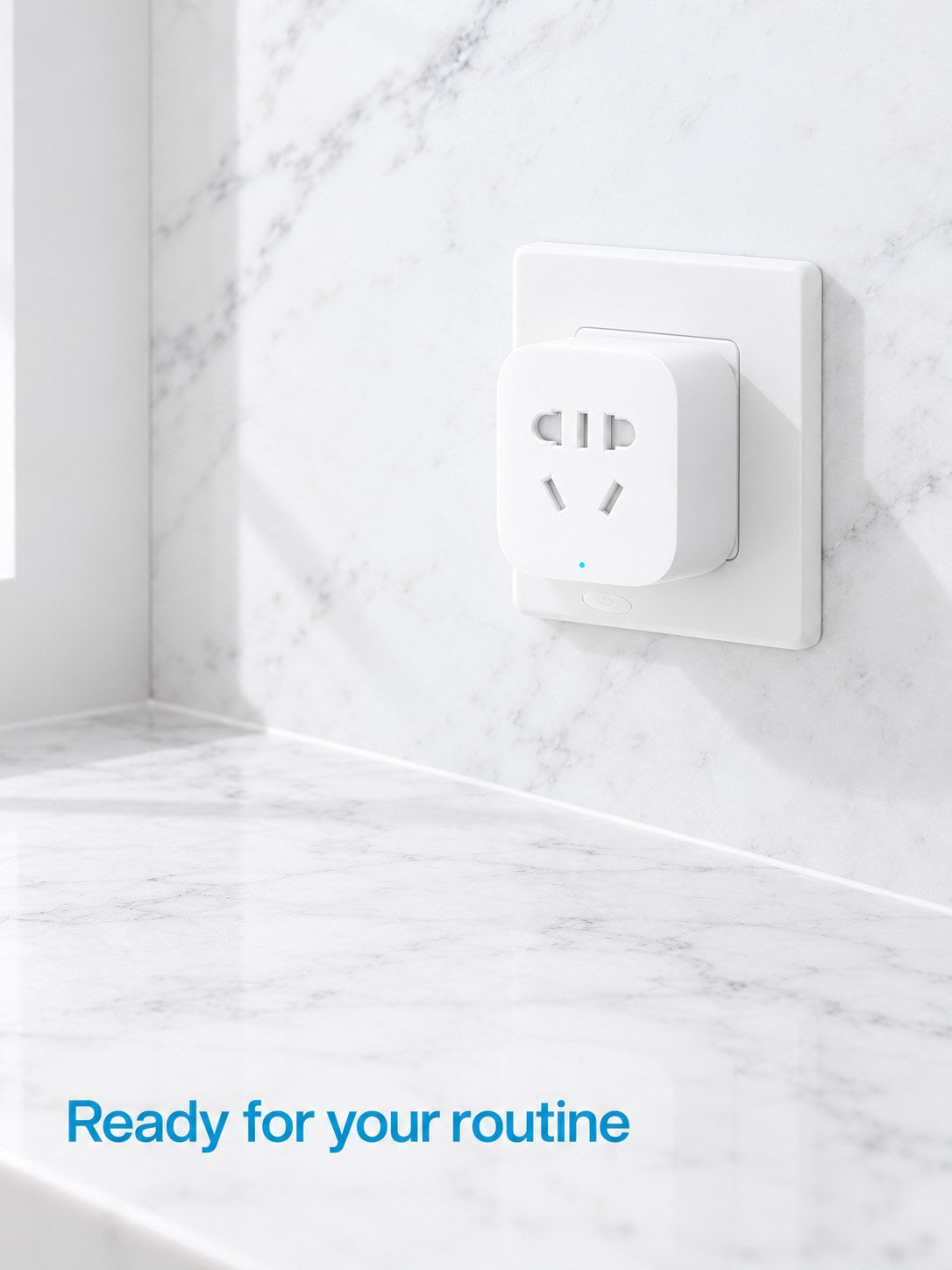
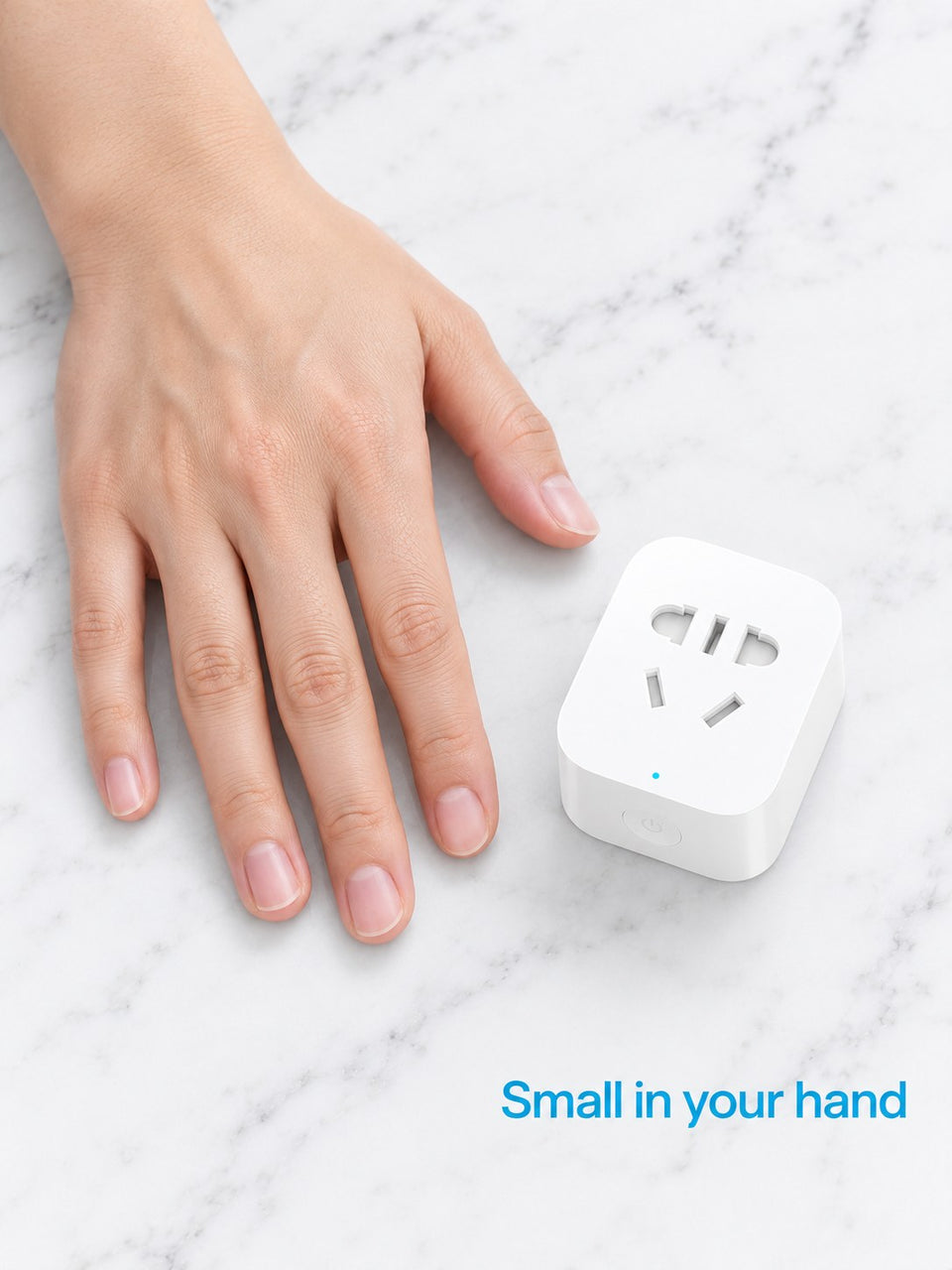
Leave the house knowing your lamp, fan or heater is off. This compact Xiaomi WiFi socket lets you switch any plugged-in appliance on or off from your phone, wherever you are. Setup takes three steps in the Smart Home app, with no hub needed.
Read the full descriptionLeave the house knowing your lamp, fan or heater is off. This compact Xiaomi WiFi socket lets you switch any plugged-in appliance on or off from your phone, wherever you are. Setup takes three steps in the Smart Home app, with no hub needed.
Control any plugged-in appliance from your phone with a compact, easy-setup WiFi smart socket
Before: you keep wondering whether the heater is still on and walking back to check. After: one tap in the app, and every plugged-in appliance is off or on wherever you are.

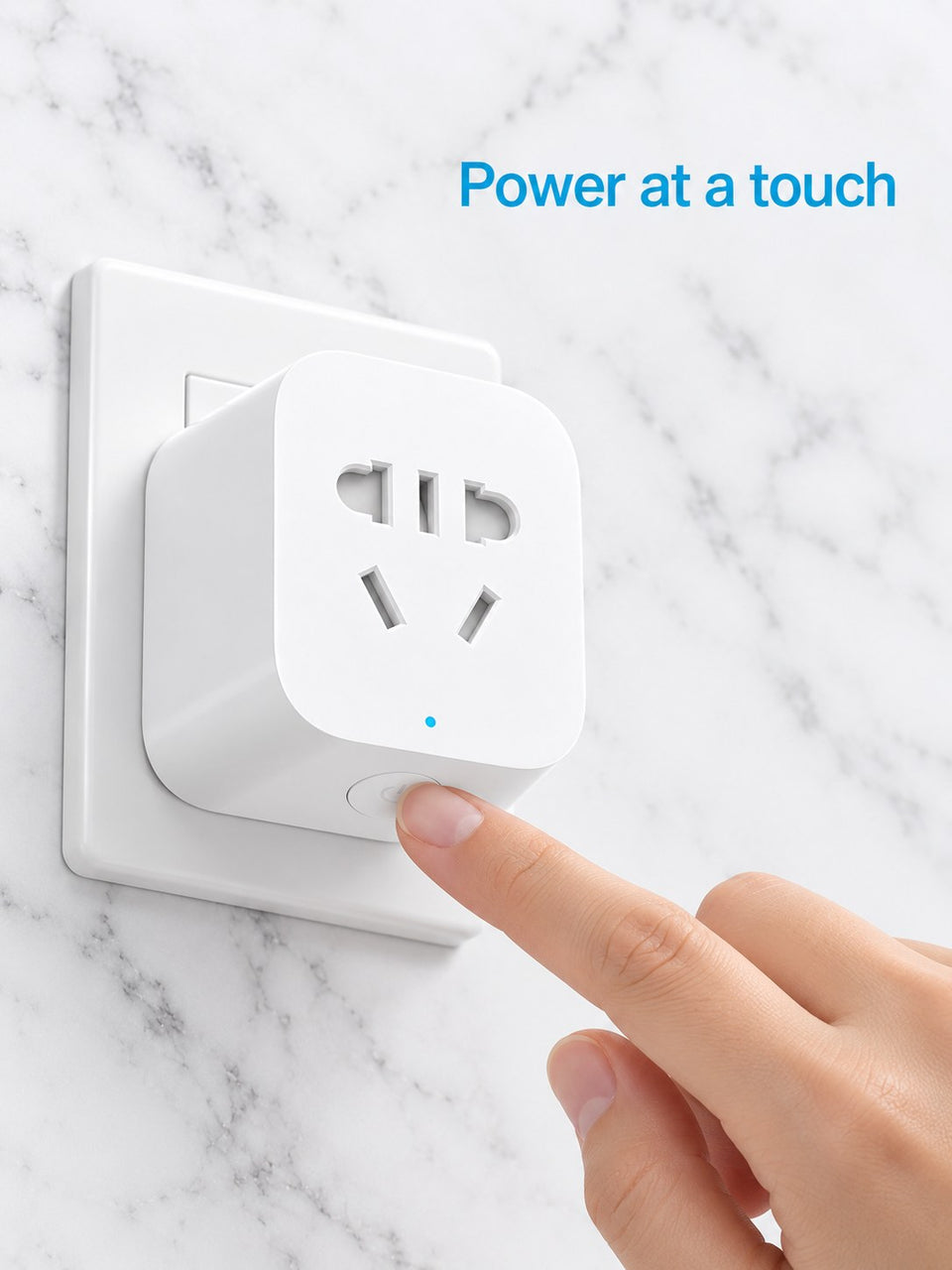
Whatever is connected to the socket can be switched on or off from the app. Lamps, fans and heaters all work the same way. The front power button is there for when you are standing next to it and want the manual option.

A flashing yellow light means the plug is ready to pair. Add the socket in the Smart Home app, choose your WiFi network and enter the password. When the light turns solid blue, the plug is connected and ready to use.

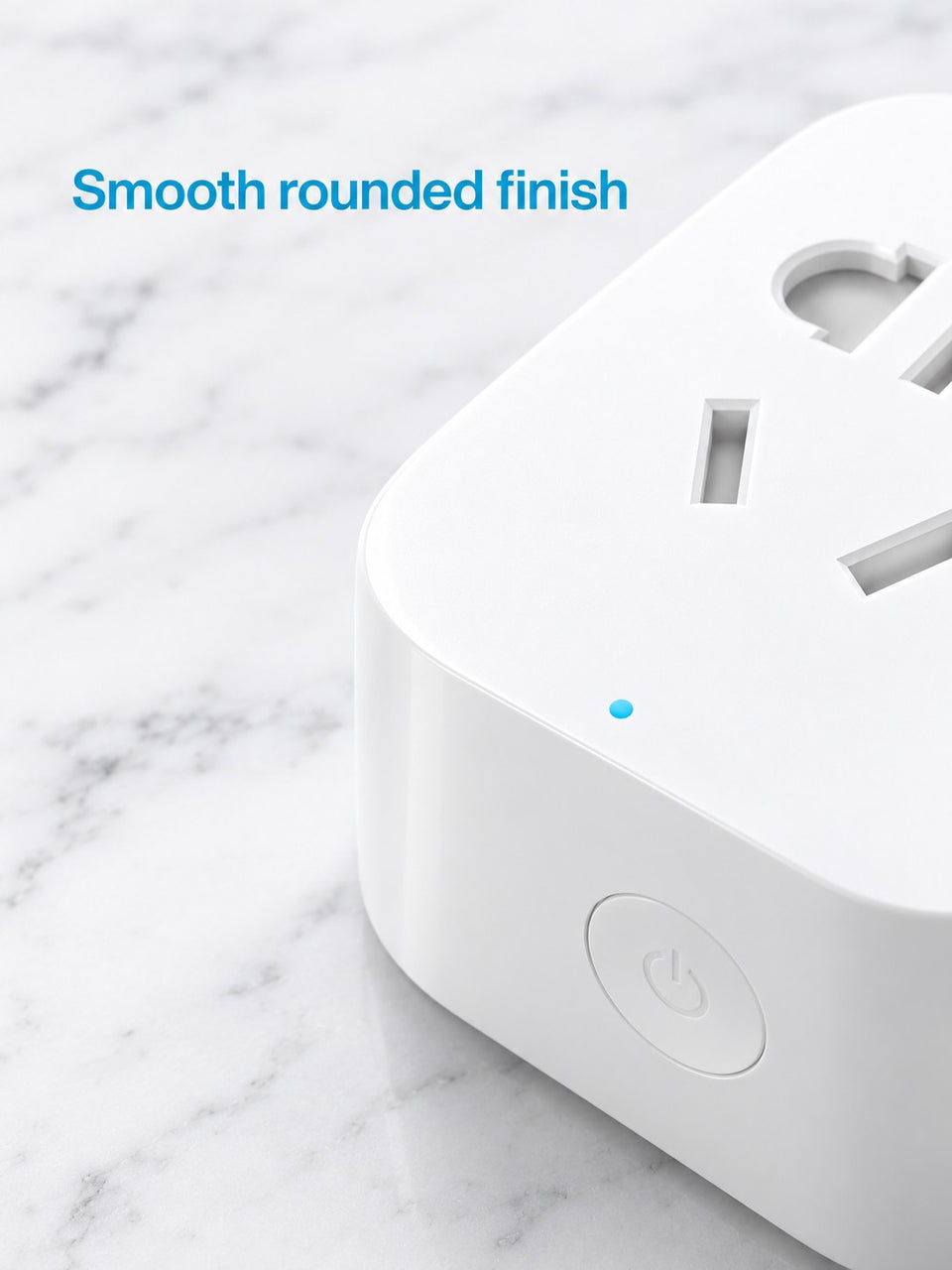
The housing is flame-retardant, and the plug includes surge protection and an overload alarm. These are the protections printed on the packaging. The plug is plastic, so keep it on a stable outlet and check the load of anything you plug in.
Insert the socket into a Chinese-standard three-pin outlet or a power strip. The light flashes yellow, which means it is ready to pair.
Open the Smart Home app and tap the '+' in the upper right corner to add the socket. Choose your WiFi network and enter the password.
When the light turns solid blue, setup is complete and the socket is ready for remote on and off control.

You are halfway down the street and the thought arrives: was the heater still on? Going back means a detour and a late start. Staying away means a whole day of low-level doubt. Timers run on a fixed schedule and cannot follow a change in plans, and manual switches only work if you are standing next to them.

This Xiaomi WiFi socket fits into the outlet you already use. Plug your lamp, fan or heater into it, connect it to your home WiFi through the Smart Home app, and every switch-on or switch-off moves to your phone. No hub and no wiring work are needed.

Picture the walk to the door, one glance at the app, and a tap that turns the lamp off. The room is quiet, the heater is off, and you keep going with your day. Start with one plug and see how much mental load a single switch can carry.
The yellow light flashes while you add the socket in the app. Choose your WiFi network, enter the password and wait for solid blue.
Switch a lamp or fan on and off from your phone. Test the controls a few times until the app feels familiar.
Checking the heater or turning on a light before you get home becomes part of your routine.
| This | Smart bulb | Fixed timer | |
|---|---|---|---|
| Controls any plugged-in appliance | Yes | No | Yes |
| Needs a hub | No | Partial | No |
| Remote control on demand | Yes | Yes | No |
| Changes when your plans change | Yes | Yes | No |
It is made for Chinese-standard three-pin socket outlets. Check your wall plug type before you order, because it will not fit other socket shapes.
Yes. The packaging shows the socket on a power strip, and the front power button stays reachable when it is plugged in that way.
Plug it in and wait for the yellow light to flash. In the Smart Home app, tap the '+' in the upper right corner, choose your WiFi network and enter the password. Setup is done when the light turns solid blue.
The housing is flame-retardant and the plug includes surge protection and an overload alarm. A remote switch does not replace supervision, so check the heater's own safety features and keep the load within what the outlet can handle.
A smart bulb only controls lights and often needs a hub. A timer follows a fixed schedule and cannot respond when your plans change. This plug works with any appliance you connect to it and switches on demand from your phone.


 Xiaomi WiFi Smart Plug: Control Appliances From Your Phone