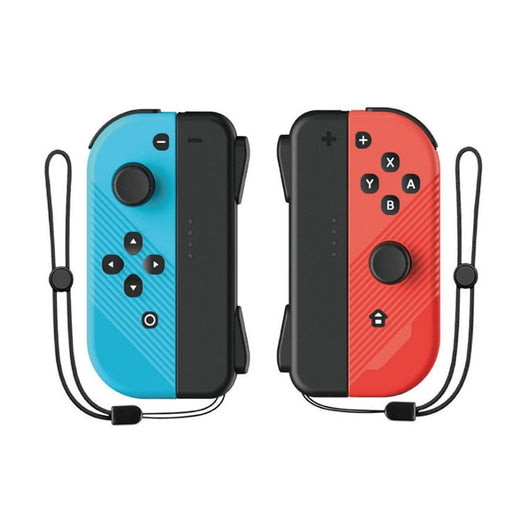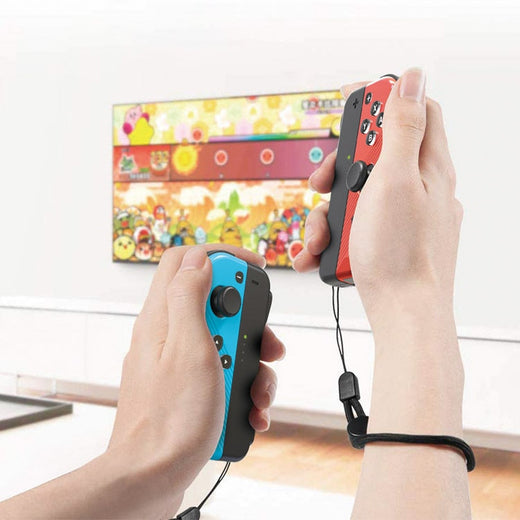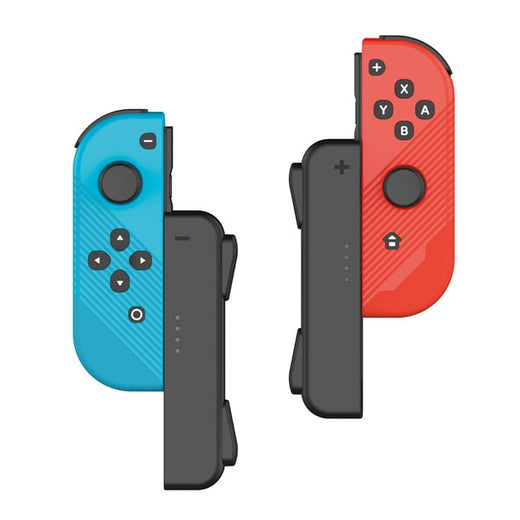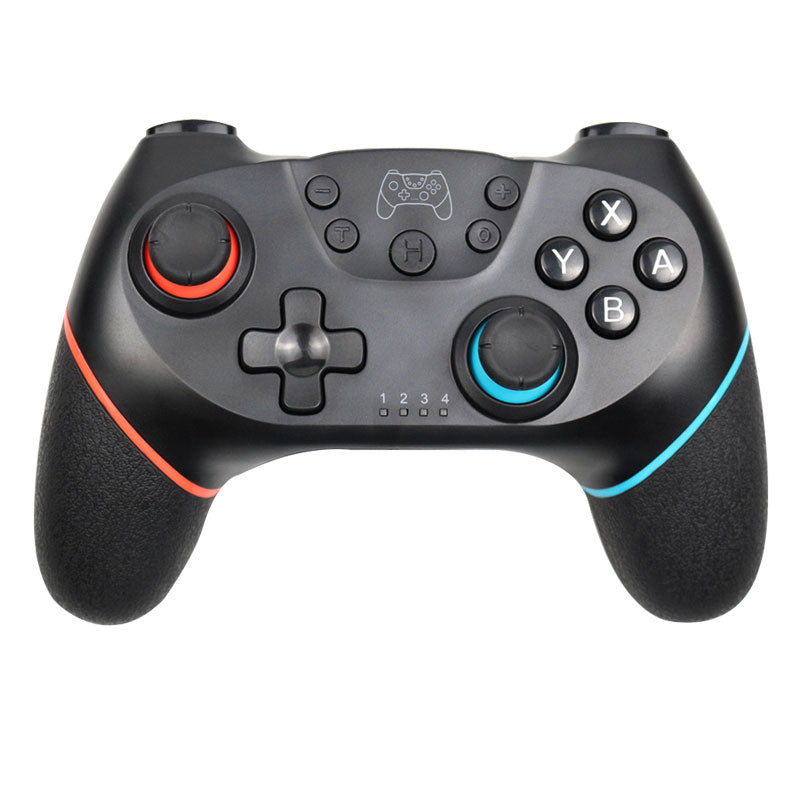
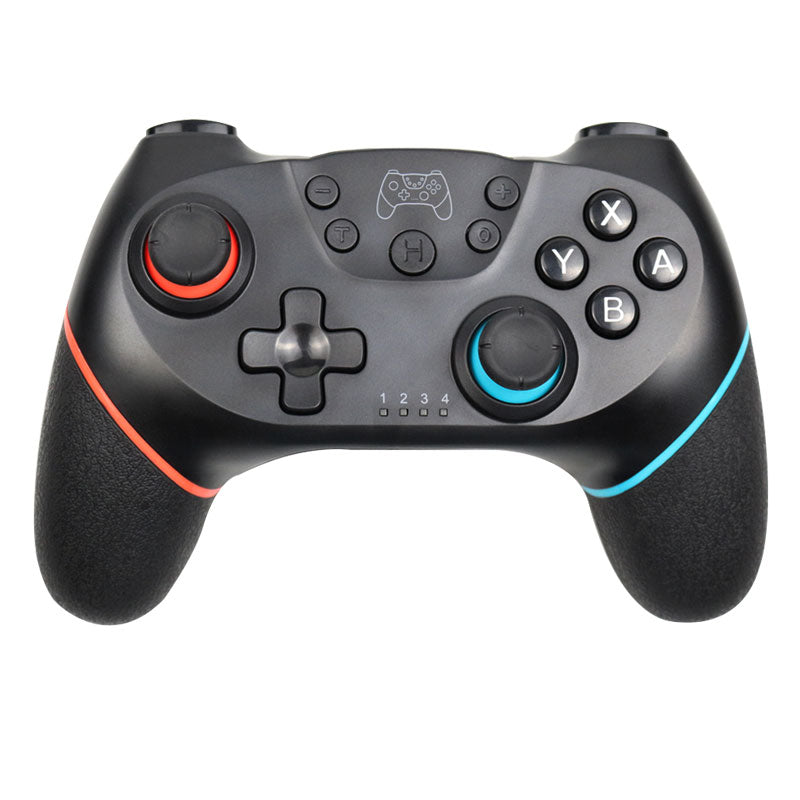
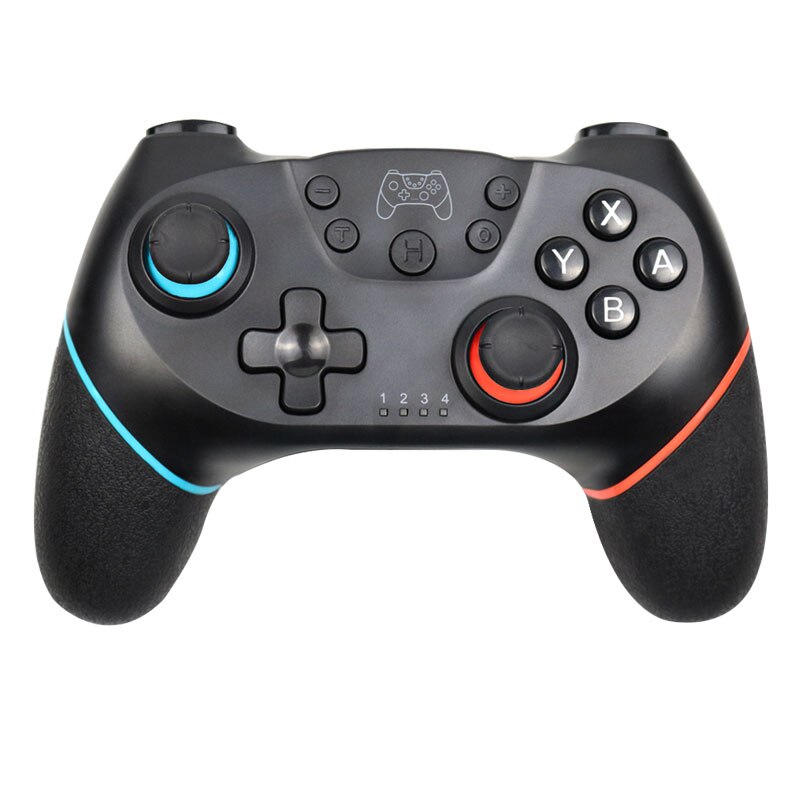
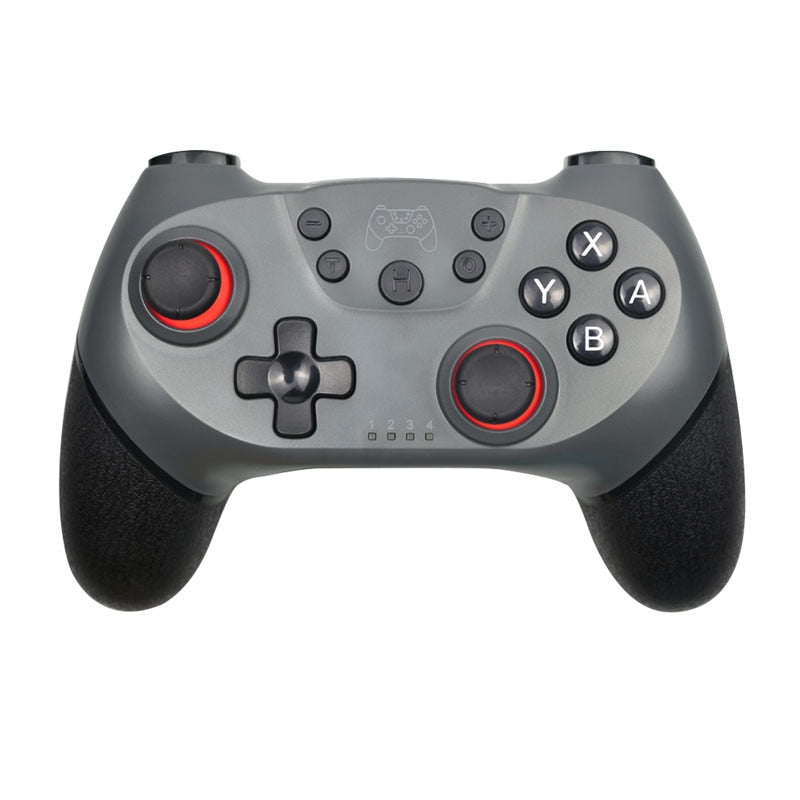
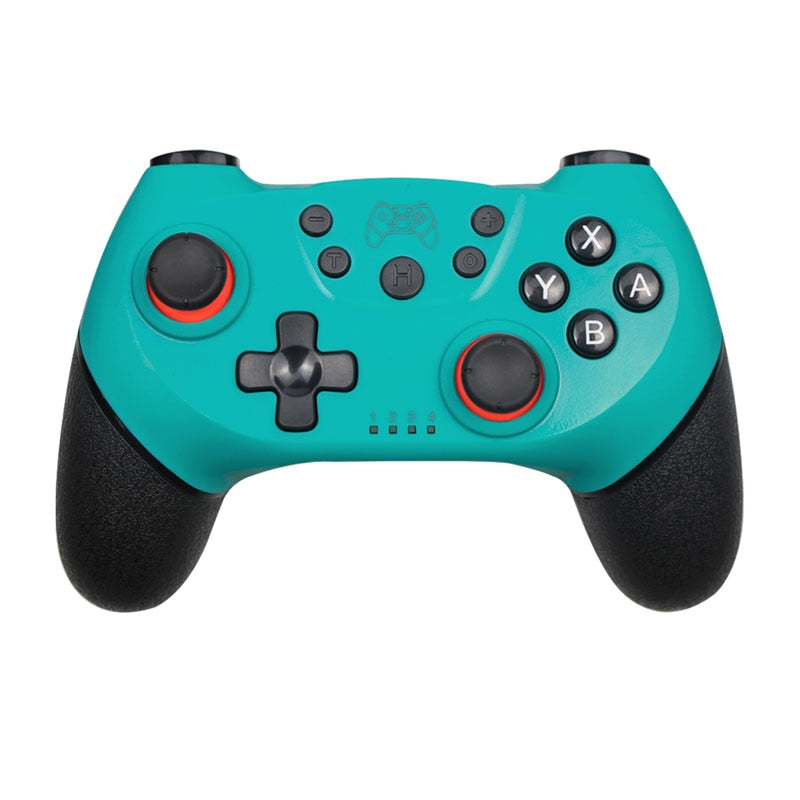
Wireless Switch Gamepad — 5h Battery, Dual Motor Vibration
Extended Battery, Immersive Vibration
A controller that stays alive through the longest raids and still feels great in your hands — dual motor haptics, 6‑axis motion, and a grip that never gets slippery.

The Three Reasons to Switch
Battery anxiety, numb haptics, missing motion — not here.

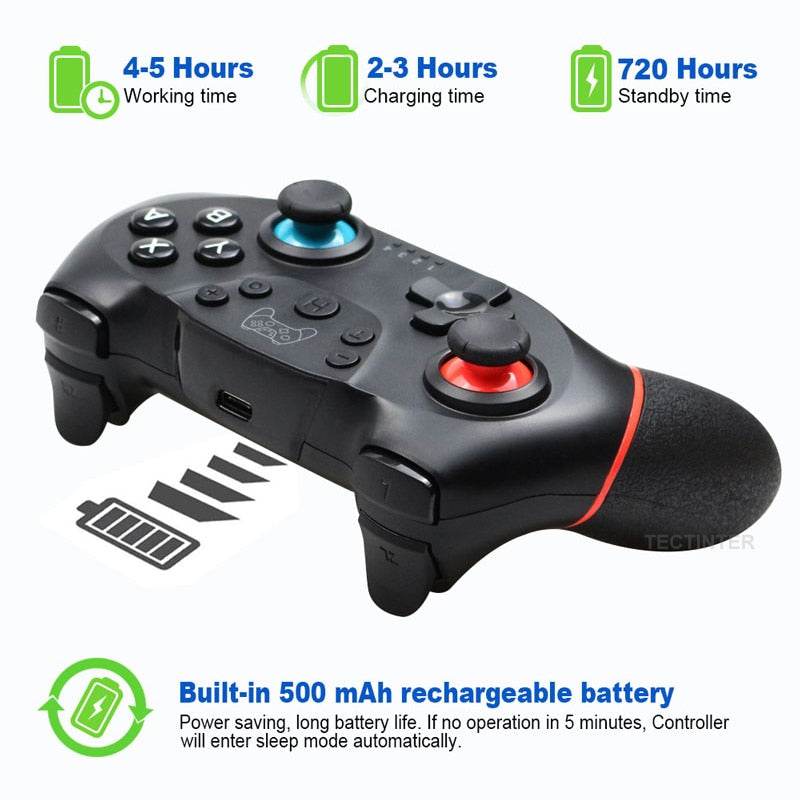
5‑Hour Sessions, Zero Interruptions
A 500 mAh cell gives you 4–5 hours of wireless play — more than enough for a full evening of Zelda. Recharges in under 3 hours and sips power in standby, so you can leave it on the couch and come back days later.

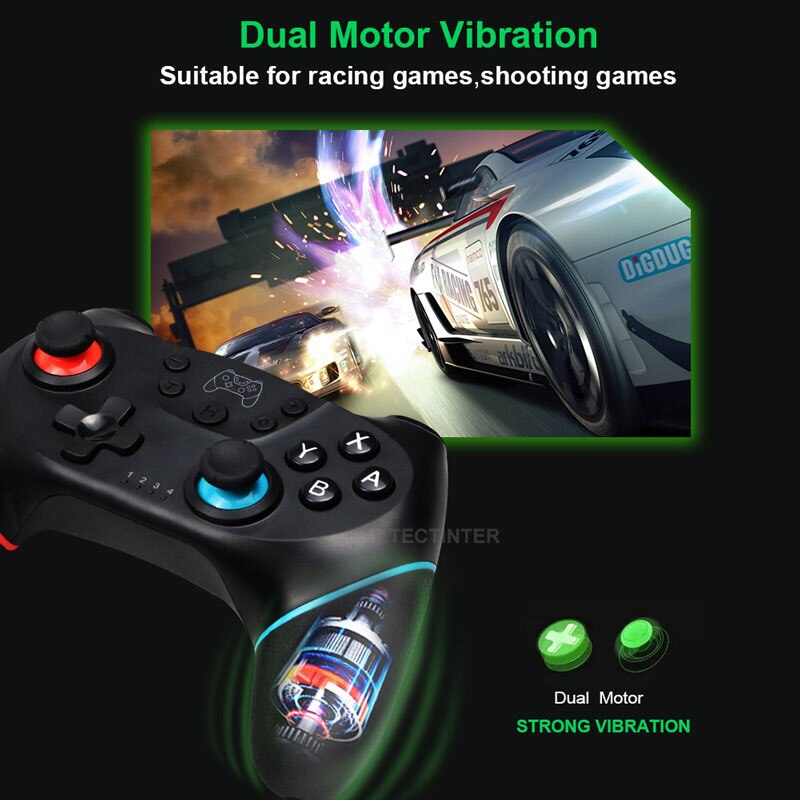
Feel Every Crash, Landing and Drift
Two motors create directional rumble that mimics the game — a car skidding, a shotgun blast. In racing and shooters, the feedback is precise enough to give you a competitive edge.

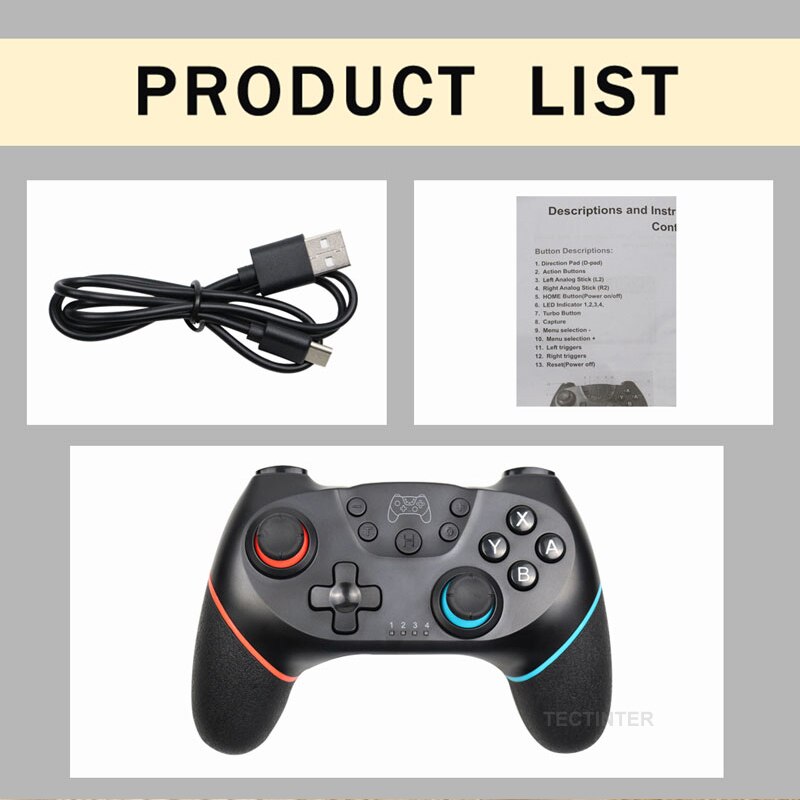
Everything in the Box
You get the controller, a USB‑C charging cable, and a clear manual. Nothing extra to hunt down. Just unbox and pair — it remembers your console after the first time.
What Buyers Say
Straight from real gaming sessions.
Battery lasts a full Sunday session with room to spare. The rumble in Forza feels surprisingly close to the official thing.
I was shocked by the motion controls. They work exactly like my Joy‑Cons but in a real grip. Splatoon feels new again.
Good weight, solid buttons. The analog sticks could be a tiny bit tighter, but for the price I’m not complaining.
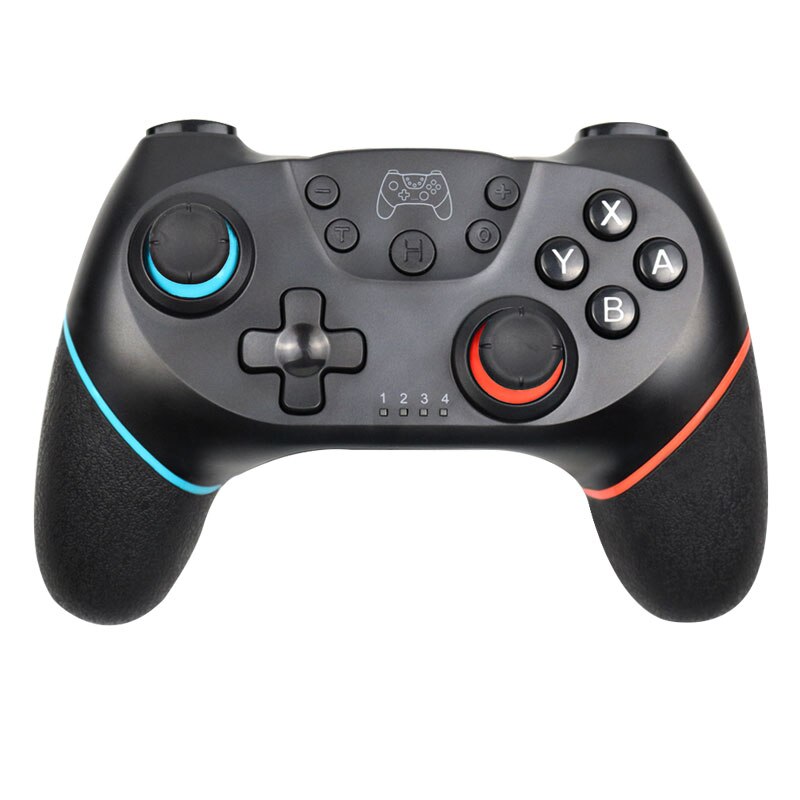
Bought this for my nephew and he won’t put it down. The neon rings are a nice touch — looks way more premium than it costs.
Works out of the box with my Switch. The battery life is true — I got 4.5 hours straight.
Gave my old controller away. This one has better rumble and the grip doesn’t get sweaty.
I use it for PC gaming too — connects to Steam without tinkering. The motion also works in Yuzu.
Wish it had a headphone jack, but for the price I’ll live. Battery life is insane.
Perfect for our weekly Mario Kart nights. No dropouts, no drift. Just grab and go.
Pair in 30 Seconds
Plug in, press a button, play.
Charge first
Use the included USB‑C cable to top up the battery. A full charge ensures the firmware sync runs smoothly.
Press Home
Hold the Home button until the LED starts flashing. That puts it in pairing mode.
Connect on Switch
Go to System Settings → Controllers → Change Grip/Order. The controller appears — press L and R to lock in.
Test the motion
Launch a motion‑enabled game. Tilt the controller — movement should be 1:1. If not, recalibrate from the Switch menu.
Forget re‑pairing
Once connected, the controller remembers your console. Just wake it up by pressing Home next time.
By the Numbers
Hard specs for anyone who does their research.
This vs Official Pro Controller
A quick side‑by‑side for the facts‑first buyer.
| This GamepadBEST VALUE | Official Pro | |
|---|---|---|
| Battery life | 4–5 hrs | ~6 hrs |
| Motion control | Yes | Yes |
| Rumble type | Dual motor | HD Rumble |
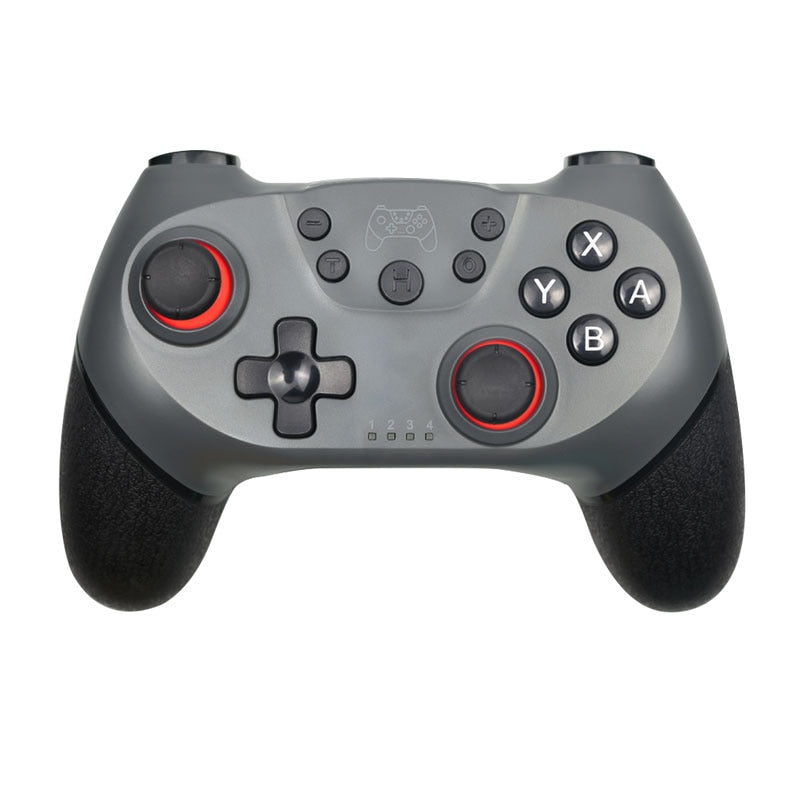
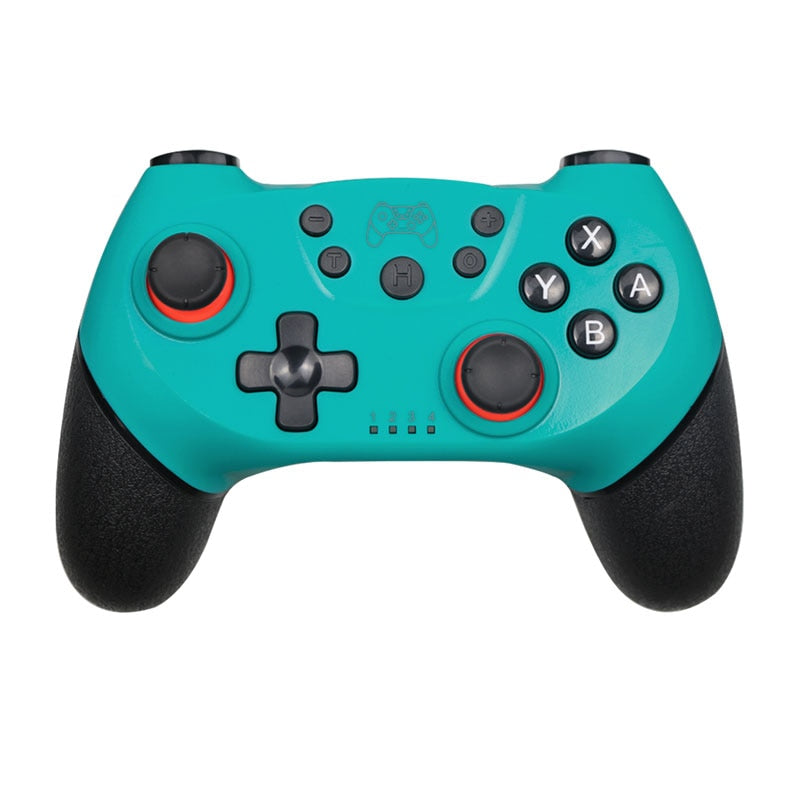
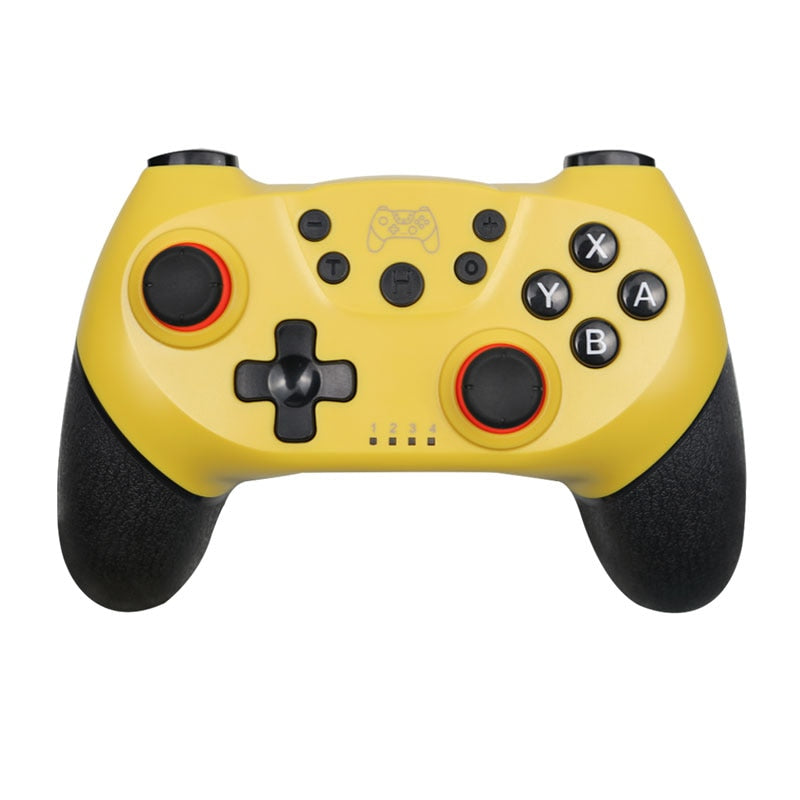
| Analog sticks | LED-illuminated | No lighting |
| Grip texture | Rubberized back | Soft-touch plastic |
| Weight | ~230 g | ~246 g |
| Price (approx.) | $$ | $$$ |
The Package
Exactly what arrives at your door.
From Frustration to Flow
Long sessions cut short by a dead battery. Buttons that feel mushy after a week. We solved that.
About this item
Finally, a Switch controller that lasts as long as you do. With 5‑hour battery, dual motor vibration, and true 6‑axis motion, it turns any game into a full‑body experience — without the official price
Extended battery life with dual motor vibration for immersive gaming experiences
- limited battery life in gaming sessions
- lack of haptic feedback in lower-tier controllers
- uncomfortable grip during extended play
- compatibility issues with Switch console
Before You Order
Answers to the real questions we get.