
$59.90
Free delivery · 7–14 days
Bluetooth Audio Transmitter & Receiver Adapter



Late-night TV does not have to mean choosing between the room and the volume. This compact adapter sends sound from a TV or PC to wireless headphones, or pulls music from a phone into an older car stereo. One slide switch picks the mode.
Read the full descriptionLate-night TV does not have to mean choosing between the room and the volume. This compact adapter sends sound from a TV or PC to wireless headphones, or pulls music from a phone into an older car stereo. One slide switch picks the mode.
One small adapter that makes any AUX device wireless, as transmitter or receiver
Stop tethering yourself to the TV or stuck with an old stereo. One small adapter sends or receives Bluetooth so you can listen your way.

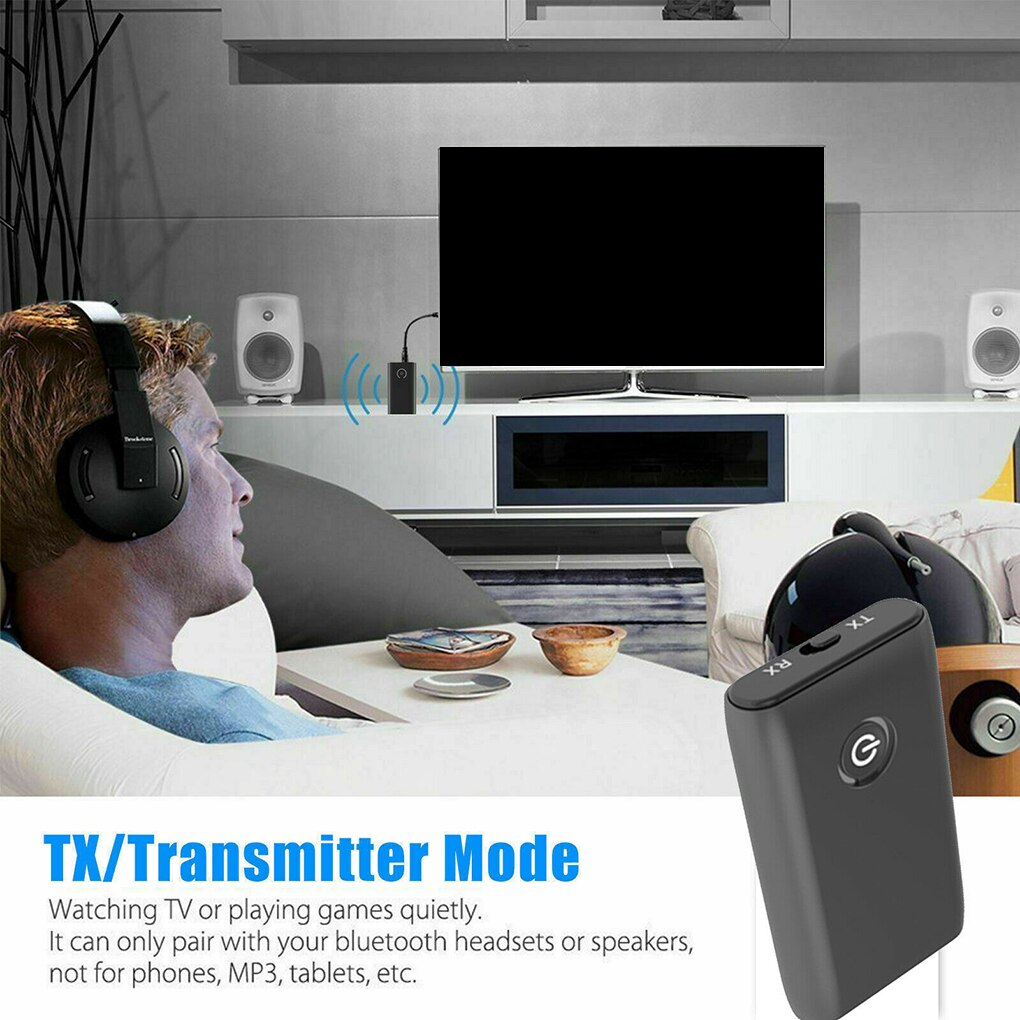
One slide sets the adapter as a transmitter or a receiver. Set it to TX to send sound from a TV, PC or player to your headphones. Set it to RX to pull music from a phone into a car stereo or hi-fi. Same box, same AUX plug, no second device to buy.

Built-in Bluetooth 5.0 pairs with headsets and speakers after one press of the power button. The illuminated button lights up when the unit is on, so you can see at a glance that it is running.

The 3.5mm plug fits TVs, PCs, car stereos and speakers. The compatibility view lists TV, PC, speakers, GPS units, e-readers and media players, so the same adapter moves between rooms and vehicles.
Slide the switch to TX when a TV or PC sends sound to your headphones. Slide it to RX when a car stereo or hi-fi AUX input should receive music from your phone.
Connect the 3.5mm cable to the TV, PC, or car AUX jack. Keep the unit close to the source because the cable is short.
Press the power button. The illuminated ring lights up once the unit is running. Select the adapter on your headphones, speaker or phone, and the link is ready.
Route the cable behind the TV or stereo and keep it out of foot traffic. A few cable organizers do the job neatly.
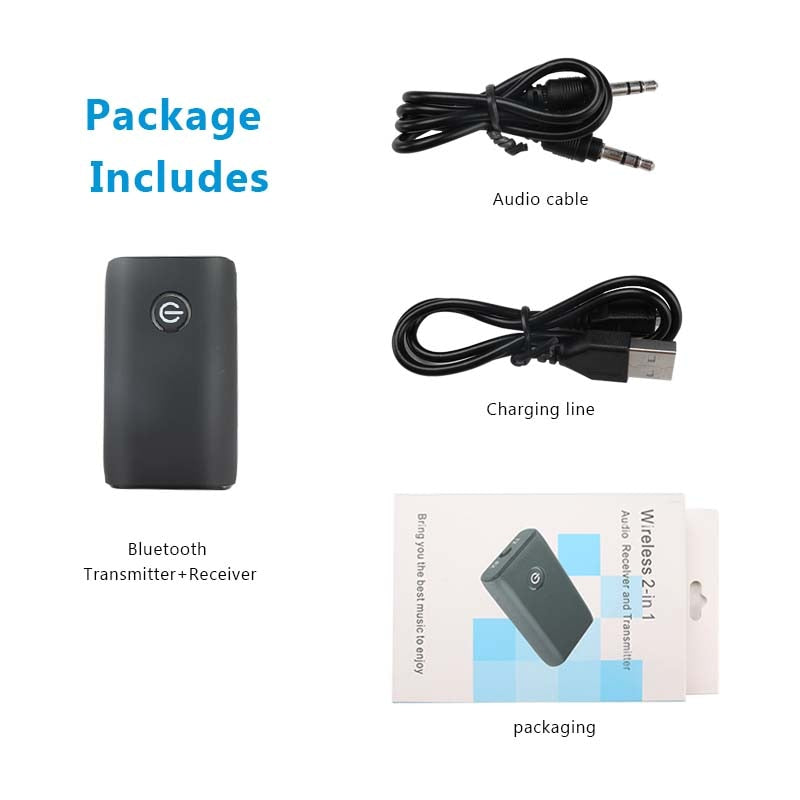
Compact matte black housing with TX/RX slide switch and illuminated power button.
Short cable with a standard 3.5mm plug at each end, long enough to reach the nearby jack.
Yes, as long as the device has a 3.5mm AUX or headphone output. Set TX for a TV or PC so the adapter sends sound to your headset. Set RX for a car stereo or hi-fi AUX input so it receives sound from your phone. A device with no AUX or headphone jack needs a different adapter.
Slide the switch on the side of the unit. TX sends audio out of the adapter, RX takes audio in. Then press the power button to switch it on and pair.
The listing does not publish a latency figure, so run a short test with your own setup before a long session. TV shows and music are comfortable over Bluetooth. Fast-paced games and rhythm titles are where a small lag shows first, so keep a wired option nearby for those.
The unit pairs with Bluetooth headsets or speakers. Pair one device at a time, then pick the adapter from that device's list. If you want a dedicated speaker for the room, look at compact bluetooth speakers.
Usually yes, if the gear you own still works. A new wireless headset or stereo costs far more than this adapter. The adapter uses the AUX jack your TV, PC, or car already has and turns it into a wireless link.


 Wireless Bluetooth 5.0 Audio Adapter for TV and Car