
$149.90
Free delivery · 7–14 days
Gaming Mouse 16400 DPI with 9 Programmable Buttons
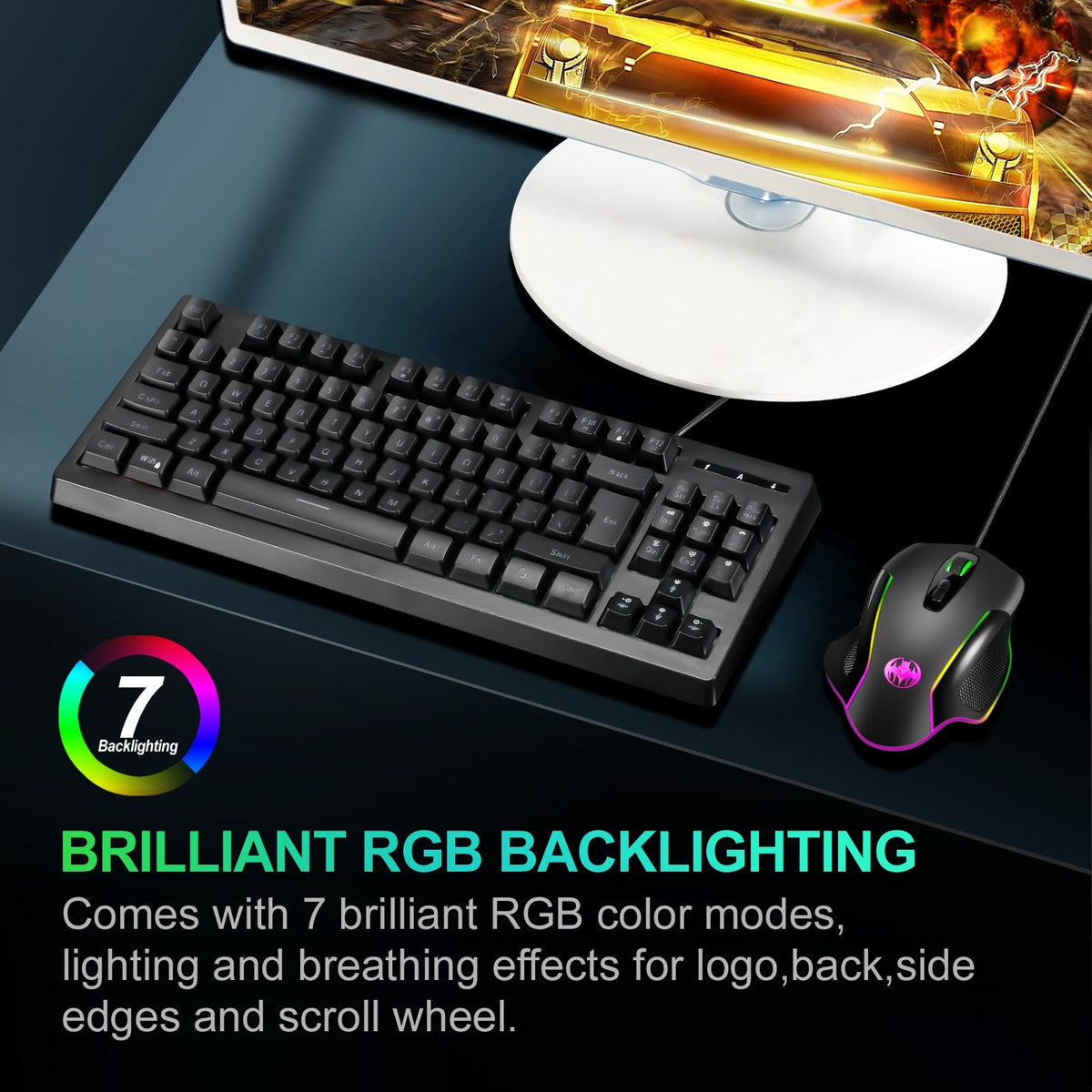


Your desk can look like a gaming rig without the premium price. This wired optical mouse runs seven RGB color modes with breathing effects across the logo, side edges and scroll wheel. Thumb macro buttons and rubber side grips keep the session comfortable from first match to late study.
Read the full descriptionYour desk can look like a gaming rig without the premium price. This wired optical mouse runs seven RGB color modes with breathing effects across the logo, side edges and scroll wheel. Thumb macro buttons and rubber side grips keep the session comfortable from first match to late study.
Seven RGB backlighting modes with breathing effects for a customizable gaming look
Your setup sits dark and forgettable while you grind. Plug in this wired RGB mouse and seven breathing color modes light up the logo, side edges and scroll wheel.

Seven RGB color modes run across the logo, back, side edges and scroll wheel. The breathing effects swell and fade slowly, which suits a dim room. Pick a bright mode for a match or a soft pulse for late-night study.

Thumb-side macro buttons sit where your thumb rests, so quick in-game actions do not pull your hand off the mouse. The top layout keeps the scroll wheel light visible while you play. If you run a wider sweep, a mouse pads surface gives the mouse more room.

Textured rubber side grips and a sculpted ergonomic shape keep your fingers planted through long sessions. The body is matte plastic with glossy side accents, a budget build that does its job without the weight of a premium shell.
The matte black mouse arrives in a simple wrap. Lift it out and feel the sculpted shape in your palm.
The wired cable runs out of the back of the mouse. Lay it along the edge of your desk so it stays out of your way.
Connect the USB plug to your PC. The logo and side strips light up right away in the default glow.
Press the mode button to step through the seven RGB modes. Settle on the breathing effect for late sessions or a steady color for daytime play.
Long study nights and ranked sessions happen at a desk with one dull lamp and a mouse that gives you nothing back. By hour three the plain shell feels slippery and the whole corner looks like an afterthought next to a friend's glowing rig.
Plug in and the logo, side edges and scroll wheel wake up in the default glow. Press the mode button and the mouse steps through seven RGB modes, from steady color to slow breathing pulses. The desk changes the moment the light comes on.
The sculpted shape sits well in the hand and the textured rubber side panels keep your grip where you left it. Thumb-side macro buttons are in reach for quick shortcuts, so you stay on the game instead of fighting the mouse.
| This wired RGB mouse | Plain office mouse | No-name RGB mouse | |
|---|---|---|---|
| RGB color modes | — | Varies | |
| Breathing light effects | — | Varies | |
| Thumb macro buttons | — | Varies | |
| Textured rubber grip panels | — | Varies | |
| Wired connection |
The shell is matte plastic with glossy side trim, so this is a budget build, not an aluminum one. The rubber side grips and the wired connection are what you rely on every session, and there are no batteries to wear out. For a student or a casual PC gamer, that trade is the point: the lights and macro keys without a premium price tag.
The lighting cycles from the mode button on the mouse, so nothing has to be installed to get the glow. The seven keys include thumb-side macro buttons that work out of the box. Check the packaging if you plan to build custom macro sequences.
The side panels are textured rubber and the shape is sculpted for the hand. Most people find the grip stays put through a long night of play. Keep your hands dry, since a sweaty grip will slip on any mouse.
A plain office mouse has no lights, no thumb keys and a smooth grip. This one adds seven RGB modes, breathing effects and macro buttons at a budget price. If you game more than you type, the extra keys and the lit desk are a cheap upgrade.
The cable length is not listed in the product details, so measure the distance from your USB port to where the mouse sits before you buy. The cable runs out of the back of the mouse, which keeps it tidy along the desk edge.


 Wired RGB Gaming Mouse with 7 Breathing Light Modes