
$41.90
Free delivery · 7–14 days
Fortnite Xbox One Console Skin Kit with Controller Skins


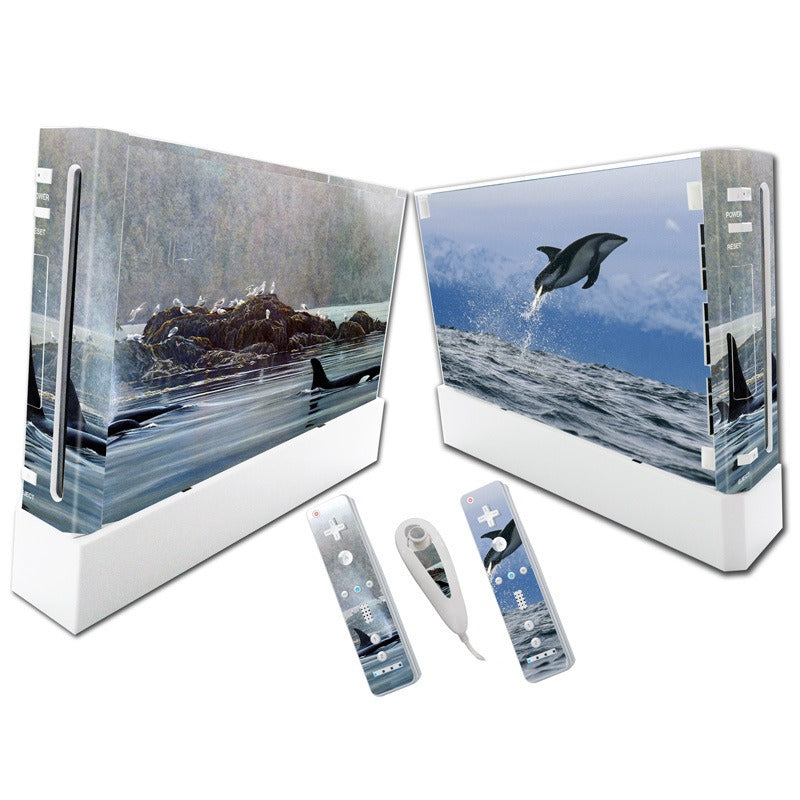


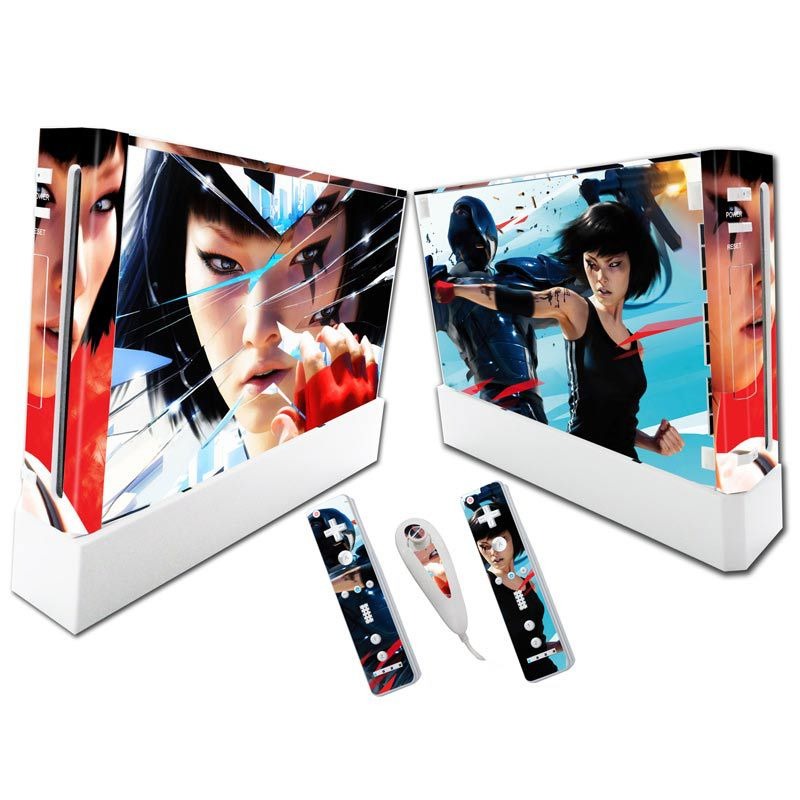
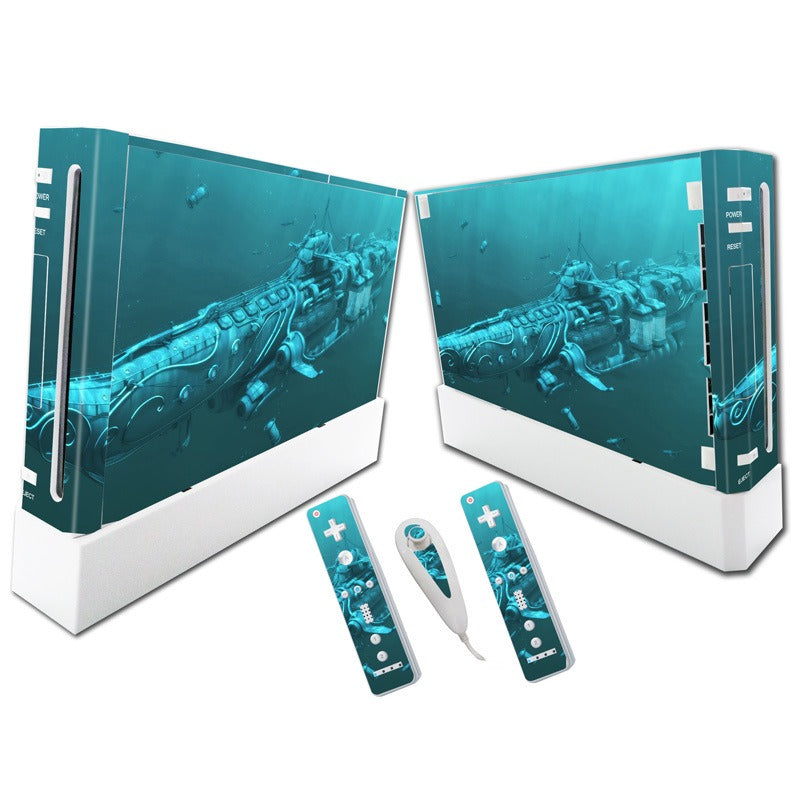


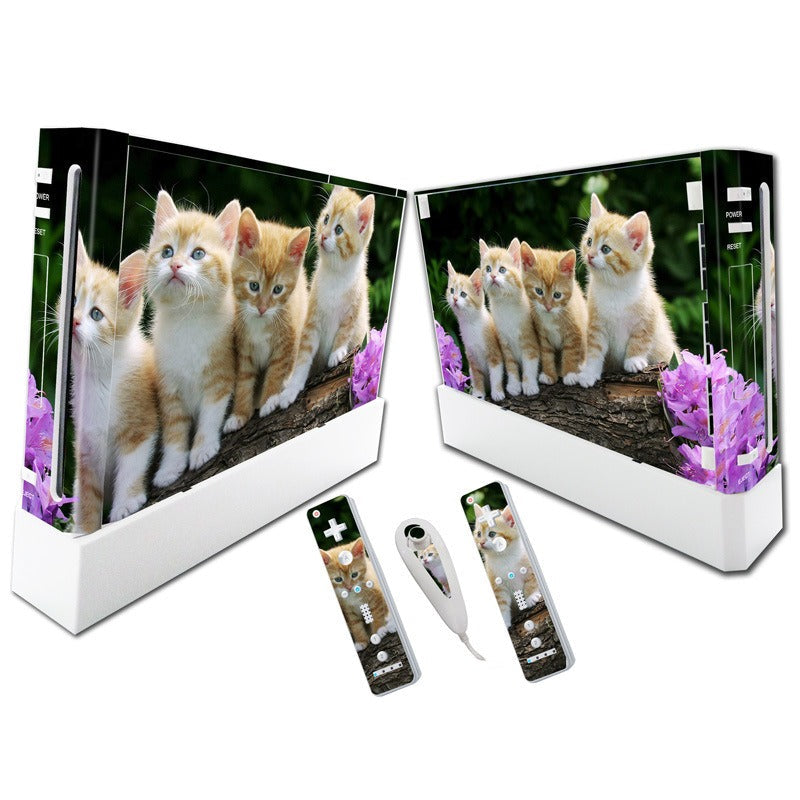

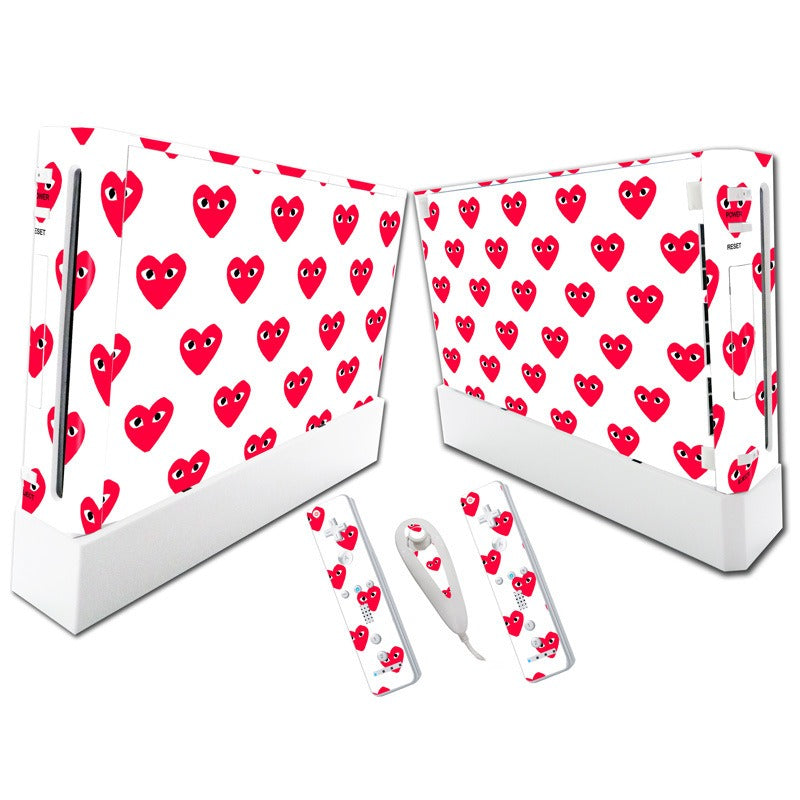


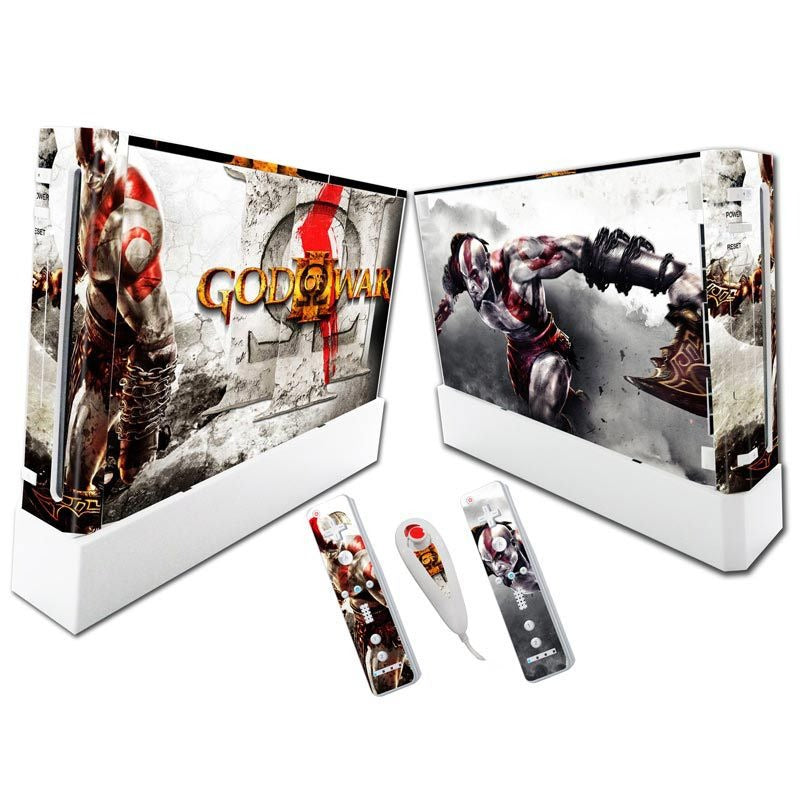


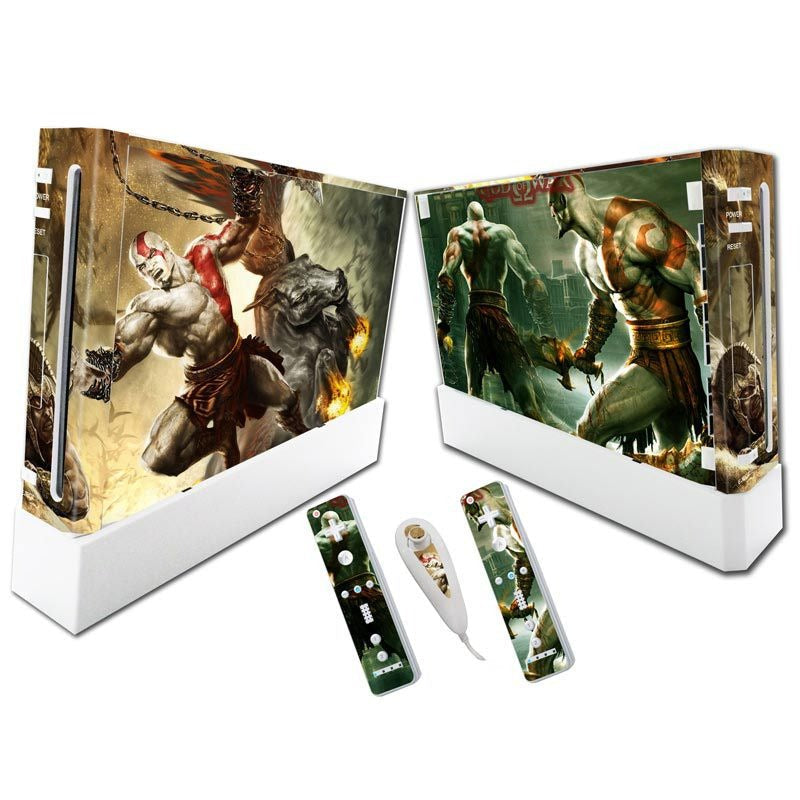

Your white Wii has looked the same since the box came open. Wrap the console and all three controllers in one matched vinyl skin and the whole setup finally reads as yours. The skin is removable, so the look can change whenever the mood does.
Read the full descriptionYour white Wii has looked the same since the box came open. Wrap the console and all three controllers in one matched vinyl skin and the whole setup finally reads as yours. The skin is removable, so the look can change whenever the mood does.
Full-body protective skin that turns a plain white Wii into a bold, personalised setup in minutes
Your console has looked the same since the day you unboxed it. Peel on a full-body skin set and the whole setup wears your style, scuffs and all.

You get a console front and side skin, two Wiimote skins and one Nunchuk skin, all printed in the same artwork. Set them side by side and the console and controllers look like they were bought as a set.

Openings sit around the power and reset buttons, the disc slot, the d-pad and the face buttons. Nothing blocks a port, and every button sits where your thumb expects it.

The vinyl is self-adhesive and removable, so the design can come off when you want a new look. Peel it back and the white plastic underneath is still there, ready for the next theme.
Wipe the console and both remotes with a dry cloth. Dust and oil stop the vinyl from sitting flat.
Set the front skin so the power, reset and disc slot openings line up with the real buttons and port before you press anything down.
Press the middle first, then work outward with a soft cloth to push out air. Do not stretch the skin over a button, since stretching lifts the edges and leaves wrinkles.
Go over the corners and edges with your fingertip so the vinyl grips. Finish the Wiimotes last, lining up the d-pad and buttons first.
Front and side panels with cutouts around the power, reset and disc slot.
Matched remote skins with d-pad and button openings.
Completes the set so every controller matches the console.
The set is cut for the white Wii console with its front and side panels, plus the standard Wii Remote and Nunchuk. The openings follow the original shell layout, so check your console shape before you order.
The skin is self-adhesive and built to lift off so you can change designs whenever you like. Peel slowly from one corner, and wipe the plastic clean and dry before you apply. If you want to be sure how it lifts on your console, start with one small area.
Yes. The console skin has openings for the power and reset buttons and the disc slot. The remote skins have openings for the d-pad and buttons. Align those openings first, then smooth outward from the centre.
A silicone case covers the console in rubber and hides the design. A skin changes the look of the whole setup for a fraction of the effort, and because it is removable, one set can carry you through several redesigns. The cost per design drops fast.
No. Anyone who wants a personal living room setup will like it, and it makes a sharp gift for a gamer. The designs run from bold graphic mushroom art to nature photography, so the choice suits a retro shelf or a TV unit.


 Wii Console Skin Stickers: Full-Body Protective Vinyl Wrap