

$69.90
Free delivery · 7–14 days
Retractable Wireless Earbud with Recorder & MP3 Player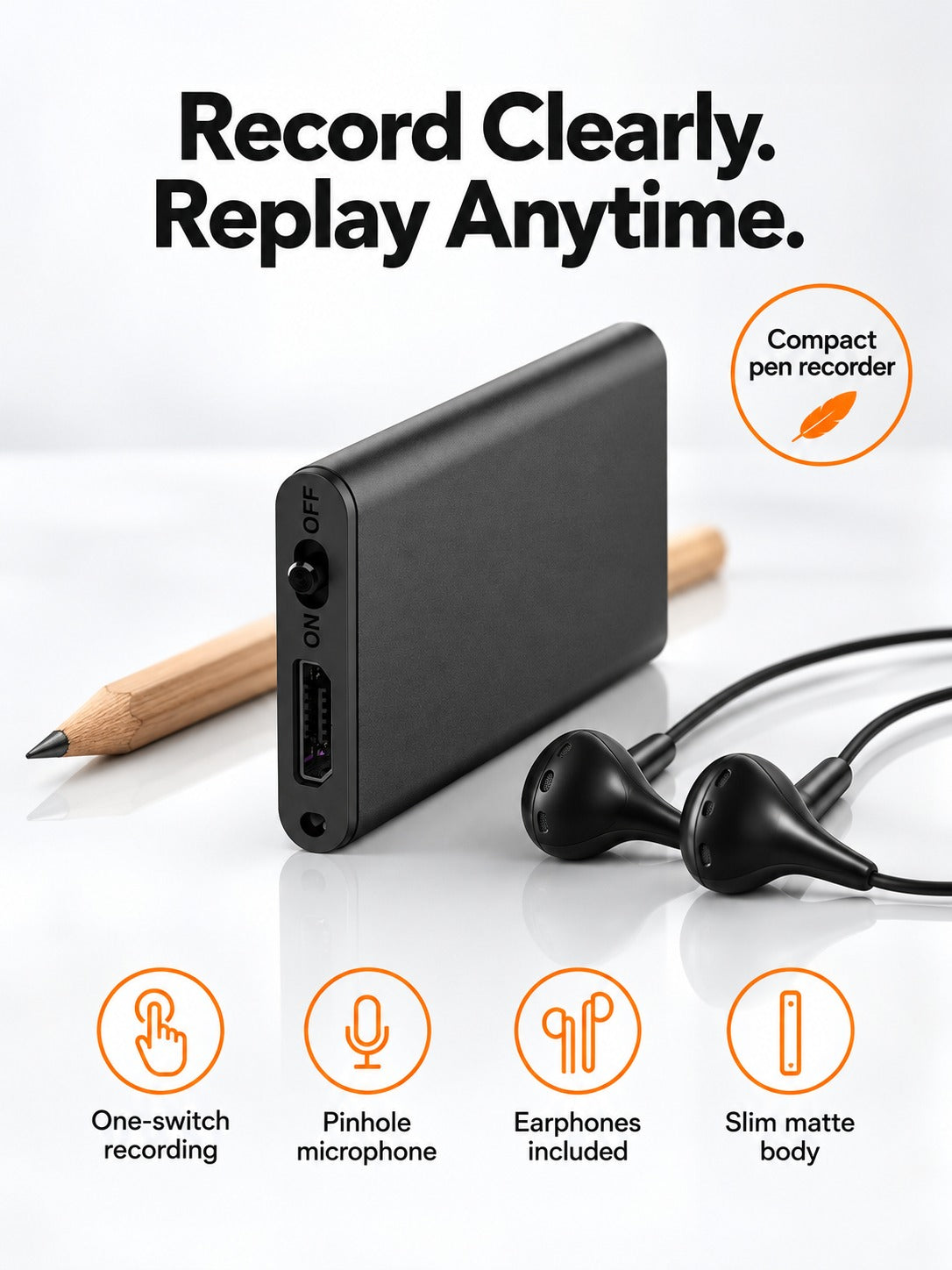
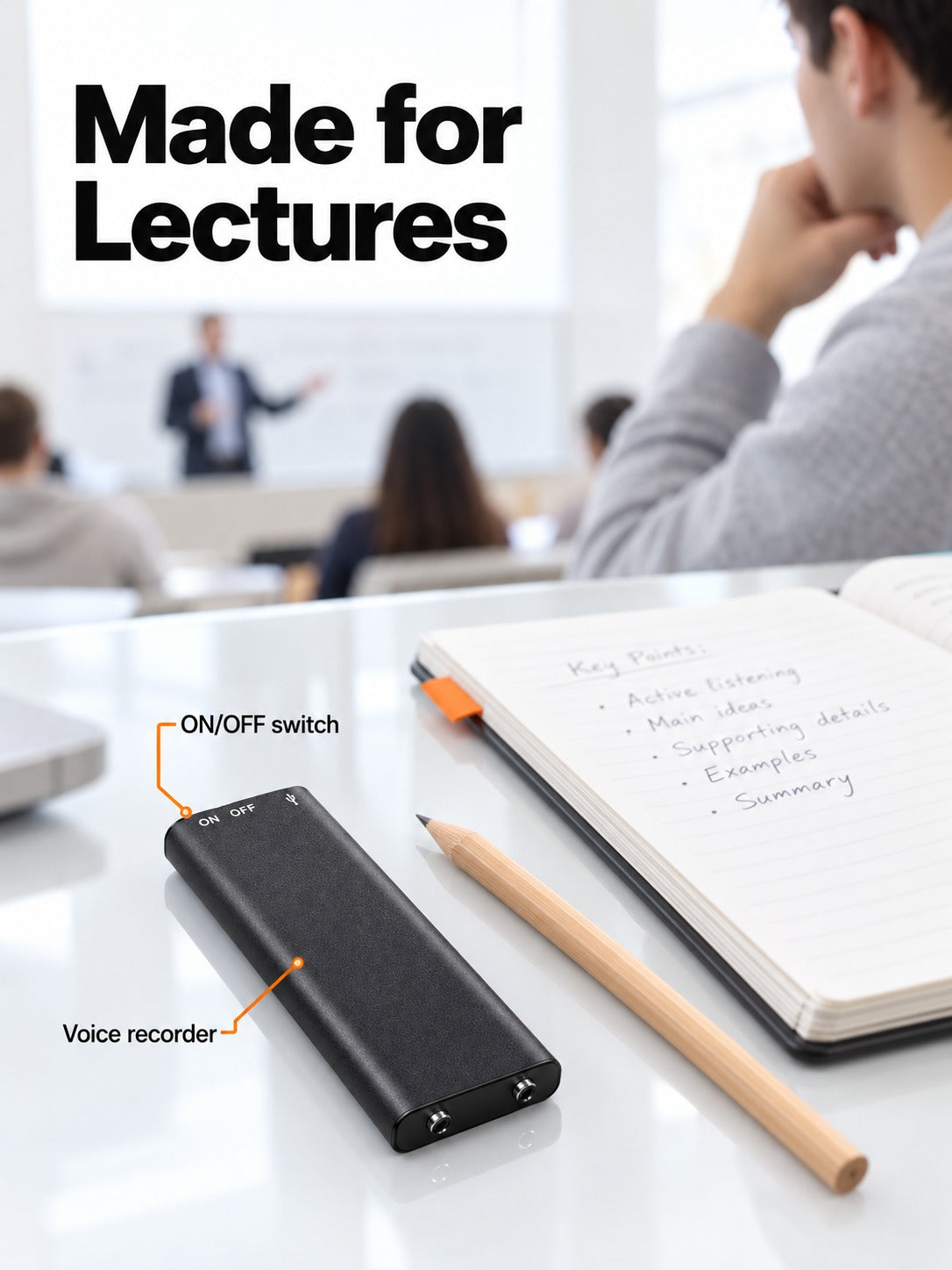
Get the whole lecture, meeting or interview on record with one switch. The matte black pen sits on the desk like any other pen, so people talk freely. Replay the exact moments you need later.
Read the full descriptionGet the whole lecture, meeting or interview on record with one switch. The matte black pen sits on the desk like any other pen, so people talk freely. Replay the exact moments you need later.
Discreet one-switch recorder for capturing study, meeting and interview audio
Stop juggling a notepad and a half-heard sentence. Flip one switch and the whole lecture, meeting or interview is on record, ready to replay.

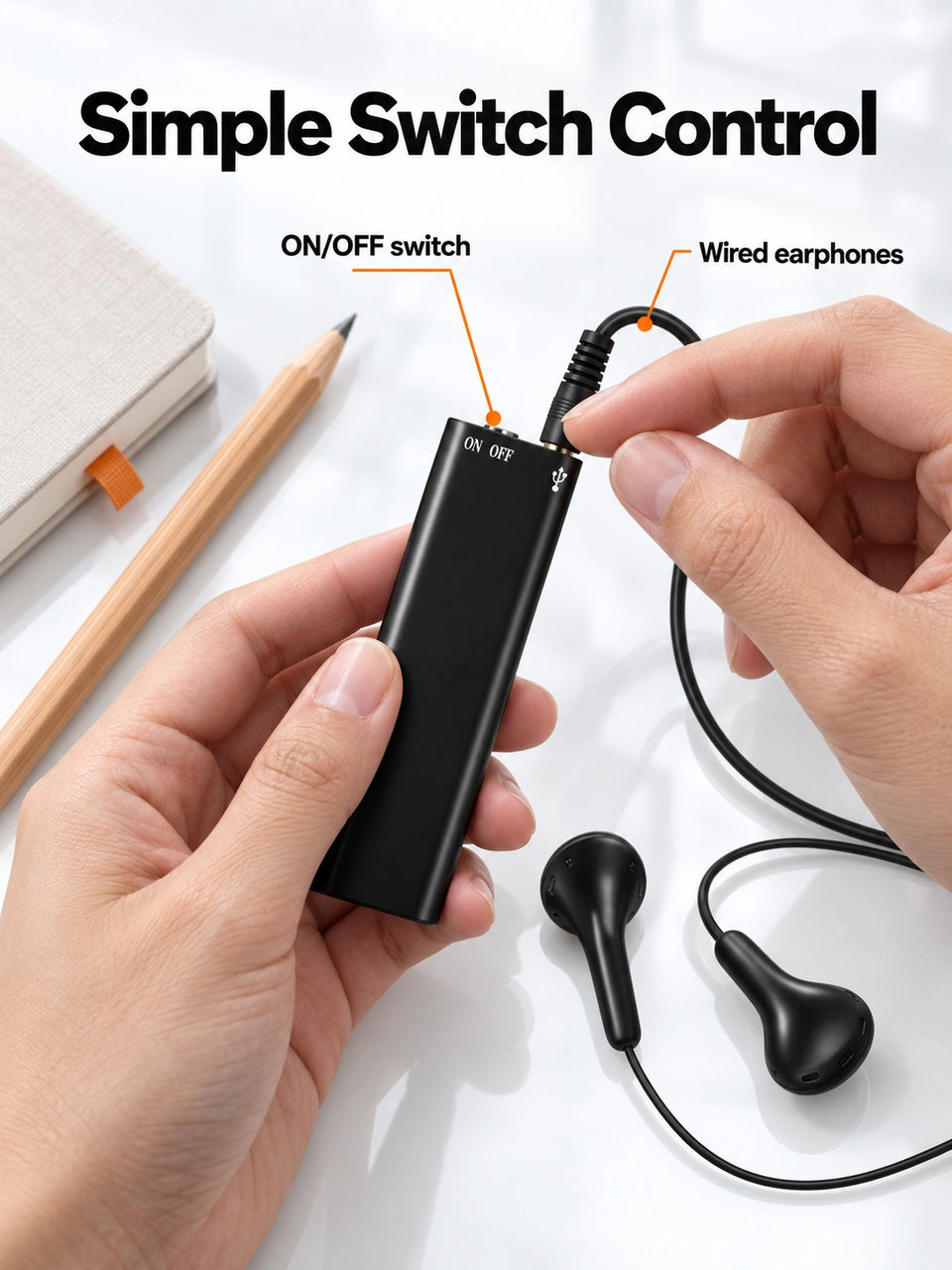
The ON/OFF slider starts recording the moment you push it. No menus, no pairing, no app to open first. Set the pen on the table, slide the switch, and keep your eyes on the speaker instead of a screen.

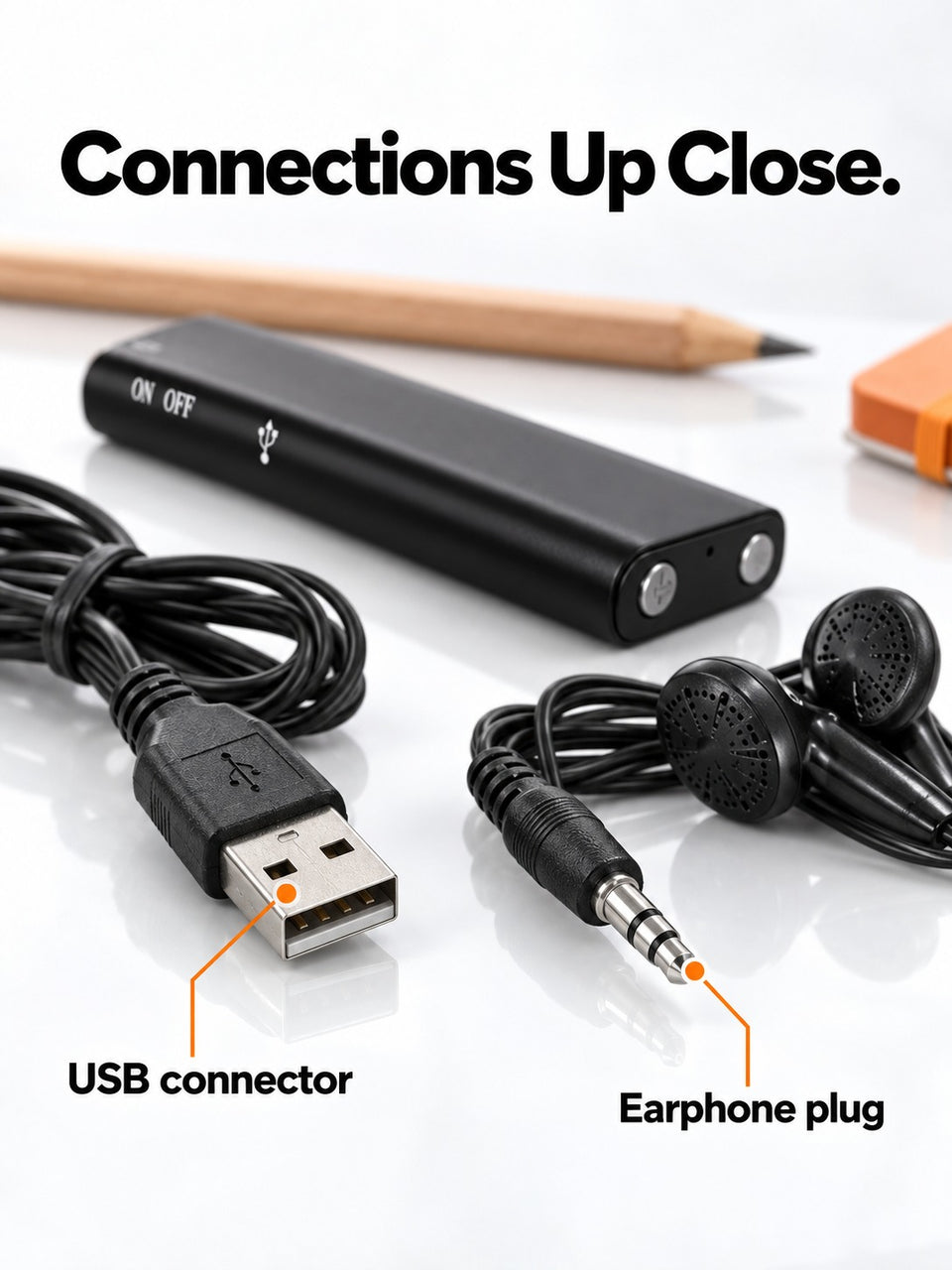
Plug the included wired earphones into the 3.5mm jack and listen back on the spot. When you need the file on a computer, the USB cable moves recordings over in one connection.

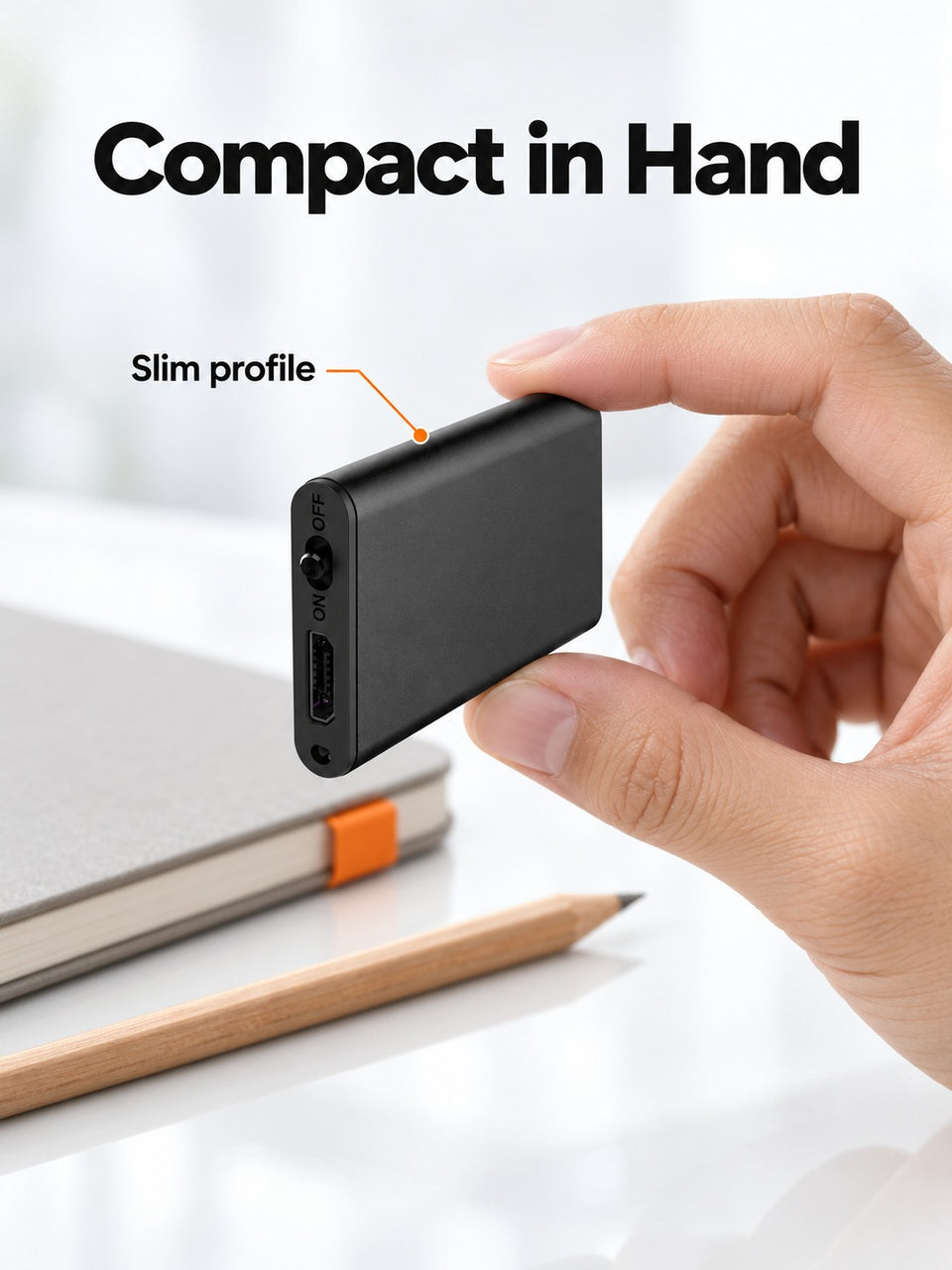
The matte black soft-touch body has rounded, tapered edges and no visible branding. Laid beside a notebook it reads as an ordinary pen, so the room stays relaxed and people keep talking.
Set it flat on the desk with the pinhole mic facing the speaker. Keep your hand and notebook off the mic.
Push the ON/OFF slider and start the session. There are no menus to open.
When the lecture, meeting or interview ends, switch it off to save battery and avoid a long silent file.
Plug the wired earphones into the 3.5mm jack on the pen to hear the recording.
Connect the USB cable to the pen and to your computer to transfer recordings.
Matte black body with ON/OFF slider and pinhole microphone
Plug into the 3.5mm jack to listen back
Moves recordings to a computer, cable neatly tied
Not much, and that is the point. The pen is matte black with no visible branding, so it sits on the table like any other pen. Tell the interviewee it is recording before the first question. Being open about it keeps the conversation honest.
The pinhole microphone picks up speech best when the pen is close to the speaker. In a big hall, sit near the front and place the pen on the desk facing the instructor. Keep your hand and notebook clear of the mic, since a blocked mic muffles the audio.
Plug the included wired earphones into the 3.5mm jack to listen on the spot. Connect the USB cable to a computer to move the files across.
A phone voice memo means unlocking the screen, finding the app and holding a device that looks like you are recording. The pen starts with one slider and stays out of sight. It does one job, so there is nothing else competing for your attention during the lecture.
Think of it as one purchase that replaces rewritten notes and hours of re-listening to a whole lecture. The body is a soft-touch matte finish built to be handled daily, and the earphones and USB cable come in the box, so there is no extra kit to buy before you start.
Students taking lectures, and professionals who take meeting minutes or run interviews. It suits anyone who needs an accurate record and wants to skip setup. If you need to record a large event from far away or want a screen to browse files, a larger recorder is a better fit.


 Voice Recording Pen for Lectures, Meetings and Interviews