
$49.90
Free delivery · 7–14 days
Laptop Slimline SATA DVD Drive to USB Adapter Cable (6+7 Pin)
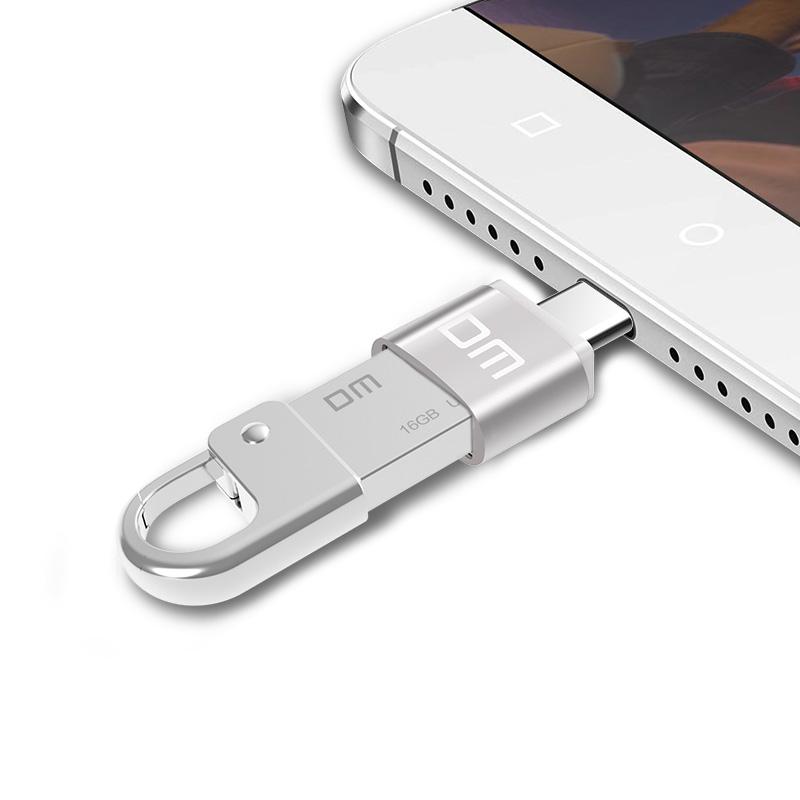


Your Type-C phone, tablet or laptop can read the USB-A drives, keyboards and mice you already own. This small brushed-aluminum adapter rides on your keys and plugs in the moment you need it. The metal body is built for daily carry.
Read the full descriptionYour Type-C phone, tablet or laptop can read the USB-A drives, keyboards and mice you already own. This small brushed-aluminum adapter rides on your keys and plugs in the moment you need it. The metal body is built for daily carry.
Turns a Type-C phone, tablet or laptop into a USB host so standard USB devices plug right in
Right now a flash drive or keyboard sits useless next to your Type-C phone or laptop. With this metal adapter in your pocket, it plugs straight in and works.

The housing is solid brushed aluminum with a smooth matte finish and a clean white DM logo. The Type-C plug and USB 2.0 port sit firm with no loose parts, so the adapter handles daily carry against keys and bag contents.

Your Type-C device acts as a USB host, so a standard flash drive, keyboard or mouse connects directly. Plug the adapter into the phone, tablet or laptop, then the USB-A device into its female port. No hub and no second cable.

The footprint is small enough to ride on a keyring or sit flat in a pocket. One piece replaces the hub in your bag, and it is ready when a client hands you a USB stick on the way into a meeting.
Use the Type-C male plug on the adapter. Confirm your phone, tablet or laptop supports OTG or USB host mode before you start.
Plug the flash drive, keyboard or mouse into the USB 2.0 female port. On a supported device the drive appears in your file manager within seconds.
Eject the drive from your device first, then remove the drive and the adapter. Pulling a drive mid-copy can corrupt files on the stick.
A soft cloth clears fingerprints and pocket lint from the brushed finish.
Check the port for dust now and then, and blow it out with dry air.
Pull from the adapter body when you unplug. Do not use the joint as a hinge.
Many Type-C devices do, but not all of them. The port has to act as a USB host, which is the mode that lets the device read a flash drive or power a keyboard. Check your device manual for OTG or USB host support. If it only lists charging or device mode, this adapter will not show a USB-A device.
Yes for small bus-powered gear. A basic wired mouse, a keyboard or a small flash drive runs on the power a USB 2.0 OTG port passes through. Large external drives and anything that draws heavy current may not connect. For those, use a powered hub.
Expect USB 2.0 speeds. That covers documents, spreadsheets, photos and anything you move between a stick and a phone or laptop. Large video or RAW file transfers take patience, so plan for them.
The brushed aluminum housing is built for daily carry against keys and bag contents. Treat it as an adapter, not a handle or hinge. Keep it off the port when you pull a cable, and do not bend the joint.
A hub adds more ports, but it is bulky, needs its own cable and often a charger. This adapter is one small metal piece on your keys. It replaces the single dongle you would otherwise buy again and again, and it stays in your pocket instead of your bag.


 USB-C to USB 2.0 OTG Adapter for Phones and Laptops