
$74.90
Free delivery · 7–14 days
USB WiFi Adapter 802.11ac 600Mbps Dual-Band Receiver




The Tenda AC9 gives your home a steadier dual-band connection for evening streams, calls and work. A Broadcom chip, two external antennas and four gigabit LAN ports keep the network consistent, and the Smart WiFi Schedule switches the wireless radio off overnight without anyone touching the router.
Read the full descriptionThe Tenda AC9 gives your home a steadier dual-band connection for evening streams, calls and work. A Broadcom chip, two external antennas and four gigabit LAN ports keep the network consistent, and the Smart WiFi Schedule switches the wireless radio off overnight without anyone touching the router.
Dual-band gigabit WiFi router with Broadcom chip for stable, fast wireless and wired connections
Video calls freeze, streams buffer, and the router runs all night for no one. The Tenda AC9 gives every room a steadier dual-band signal and turns itself off on your schedule.

Two bands mean phones and tablets can sit on the one that is least crowded. The 2.4G band covers older devices at range, while 5G carries streams and calls in the same room. The Broadcom chip keeps the link consistent through the evening rush.

Set a bedtime and a morning time in the web panel. The Smart WiFi Schedule switches the wireless radio off overnight and back on before the first alarm, so nobody has to walk over and flip a switch. That cuts idle power use every night.

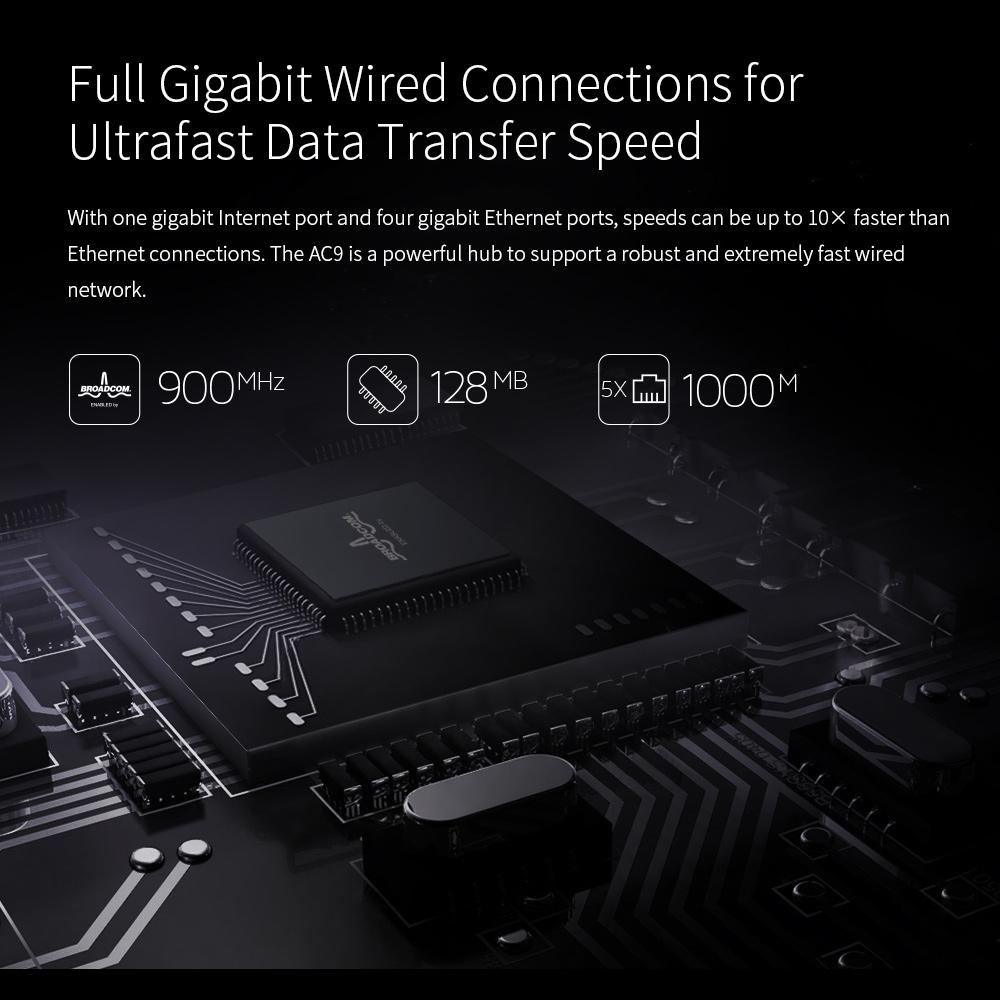
One gigabit WAN port takes the cable from your modem, and four gigabit LAN ports take the desktop, the TV and the games console. Wired devices run at full gigabit speed, which leaves the wireless bands free for phones and tablets.
Run the network cable from your modem to the gigabit WAN port, then screw in both antennas and stand them upright.
Plug in the adapter. When the top panel LEDs light blue, connect your phone or laptop to the Tenda network.
Go to the router address in a browser and log in to the admin page.
Enter a bedtime and a morning time for the Smart WiFi Schedule, then save. Check the firmware section once while you are there.
Matte black body with diagonal stripe texture
Screw into the rear ports and stand upright
Powers the router and its LED panel
Runs from your modem to the gigabit WAN port

Video calls freeze mid-sentence around nine. The kids crowd the one spot in the flat where the signal still holds, and someone ends up carrying the laptop into the hallway.

The old gateway hums through the night for nobody. Someone always forgets to switch it off, so the radio keeps drawing power at 3am while the house is asleep.
The Tenda AC9 pairs a Broadcom chip with dual-band WiFi and a Smart WiFi Schedule. Set bedtime and morning once in the web panel, and the wireless radio follows that routine every day after.
Plug in the WAN cable, join the new network and set the on and off times. Most households finish in one sitting.
Devices settle on the band that suits them. Streaming and calls in shared evenings tend to hold up better, though results depend on your home layout and walls.
The overnight shutdown runs without thought. Nobody needs to remember to switch WiFi off.
The router turns into background infrastructure. Keep the firmware current through the web panel for long-term stability.
| Tenda AC9 | ISP gateway | Generic budget router | |
|---|---|---|---|
| Dual-band WiFi (2.4G + 5G) | Yes | Partial | Partial |
| Built-in WiFi schedule | Yes | No | No |
| Broadcom chip | Yes | Varies | Varies |
| Four gigabit LAN ports | Yes | Partial | Partial |
| External antennas | Yes | No | Partial |
The 1200M rating is the combined dual-band figure. Phones and tablets sit on 5G for the cleanest link, while 2.4G covers older devices and longer range. For TVs, consoles and desktops, the four gigabit LAN ports take them off the wireless bands entirely, which is where a busy evening usually gets crowded.
Yes, anything on WiFi drops when the radio is off. Before you set the schedule, list the always-on devices. Put a camera or a desktop on a LAN port so it keeps running, or leave the schedule off for that period.
The packaging lists a Broadcom chip, a 900MHz processor and 128MB of memory, and the unit ships with English and European firmware. Check the web panel for the latest official firmware after setup and install it once.
The listing includes repeater in the name, and the web panel controls the mode. If your only problem is reach, a dedicated wifi signal booster is the tool for that job.
Yes. One gigabit WAN port connects to your modem, and four gigabit LAN ports take wired devices. Cabled machines avoid the crowded wireless bands and free them for phones and tablets.
Log in to the web panel, open the Smart WiFi Schedule section, enter a bedtime and a morning time, then save. The radio follows that timetable every day after.


 Dual-Band Gigabit WiFi Router: Broadcom Chip & Schedule