

$40.90
Free delivery · 7–14 days
Jupiter Moon Lamp, 3D Printed Dimmable Night Light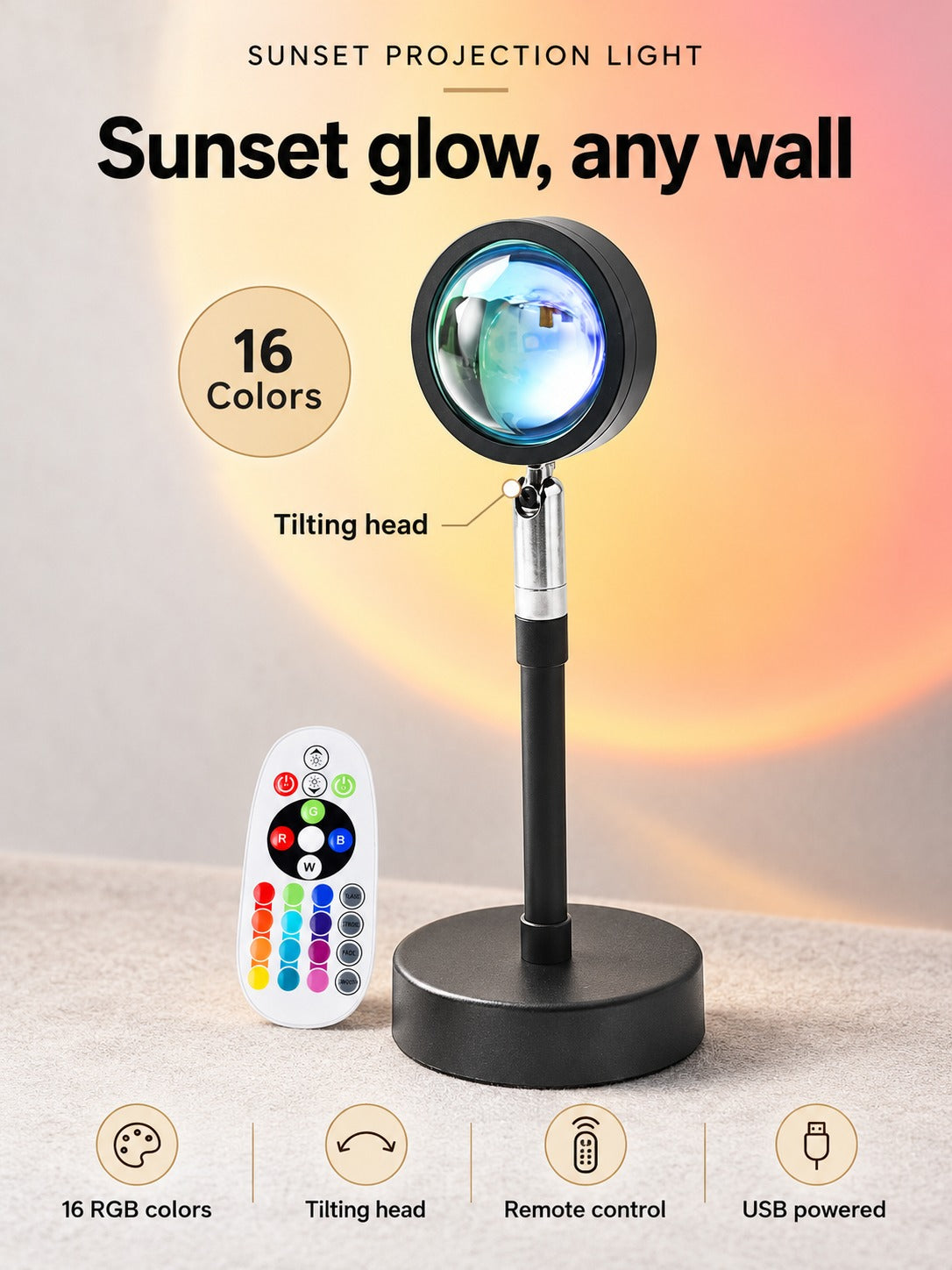
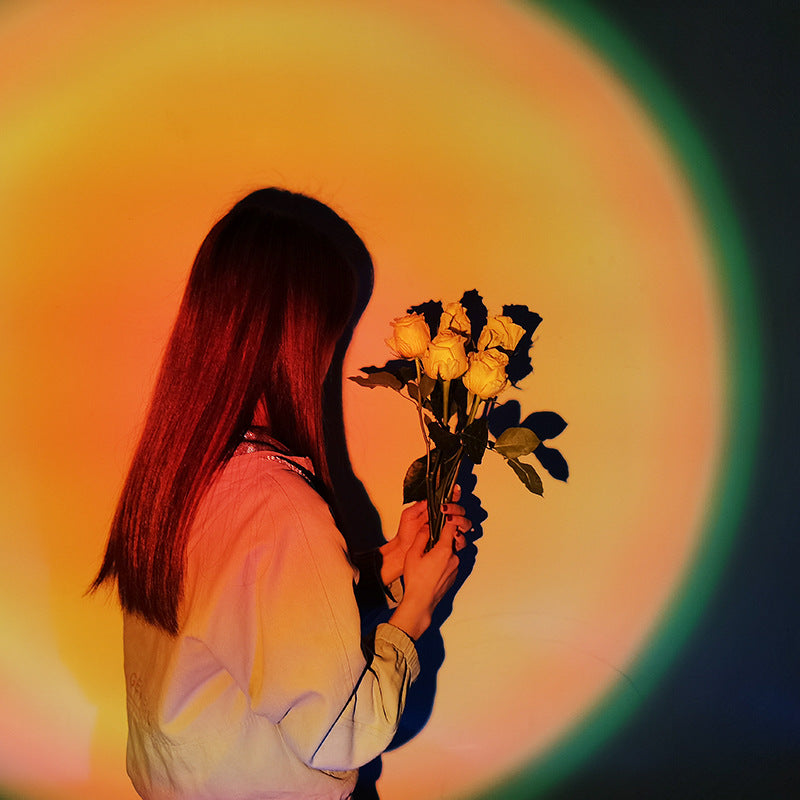
Your room stops looking like a waiting room the moment this lamp lights up. One base and one remote throw a full sunset gradient across the wall, in any of 16 RGB colors. It gives you evening mood and a camera-ready backdrop with no wiring and nothing to hang.
Read the full descriptionYour room stops looking like a waiting room the moment this lamp lights up. One base and one remote throw a full sunset gradient across the wall, in any of 16 RGB colors. It gives you evening mood and a camera-ready backdrop with no wiring and nothing to hang.
Turn any wall into a sunset with a 16-color RGB projection lamp
Your room goes from flat overhead light to a glowing gradient that shifts with your mood. Plug it in, tilt the head, and your wall becomes the best-lit corner in the room.

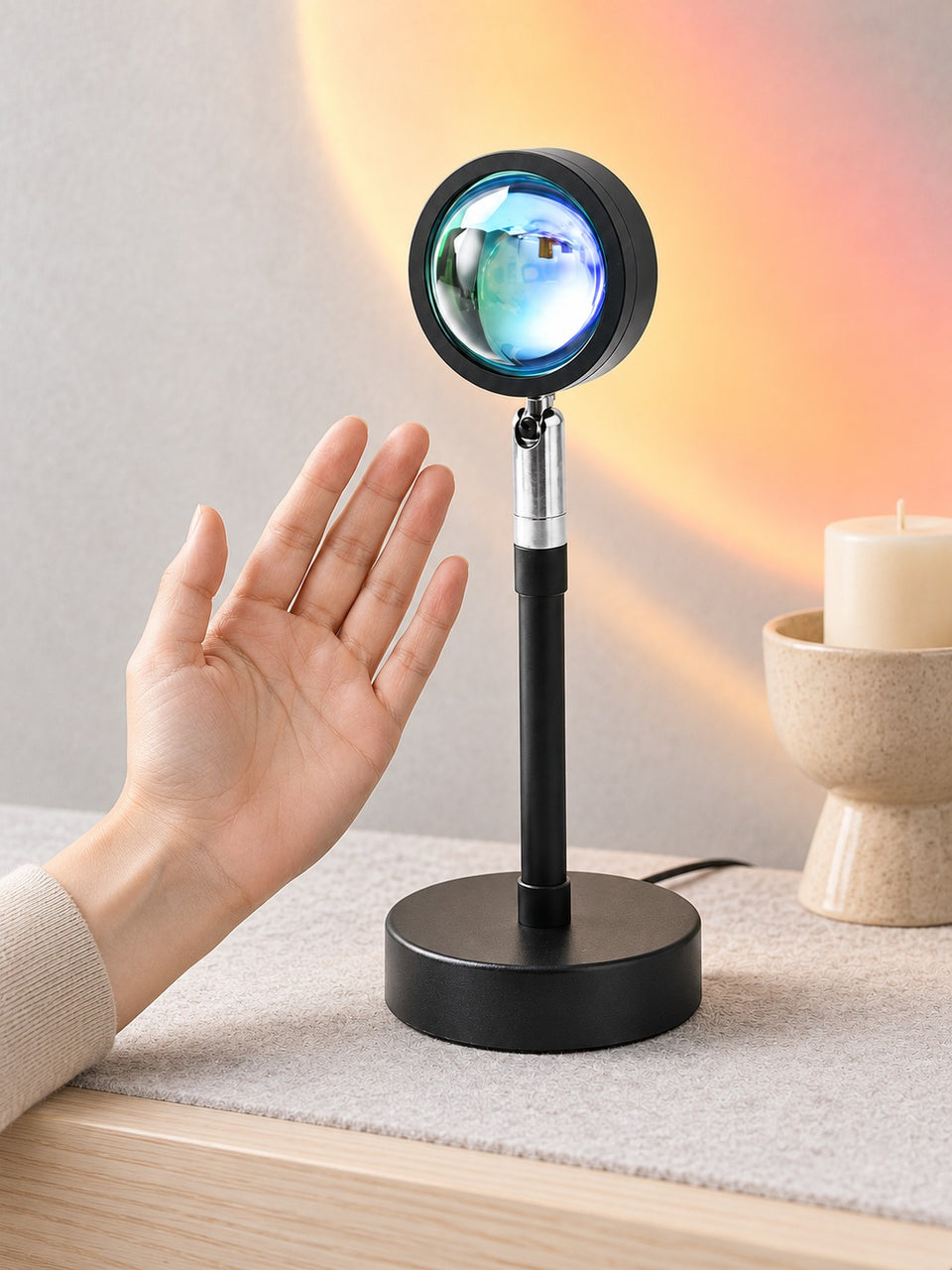
The head tilts on its joint, so you aim the gradient at the exact patch of wall you want. Point it at a bare stretch above the bed or a shelf backdrop and the sunset fills the frame. Tilt it up for a softer wash across the room. Pair it with a set of desk lamps for layered light on a work surface.

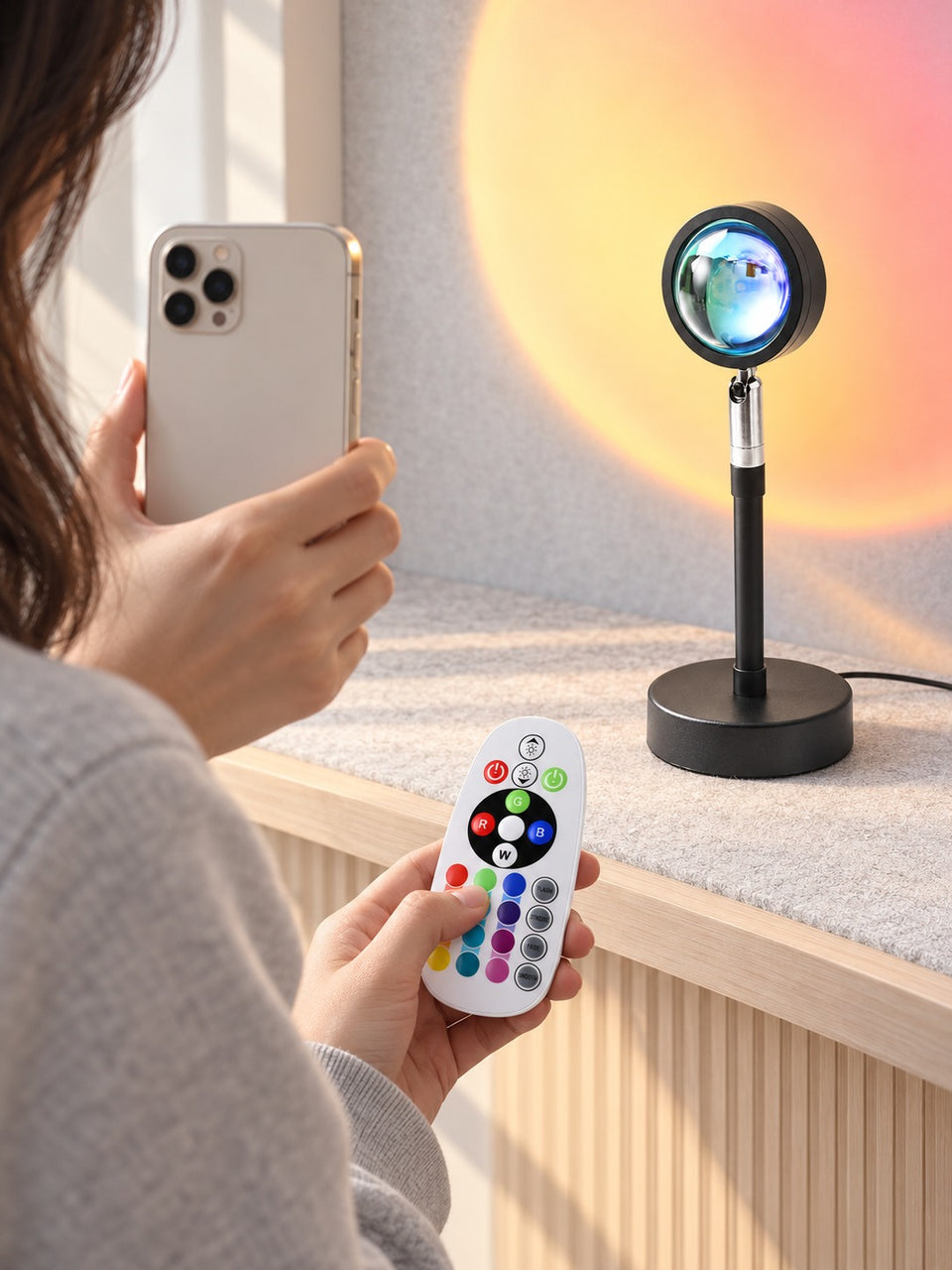
Sixteen RGB colors live on the remote and in the app, so you can move from amber to rose to sky blue without climbing on a chair. The upgraded remote is built for stronger signal reception, so color changes respond on the first press instead of lagging across the room.

Music rhythm, flash, strobe, fade, and smooth modes change the wall with the beat. Set the timing function to delay off and the lamp shuts itself down after the evening. For beat-driven light across more gear, browse music sync lights.
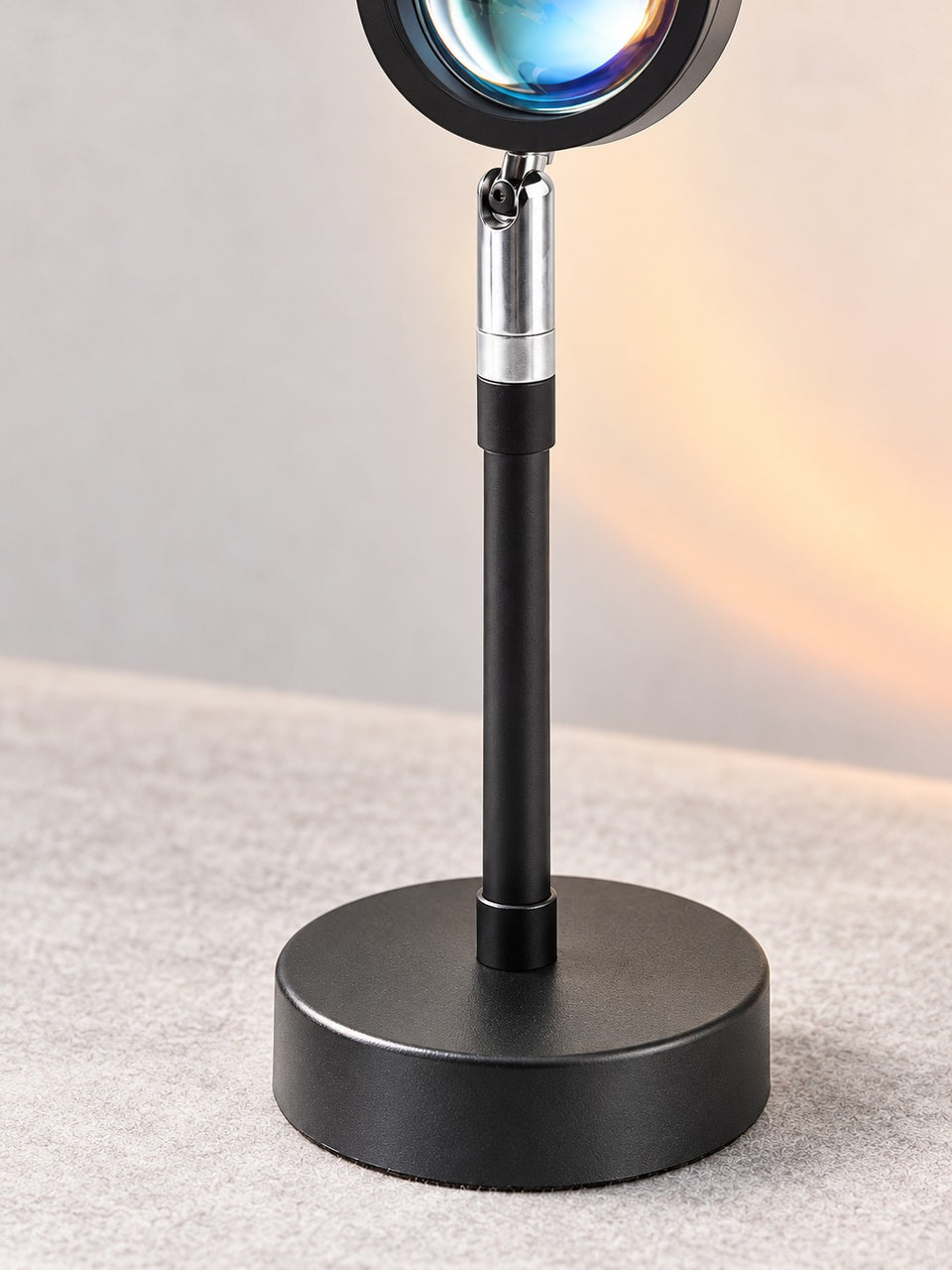
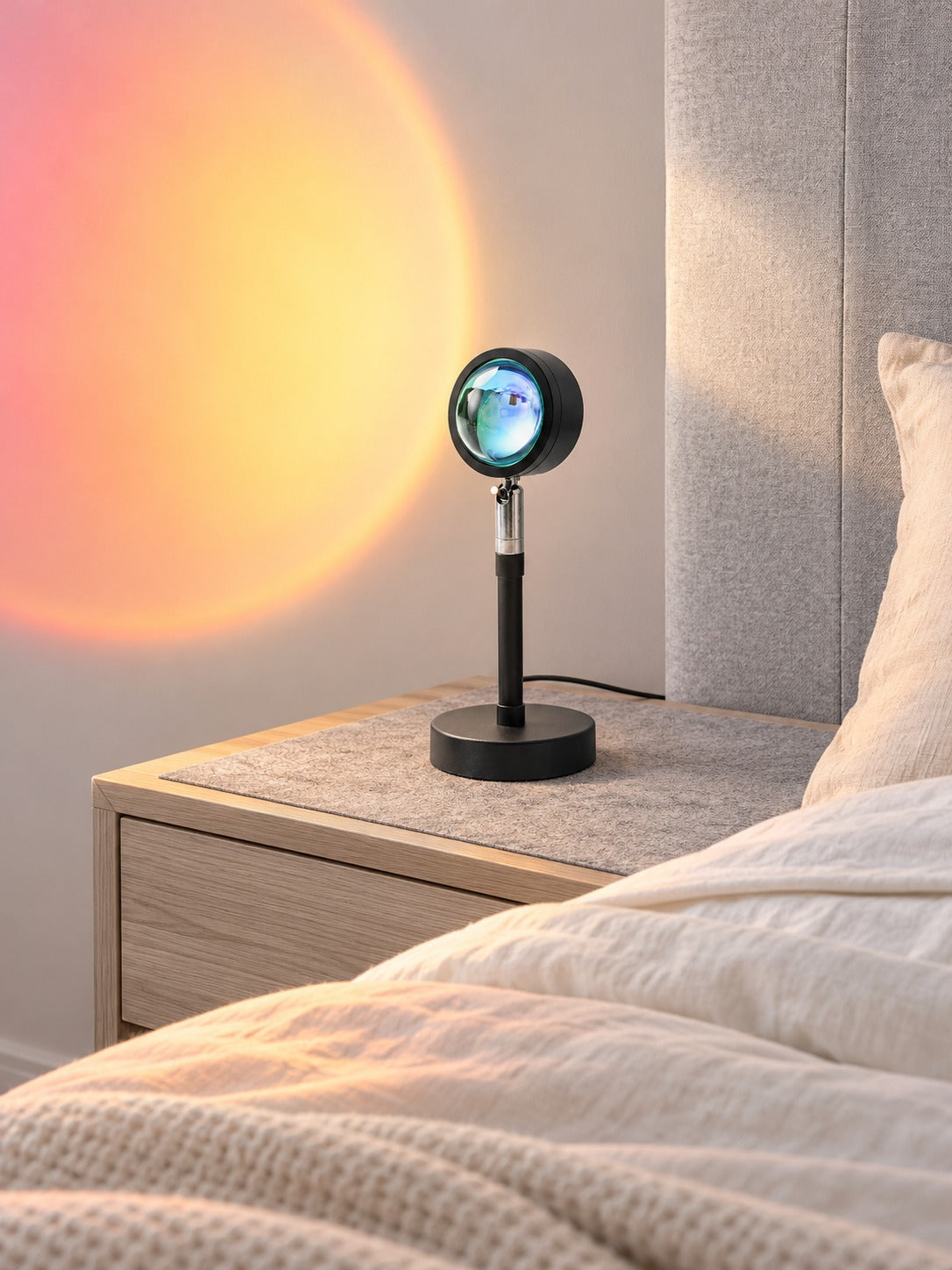
Place the matte black base on a nightstand, shelf, or desk. It sits steady and takes up very little room.
Angle the projection head toward a clear stretch of wall. Dim the room for the clearest sunset gradient.
Use the remote or the app to choose from 16 RGB colors. Try a few until one matches the mood of the room.
Fade gives a slow shift, smooth holds one steady color, and music rhythm moves with your playlist.
Use the timing function to switch the lamp off on its own when the evening ends.
Matte black round base, silver accent collar, tilting gradient projection head
Upgraded remote with 16 colors, brightness, on/off, and flash, strobe, fade, smooth modes
Mid and darker walls show the gradient most vividly. A pale wall gives a softer, less saturated sunset, so tilt the head to the cleanest patch and test two or three colors. Dim the room for the strongest effect. Bright daylight or overhead light washes the gradient out.
Yes. The remote is the upgraded version, built for stronger signal reception than a basic one, so color changes respond on the first press. Point it at the lamp from the same room with nothing blocking the line of sight.
The lamp works with the Tuya app on iOS and Android. You can change colors, modes, brightness, and timing from your phone, and scene presets let you save a look and recall it in one tap.
The timing function (delay off) lets you set the lamp to switch itself off, so you do not have to leave it running all night. If you do run it overnight, follow the guidance in the product manual for your setup.
Turn the head up or down on its joint until the gradient lands where you want it. Dim the room to see the color most clearly, and adjust in small steps.
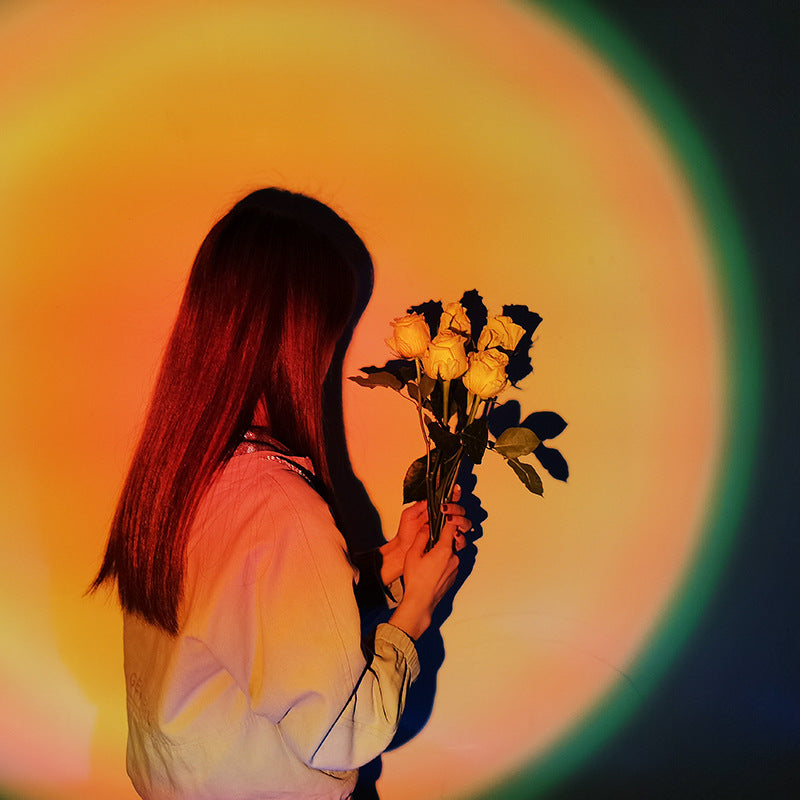
Yes. Set the lamp behind your subject, dim the room, and use smooth mode for even color. Turn off the ceiling light for the cleanest look on camera.


 Sunset Projection Light with 16 RGB Colors & Remote