


$49.90
Free delivery · 7–14 days
Starry Night Projector Lamp for Kids and Bedrooms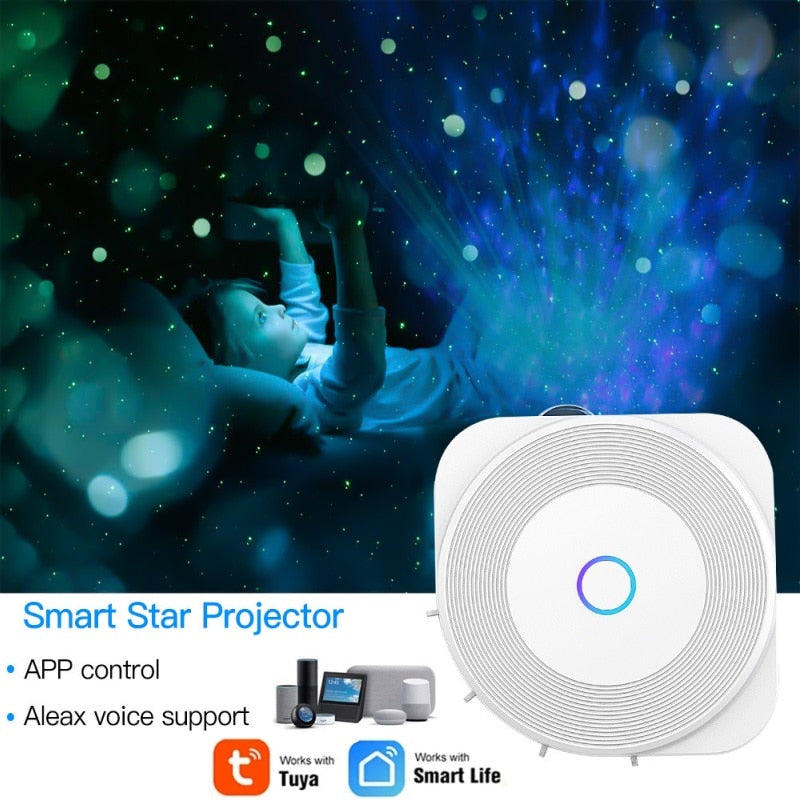
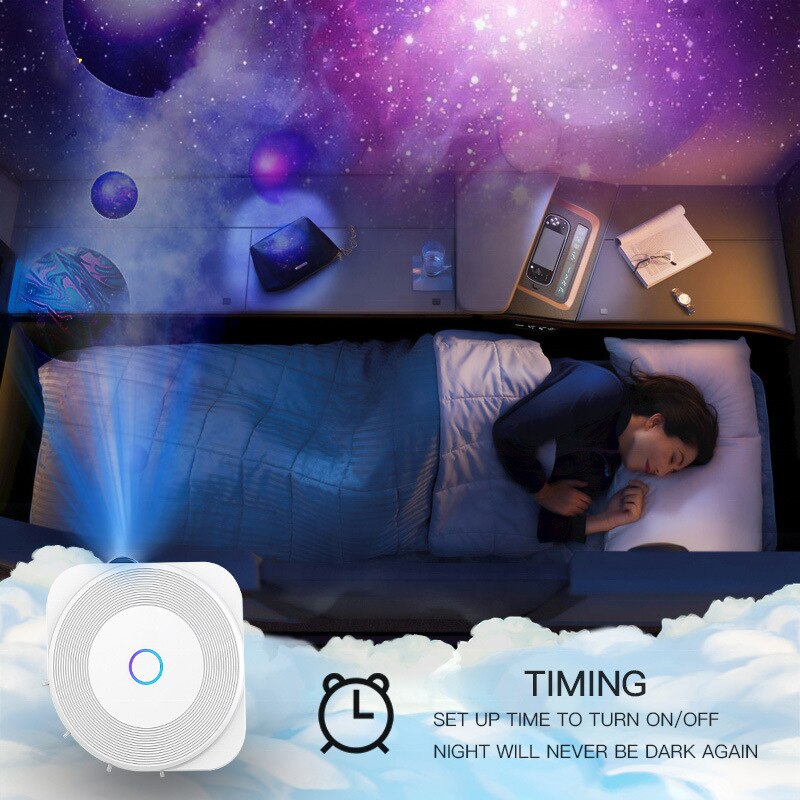
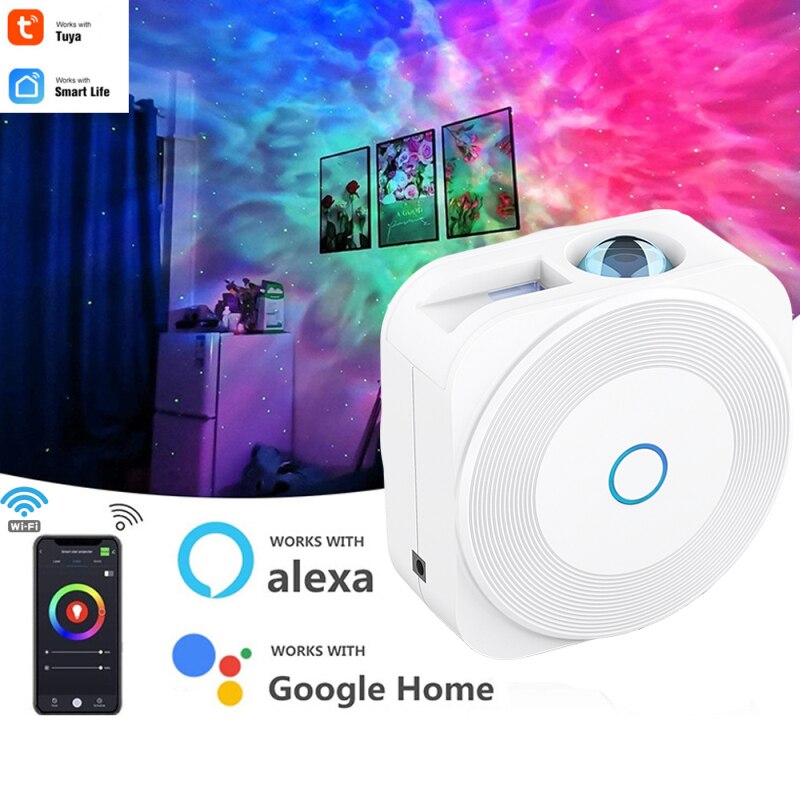
Bedtime gets calmer when the ceiling becomes a starry sky. This compact projector paints stars and nebula colours across the room and runs from the SmartLife app, Alexa or Google Home. Set the timer once and let the galaxy switch itself off at lights-out.
Read the full descriptionBedtime gets calmer when the ceiling becomes a starry sky. This compact projector paints stars and nebula colours across the room and runs from the SmartLife app, Alexa or Google Home. Set the timer once and let the galaxy switch itself off at lights-out.
Turn any bedroom into a starry galaxy you control from your phone or with your voice
Bedtime used to mean a bright light or a dark room full of fears. Now a galaxy of stars and nebula colours fills the ceiling, and you control it from your phone or with your voice.

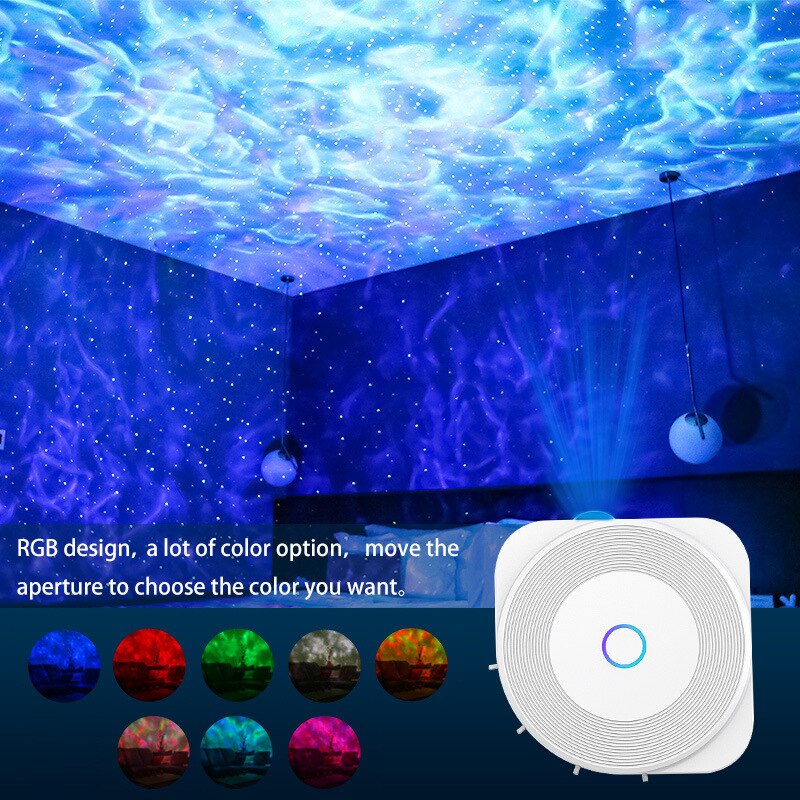
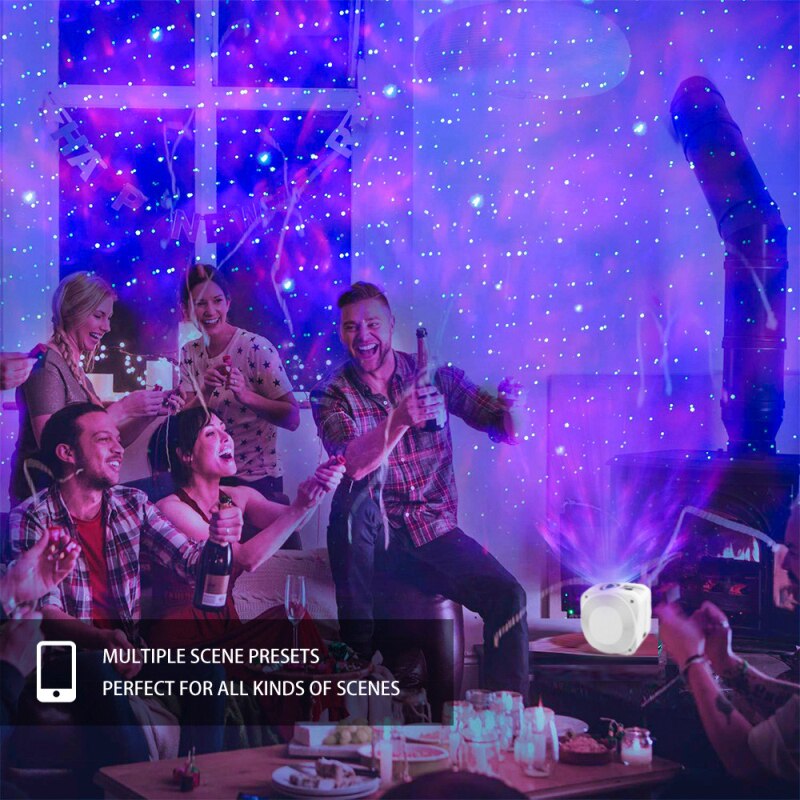
The star and galaxy lens covers a whole room rather than a single patch of wall. Blue, violet and pink-red nebula colours drift over the ceiling, so the effect reads as a sky and not a spot of light. Dim the room and the stars look sharpest.

The projector connects over Wi-Fi to the SmartLife app, and it works with Tuya-based setups. Alexa and Google Home handle on, off and colour by voice, so the bedtime routine runs without getting out of bed.

The built-in timer sets the times the projector turns on and off. Bedtime starts the sky, and morning or lights-out ends it, so the light is never left running all night.
Connect the DC power cable to the projector and plug the other end into a standard socket. Route the cable along the wall, away from the bed.
Download the SmartLife app and create an account. Keep your phone on the same home Wi-Fi network you plan to use.
Follow the in-app prompts to add the projector over Wi-Fi. If the first try fails on a crowded network, retry once the router is closer or less busy.
Open the colour wheel in the app or tap the blue touch ring on the body. Choose blue or violet for bedtime and pink-red for play.
Set the on and off times in the app, then link the account to Alexa or Google Home so you can say the command from bed.
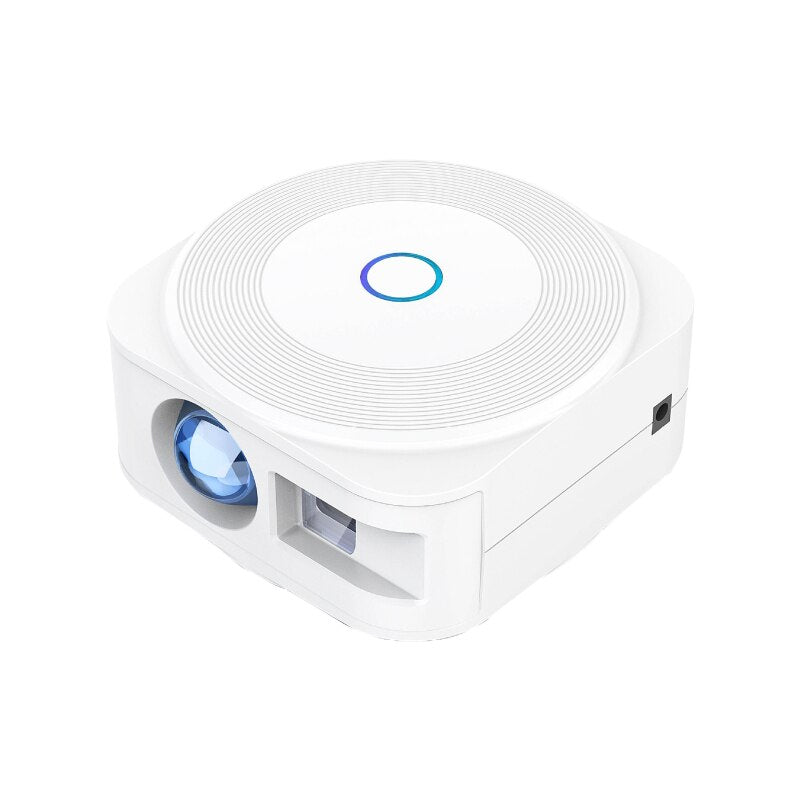
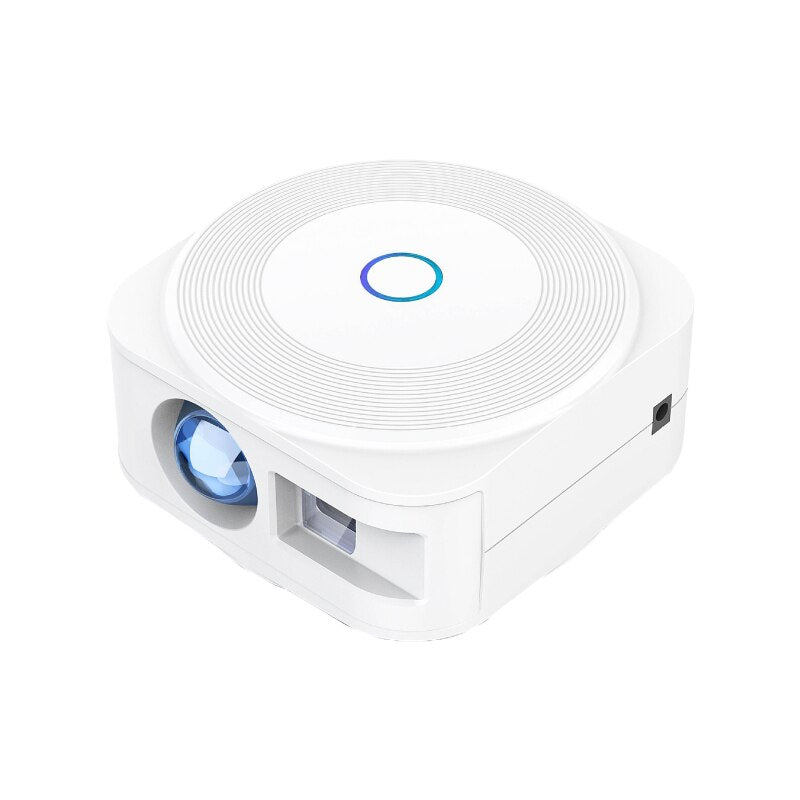
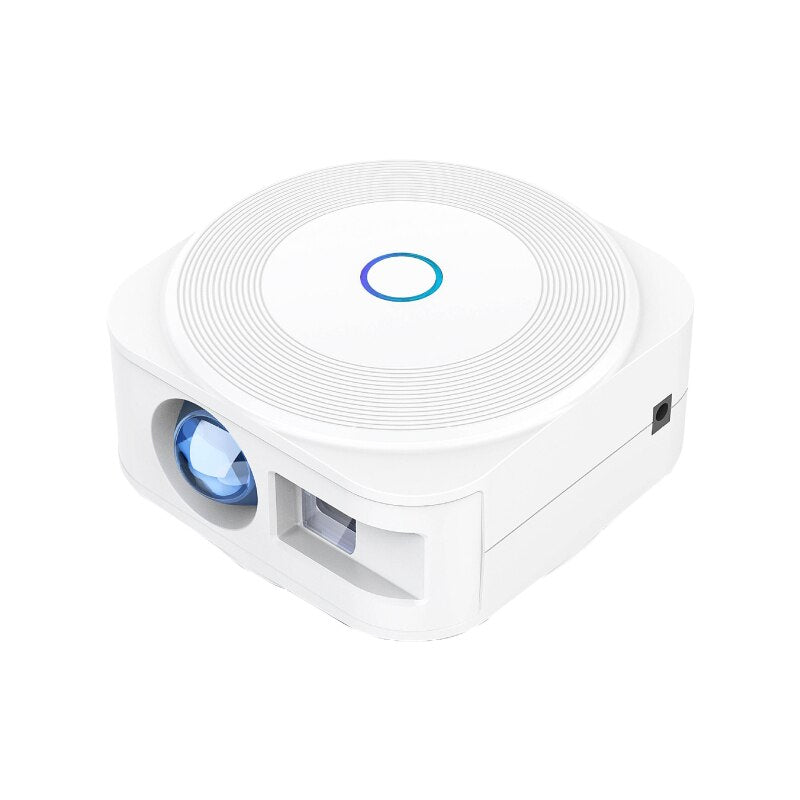
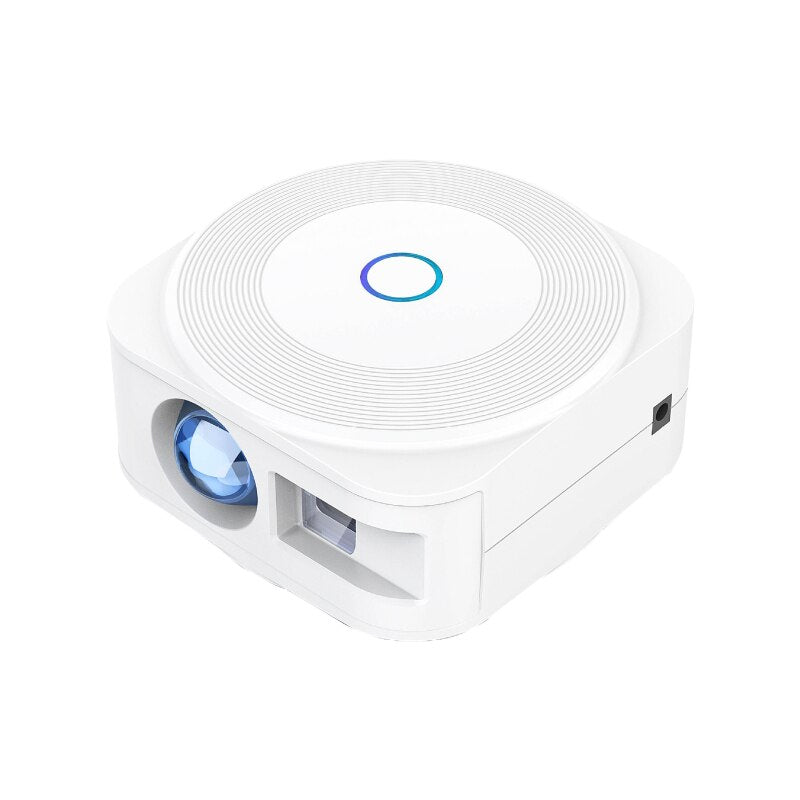
Matte white body with a blue-ring touch button
Connects the DC power input to a standard socket
Switch the overhead light off and the room goes black, and a child who is scared of the dark asks for it back on. Leave it on and nobody sleeps. Most parents know this loop by heart, and most of them are the ones who get up to fix it.
The projector sits on a nightstand and throws a field of stars and nebula colour across the ceiling and walls. The light is soft and moves slowly, so the room feels like a place rather than a lamp. You choose blue or violet from the app, and the child gets a sky to look at instead of a dark corner.
Set the timer once and the sky fades in at bedtime and switches off on its own. Or say the command from bed and the room changes without a trip down the hall. The parent says goodnight, closes the door and stays on the sofa a little longer.
Add the projector in SmartLife over Wi-Fi and check the sky on the ceiling. A crowded network may need a second try.
Choose the on and off times so the sky starts and stops at the same point each night.
With the same starry light each evening, the bedtime cue becomes familiar. Results depend on the child and the room.
| This | Plain night light | Smart bulb | |
|---|---|---|---|
| Starry sky across the ceiling | — | — | |
| App control | — | ||
| Voice control with Alexa or Google Home | — | ||
| Built-in on and off timer | Partial | Partial | |
| No fixture or mounting needed | — |
Yes. The projector works with Alexa and Google Home for on, off and colour commands. Link your SmartLife account to the voice assistant once, and the commands work from bed.
Yes. App and voice control run over your home Wi-Fi network, so the projector needs a connection to pair. The on and off timer also runs through the app setup.
It runs from a DC power input on a cable, so keep the cable routed along the wall and out of reach of the bed. Place the projector on a stable nightstand where a child cannot knock it over.
Yes. The timer sets the times the projector switches on and off, so it turns off at lights-out without anyone needing to walk back to the wall.
It is one of the easier gifts to fit into a bedtime routine. A child gets a sky to look at, and the parent keeps control from the app or with a voice command. The body is plastic, so judge it as a night light and a gift, not a premium device.
A smart bulb needs a fixture and only lights the room evenly. This projector plugs into a socket, needs no mounting, and paints a full starry sky across the ceiling for the price of a single gift.


 Smart Star Projector Galaxy Light with Alexa Control