
$59.90
Free delivery · 7–14 days
3D Castle Notepad Calendar With Warm LED Desk Light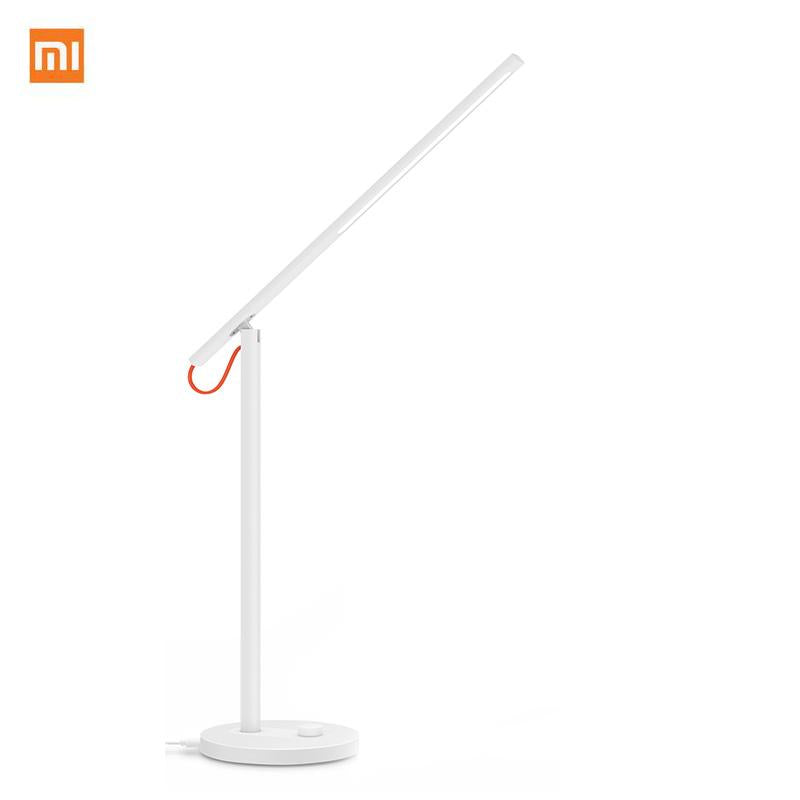



Long study and screen sessions wear out your eyes faster under a light that never changes. This slim Mijia lamp lets you set brightness and mode once from your phone or the base button, then leave the light alone and keep working. Four lighting modes and an adjustable arm cover reading, focus and screen work...
Read the full descriptionLong study and screen sessions wear out your eyes faster under a light that never changes. This slim Mijia lamp lets you set brightness and mode once from your phone or the base button, then leave the light alone and keep working. Four lighting modes and an adjustable arm cover reading, focus and screen work on the same desk.
Smart desk lamp you control from your phone, with eye-care lighting modes for reading and screen work
Long reading and screen sessions leave eyes tired under a light that never changes. Set the brightness and mode once from your phone, and stay focused until the work is done.

Four lighting modes cover reading, focus and screen work on the same lamp. Switch between them from the base button or the app and the light changes without moving the arm. Reading gets a warm, even page. Screen work gets a softer setting that sits closer to the room light, so the monitor does not glare against the desk.

Brightness and colour temperature are set in the Mijia app, so you adjust the lamp without leaving your seat. The app also includes a focus timer and the screen eye-care and reading modes. Pair it once and the settings you save stay on the lamp for the next session.

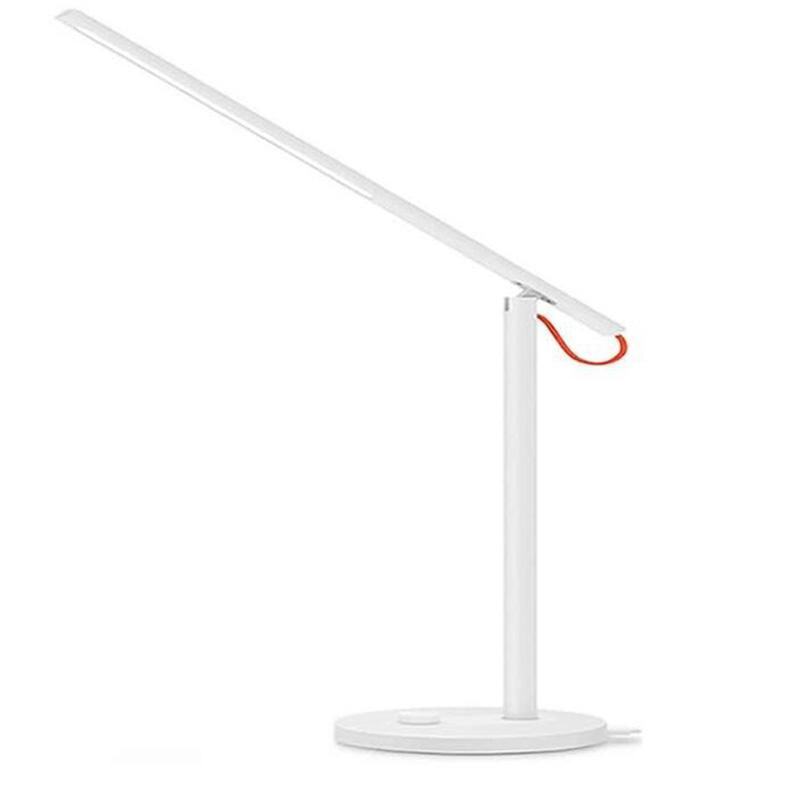
The adjustable arm and slim light bar put light over the exact page or keyboard you are working on. The round weighted base keeps the lamp steady while you reposition the head. If you also use a large display, pair the lamp with an adjustable pc monitor stand to keep the screen and the lamp at comfortable heights.
Set the round base on a clear spot on the desk. The weight keeps the lamp steady when you move the arm.
Bend the articulated arm so the light bar sits above the page or keyboard. Keep the head out of your direct line of sight.
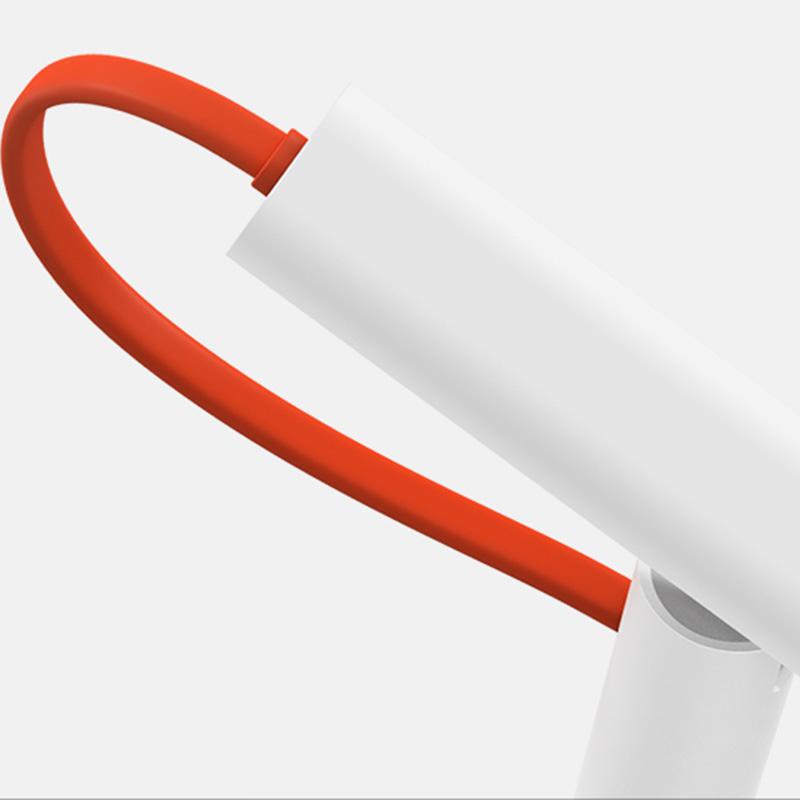
Connect the included power cable. The orange loop runs along the back of the desk so the cord stays out of the way.
Open the Mijia app, add the lamp, and set brightness and colour temperature for each task. Save the modes you use most often.
Press the button on the base to cycle through the four lighting modes when you do not want to pick up the phone.
Slim LED light bar on an adjustable arm with a round weighted base
Tangerine orange loop accent
Two hours into a reading session your eyes start to ache. The lamp on the desk is the same harsh setting it was when you sat down, and the page has gone flat. You lean closer, squint, and tell yourself one more chapter.

The Mijia lamp gives you two ways in. Press the button on the round base to step through modes, or open the app and set brightness and colour temperature for the task in front of you. Each change takes seconds, and you never get up to reach the switch.

Once the arm sits over the page and the mode is saved, the desk stays right from one night to the next. The lamp carries KC and IEC certification and a matte white finish that suits a study or home office. Set the light, then get back to the work.
The app gives you brightness and colour temperature control, the focus timer and the saved modes. The base button still switches the four lighting modes without the app, so the lamp works on day one. No smart home hub is needed. Pair it with the Mijia app on your phone to get the full set of controls.
The articulated arm bends over the desk, so the light bar can sit above a notebook, keyboard or open book. It works best on a desk where you can place the round base on a flat spot near the edge. If your desk is deep, check that the base has room and that the arm can reach the far side before you buy.
A basic lamp gives you one brightness and no way to change it for the task. This lamp gives you four modes, plus brightness and colour temperature from the app. You set it once for reading and again for screen work, and you stop getting up to change the light. For a few hours of study or office work each day, that is the difference that matters.
The lamp carries KC and IEC certification. Use the power cable that comes in the box, route the orange loop along the back of the desk, and keep the base on a stable surface. Check the cable for wear now and then, as you would with any daily-use electrical item.


 Smart LED Desk Lamp with App Control, 4 Lighting Modes