
$64.90
Free delivery · 7–14 days
Solid Fragrance Balm Stick - Portable Non-Greasy ScentHot air settles in small rooms after dark, and the loud fan that moves it is usually why people give up and switch it off. This quiet tower fan runs at six speeds, stands on a nightstand or desk, and turns itself off on a timer. The Storm model adds humidification, purification and ambient light.
Read the full descriptionHot air settles in small rooms after dark, and the loud fan that moves it is usually why people give up and switch it off. This quiet tower fan runs at six speeds, stands on a nightstand or desk, and turns itself off on a timer. The Storm model adds humidification, purification and ambient light.
Quiet, multi-speed tower fan with timer for cooling a personal space
Stuffy, hot air keeps you up and the fan that helps is too loud to sleep beside. This compact tower moves air at six speeds, on a timer, without the noise.
Six selectable speeds let you pick a low setting for sleep and a higher one for hot afternoons. The touch panel changes speed with a tap, so you can dial in the level without getting out of bed. The brushless DC motor keeps the lower settings calm enough to leave running beside you.
Choose how long the fan runs and it shuts down when that time is up. Nothing runs unattended through the night or the afternoon. Set it to your usual sleep window and the room is already comfortable when you wake.
The slim tower and rounded base take up little floor or desk space and stand steady on a flat surface. It fits beside a bed, next to a laptop or on a side table. Keep it a few inches from walls for the best airflow.
Stand the tower on a nightstand or desk with open space around it, away from walls and curtains.
Power it on and touch the digital panel to choose one of six speeds. Start low at night and raise it when the room is hottest.
Choose a run time that matches your usual sleep window or work block. The fan switches off on its own when the timer ends.
On the Storm model, switch humidification, air purification or ambient light on from the same panel.
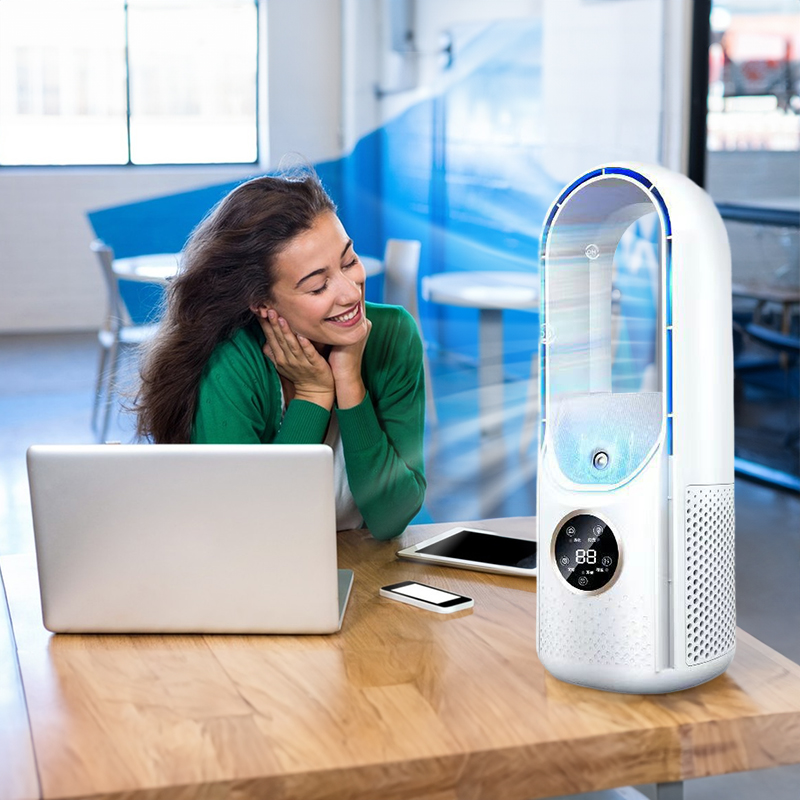
Heat settles into a small bedroom after sunset and stays there. By midnight the air is close and still, and you are lying awake watching the clock. The room needs moving air, not more heat.
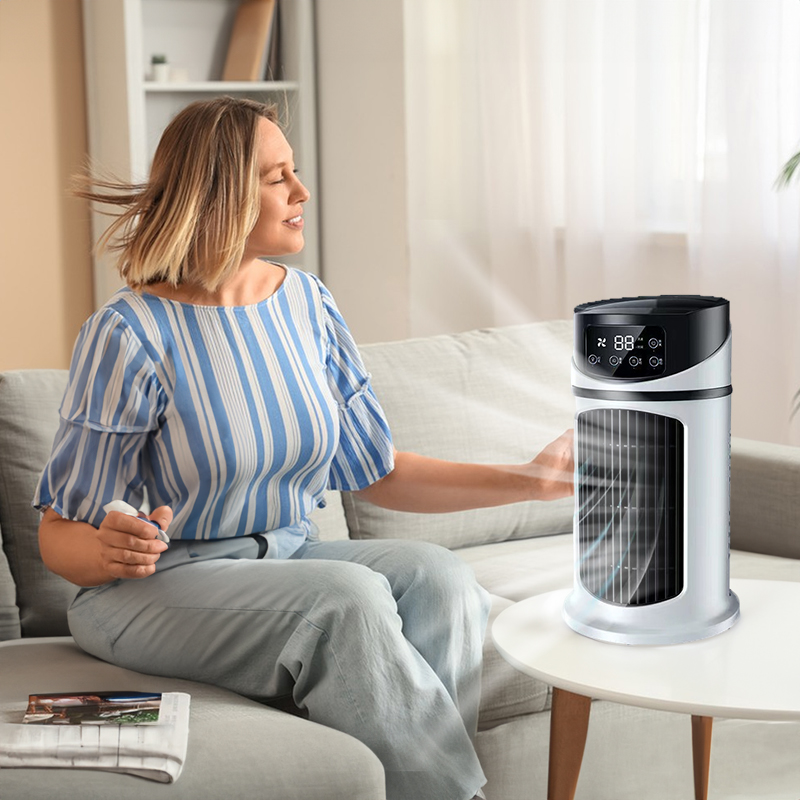
A box fan moves air, but at any speed that helps, it hums loud enough to keep you awake. So you switch it off, and the room goes stuffy again. Pedestal fans take up the floor space you need, and an air conditioner is more than most renters can install.
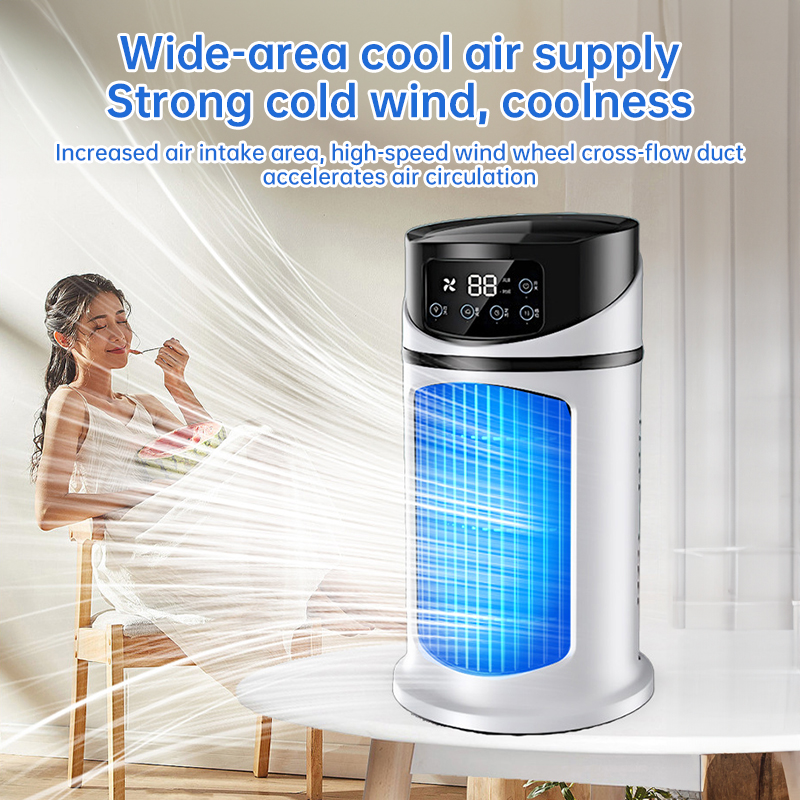
This tower stands on the nightstand and circulates air across the room at six speeds. Keep it low for sleep and raise it for the hottest afternoon. Set the timer and the fan switches itself off. On the Storm model, a mist nozzle adds humidity and a purifier cleans the air as it moves, which suits dry rooms. Browse portable humidifiers if you want a dedicated unit instead.
Try the lower speeds at night to find the one that cools you without disturbing sleep. Most people settle on one or two favorite speeds quickly.
Use the timer to switch the fan off after your usual sleep window. It stops the fan running unattended and shows you the setting that suits your room.
The tower becomes part of your nightly or desk routine. Room size, outside temperature and placement all shape how it feels, so keep it clear of walls for the best airflow.
| This tower | Box fan | Pedestal fan | |
|---|---|---|---|
| Fits a nightstand or desk | — | — | |
| Touch digital controls | — | Partial | |
| Humidifying and purifying (Storm model) | — | — | |
| Bladeless-style tower body | — | — |
Humidification, air purification and ambient light are on the Storm model. The six wind speeds, the timer, the touch LED panel and the brushless DC motor are on the tower itself. Check the model name before you buy if you need humidifying or purifying.
It moves air rather than chilling it, so the spot you sit or sleep in feels cooler and stale air clears out. It will not match an air conditioner in a closed room with the windows shut. For a bedside or desk spot, it costs far less to run than an air conditioner and needs no install.
Run it on a low setting for sleep and save the higher speeds for the hottest part of the day. The brushless DC motor keeps the lower settings calm enough to leave on through the night. Higher speeds are louder, so the setting you pick decides how quiet the room stays.
A box fan blows hard but takes up floor space and hums at useful speeds. This tower sits on a nightstand or desk, moves air across the room and turns off on a timer. Keep the box fan for the hallway and use the tower where you sleep or work.
Use the digital touch panel on top of the tower to choose a timer setting, then let the fan run. When the time is up, it switches off by itself. Match the timer to your usual sleep window or work block.
