
$79.90
Free delivery · 7–14 days
Full-Color LED Ring Light with Music Sync & App Control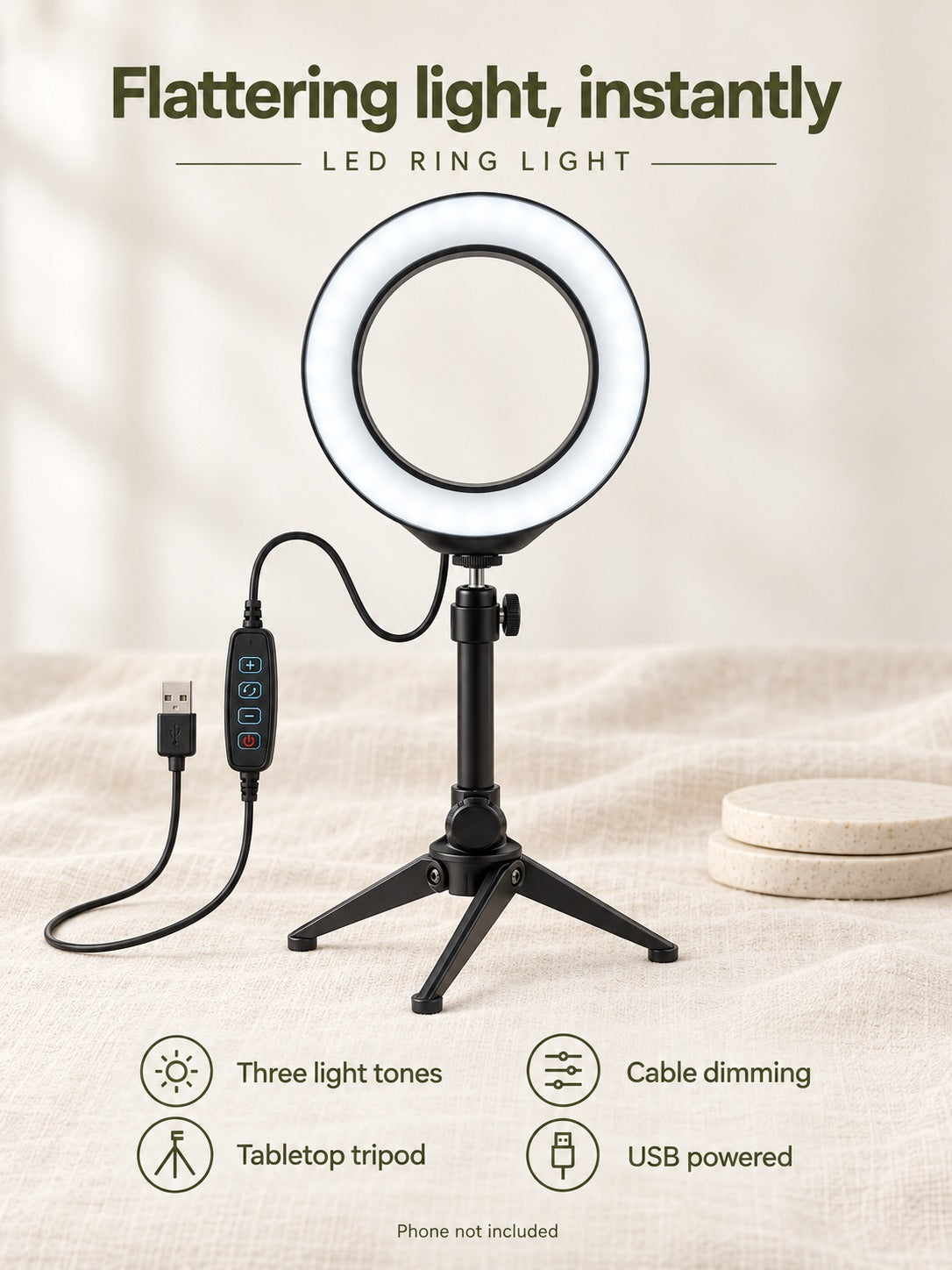
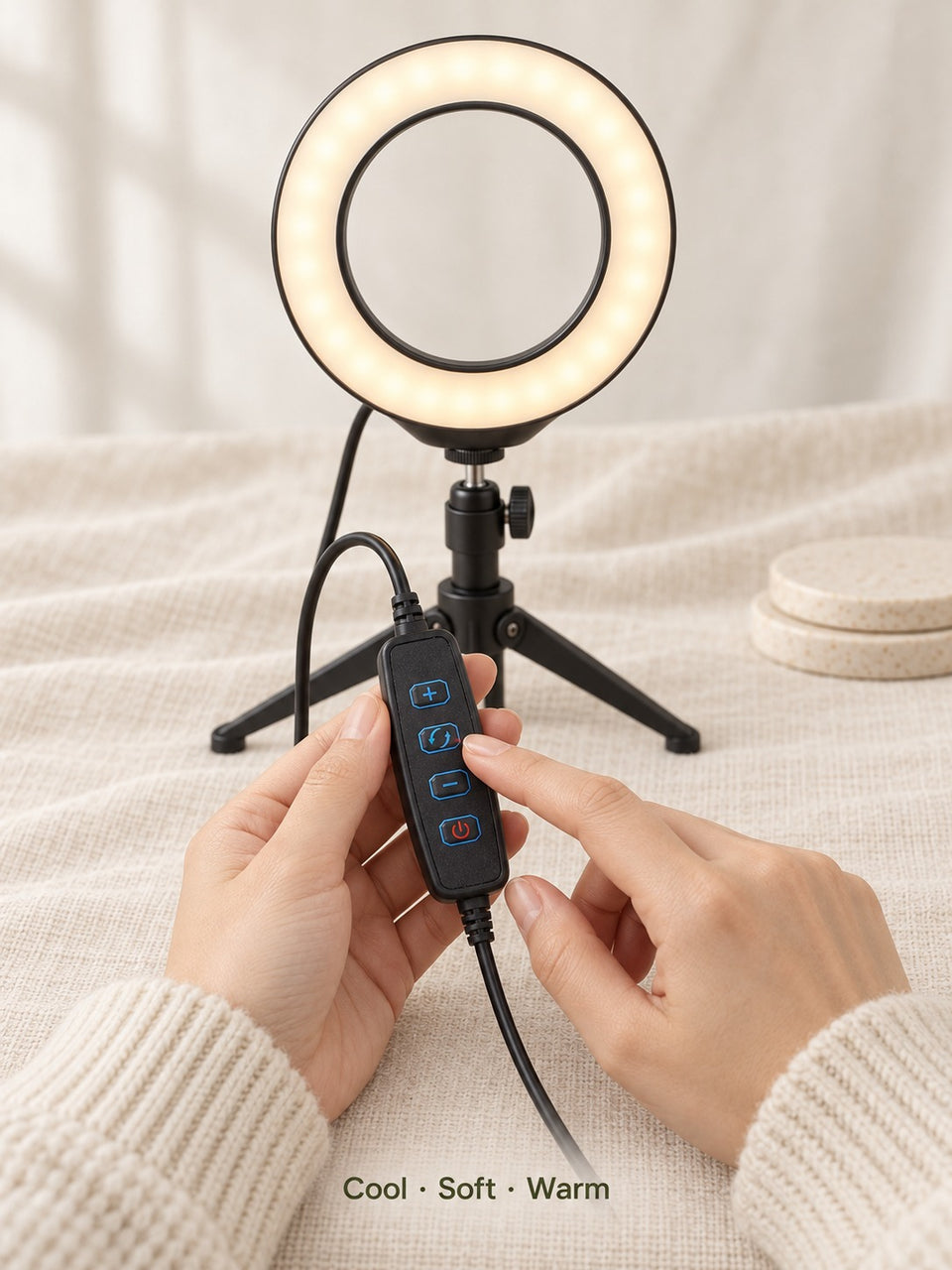
Your face deserves the same care as your slides. This 4.7 inch ring sits on a tabletop tripod, plugs into USB and lights you evenly in cool white, soft white or warm amber. Adjust brightness and color from the cable without leaning over the fixture.
Read the full descriptionYour face deserves the same care as your slides. This 4.7 inch ring sits on a tabletop tripod, plugs into USB and lights you evenly in cool white, soft white or warm amber. Adjust brightness and color from the cable without leaning over the fixture.
Three adjustable color temperatures and dimmable brightness for flattering light on livestreams and video
Tired grey webcam light makes you look checked out before you speak. Set the color and brightness once with the inline controller, and your face stays clear and natural on every call.

The matte diffuser spreads white and warm light across your face, so the forehead, cheeks and eye sockets stay evenly lit. Skin tones look natural rather than flat or yellow on camera.

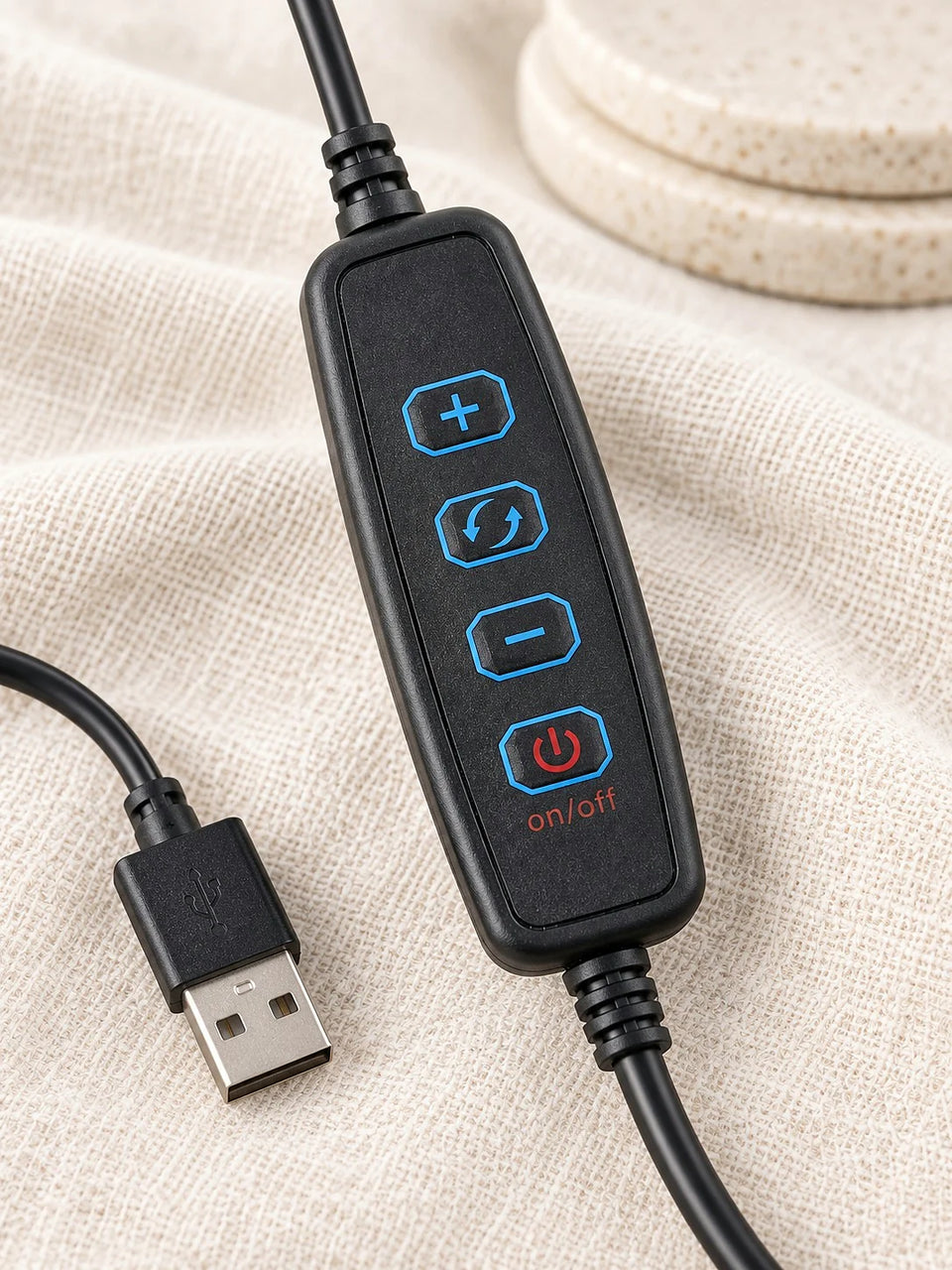
Plus, minus, power and color buttons sit on the inline cable with clear labels. Brightness moves up or down in one press, and the color switch cycles through all three settings without touching the fixture.

Cool white for crisp daytime calls, soft white for everyday video, and warm amber for cozy evening recordings. Switch between them from the cable as the room changes.
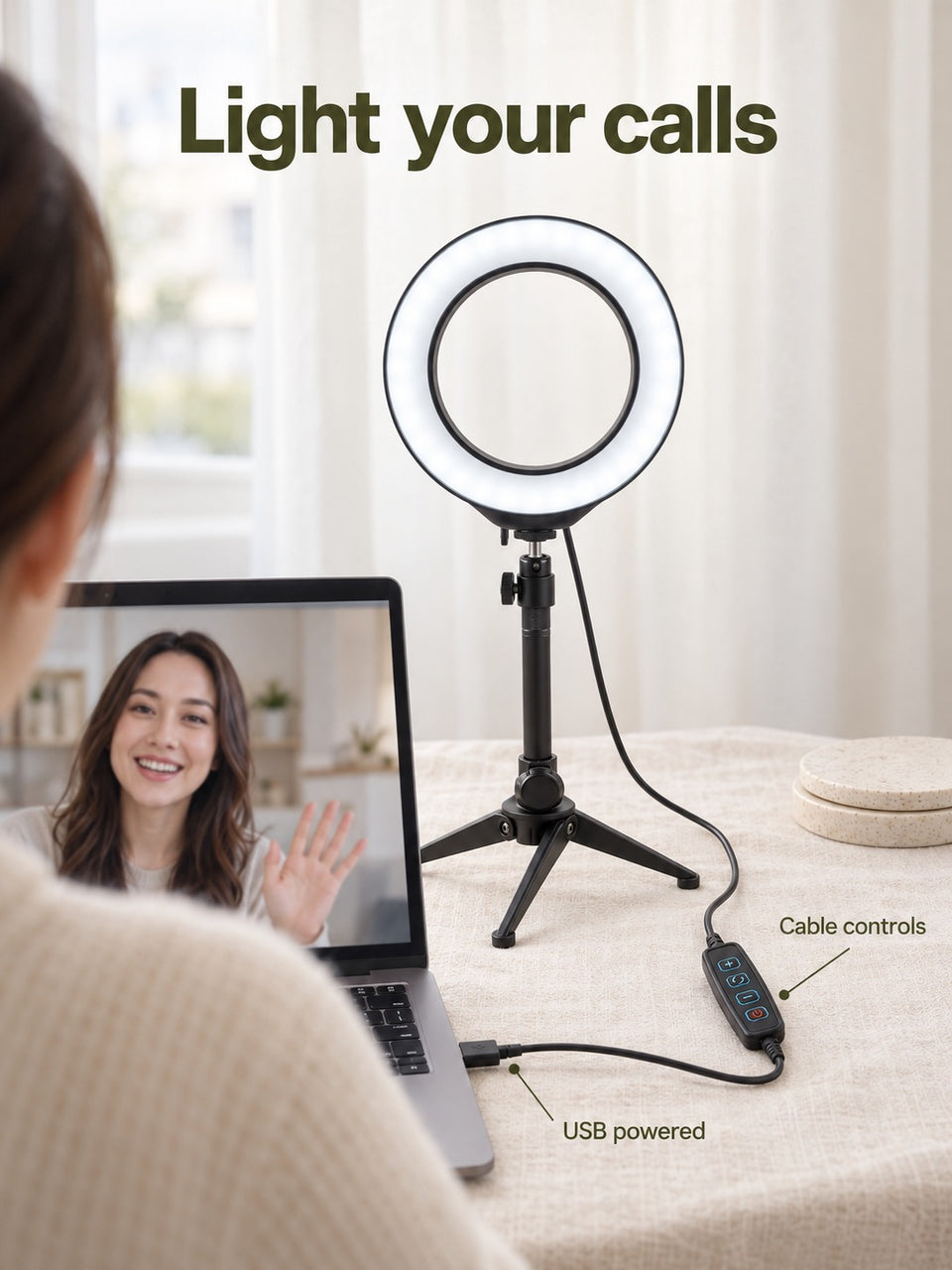
Plug the USB cable into a laptop port or a standard USB power source. The ring switches on from the inline controller.
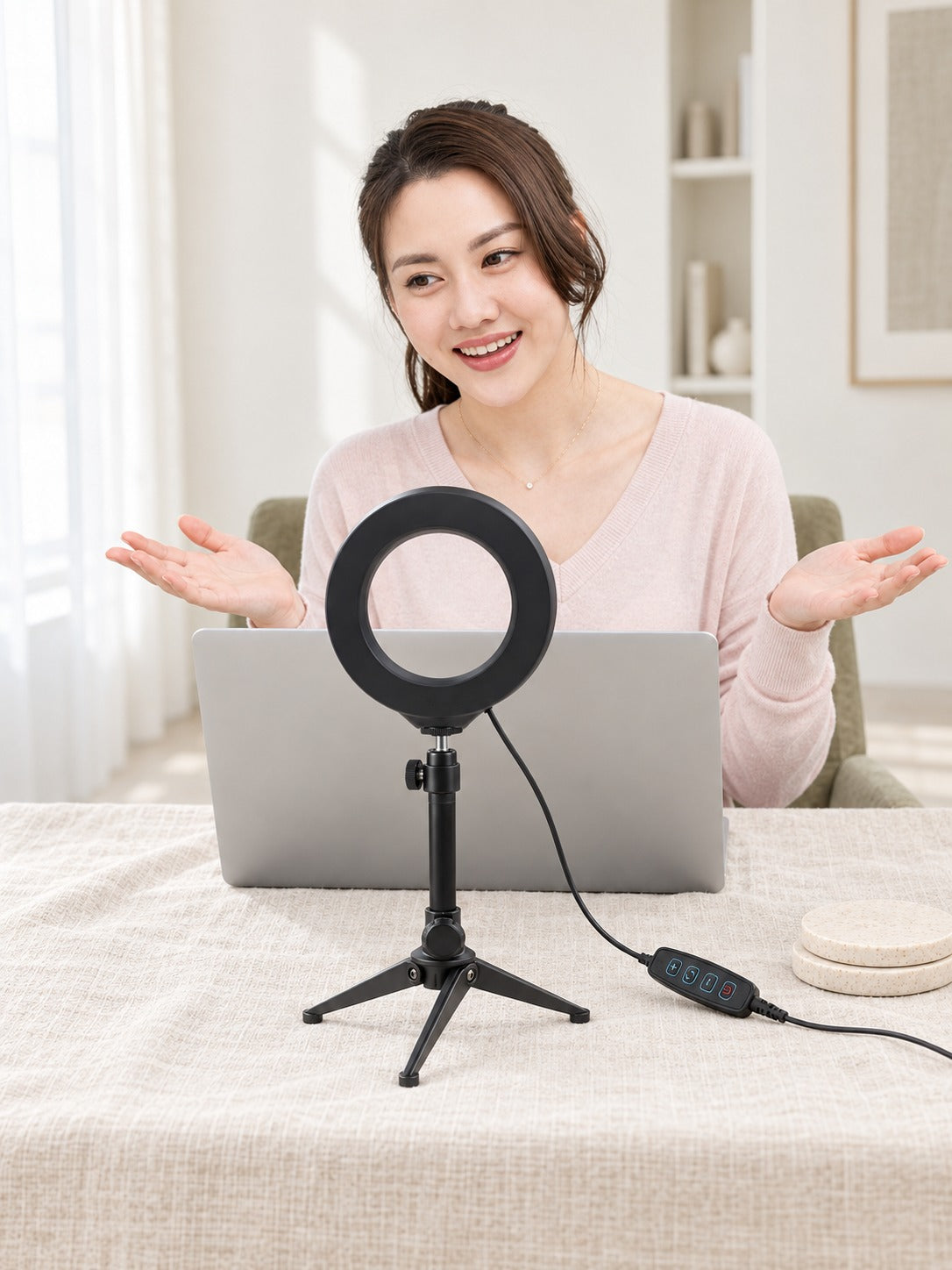
Set the ring on the tabletop tripod close to the camera and angle it toward your face. Dim the room light behind you so your face stands out.
Press plus or minus for brightness and the color switch for cool white, soft white or warm amber. Start at mid brightness and step up until your face looks natural.
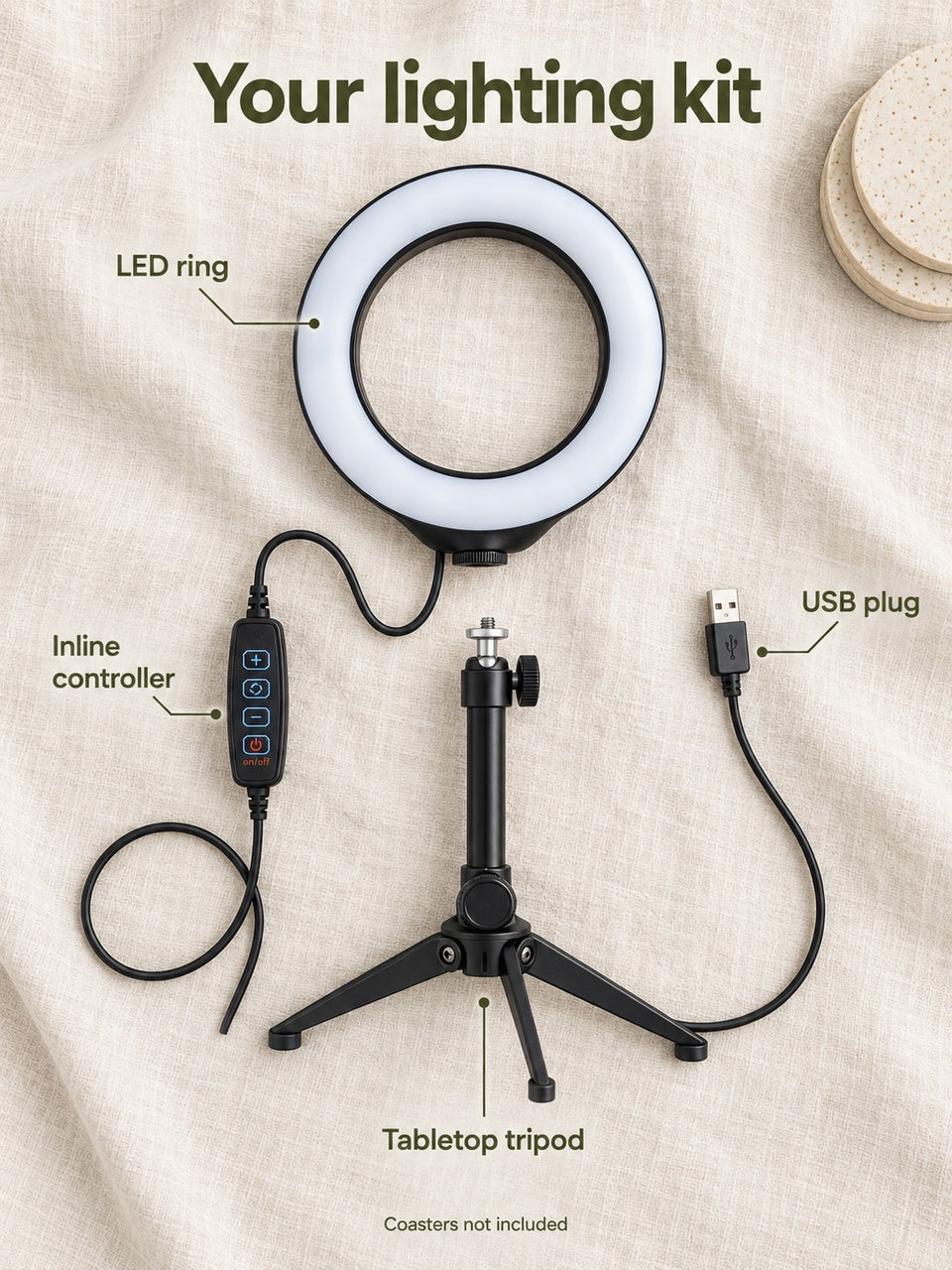
4.7 inch matte black ring with evenly diffused LEDs
Ball head for angling the ring toward you
Brightness, color and power buttons on the cable
Runs from a laptop port or a USB power source

Overhead room light and laptop screens leave your face dark, grey or yellow on camera. Viewers notice before you do, and the call starts with you already at a disadvantage. Most people then reach for the nearest lamp and hope it helps.

The ring sits on a tabletop tripod at eye level and plugs into USB. Brightness, color and power live on the inline cable, so you adjust the light from your seat instead of leaning over the fixture in the middle of a call.

Even white and warm light across your face, set once and kept there. Your next call starts with a natural-looking face, and the lighting stops being something you think about.
| This ring light | Fixed-color clip light | Room lamp or window light | |
|---|---|---|---|
| Brightness adjusted from the cable | — | — | |
| Three color temperatures | — | Partial | |
| Tabletop tripod included | — | — | |
| Even light on the face at desk distance | Partial | — | |
| Same light from one call to the next | — |
For a desk, yes, as long as you keep it close. The ring works best a short distance from the camera and at eye level, which is where most desk setups already put a webcam or phone. Move it further away and the light spreads thinner, so the room can look brighter than your face.
A USB port works. The plug cable runs from a laptop port or any standard USB power source, so a separate adapter is not needed for a desk setup.
Yes. It lights whichever camera sits in front of you, including a laptop webcam, a phone on the tripod or a dedicated camera. Place the ring beside the lens rather than behind the screen.
Soft white suits most calls and sits close to a typical room. Use cool white for crisp daytime work and warm amber for evening recordings. Pick one and stick with it so your face looks consistent across sessions.
It holds a phone or a small camera on a firm desk. Tighten the ball head and keep the desk surface steady. It is a desktop stand, so heavy camera rigs are better on a full-size stand.
A clip light gives you one fixed color and no control from the cable, and a room lamp shifts as the day changes. This ring gives you dimming, three color settings and a tripod in one box, which covers the calls and recordings you run each week.


 Dimmable LED Ring Light for Livestreaming and Video