
$69.90
Free delivery · 7–14 days
Open-Ear Wireless Earphones with 36H Battery for Running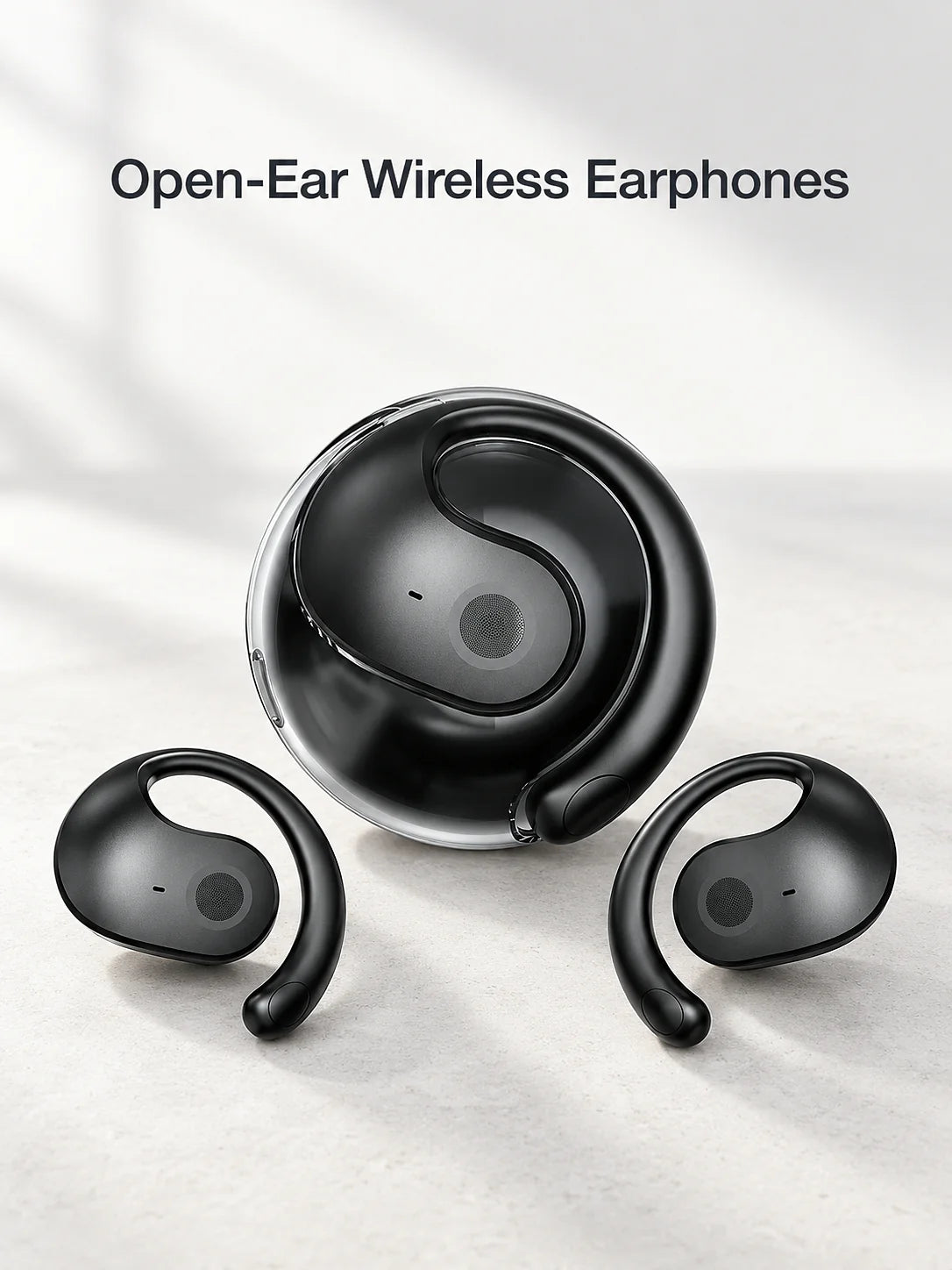
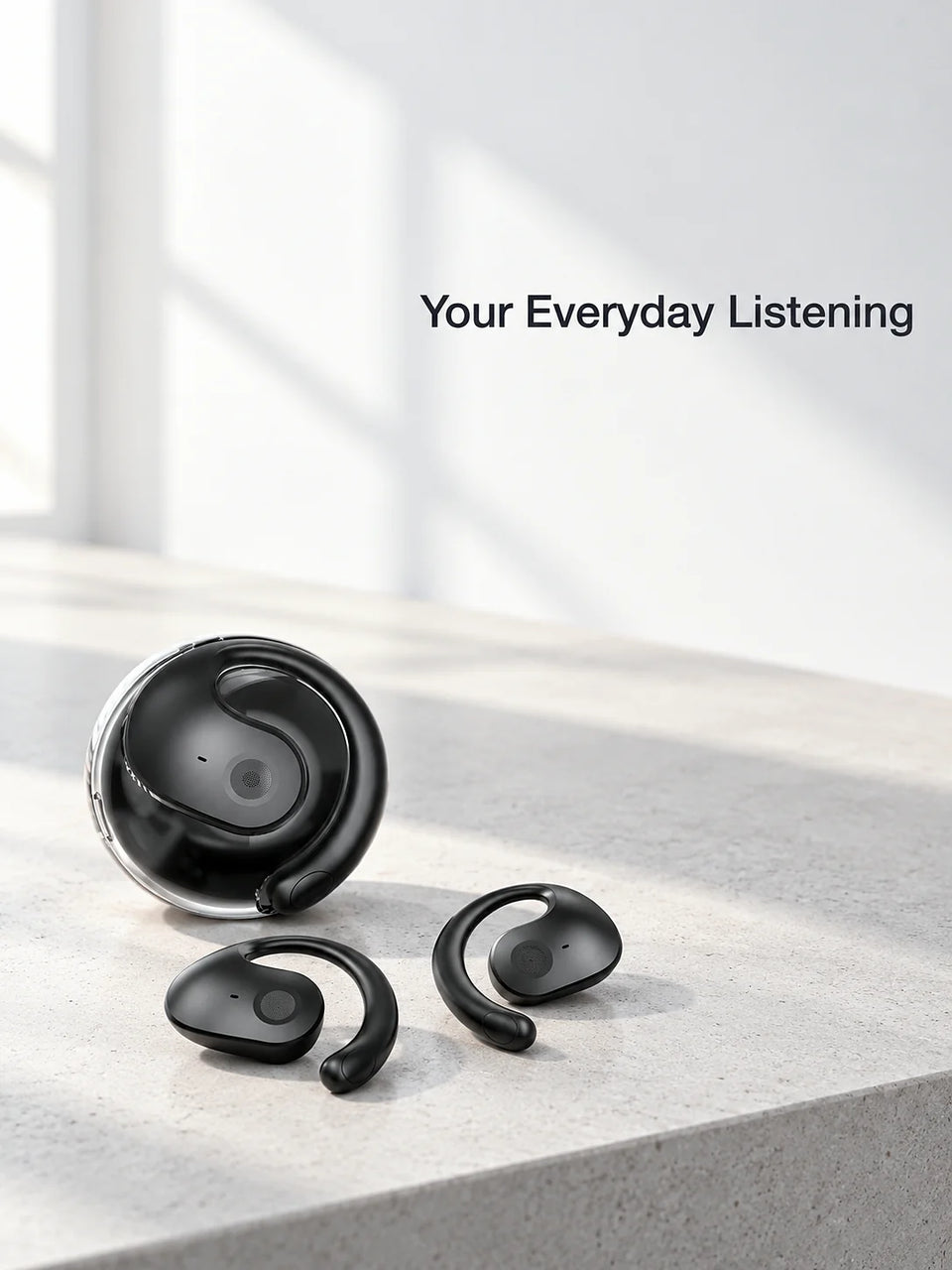
Open-ear wireless earphones rest outside your ear canal, so music stops pressing on you. Wear them through a commute, a run or a long call and still hear the street, the traffic and the people around you.
Read the full descriptionOpen-ear wireless earphones rest outside your ear canal, so music stops pressing on you. Wear them through a commute, a run or a long call and still hear the street, the traffic and the people around you.
Comfortable open-ear wireless earphones that stay off the ear canal
Tired of in-ear buds that ache after an hour? These open-ear hooks rest outside the canal, so you hear your music and the world around you.

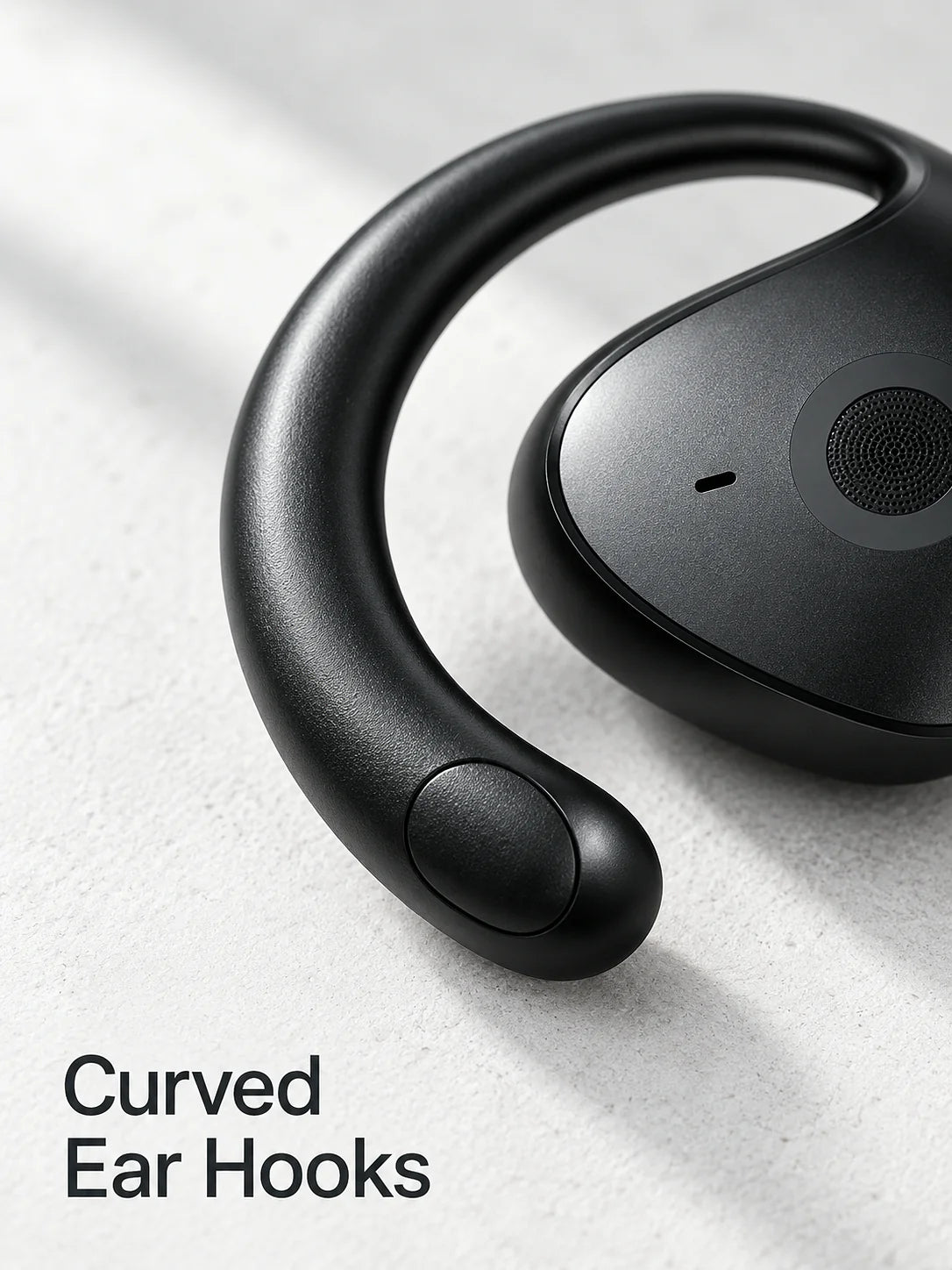
The curved hook rests outside the ear canal, so there is no insertion pressure and no seal blocking the room. You still hear traffic, announcements and people talking to you. It is the difference between a sore ear at the end of the day and a comfortable one.

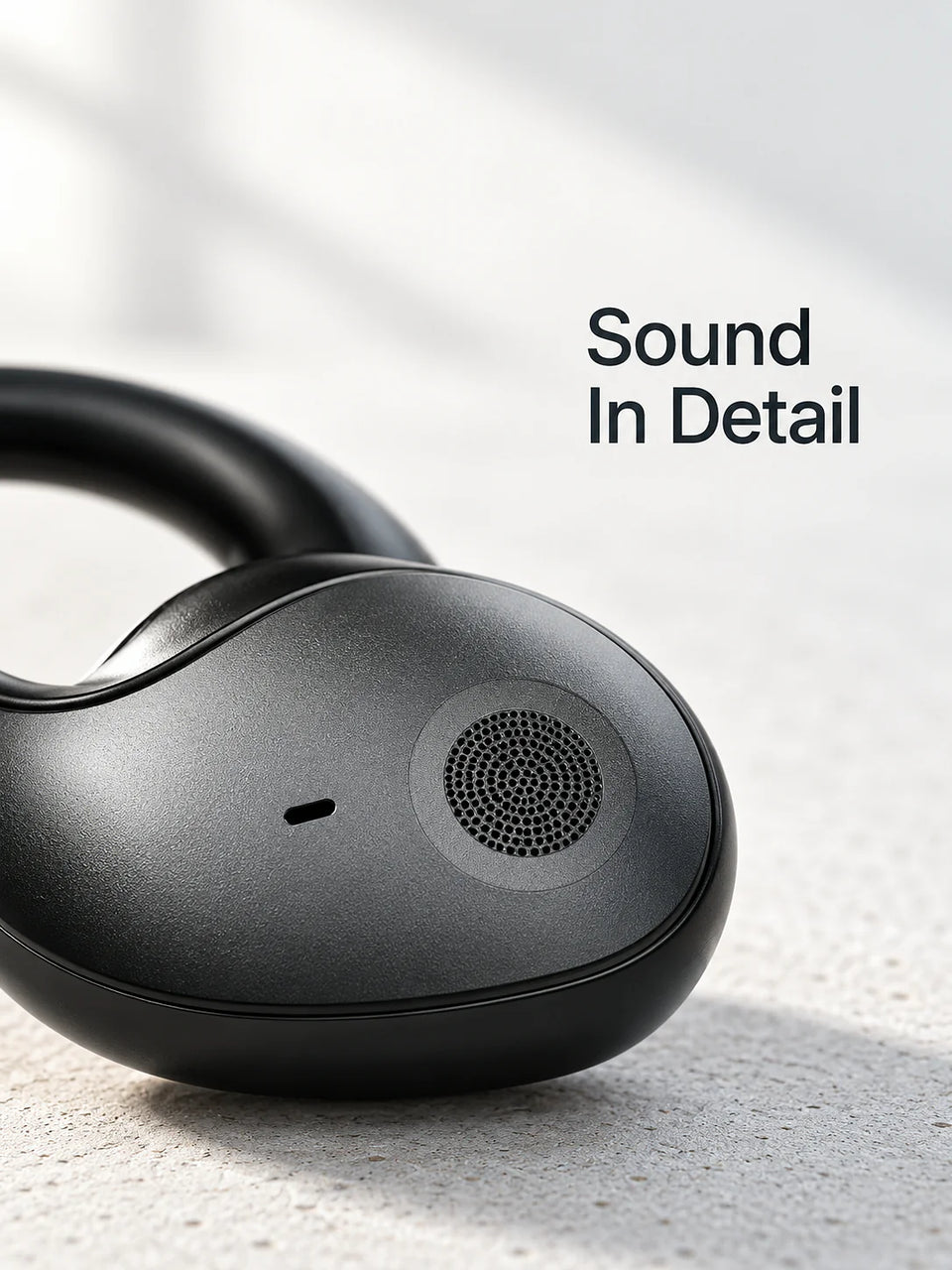
The touch area sits on the outer face of each earpiece, with an indicator LED that shows status. Play, pause and skip without pulling out your phone, which matters when you are mid-stride or holding a coffee on a train.

Bluetooth 5.4 pairs with phones, tablets and laptops running Windows, iOS and Android. Switch from a wireless earbuds setup at your desk to your phone on the walk home without re-pairing a second set.
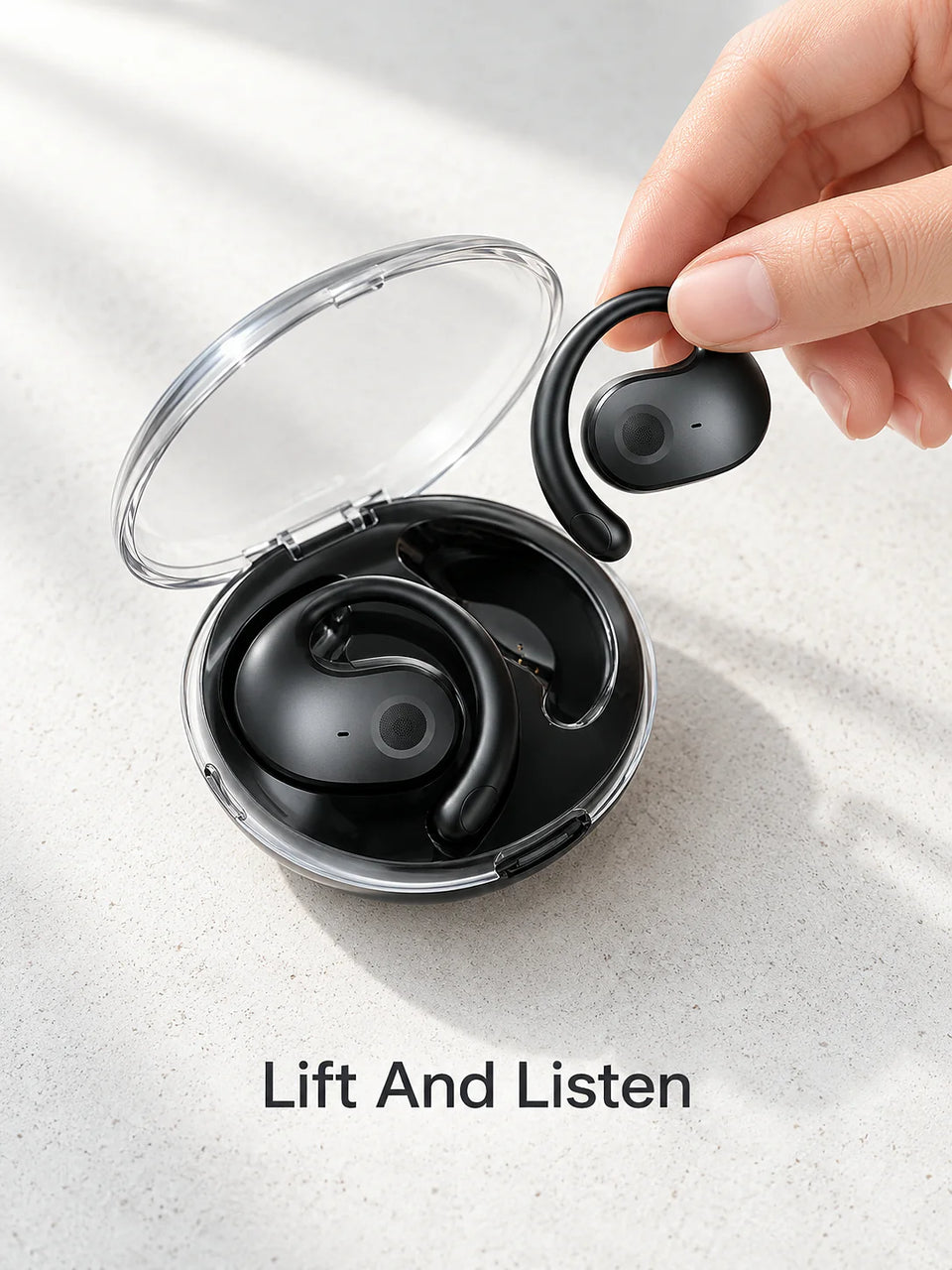
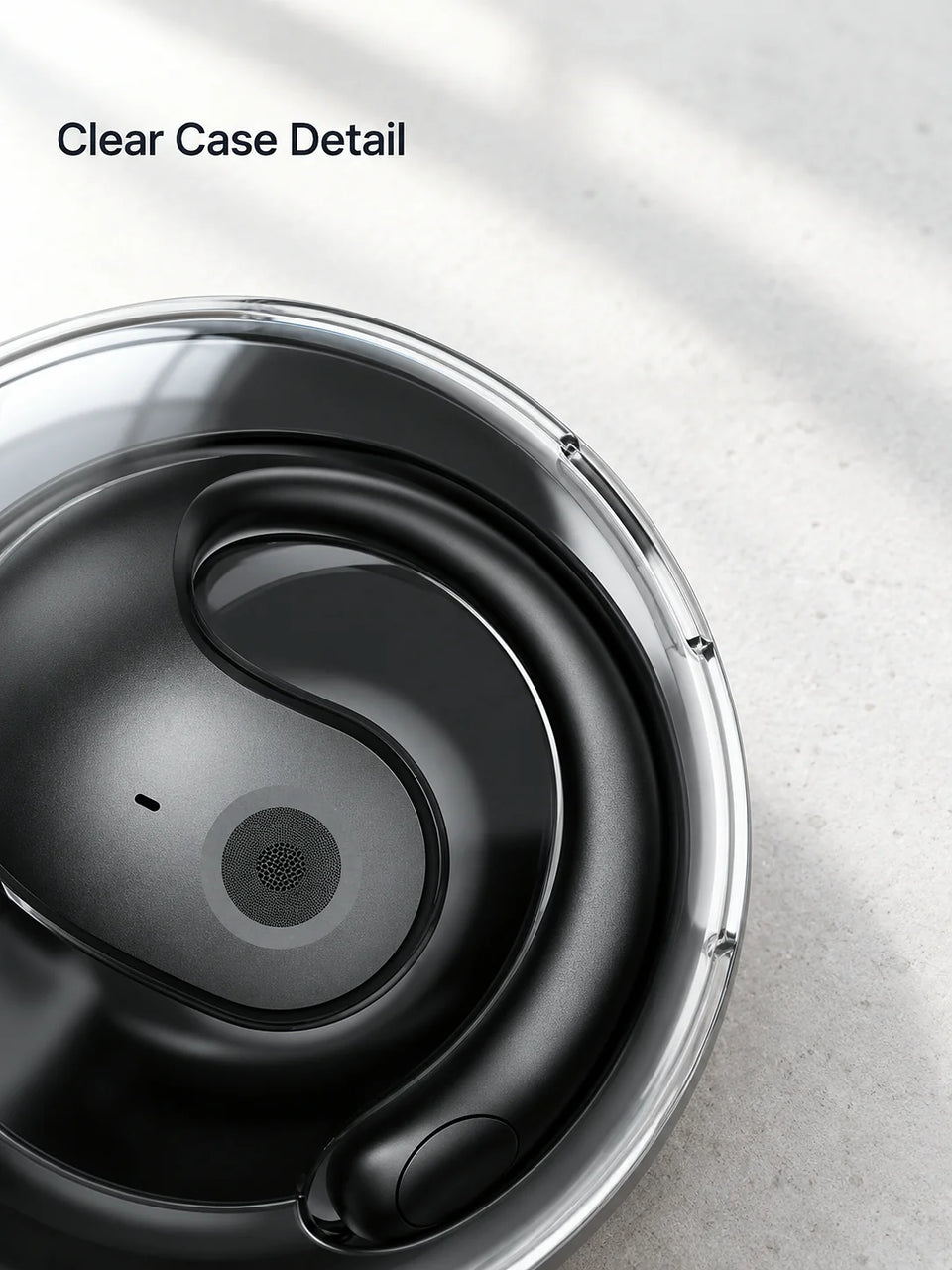
The round transparent case opens to show two glossy black earpieces. Each one carries a clear L or R marking, so you know which side goes where.
Slip the curved hook over the top of your ear so the speaker rests just outside the canal. Nothing goes inside, so there is no pressure to adjust.
Press the touch area and the indicator LED lights up as the pair connects.
On your phone, tablet or laptop, open Bluetooth settings and pick the earphones from the list. Pairing runs on Windows, iOS and Android.
Glossy black ear hooks with L and R marking
Keeps the earpieces stored and protected

Earbuds that jam into the ear canal start to press after an hour. By the end of a long ride or a back-to-back call, the pressure is the first thing you notice and the music is the second. You also lose the bike bell and the voice behind you, because the buds are sealing the sound out.

The hook sits over the top of the ear and the speaker rests just outside the canal. Nothing goes in, so the street stays audible while your music plays. If you already carry an earbud case, you can keep these in it too, since the round case is built for daily carry.
Commutes feel lighter, runs feel freer and desk calls stop being an ear-pressure chore. The point of an open-ear pair is that you stop thinking about your ears at all, which is exactly how it should feel.
Hold the earphones near your phone, select them in Bluetooth settings and they connect. The LED confirms status while you set them up.
Putting them on becomes quick. Adjust the hook so the speaker sits outside the canal and the fit feels secure.
Fit and listening habits make a difference.
Remove sweat and dust after workouts
Store the earpieces in the round case when you are not wearing them
Strong cleaners can dull the glossy finish
| Open-ear hooks | In-ear buds | Wired over-ear | |
|---|---|---|---|
| Sits inside the ear canal | — | — | |
| Hear your surroundings | — | Partial | |
| Wireless audio | — | ||
| Pressure after an hour | — | Partial | |
| Pairs with phone, tablet and laptop | Partial |
Open-ear designs let outside sound in and some sound carries to people nearby, so keep the volume moderate in quiet offices or on a train. You trade the sealed feel of in-ear buds for a fit that does not press into the canal and keeps you aware of your surroundings.
The hook rests over the top of the ear rather than inside it, so there is no seal to lose. Seat them before you start and check the fit at the first hill. Adjust the hook if it shifts.
Yes. Bluetooth 5.4 pairs with phones, tablets and laptops that run Windows, iOS or Android. Select the earphones in the Bluetooth menu of your device and they connect.
Cheap in-ear buds get swapped every few months, and the cost adds up. One pair you wear on every commute, run and call is a single purchase that replaces that cycle. Divide the price by the number of days you wear them and the cost per use drops fast.
A pair of open-ear earphones with L and R marking on each earpiece, plus a round transparent charging case. Nothing else is needed to start listening.


 Open-Ear Wireless Earphones with Ear Hooks, Bluetooth 5.4