
$59.90
Free delivery · 7–14 days
Slim Galaxy Z Flip3 Case with Gold Finger Ring Grip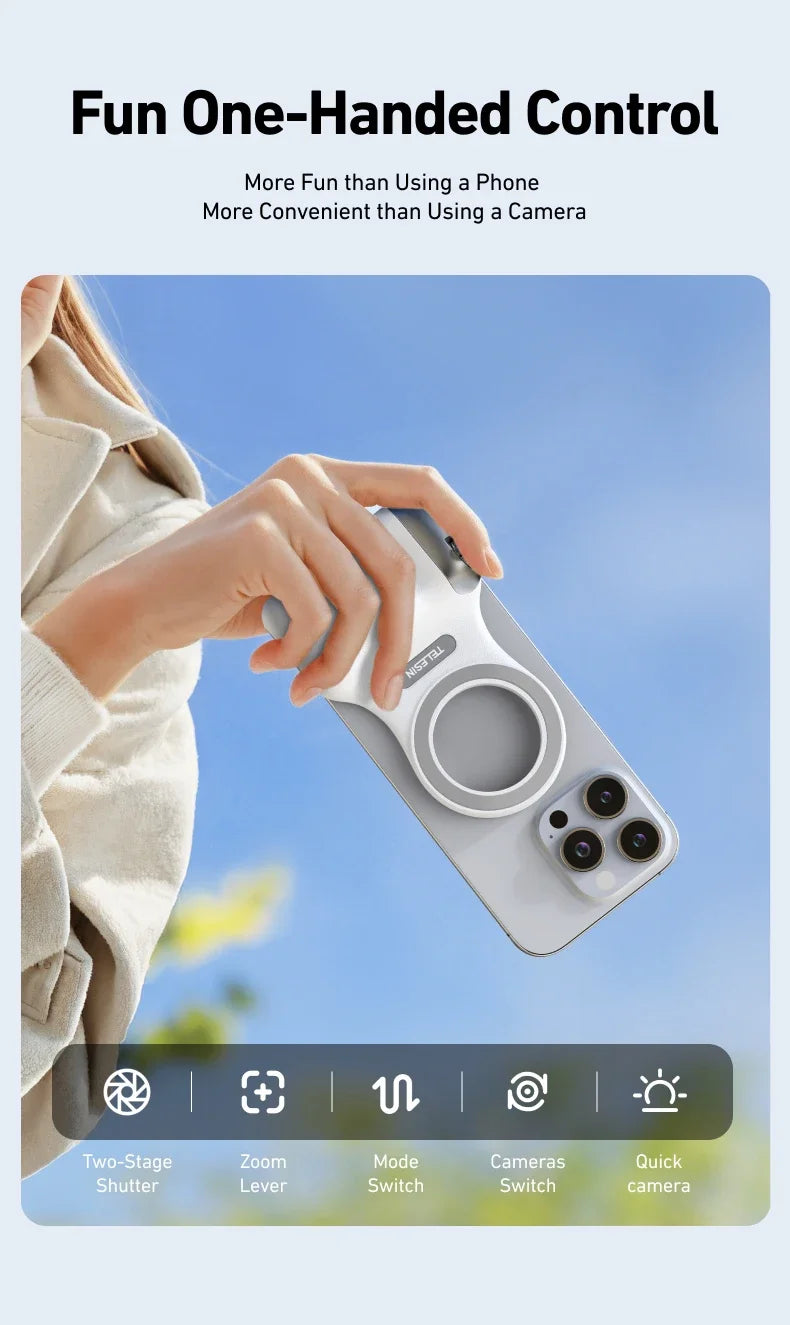
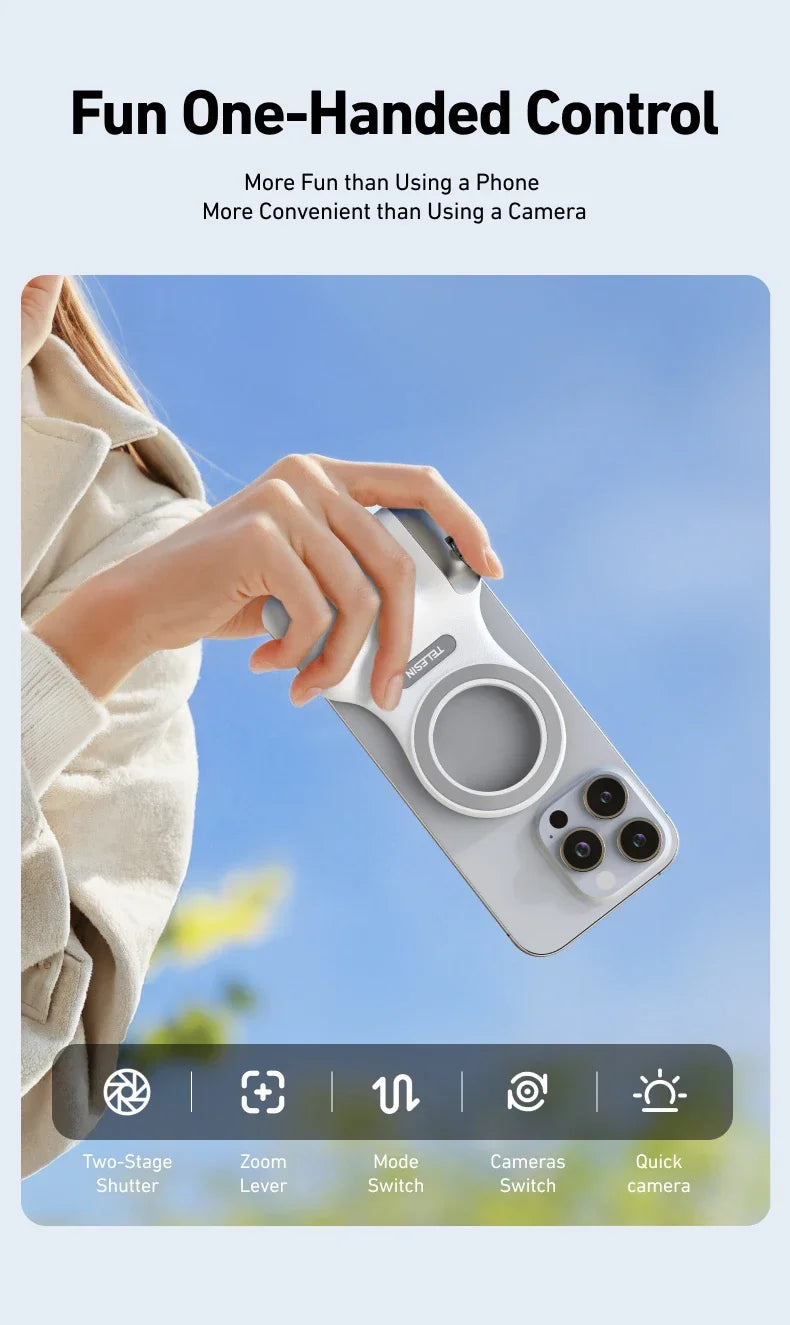
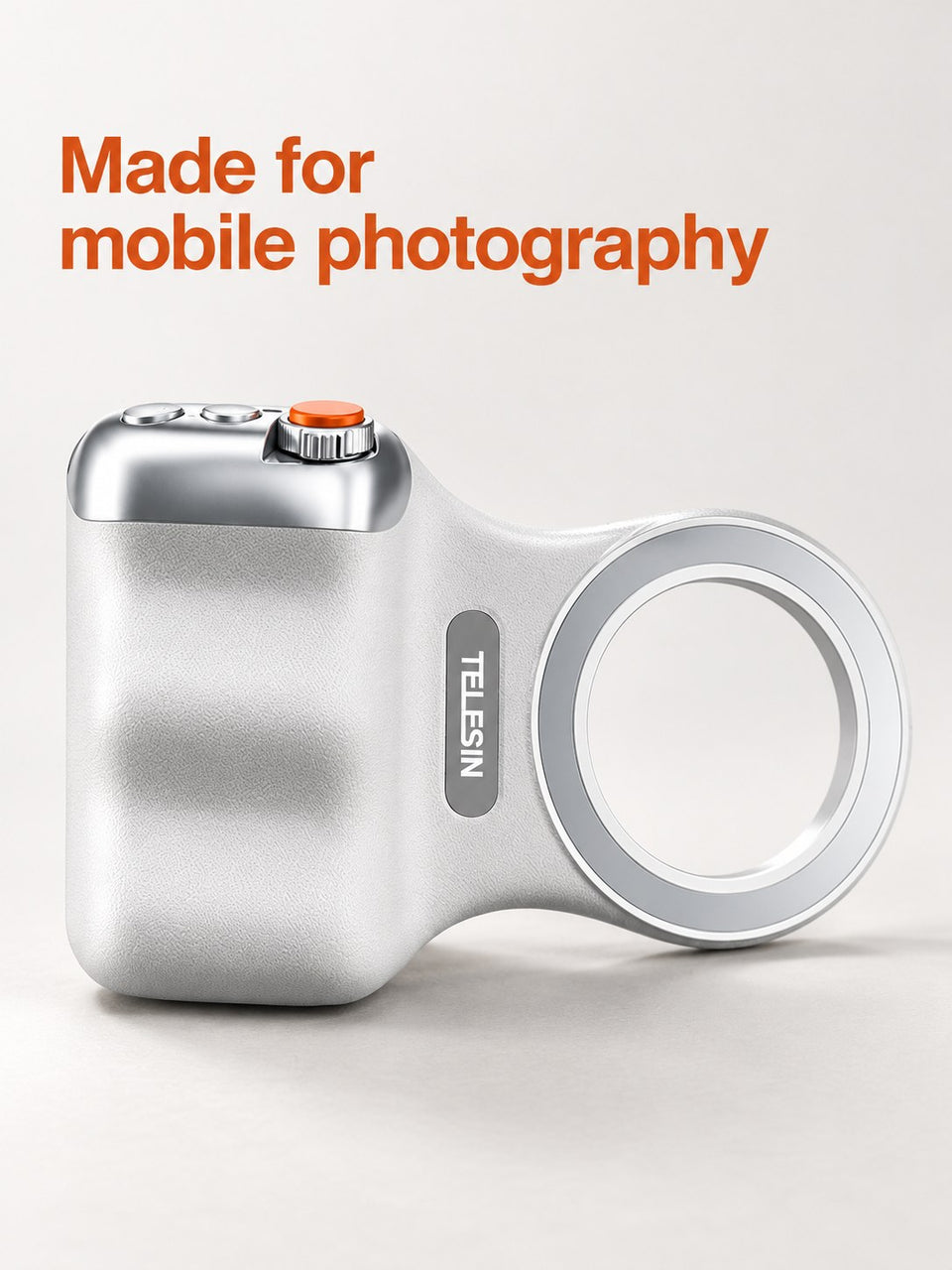
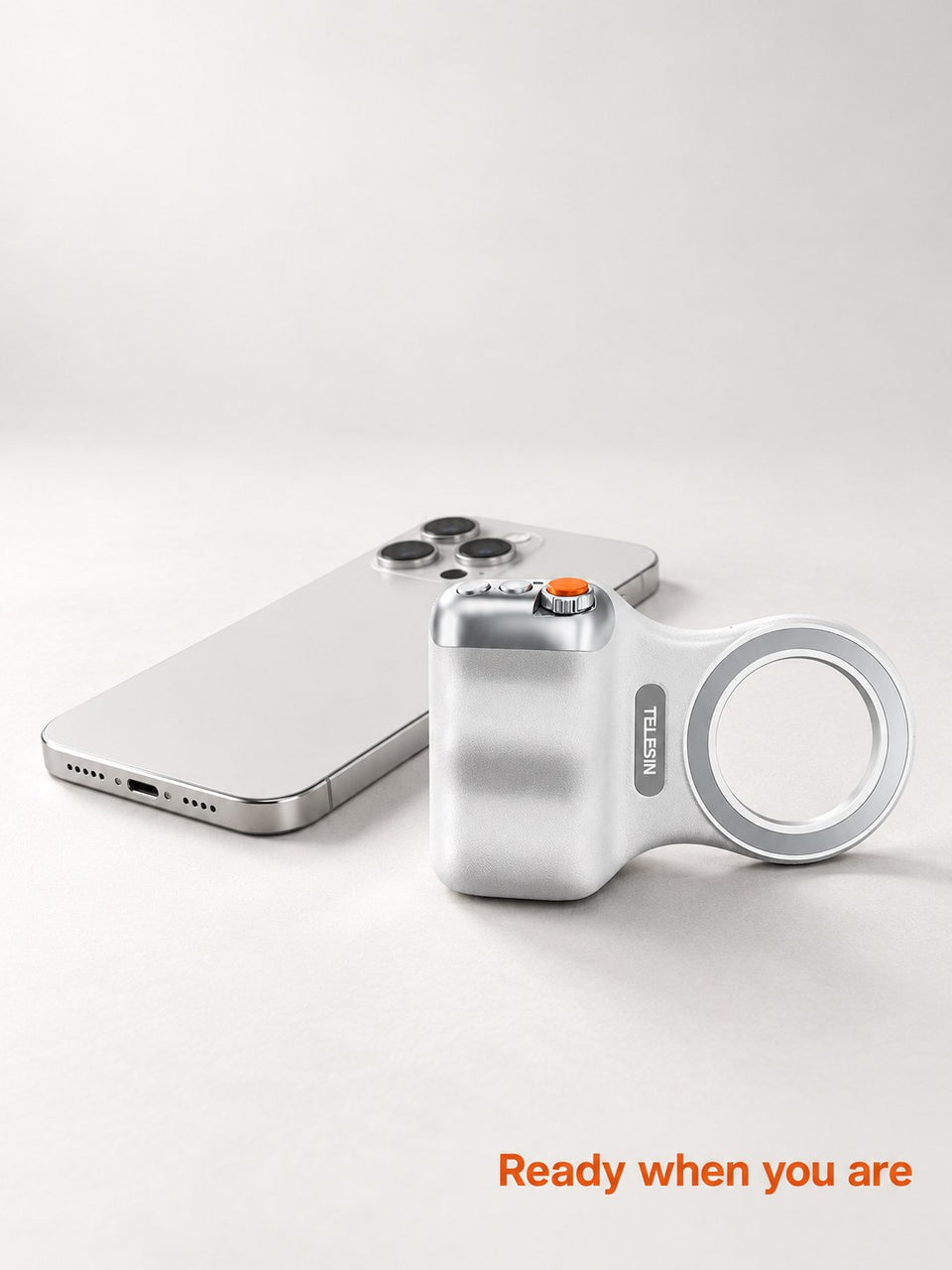
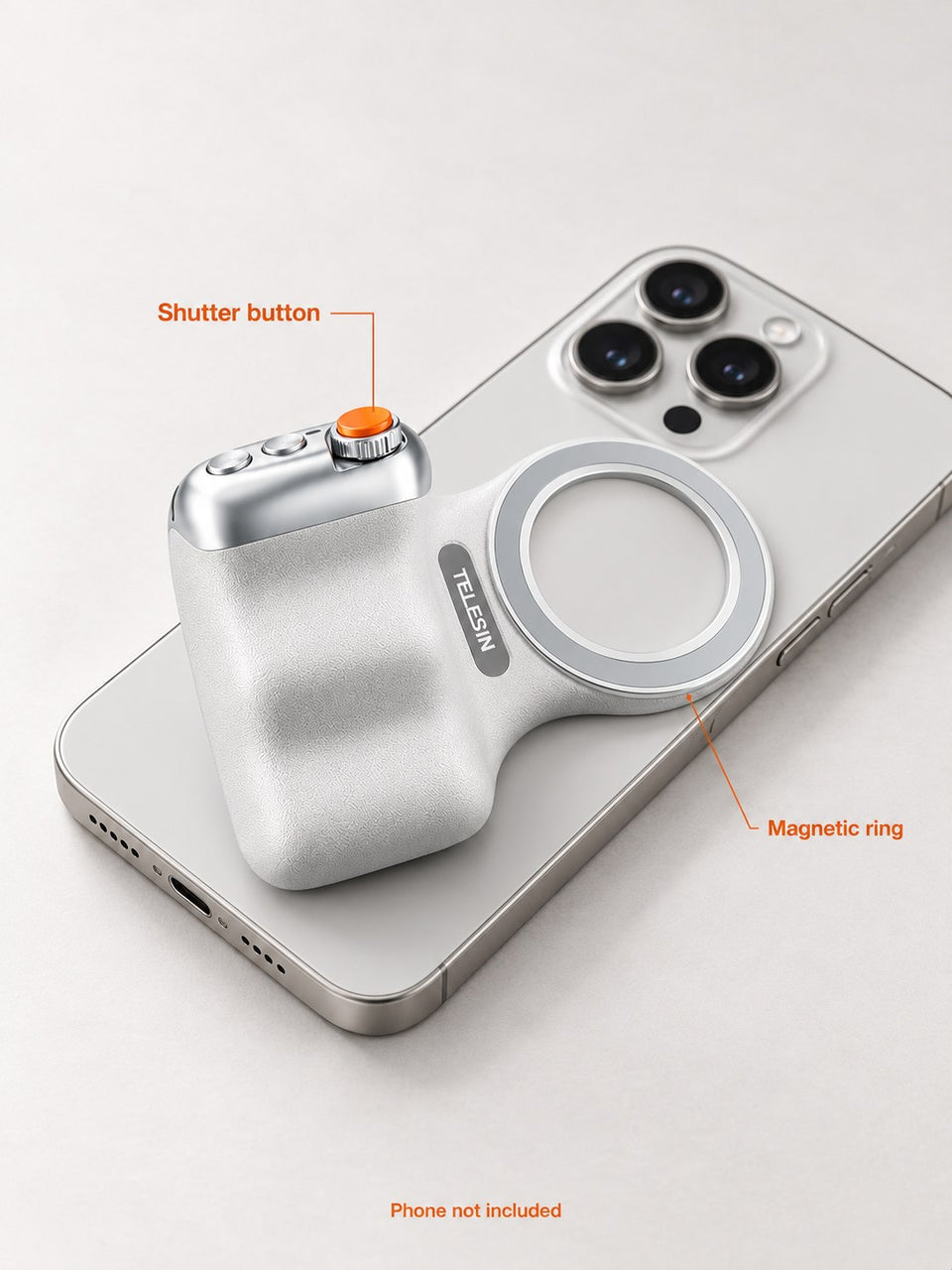
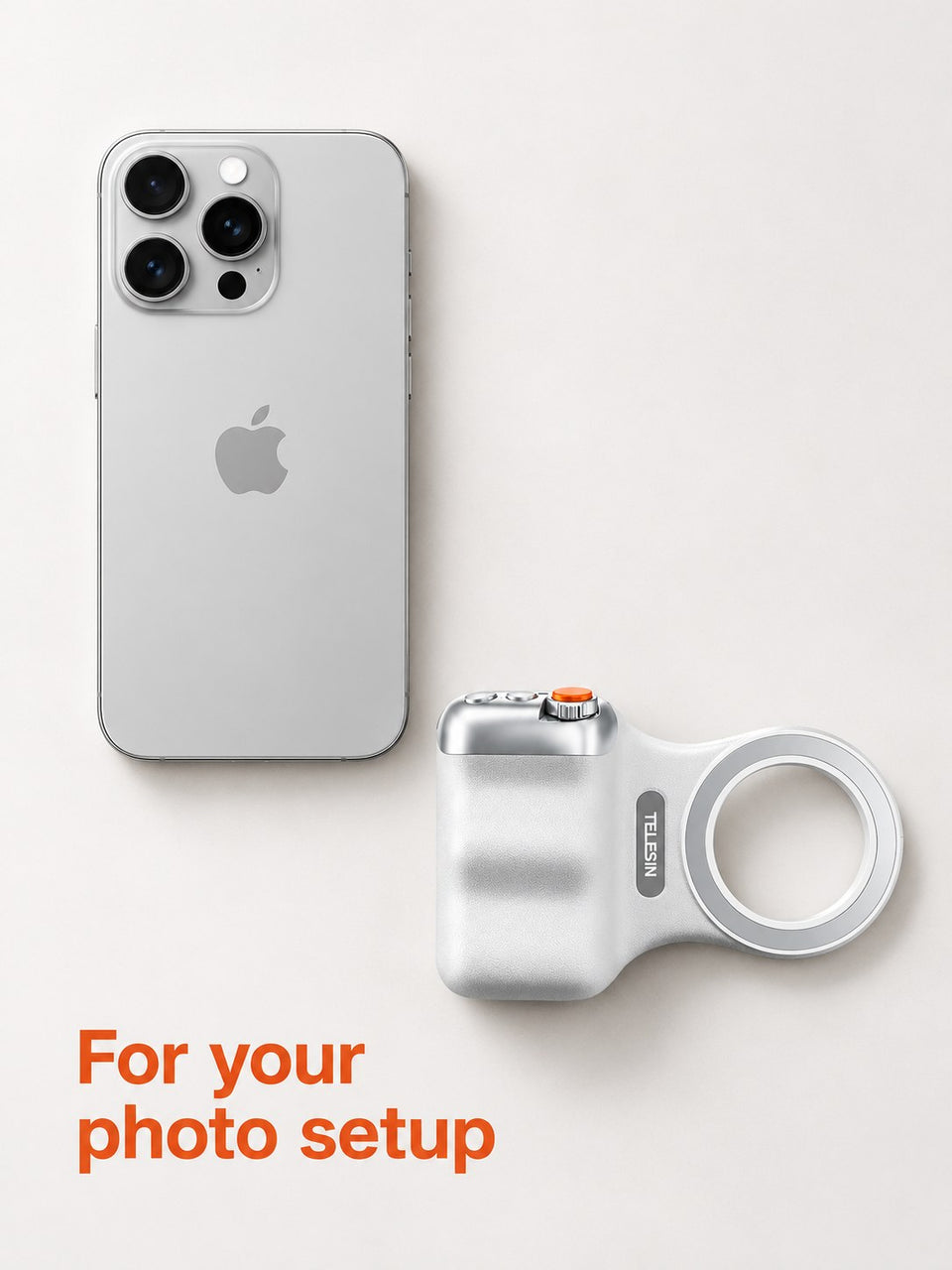
Steady frames start with a steady hand. This compact MagSafe grip locks onto the back of your iPhone, gives your fingers a curved handle to rest in, and adds a Bluetooth shutter so you can shoot without touching the screen. The mini tripod turns it into a stand for hands-free group shots.
Read the full descriptionSteady frames start with a steady hand. This compact MagSafe grip locks onto the back of your iPhone, gives your fingers a curved handle to rest in, and adds a Bluetooth shutter so you can shoot without touching the screen. The mini tripod turns it into a stand for hands-free group shots.
Shake-free, stable photo grip that fits your hand naturally with MagSafe attachment
Tired arms and blurry frames end a good shoot early. This compact MagSafe grip gives your iPhone a secure hold, so your shots stay sharper from first frame to last.

The grip attaches directly to the MagSafe ring on the back of your iPhone. Press until it clicks, then shoot without worrying about the phone shifting. Thick cases can block the ring, so take the case off or use a MagSafe-compatible one for the best hold.

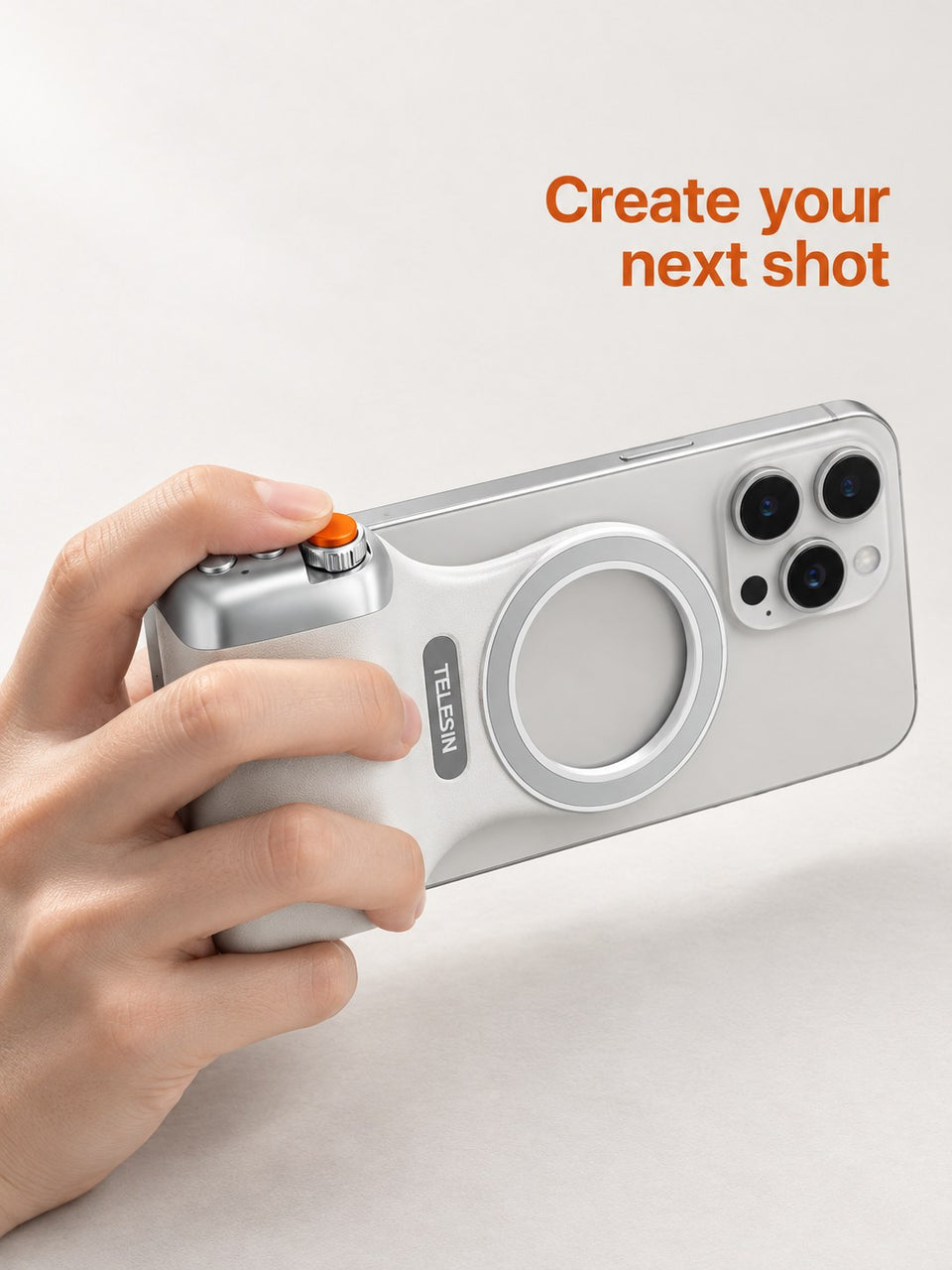
The 45mm curvature and 9mm finger distance sit naturally in the hand. Your fingers rest in the spacing, your wrist stays relaxed, and the anti-slip surface keeps your grip steady on a full day of street walks.

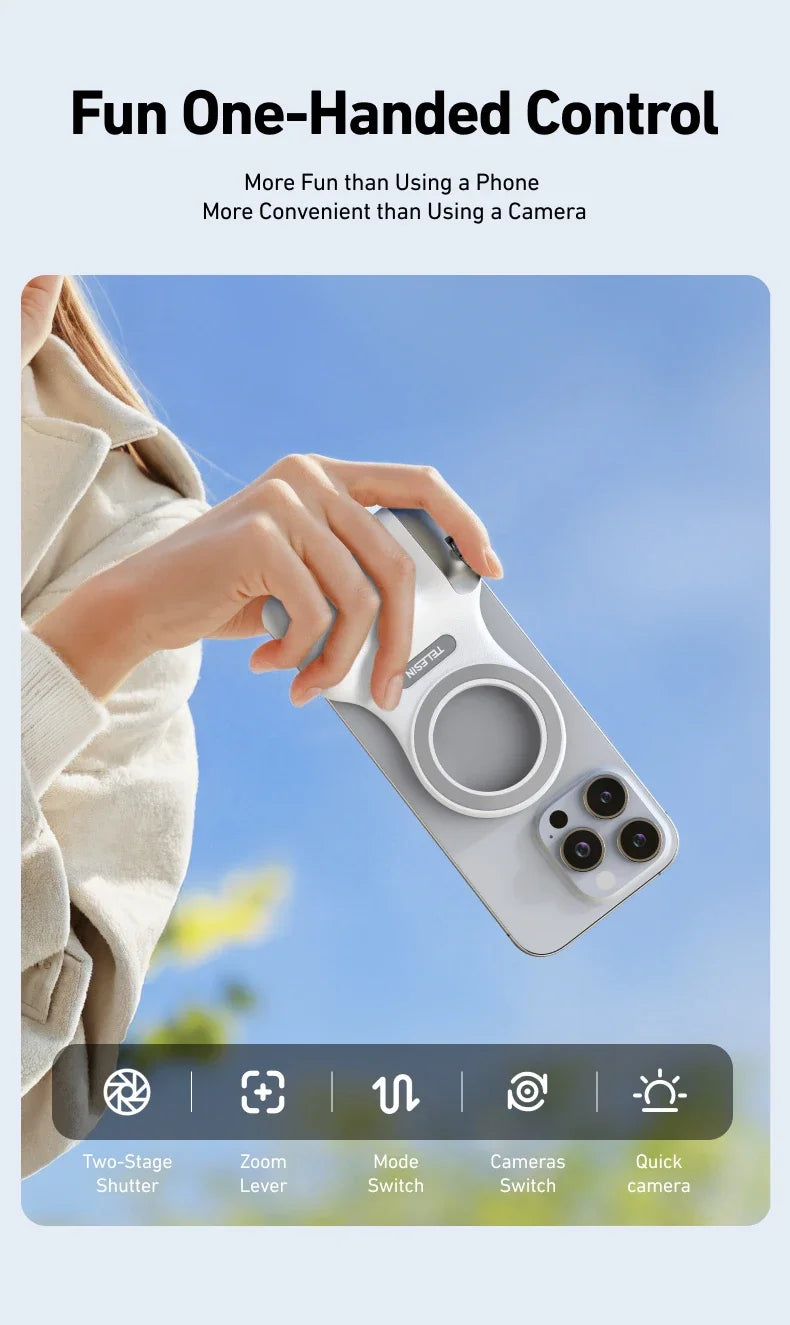
The orange Bluetooth shutter releases the shot from your hand. Nothing on the screen gets touched, so the frame stays still at the moment of capture. Use it for group shots, vlogs, or any time you want to be in the picture.
Line the MagSafe ring up with the back of your iPhone and press until it clicks. Remove a thick case first so the ring touches the phone.
Set your fingers in the 45mm curve and the 9mm spacing. Keep your wrist loose and let the handle carry the weight.
Press the Bluetooth shutter instead of tapping the screen. The frame stays still, and you can shoot from the hip or at arm's length.
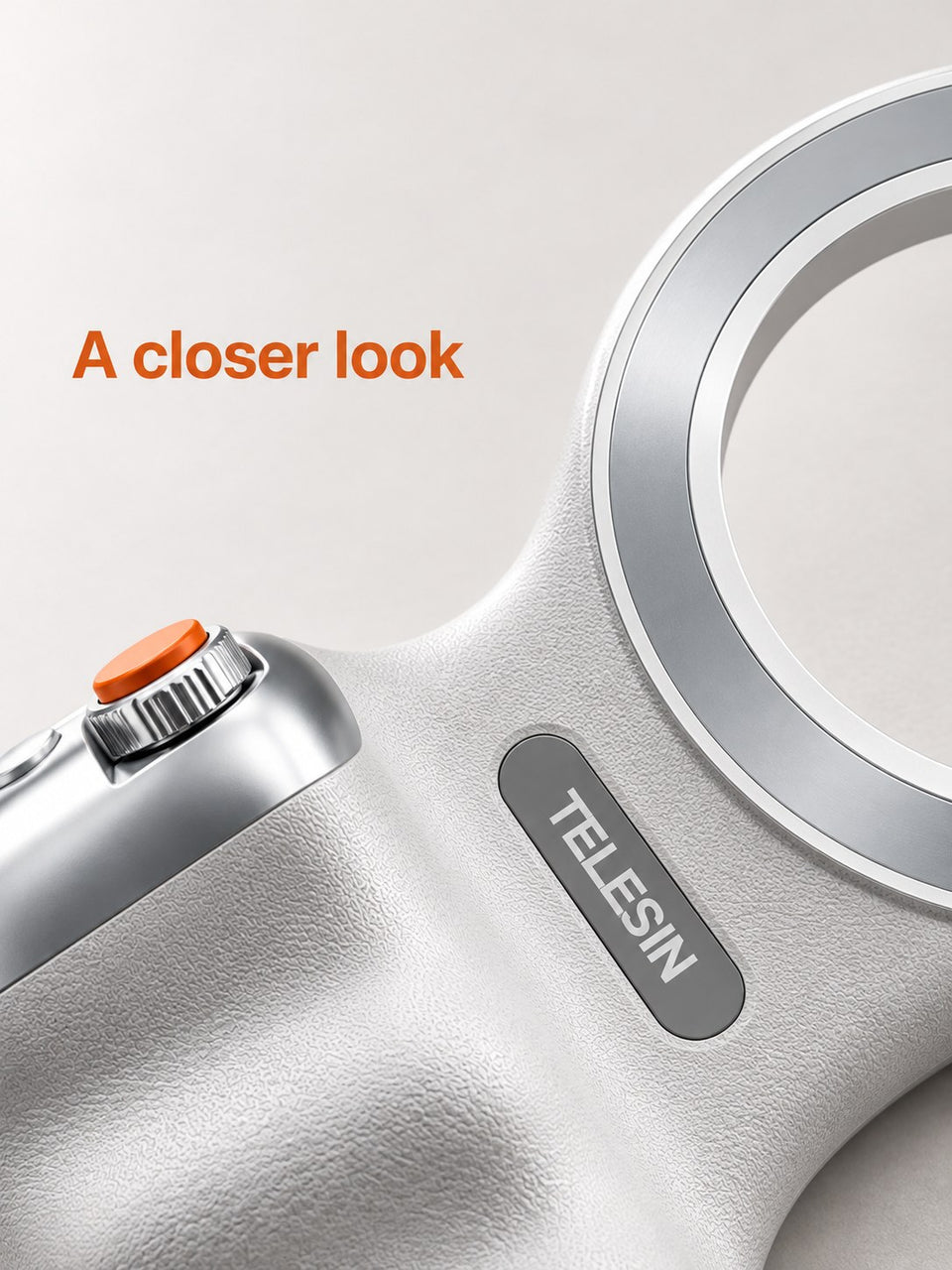
Brushed aluminum-look body with Bluetooth shutter
Black, with 1/4 inch mounting screw
A long walk through the old town, and the best light of the afternoon is in front of you. Your phone is held with bare fingers, the arm is already sore, and the frame comes out soft. Every tap on the screen adds a little more shake. By the time you reach the square, you are shooting less and worrying more.
The grip snaps onto the MagSafe ring, so the phone stops sliding around in your hand. The 45mm curve takes the weight of the handle, and your fingers settle into the 9mm spacing without thinking about it. The anti-slip surface holds when your palm is warm from the walk, and the phone stays where you put it.

Now you press the orange Bluetooth shutter instead of touching the screen. The frame stays still, your wrist stays loose, and the next shot is the one you planned. When the afternoon is over, your hand is not the thing you remember.
| This grip | Bare-hand shooting | Loose clip-on handle | |
|---|---|---|---|
| Locks to the MagSafe ring | — | — | |
| Bluetooth shutter button | — | — | |
| Curved handle for long shoots | — | Partial | |
| 1/4 inch tripod thread | — | — | |
| Anti-slip grip surface | Partial | Partial |
It is built for iPhones with a MagSafe ring. The ring has to touch the phone directly, so a thin MagSafe-compatible case works. A thick or loose case can block the lock, and that is the first thing to check if the grip feels loose.
Yes, when the ring has direct contact. Press the grip on until it clicks, then give it a gentle tug before you start. The anti-slip surface and curved handle add grip on top of the magnetic hold.
The orange shutter pairs over Bluetooth during first setup, which takes a short moment. After that, pressing the button releases the shot without a screen tap. Test it once at the distance you normally shoot from before a trip.
No. The grip is built around the MagSafe ring on iPhone, so it does not attach to Android phones or to iPhones that lack MagSafe.
Yes. The grip has a 1/4 inch tripod thread, and the included mini black tripod gives you a stand for hands-free shots, group photos, and overhead angles.
You get a brushed aluminum-look body, a MagSafe ring, a Bluetooth shutter, and a tripod thread in one piece. Cheap clip-on handles slide and add no trigger. If the grip saves one ruined shot per trip, it pays for itself on the first day out.


 MagSafe Photo Grip for Steady, Shake-Free iPhone Shots