
$37.90
Free delivery · 7–14 days
8.5 Inch LCD Writing Tablet: Reusable Notepad for Kids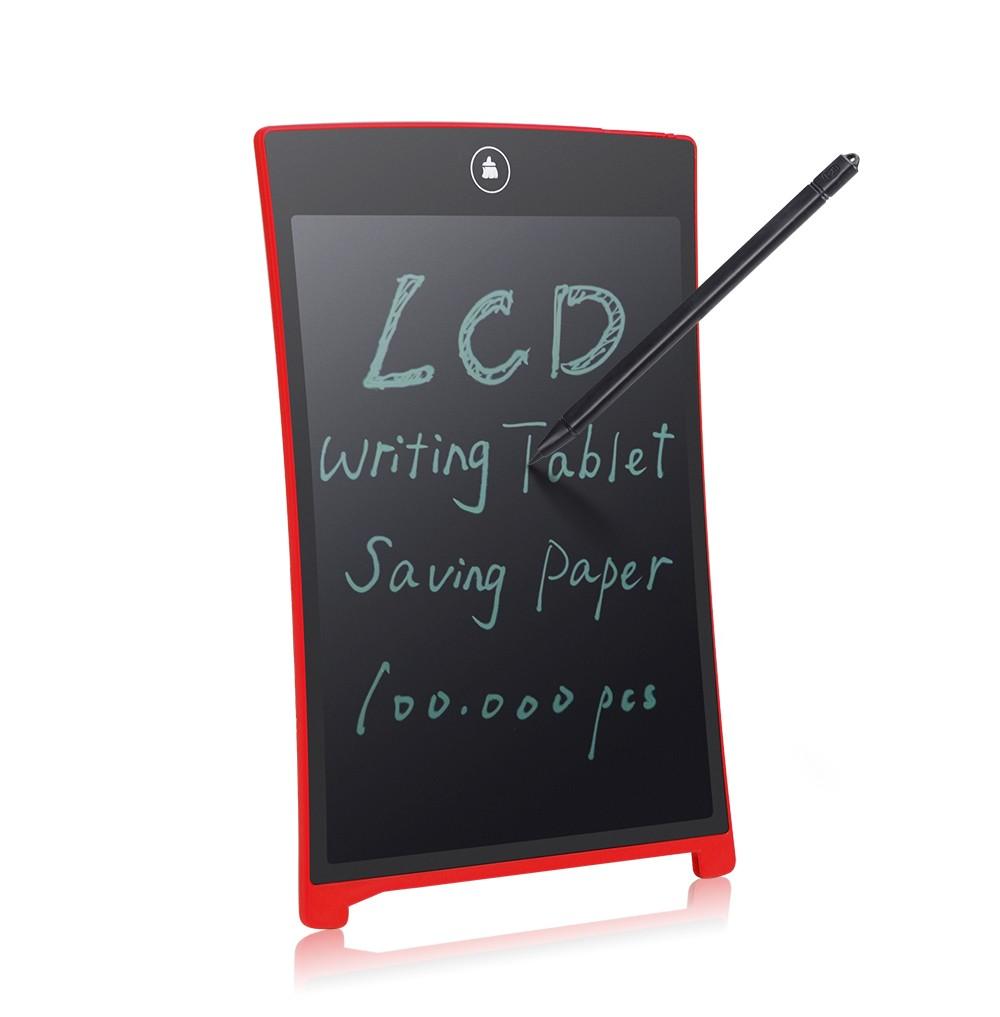
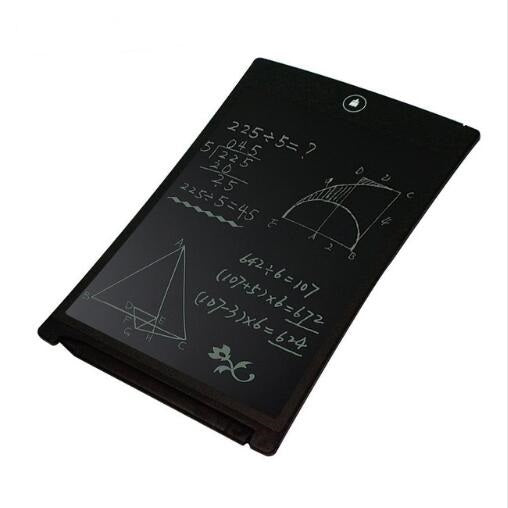
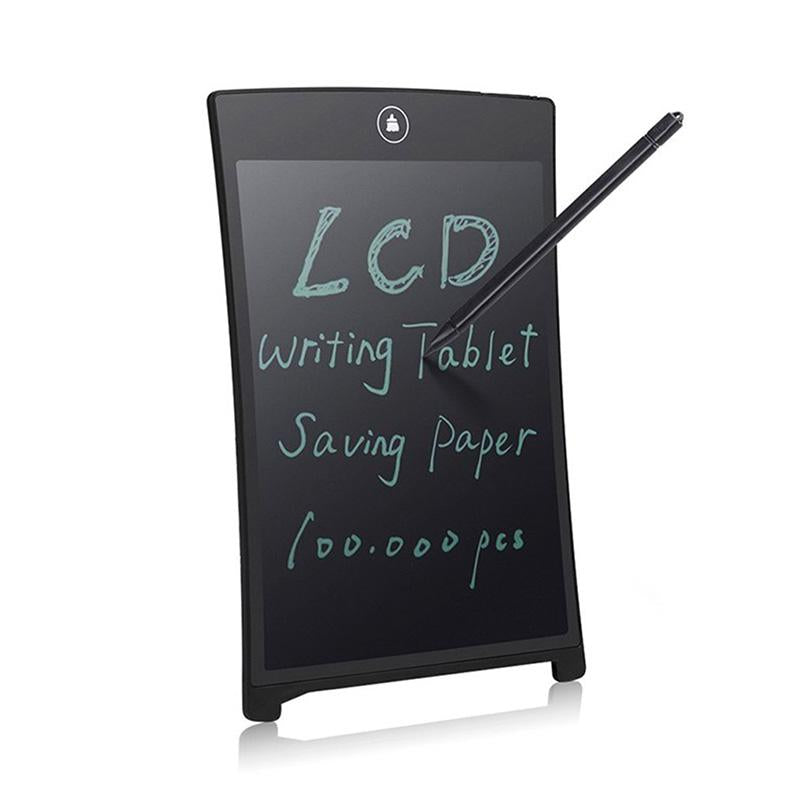
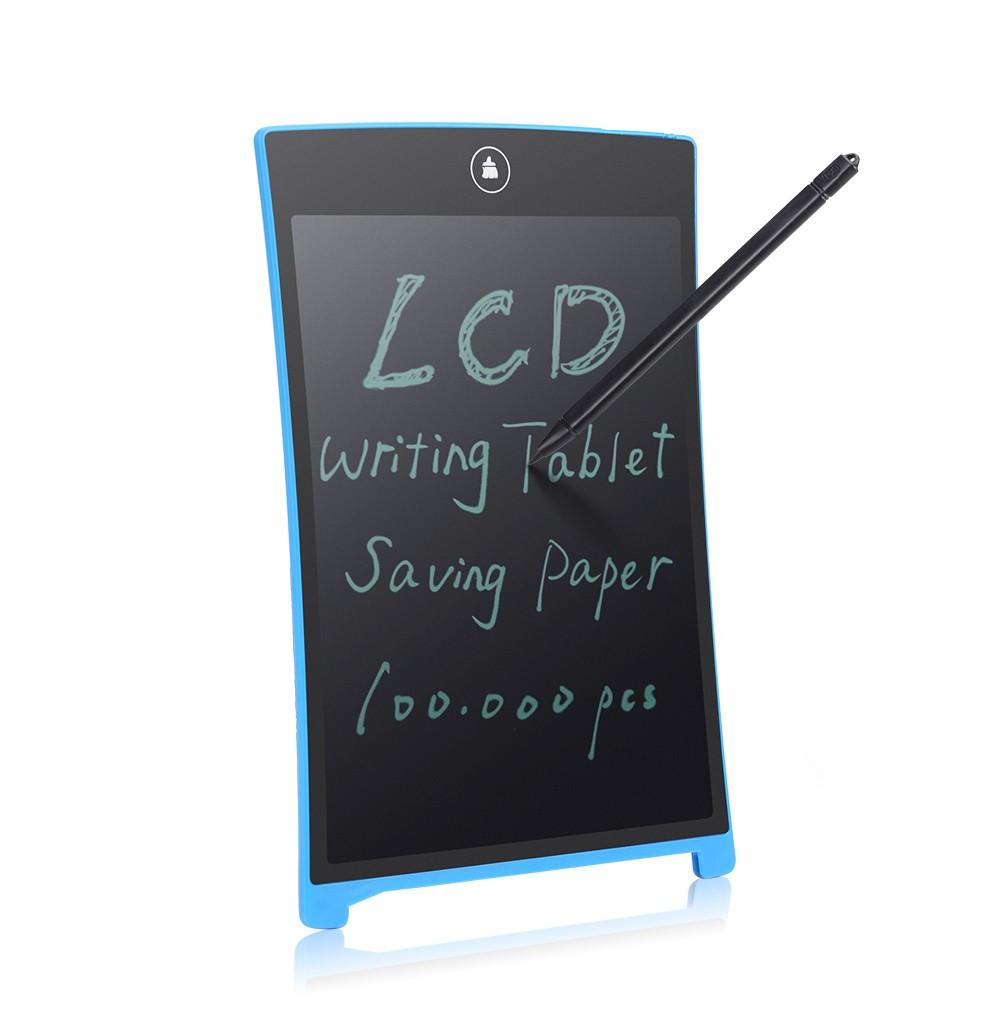
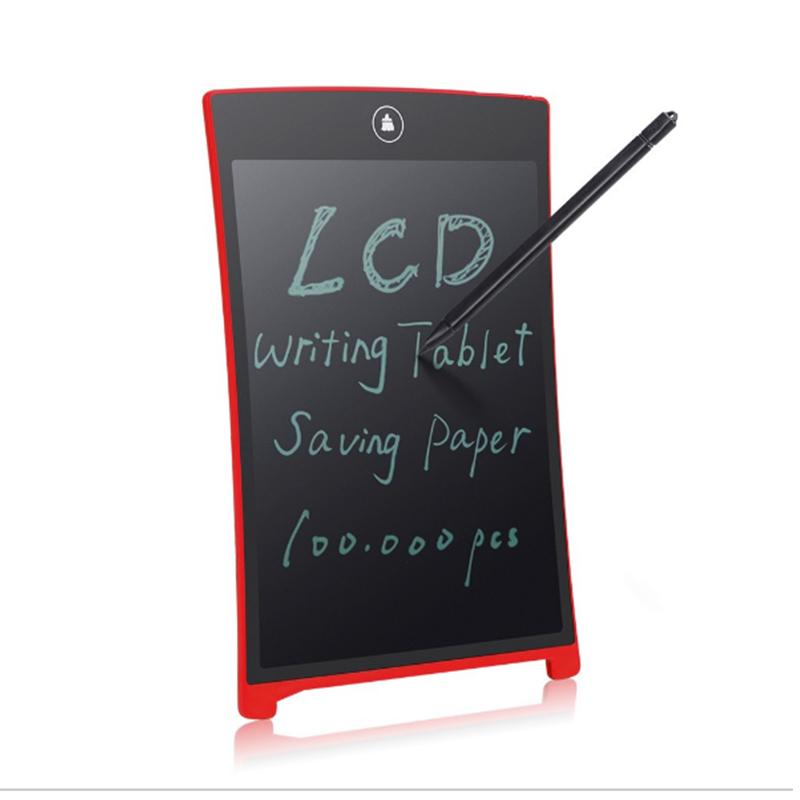
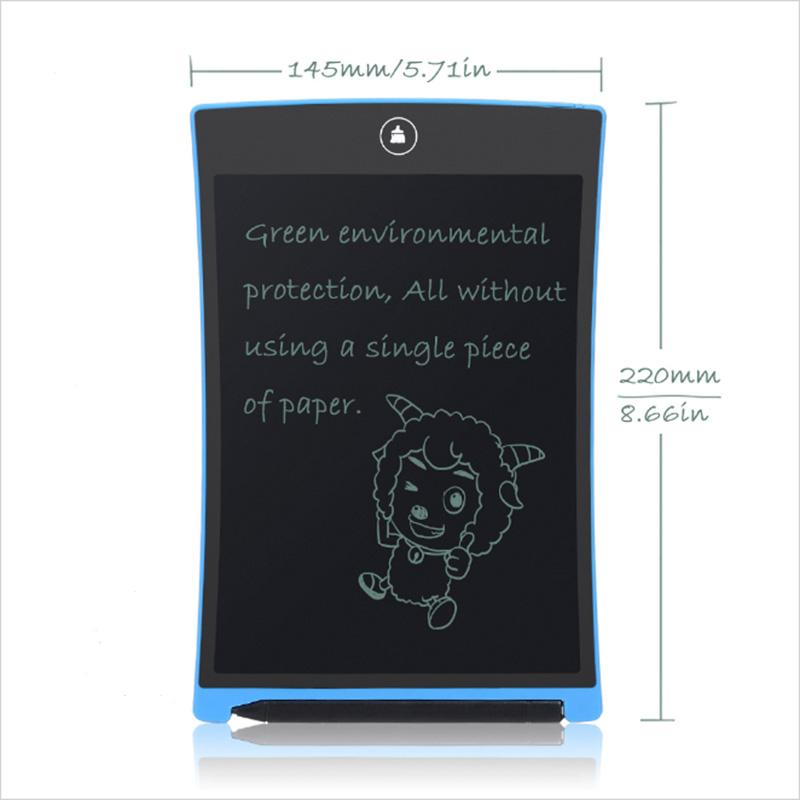
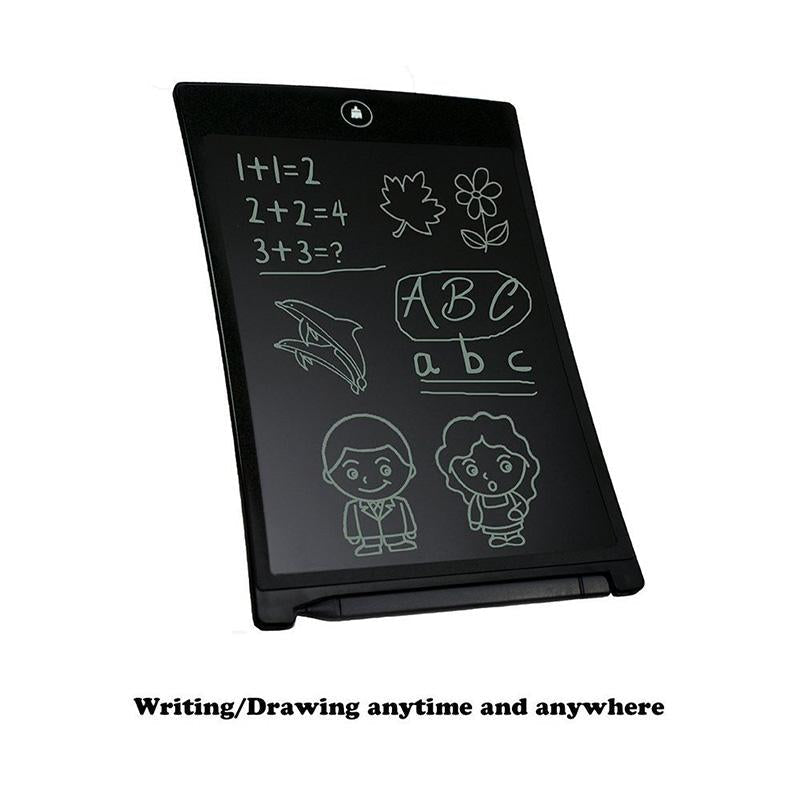
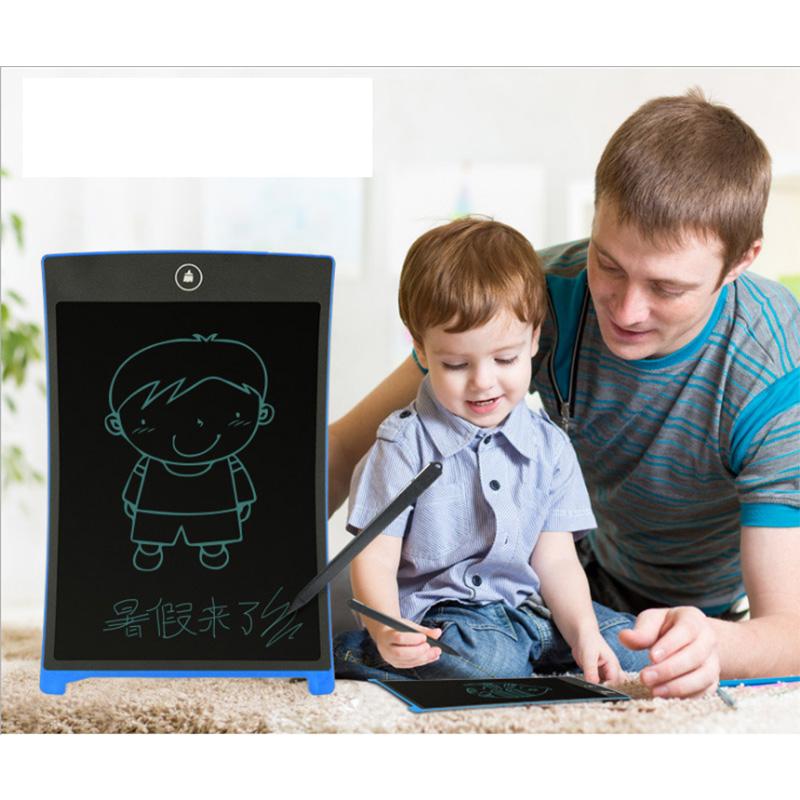
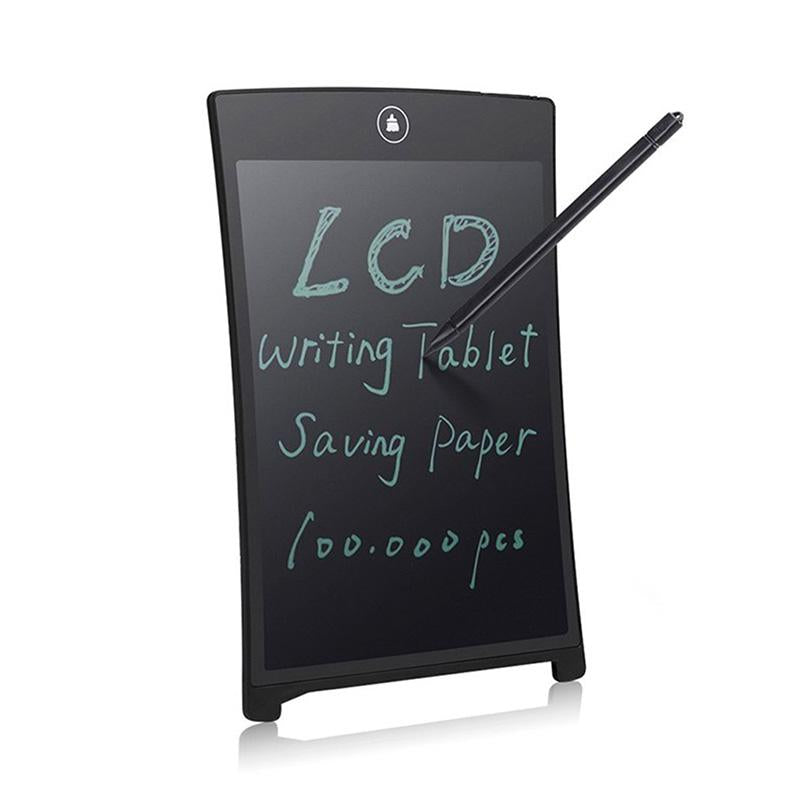
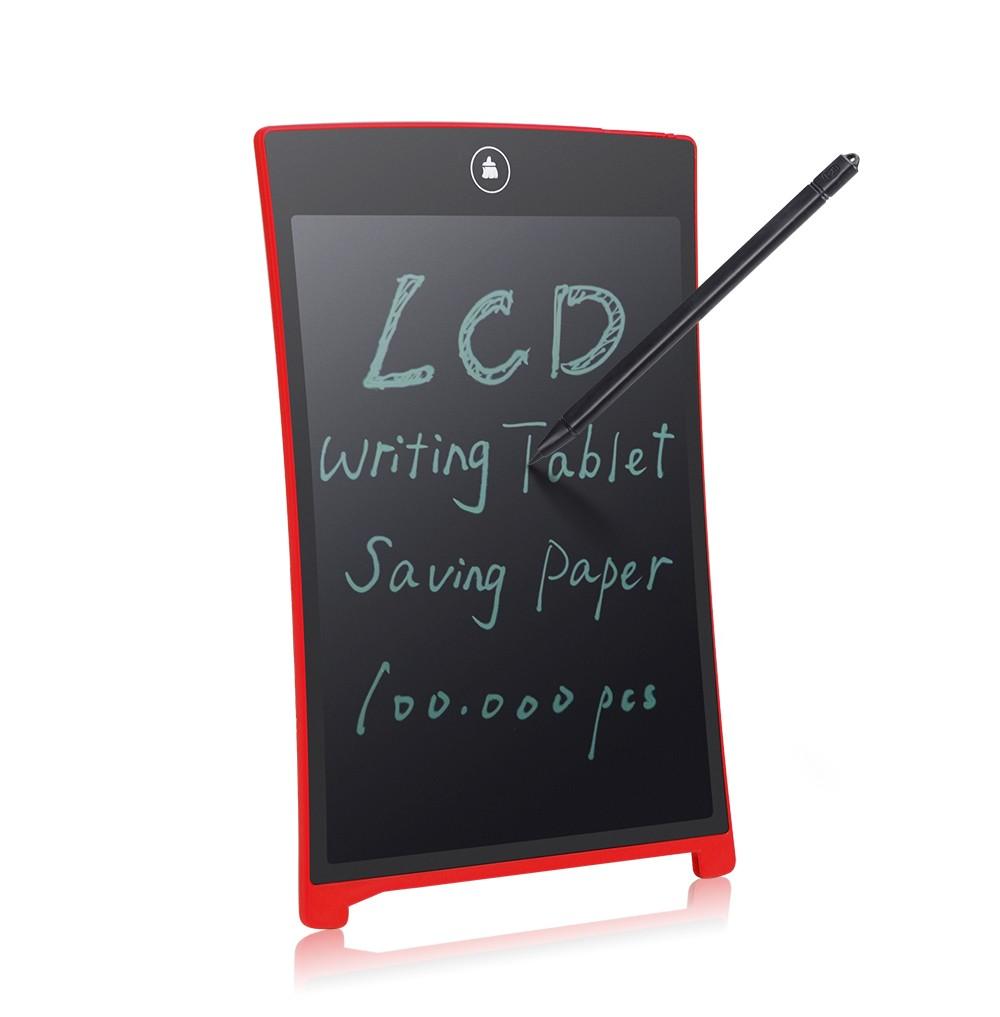
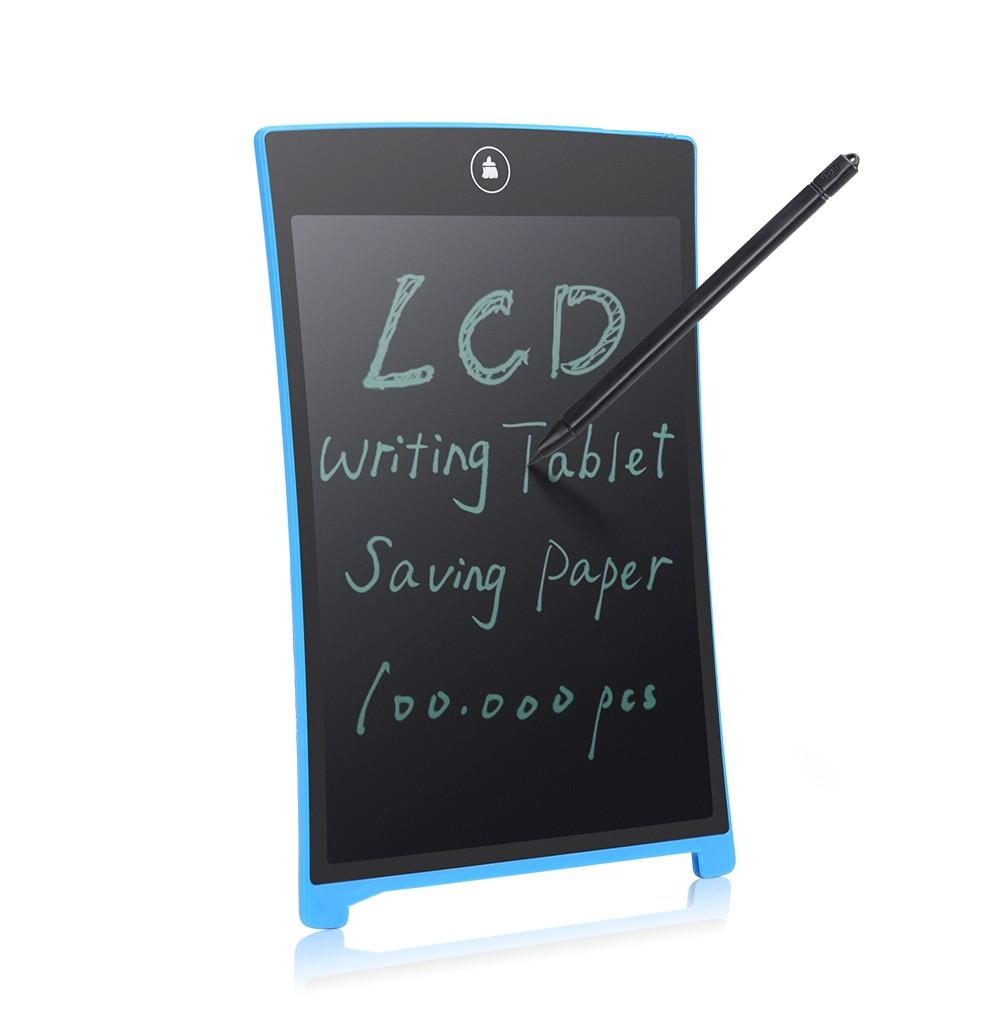
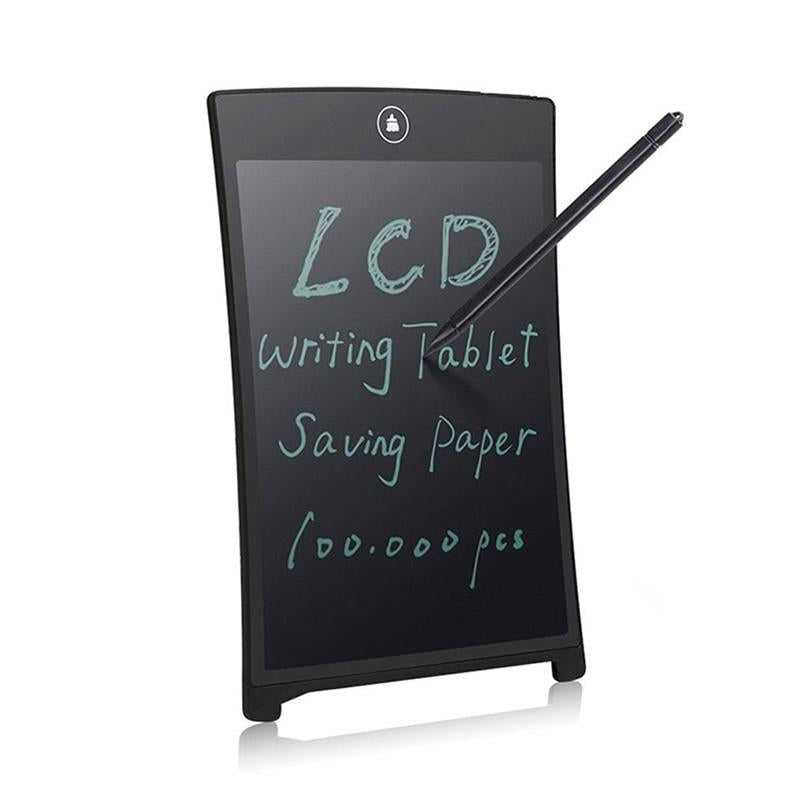
Write, sketch and erase on one reusable LCD screen, then clear the page with a single tap. It replaces the scratch paper pile for homework, office notes and kitchen lists, and it comes with a matching stylus ready to use.
Read the full descriptionWrite, sketch and erase on one reusable LCD screen, then clear the page with a single tap. It replaces the scratch paper pile for homework, office notes and kitchen lists, and it comes with a matching stylus ready to use.
Write, draw and erase endlessly on one reusable screen—saving paper
Tired of scratch paper piling up and smudged erasers ruining your work? One reusable LCD screen handles notes, math, and sketches, and one tap clears it for the next try.

Strokes show up as crisp, dark lines on the LCD, so a long working-out reads clearly from across the desk. Press the top icon and the page is clear. The screen takes the next attempt, and the one after that, without a single sheet of paper. A good display drawing tablet should work this way, and this one does.

The matching stylus writes smoothly across the LCD with light pressure. It is sized for small hands, and the box holds both pieces, so there is nothing else to buy before the first use.
Take the matching black stylus from the box. Hold it like a pencil with a relaxed grip.
Let the stylus glide across the LCD. Strokes appear as clean dark lines right away.
When the page is done, press the single erase icon at the top of the frame. The whole screen wipes in one touch.
Upright stand with raised rear feet, one-touch erase icon at the top.
Matching black stylus for writing and drawing on the screen.

Every bad sum means another sheet in the bin. By Friday the desk is covered in half-finished attempts, and the eraser has left grey smears across the ones that were almost right.

Write with the stylus and the strokes show up as clean dark lines on the glossy panel. When the page is done, the icon at the top wipes the whole screen in one press. No crumbs, no smudges, no new sheet.
Homework, office notes and the week's shopping list all fit on one pad that sits flat on the desk or props up by the fridge. For kids already using light-up drawing toys, it becomes the everyday scratch pad that never runs out.
Strokes appear as clean dark lines on the screen. Press the top icon to wipe the page and start again.
Rough work moves to the tablet instead of the bin. You will see fewer loose sheets on the desk by the end of the week.
Practice sums and sketches get redone without smudges or torn paper. The tablet handles daily homework and office notes.
Use only the included stylus. Hard pressure or sharp objects can scratch or crack the LCD.
There is no storage on the tablet. Snap a photo of anything you need to keep before pressing the erase icon.
Keep it in a bag or drawer when not in use. Hot cars and sunny windows can damage the screen and bezel.
| LCD tablet | Scratch paper pad | Whiteboard | |
|---|---|---|---|
| Reusable screen | — | ||
| Erases in one tap | — | — | |
| Leaves eraser smudges | — | — | |
| Fits in a backpack | — | ||
| Needs refills each term | — | — |
Yes. Kids can write and draw all day with the stylus. The screen takes light, steady pressure, so the main rule is to keep sharp objects and hard pressing away from the panel.
It is built as a daily writing tool. The panel is a plain LCD with a slim rounded bezel and a matching stylus. Handle it like a school tablet: keep it flat in a bag, out of hot cars and away from hard knocks.
No. The tablet has no storage, so the erase icon clears everything on the screen. Snap a photo of anything you need to keep before you tap it.
It replaces the rough work. Sums, sketches, lists and reminders go on the screen and get wiped when done. Final copies still go on paper, but the scratch pile stops growing, which is where most of the paper goes.
Think of the cost per use. One tablet takes hundreds of rough drafts, while a notepad pack gets used once per page and gets replaced every term. The tablet is the one-time purchase, and the paper bill stops.


 LCD Writing Tablet: Reusable Paperless Handwriting Pad