
$69.90
Free delivery · 7–14 days
Kids Smartwatch with Camera and Voice Calls for Fun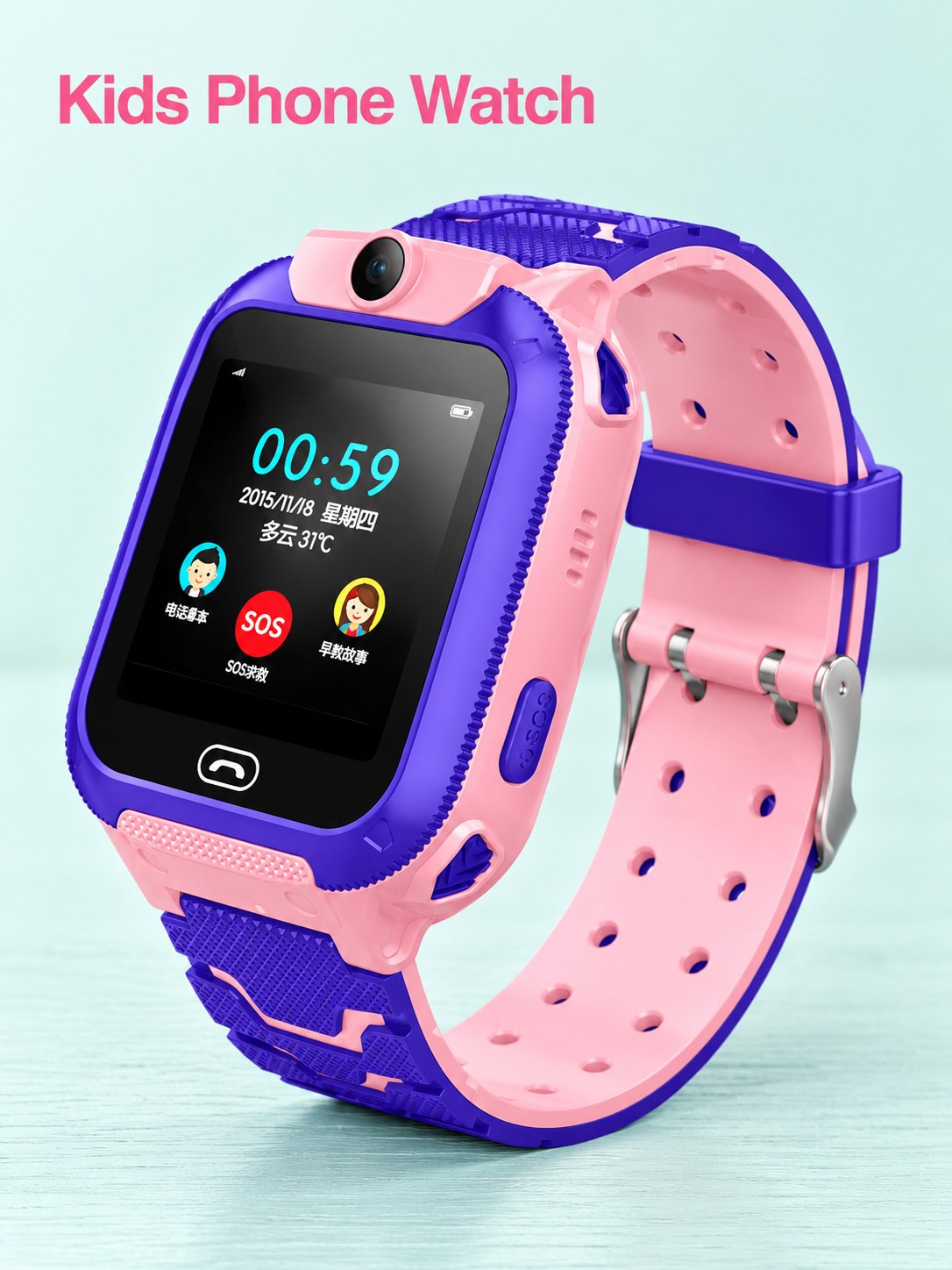
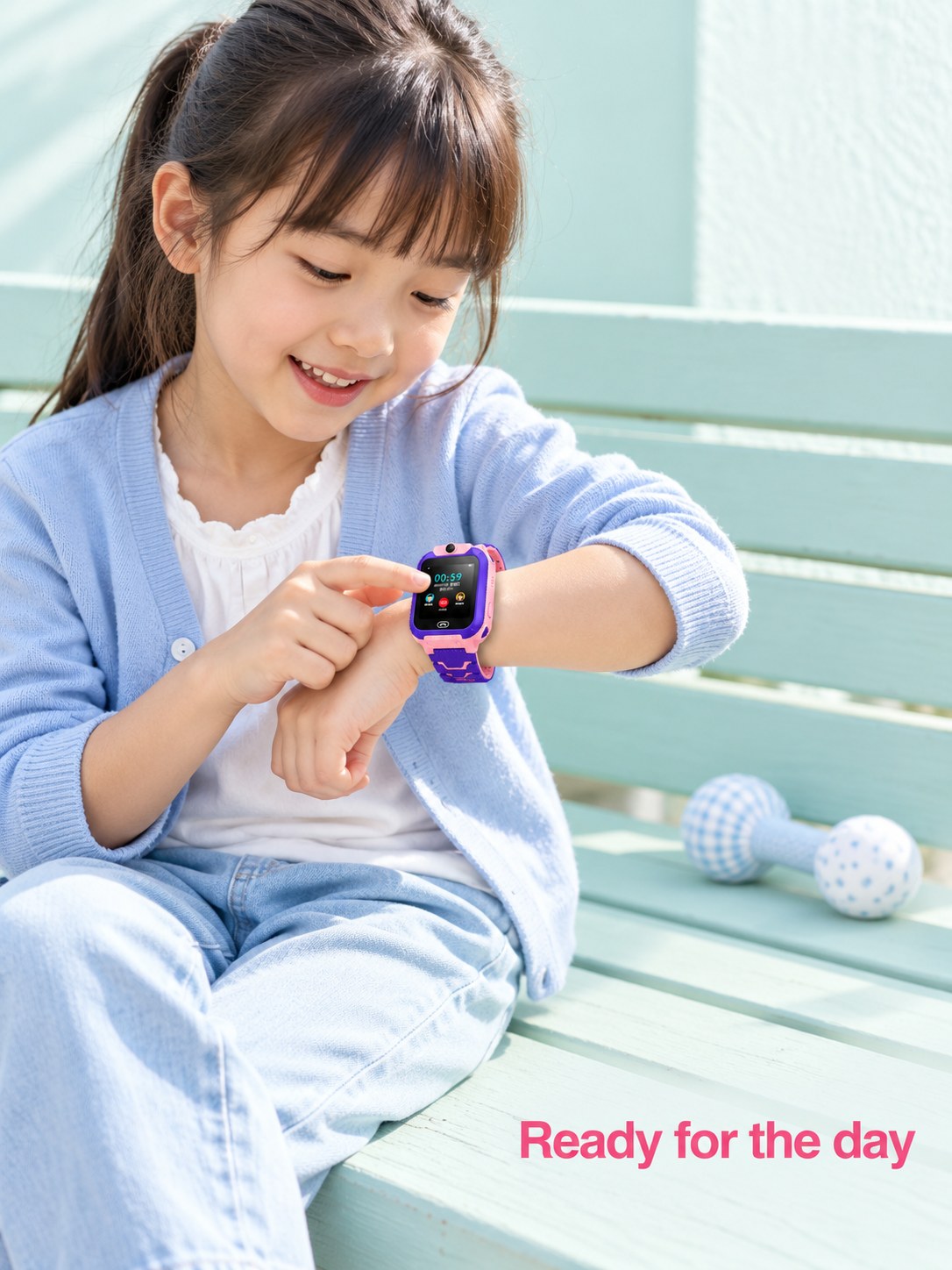
Your child taps one button and talks to you, from the school gate to the playground. This kids watch pairs a color touchscreen and a front camera with one-press calling and a separate SOS button. A Micro SIM keeps the calls going, and the watch stays simple with no apps to manage.
Read the full descriptionYour child taps one button and talks to you, from the school gate to the playground. This kids watch pairs a color touchscreen and a front camera with one-press calling and a separate SOS button. A Micro SIM keeps the calls going, and the watch stays simple with no apps to manage.
A kids' smartwatch that lets children call a parent and send an SOS with one press
Instead of worrying about who can reach whom, your child taps one button and talks to you. You get a calmer school run and a clearer way to stay in touch.

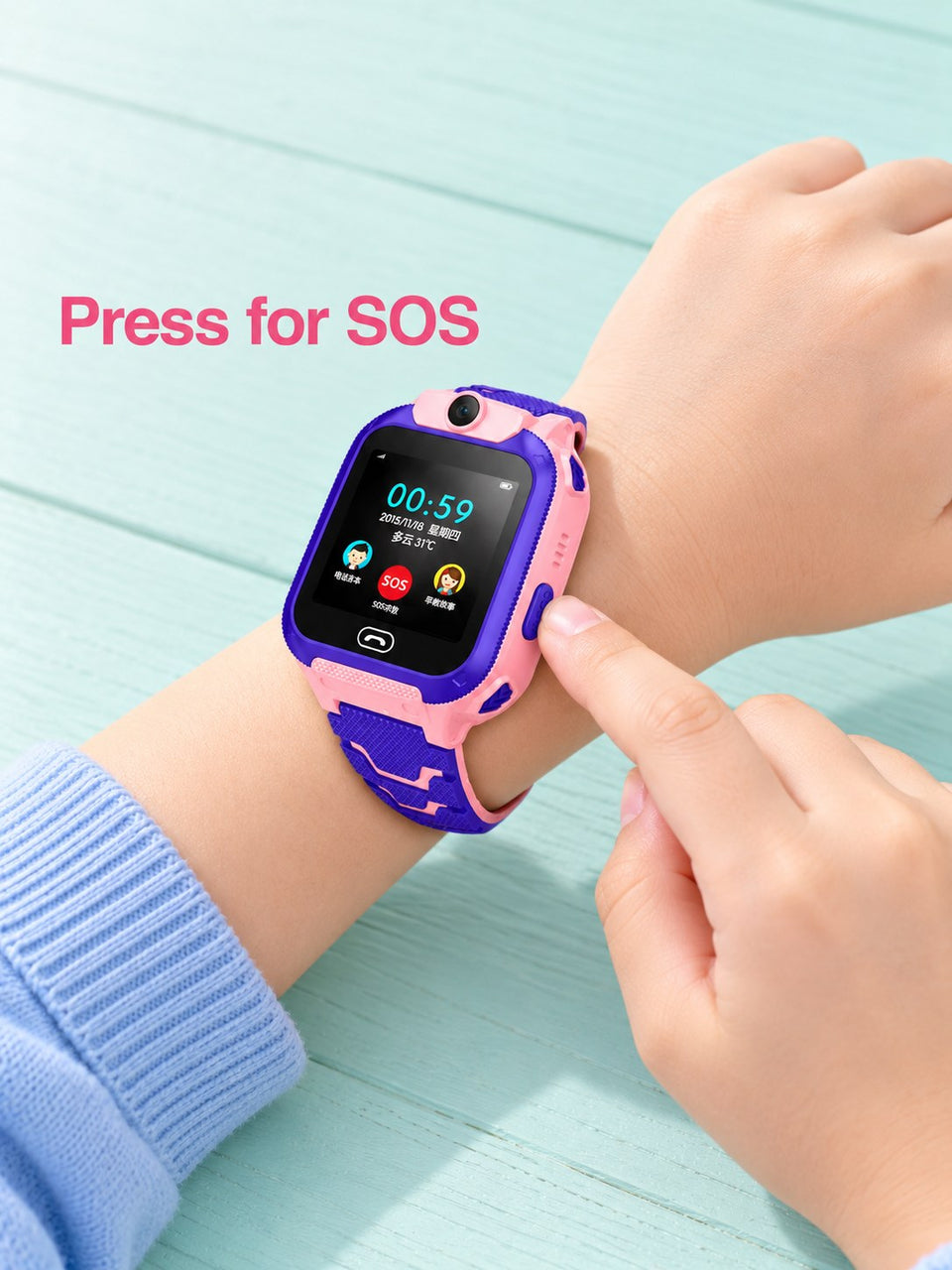
The call button sits on the side of the watch, so a child reaches you without digging through menus. One press starts a two-way call, and the watch shows the time, date and weather when it is not in use.

The SOS button is separate from the call button, and an SOS icon appears on the screen. A small child learns the difference quickly, and a parent knows at a glance which one was pressed.

The packaging calls out HD two-way voice that stays clear on a busy playground. Calls still work when recess gets loud, which is when a parent most needs to hear what is going on.
Charge the watch fully before setup. The display shows the time, date and weather once it is on.
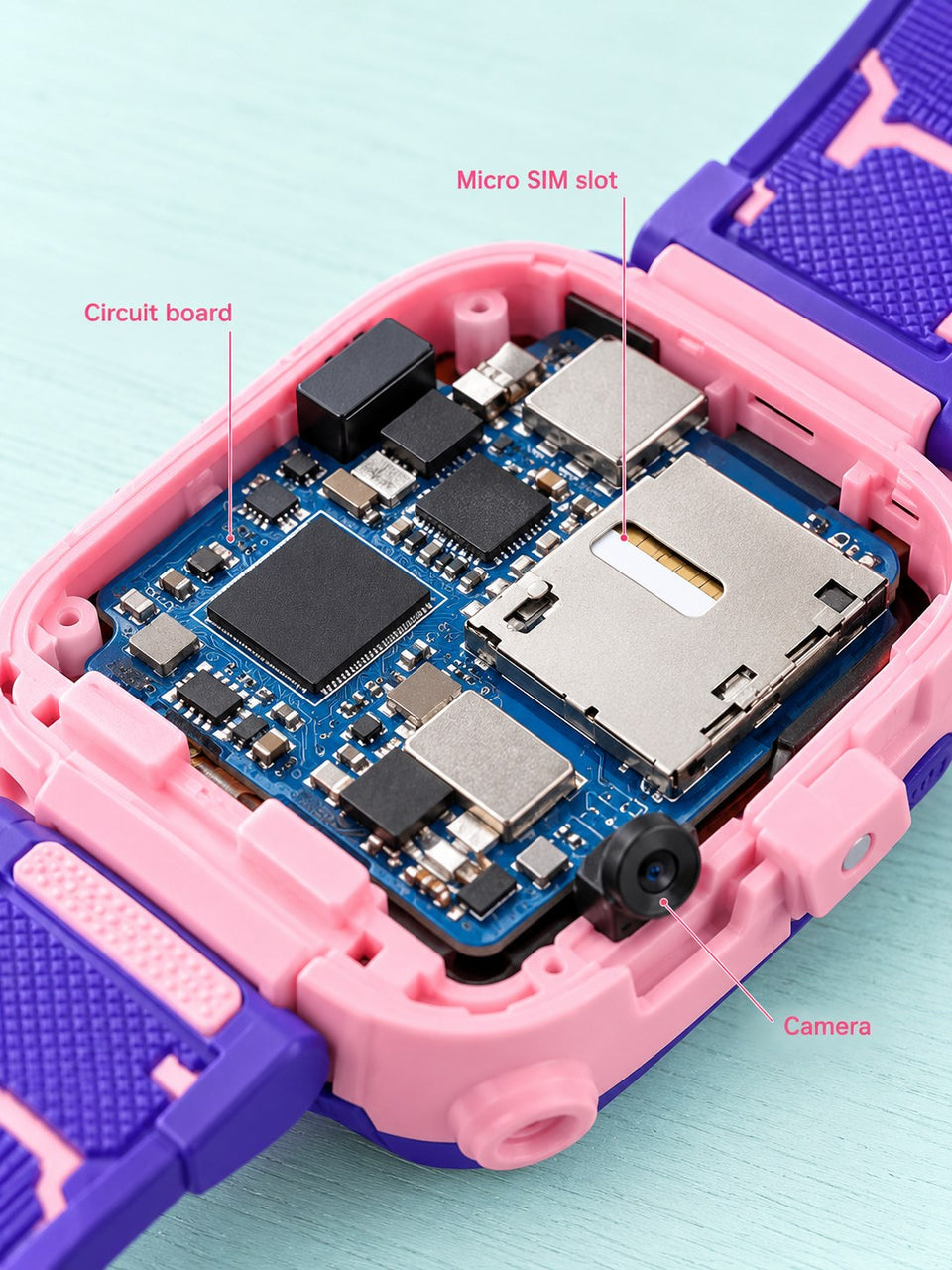
Find the SIM slot on the side of the watch. Use a Micro SIM only. Standard cut and nano cards do not fit this slot.
Call the watch from your phone, then have it call you back. Confirm the voice is clear before the first school run.
Show your child where the SOS button is and what the SOS icon looks like on screen. Practice the call button and the SOS button side by side.

Every school run ends with the same glance at your phone. The bell rings, the crowd thins, and your child is nowhere you can see. An old handset is either lost in a backpack or loaded with apps, and a basic toy watch cannot call you at all.

A dedicated call button and a separate SOS button give your child two clear options. Press one and you are talking. Press the other and the SOS icon on screen tells you it is serious. There are no menus to navigate on the walk to the gate.
Recess gets loud, and the two-way HD voice is built for that. Your child can check in from the slide, you can hear them over the crowd, and the watch goes back on the wrist without a fuss.
The screen shows the time, date and weather once charged. Add a Micro SIM and confirm calls go through before the first school run.
Practice the call button and the SOS button together at home. Most children tell them apart after a few tries with a parent nearby.
The watch becomes part of the school or park routine. Check strap fit and battery habits, since daily charging keeps it ready.
| This watch | Old smartphone | Basic toy watch | |
|---|---|---|---|
| Two-way calling | — | ||
| Apps and browser | — | — | |
| Dedicated SOS button | Partial | — | |
| Worn on the wrist | — |
It takes a Micro SIM. Standard cut SIMs and nano SIMs are not compatible with the slot, so check the card size before you insert it.
Yes. Calls and SOS run over the SIM card, so the card needs an active plan with your carrier. Once that is set up, the watch has no apps or browser to pay for on top of it.
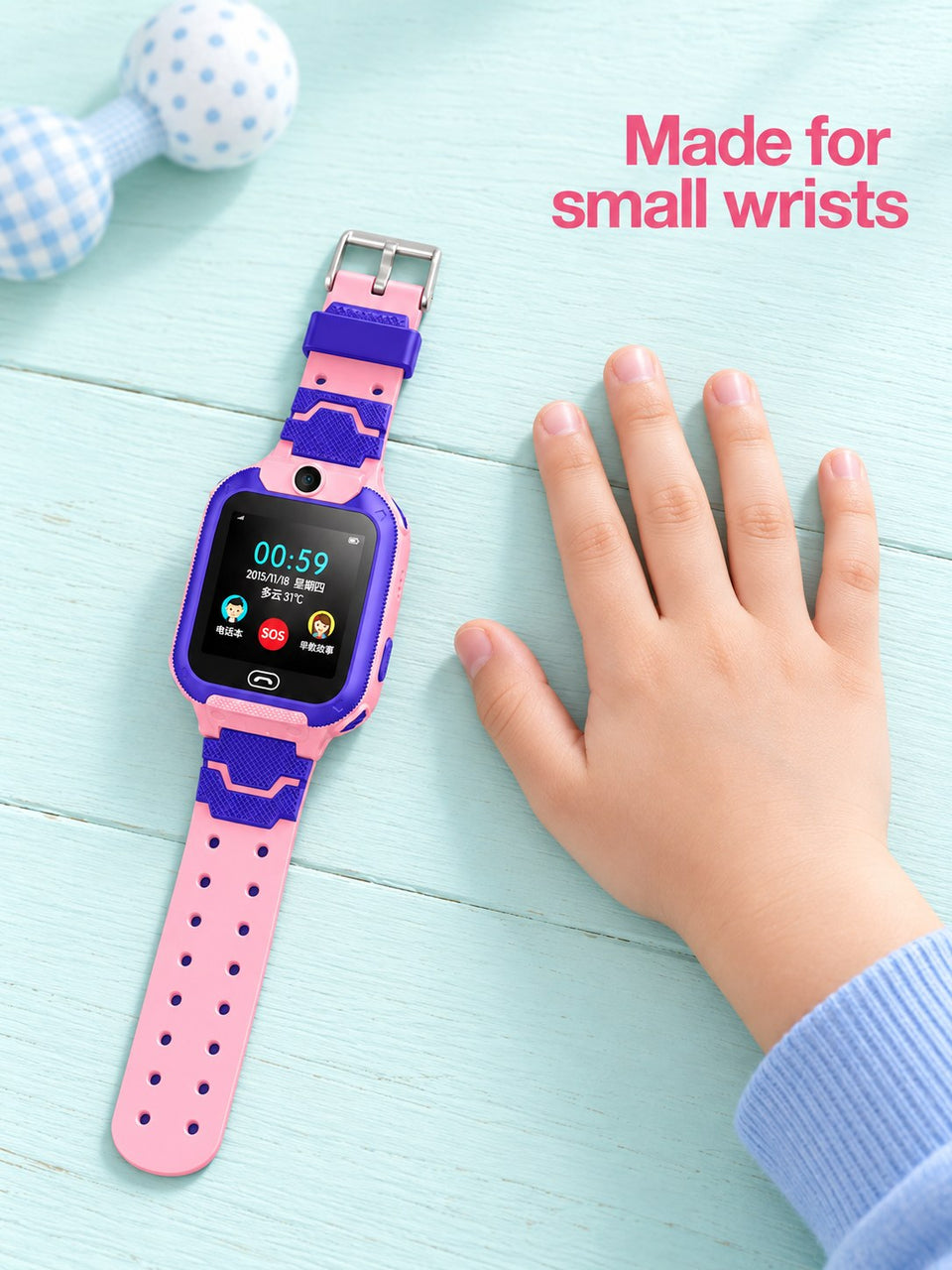
The watch is a call and SOS device for school-age kids. Keep the strap snug but comfortable, with room for one finger, and check it each morning so the buttons stay easy to press. It does not replace an adult watching over a young child.
The packaging highlights HD two-way voice that stays clear on a busy playground. Run a test call at home first, then try it at the park so you know how it sounds with the swings and shouting around.
It only calls and sends SOS. There is no app store, browser or game to lose, break or get distracted by. You pay for one device and one SIM plan, which is usually a simpler and cheaper setup than handing over a phone with apps.


 Kids Smartwatch Phone with One-Press SOS and Calling