
$38.90
Free delivery · 7–14 days
iPhone 13 Pro Max Case with Card Holder and Kickstand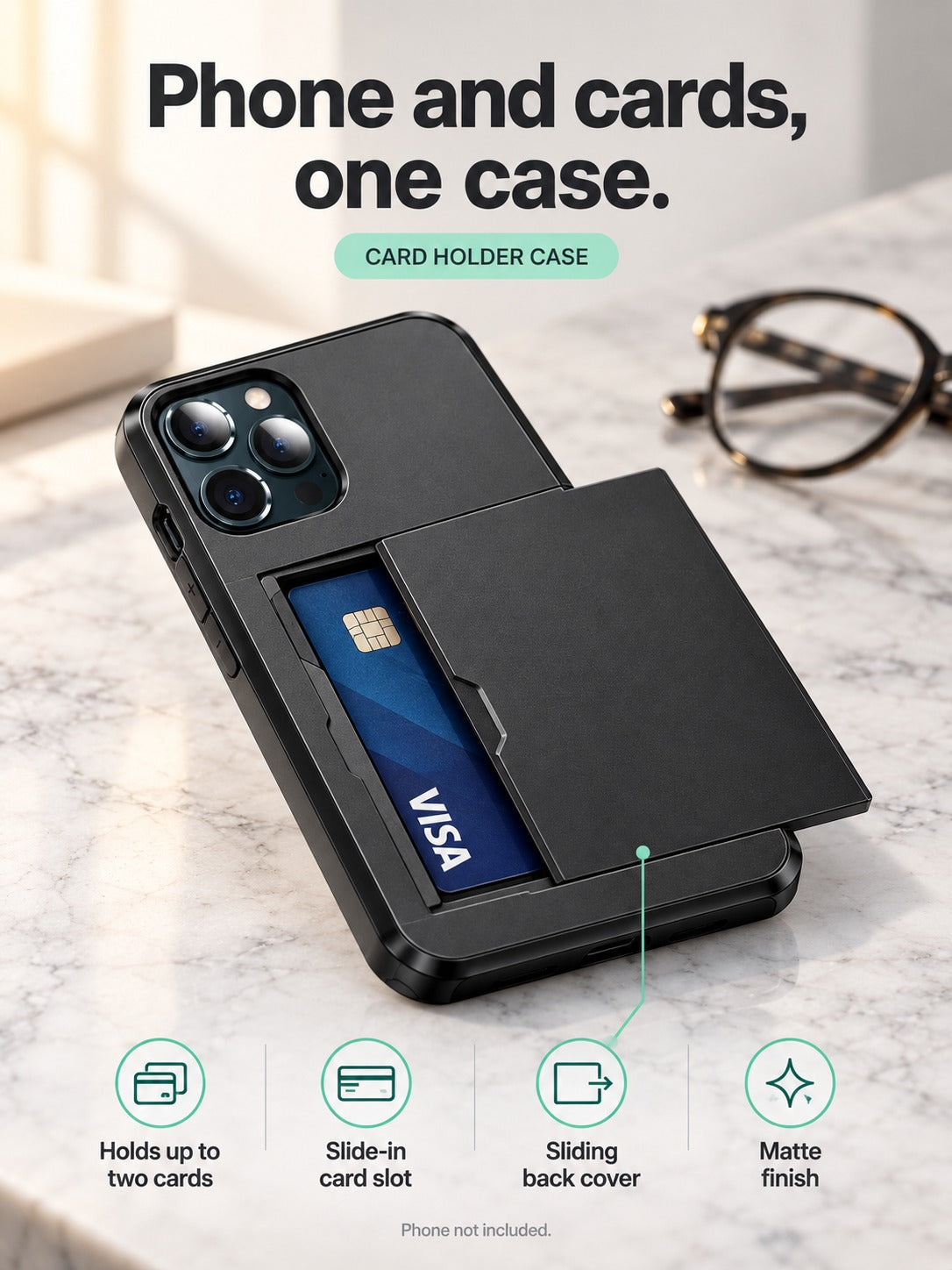
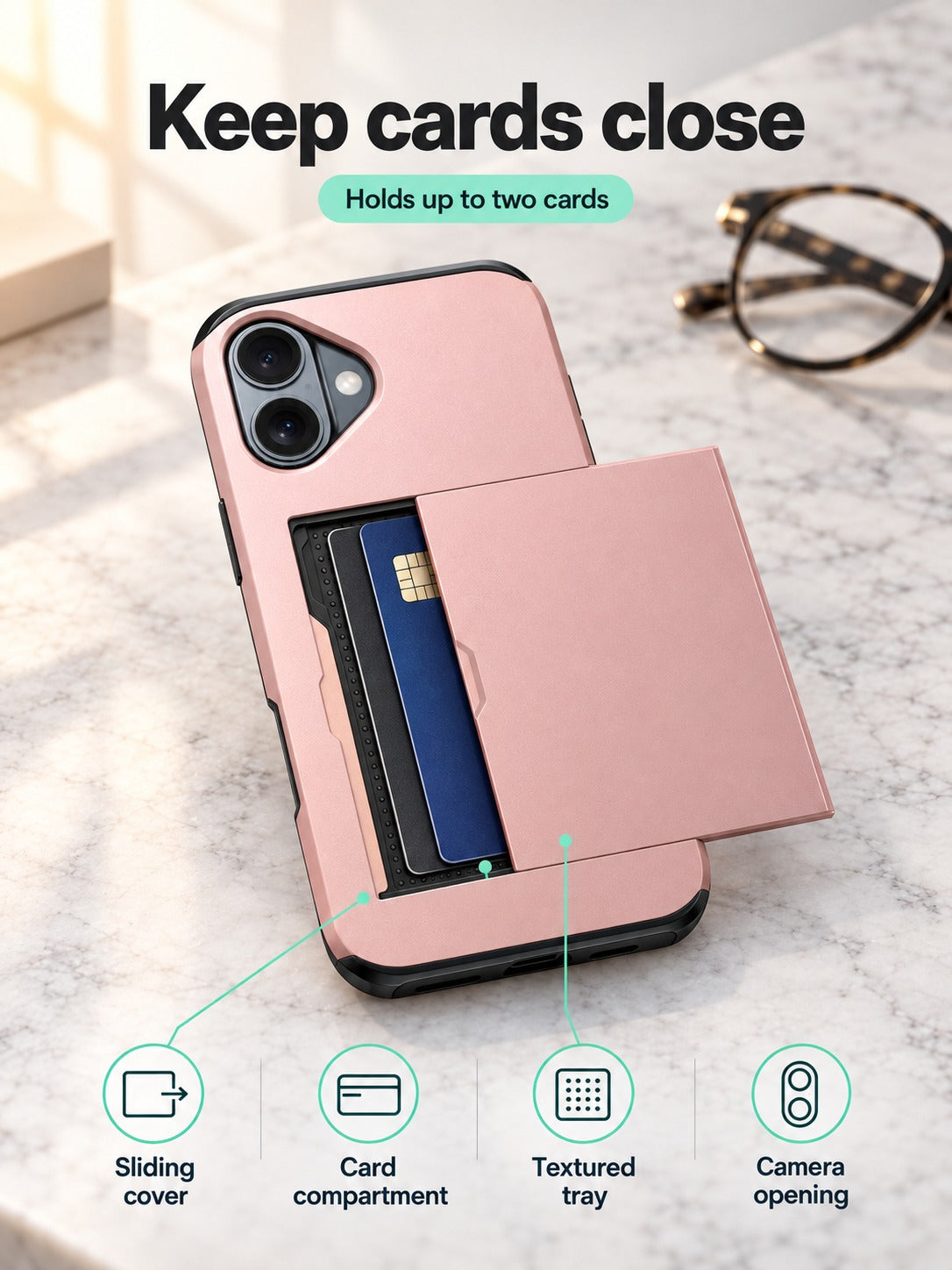
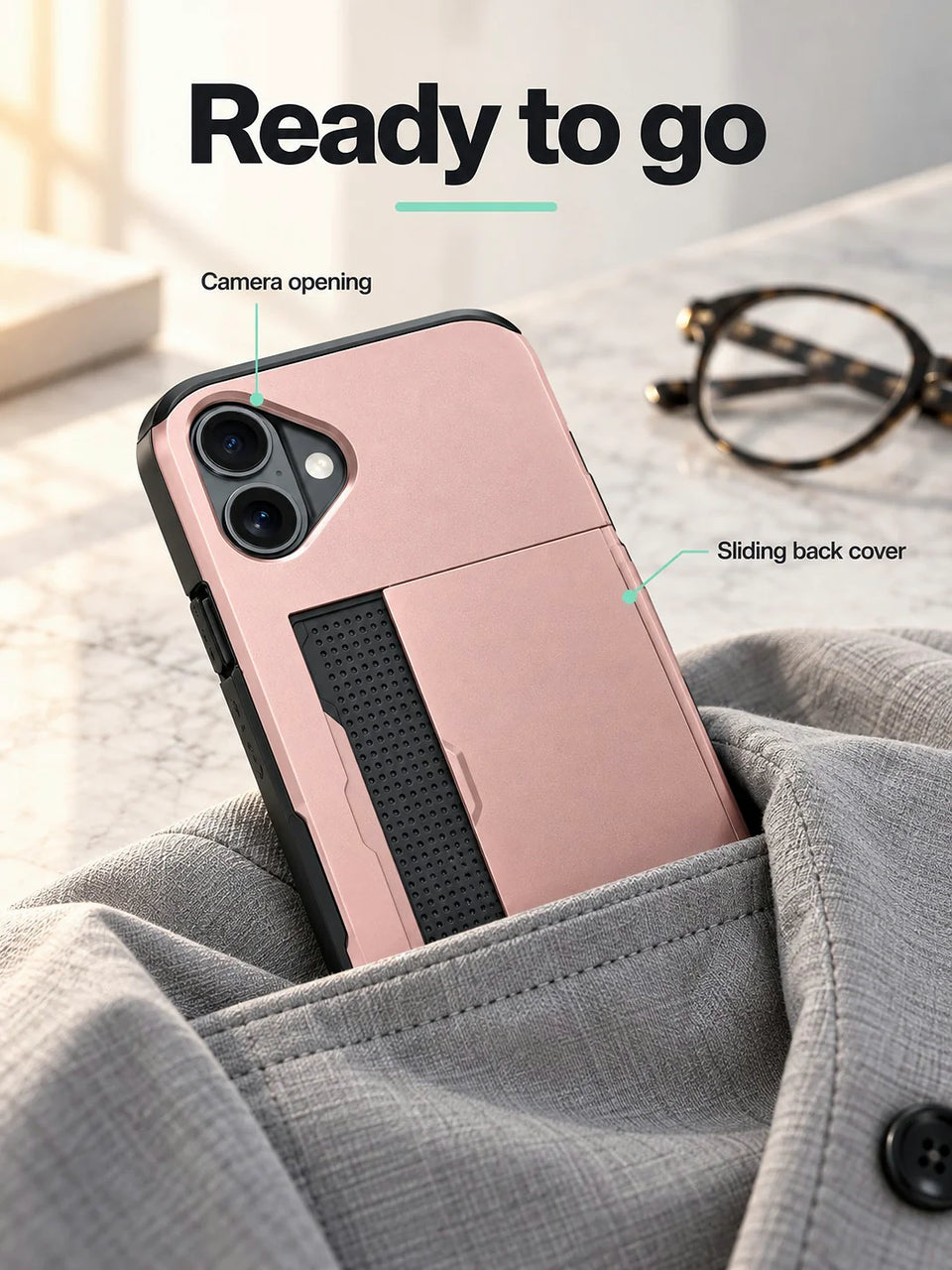
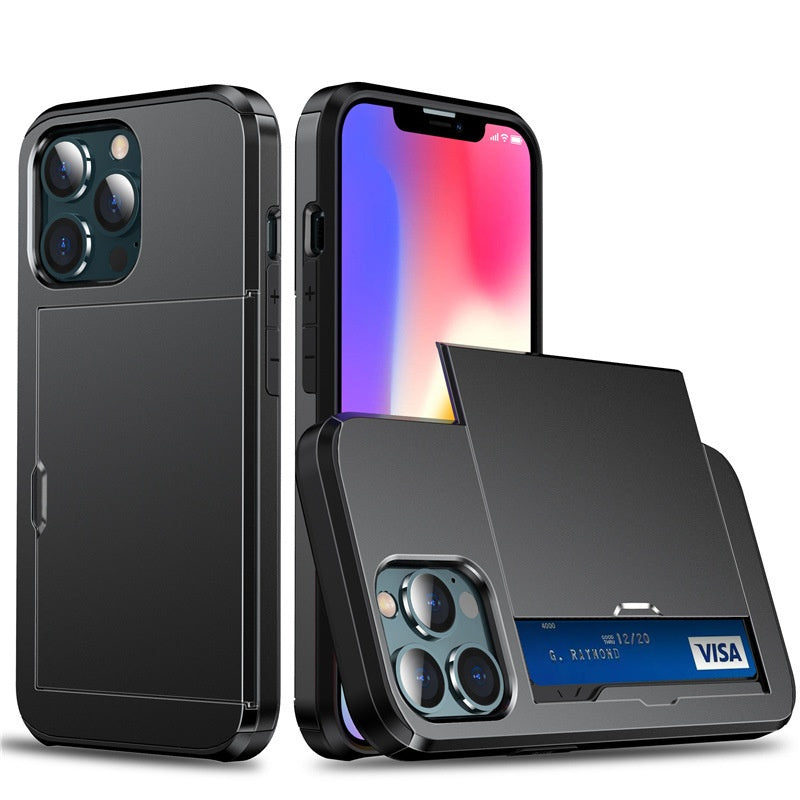
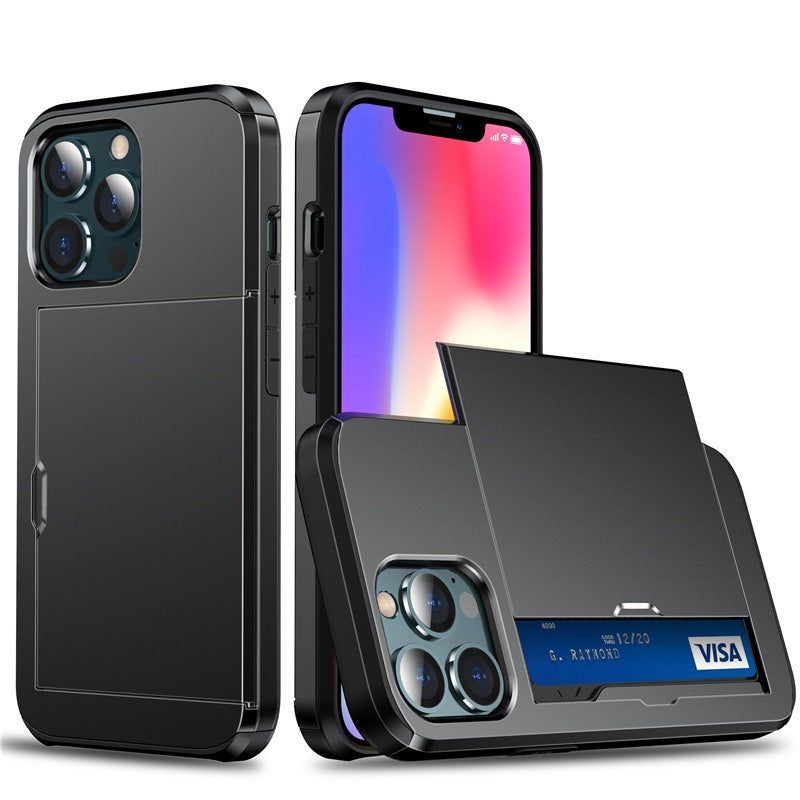
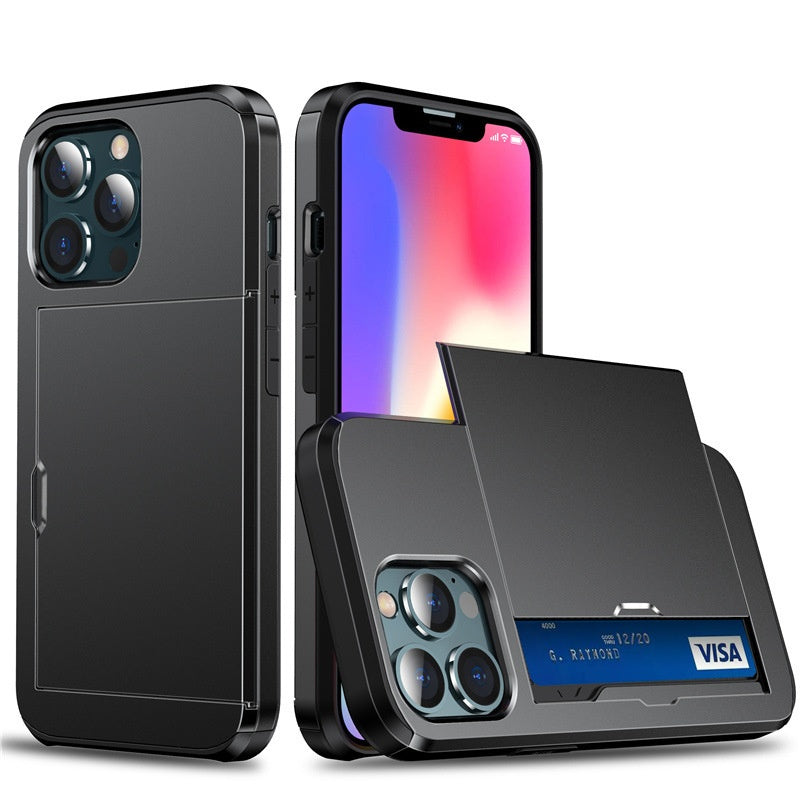
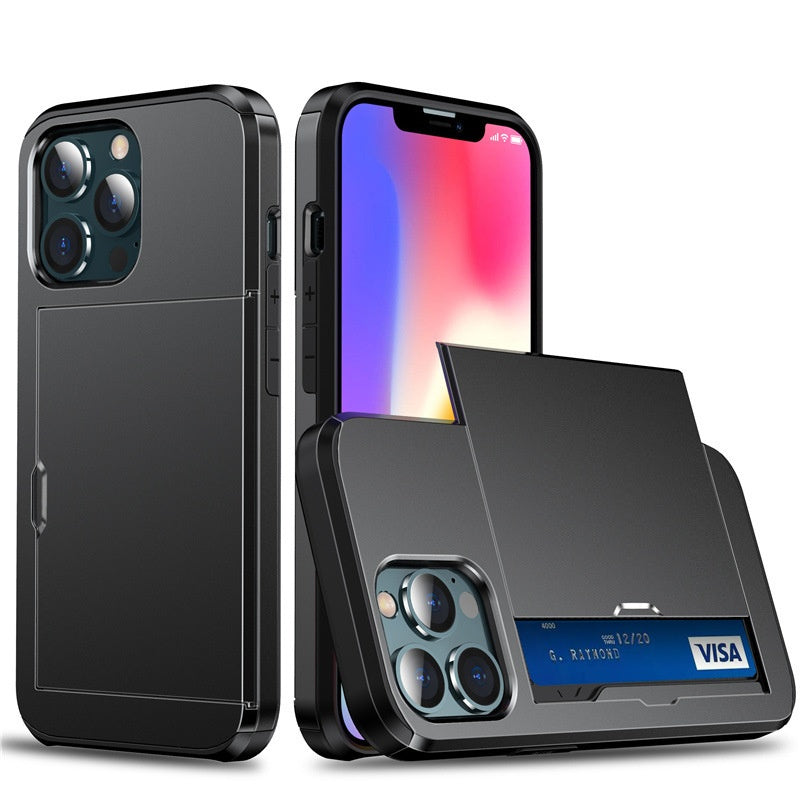
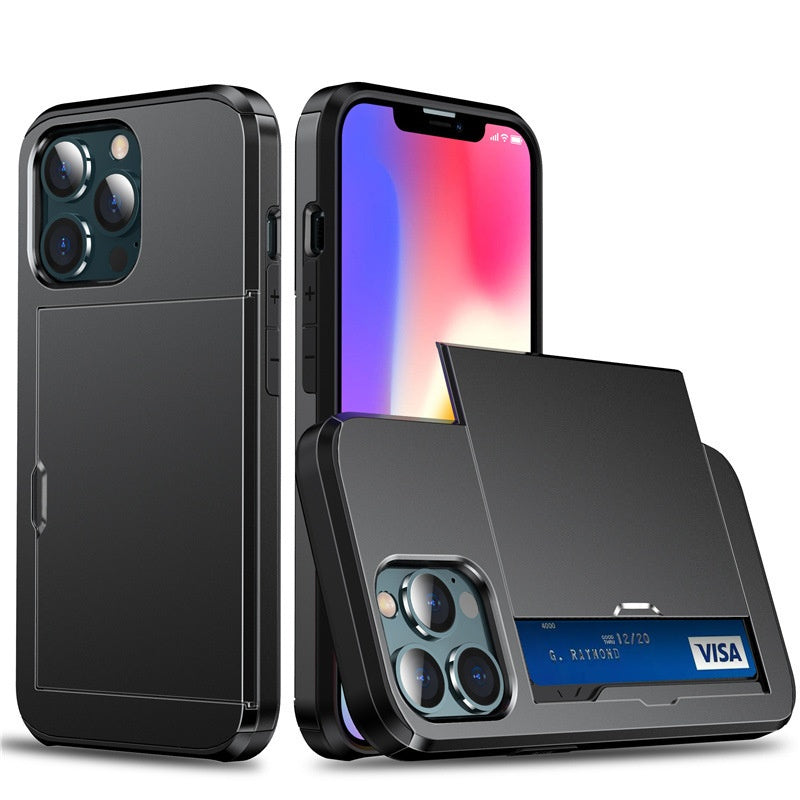
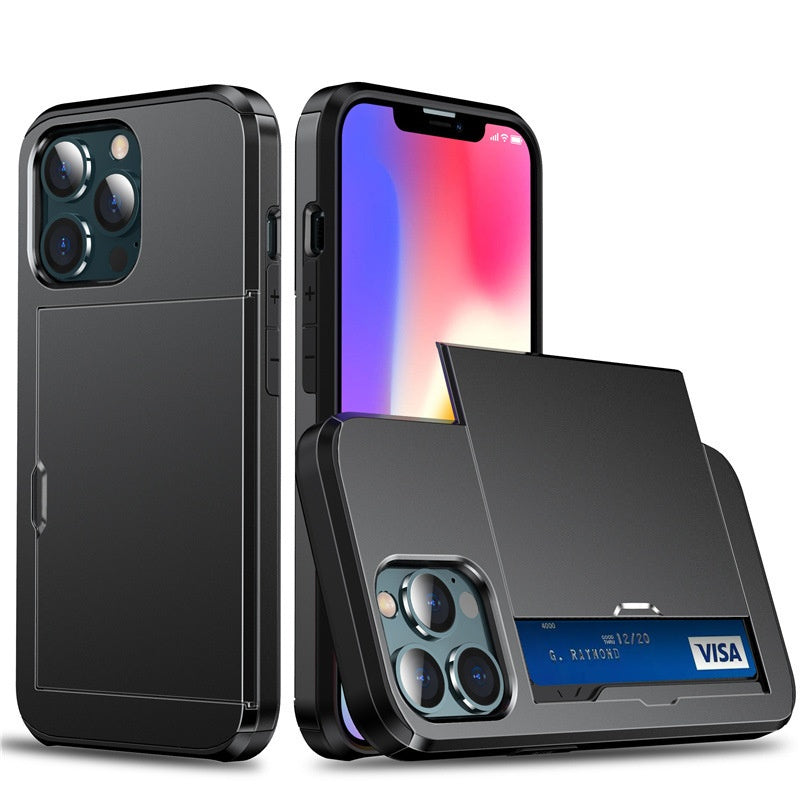
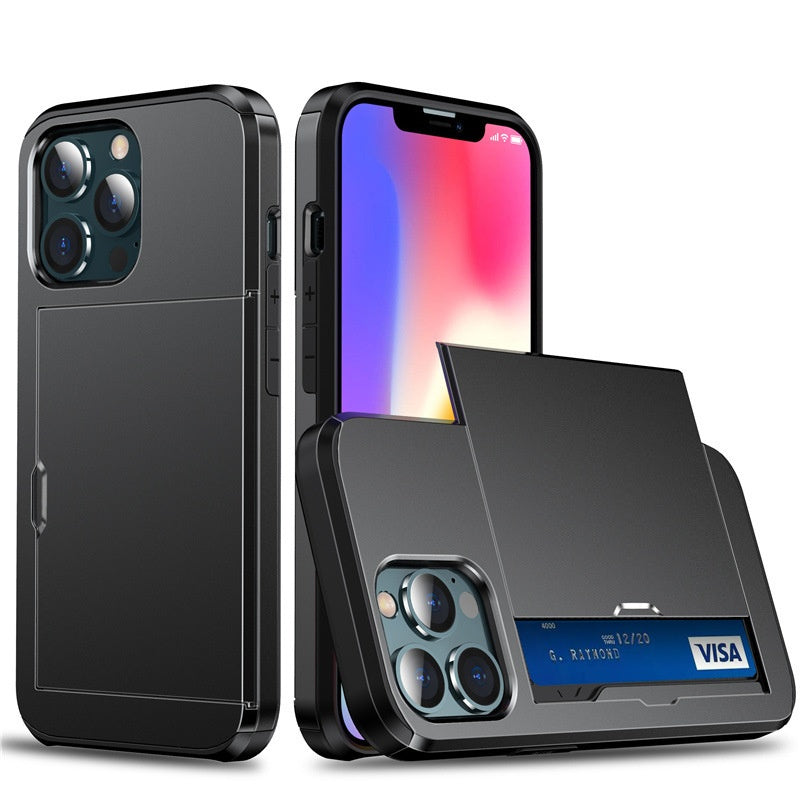
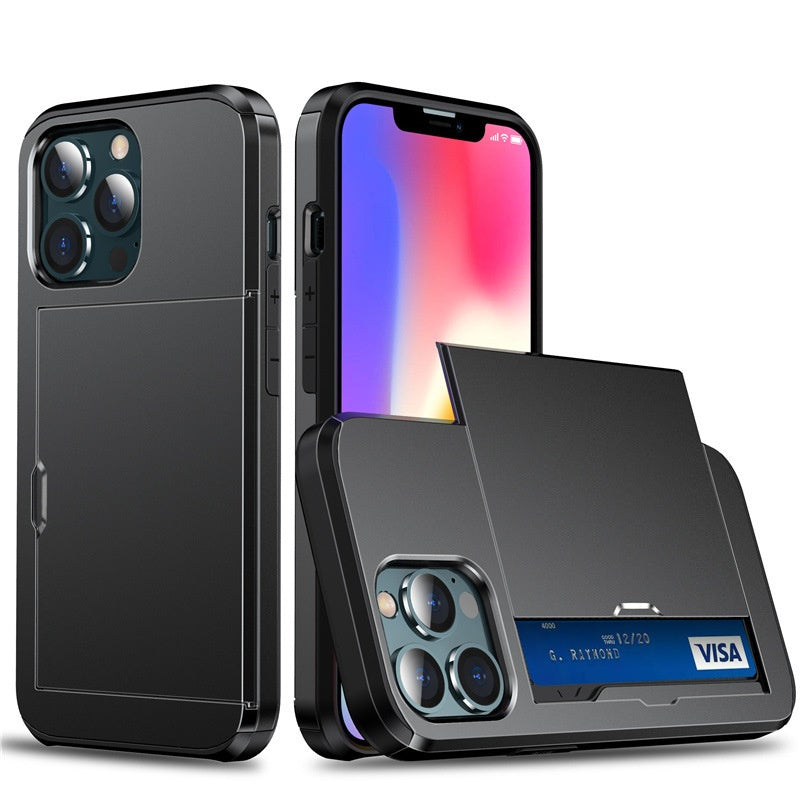
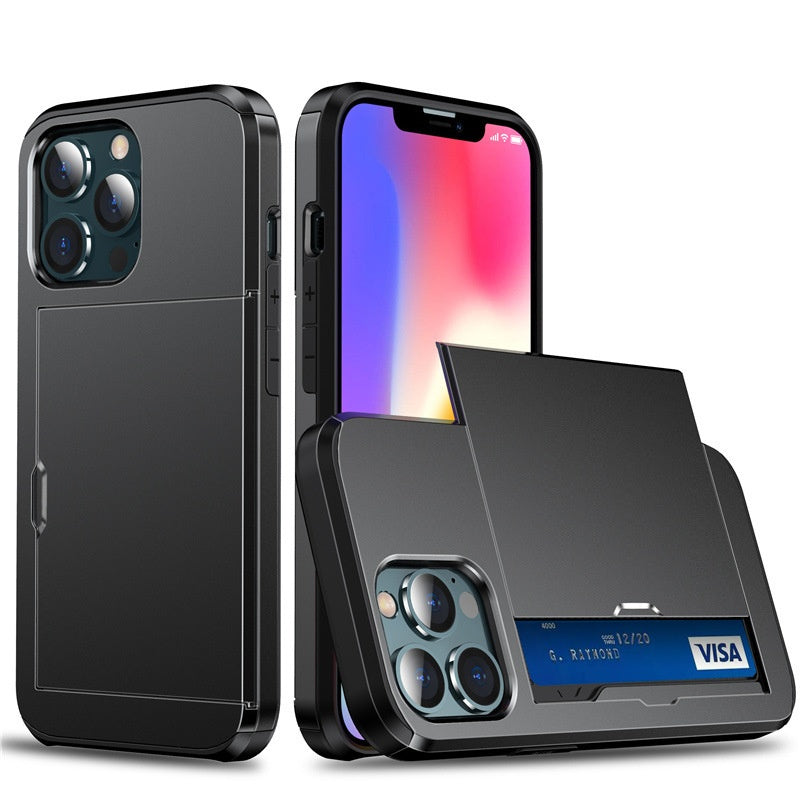
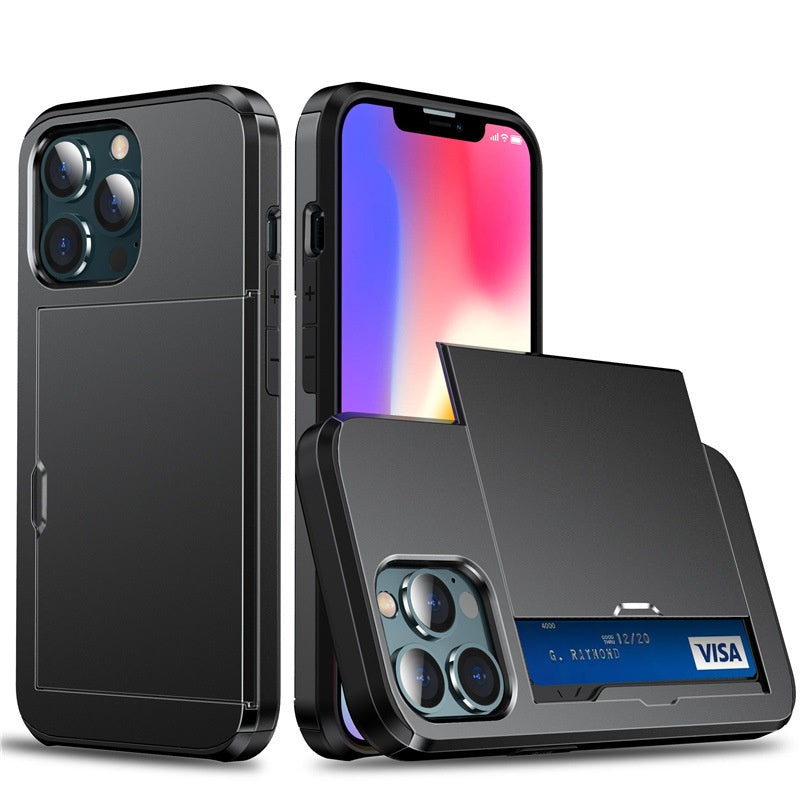
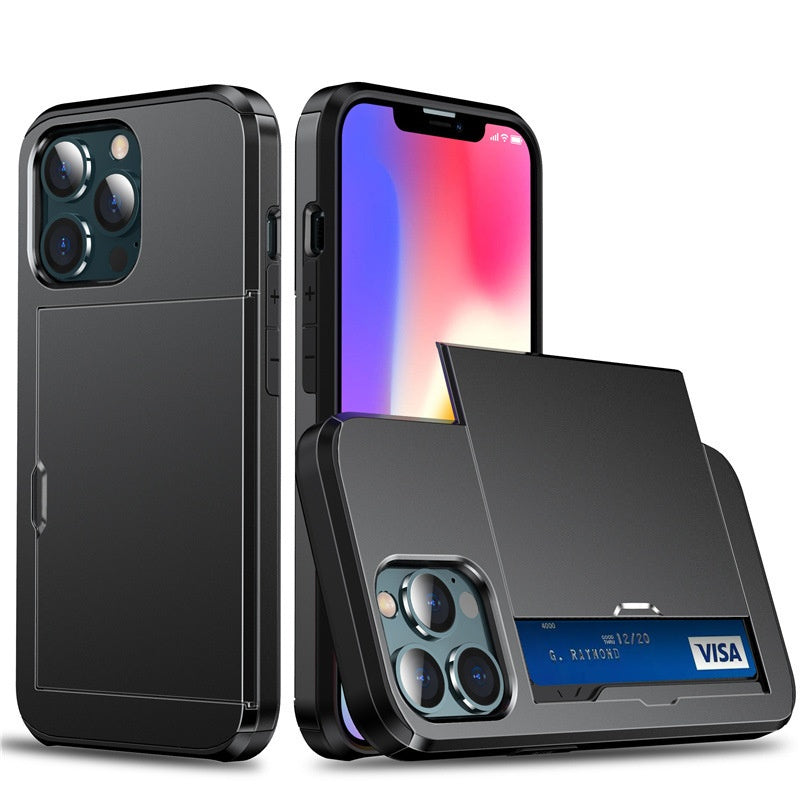
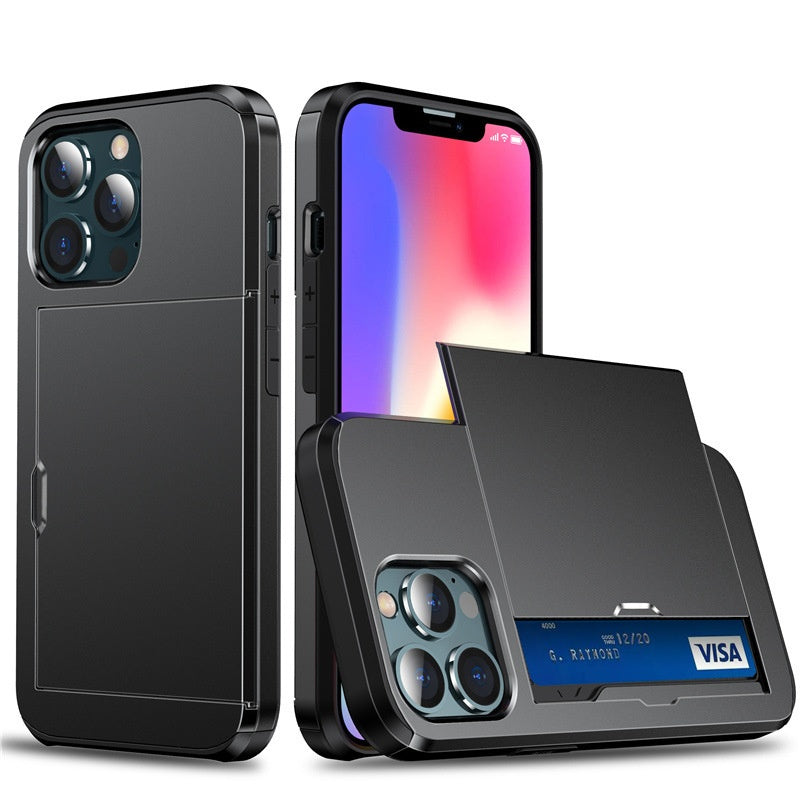
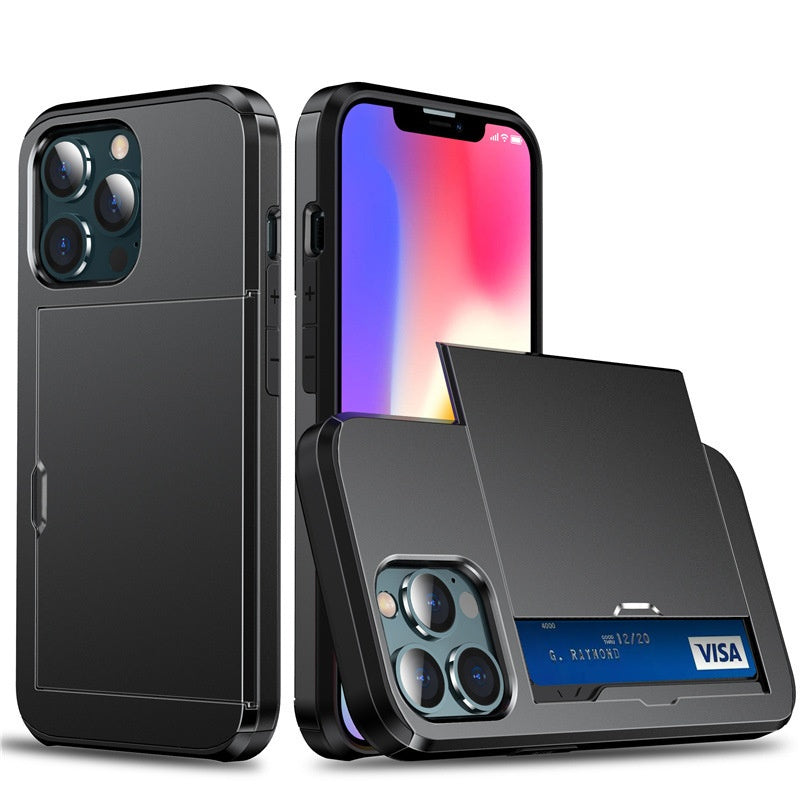
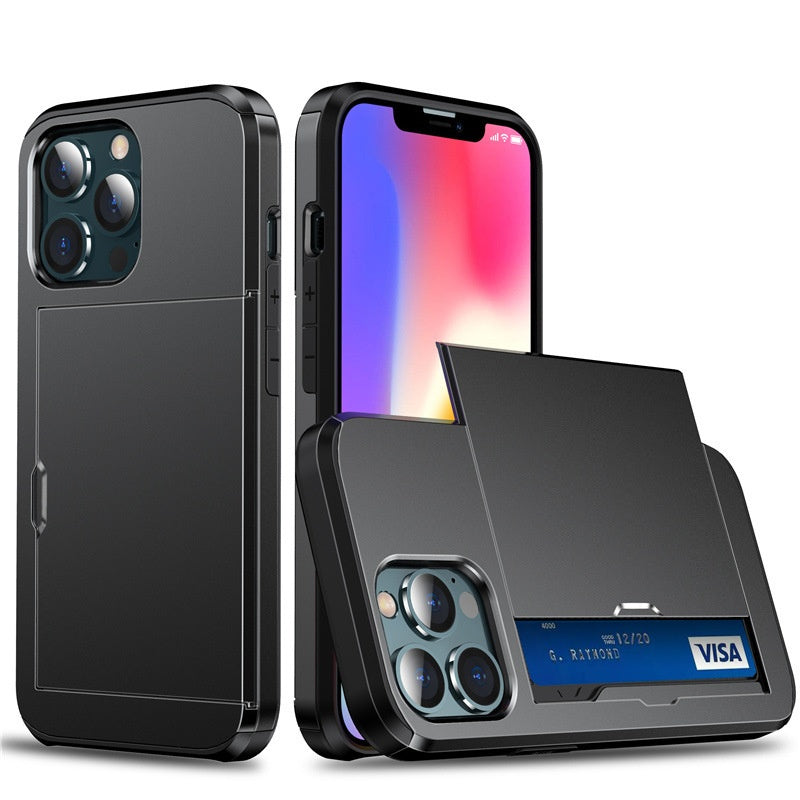
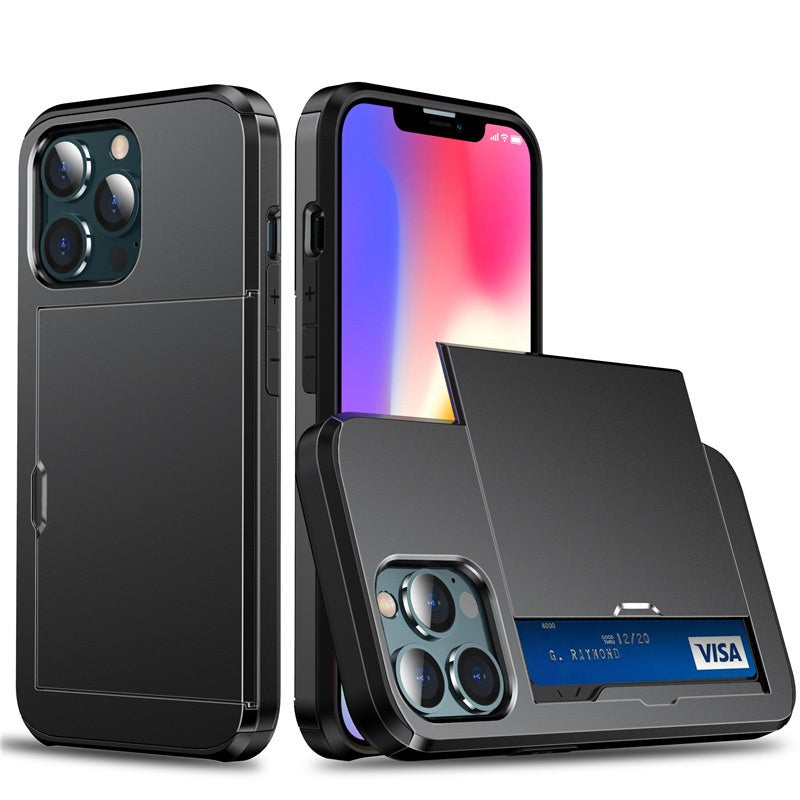
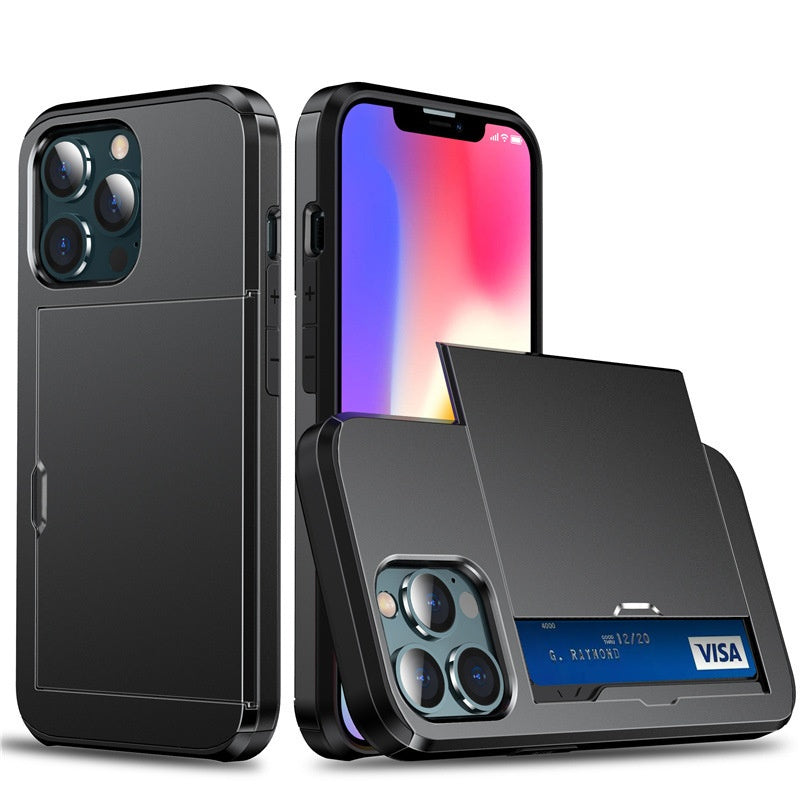
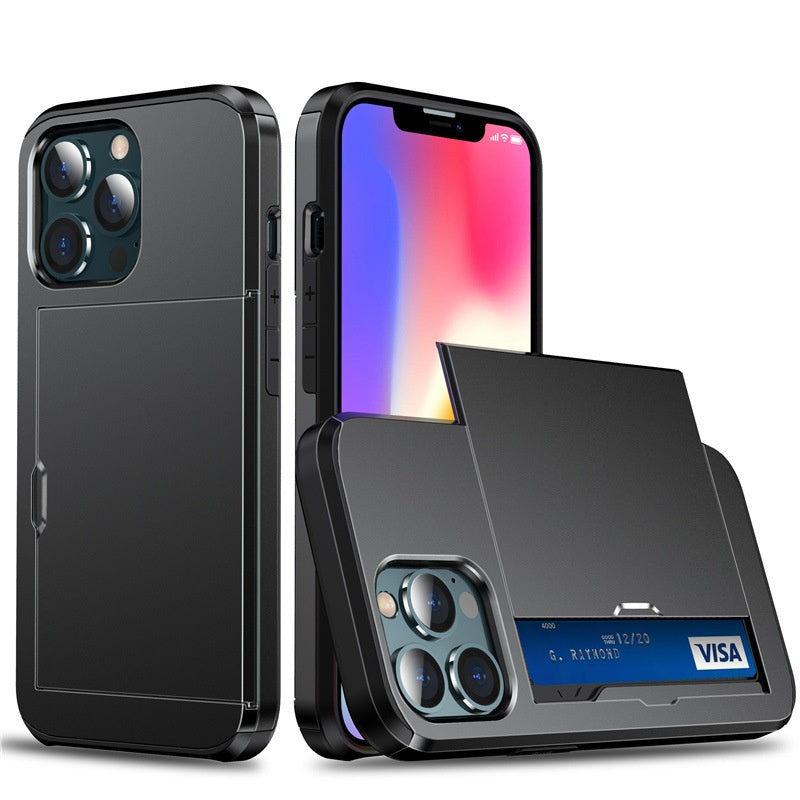
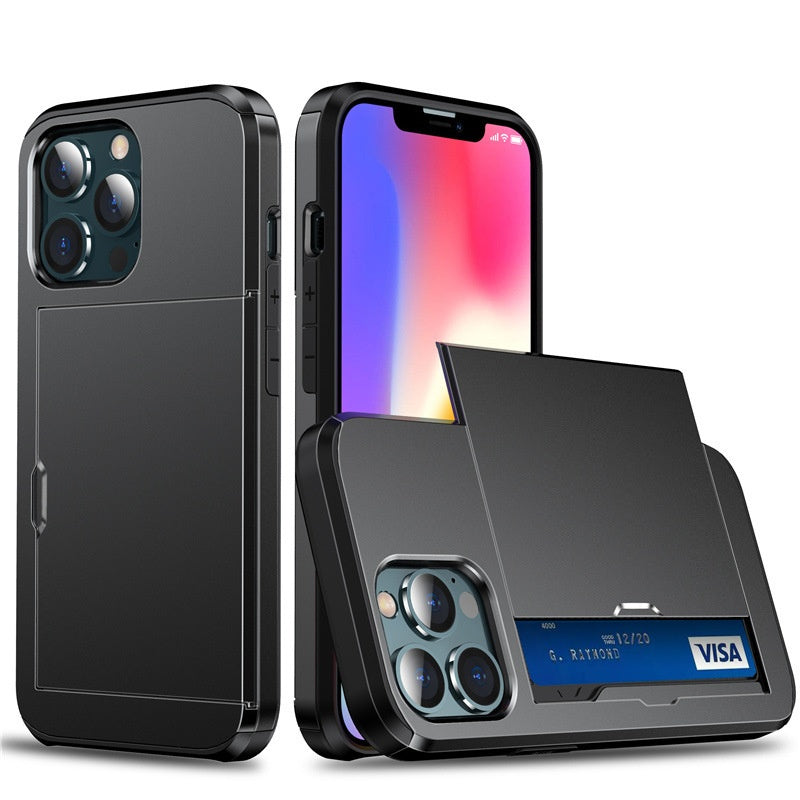
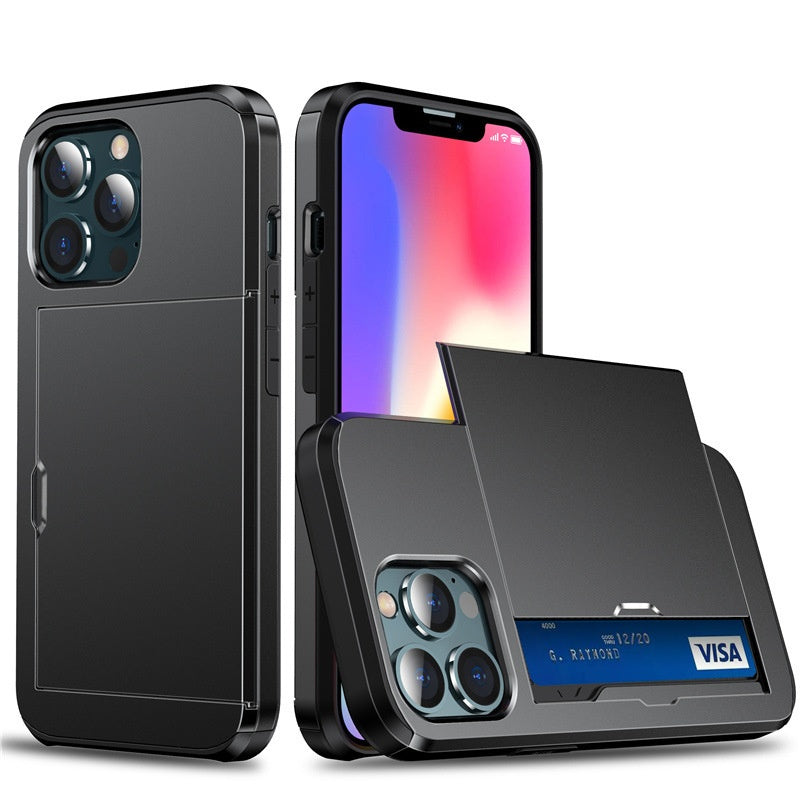
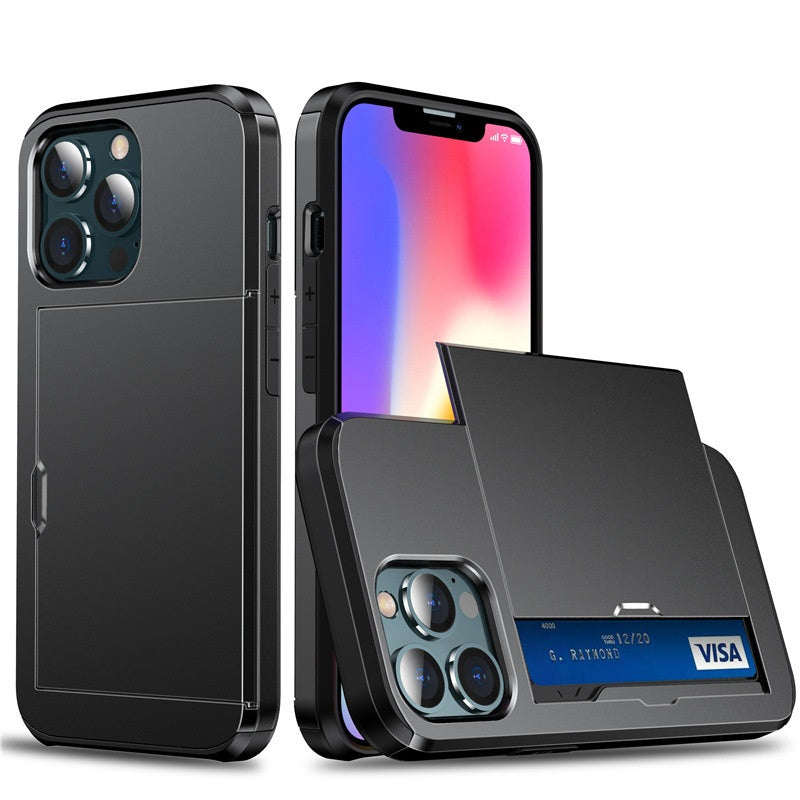
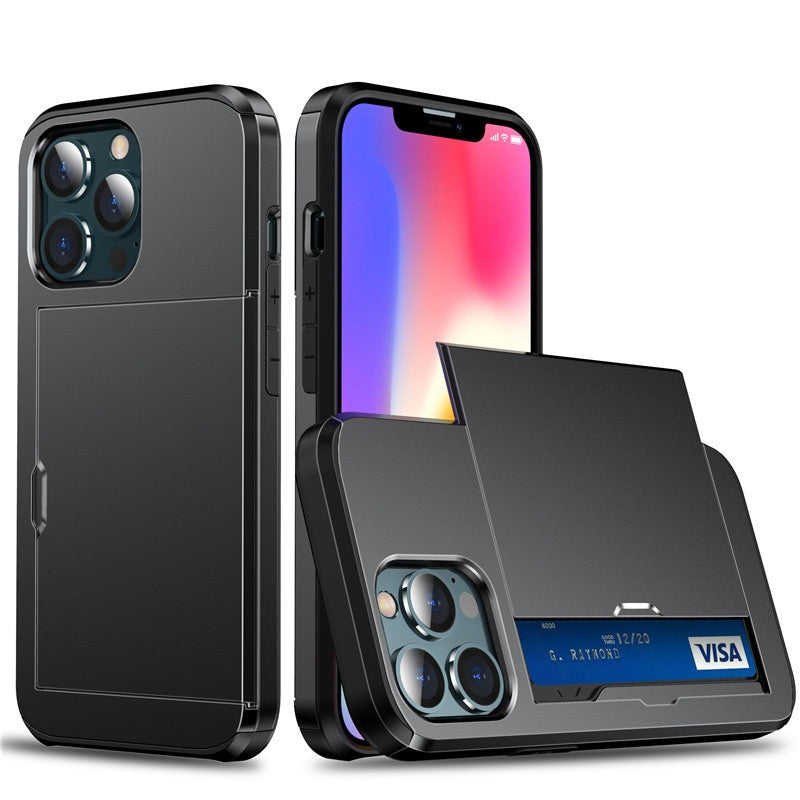
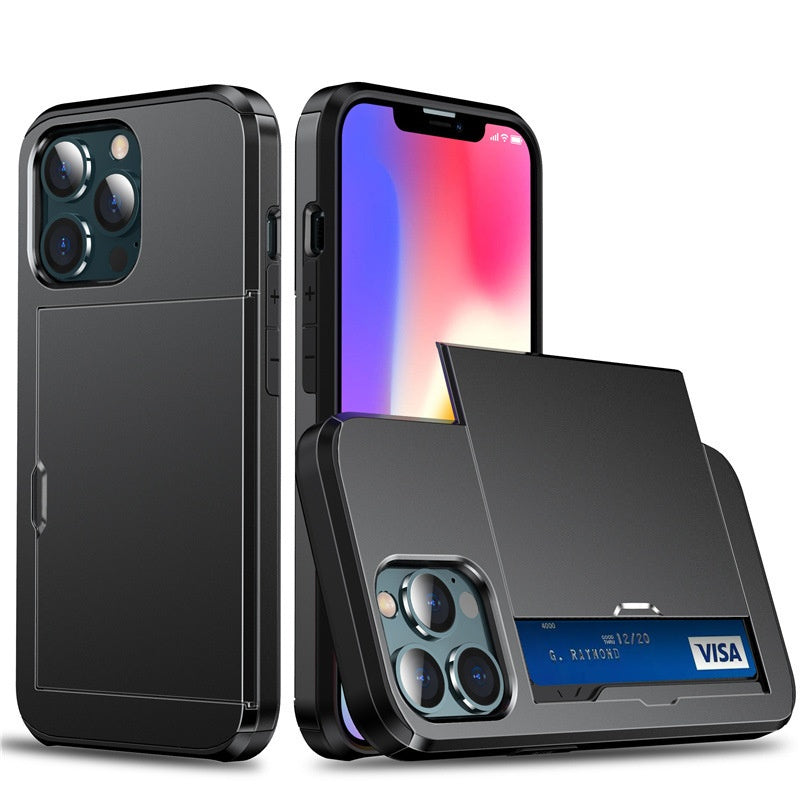
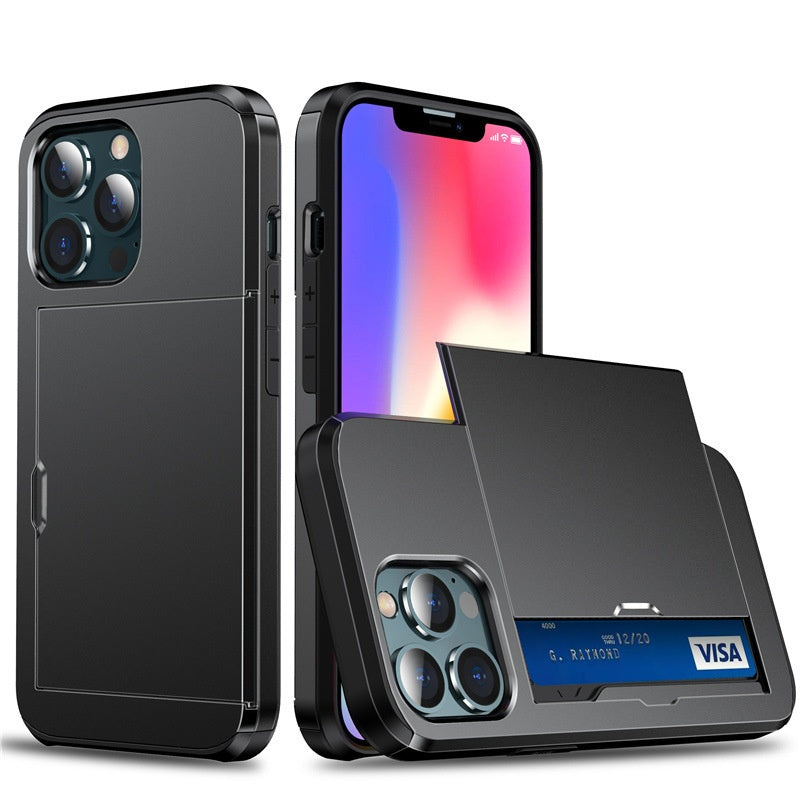
Leave the wallet home and carry your two most-used cards in the case that already protects your phone. The slim two-part shell slides cards into a grip-dot rubber tray, so the phone and cards leave the house together. Buttons and the charging port stay fully reachable.
Read the full descriptionLeave the wallet home and carry your two most-used cards in the case that already protects your phone. The slim two-part shell slides cards into a grip-dot rubber tray, so the phone and cards leave the house together. Buttons and the charging port stay fully reachable.
Keep your cards with your phone: a slim case with a built-in slot for up to two cards
Before: a bulging wallet, cards sliding out of your pocket, and fumbling at every checkout. After: a slim case that holds up to two cards and still protects your phone from everyday drops.

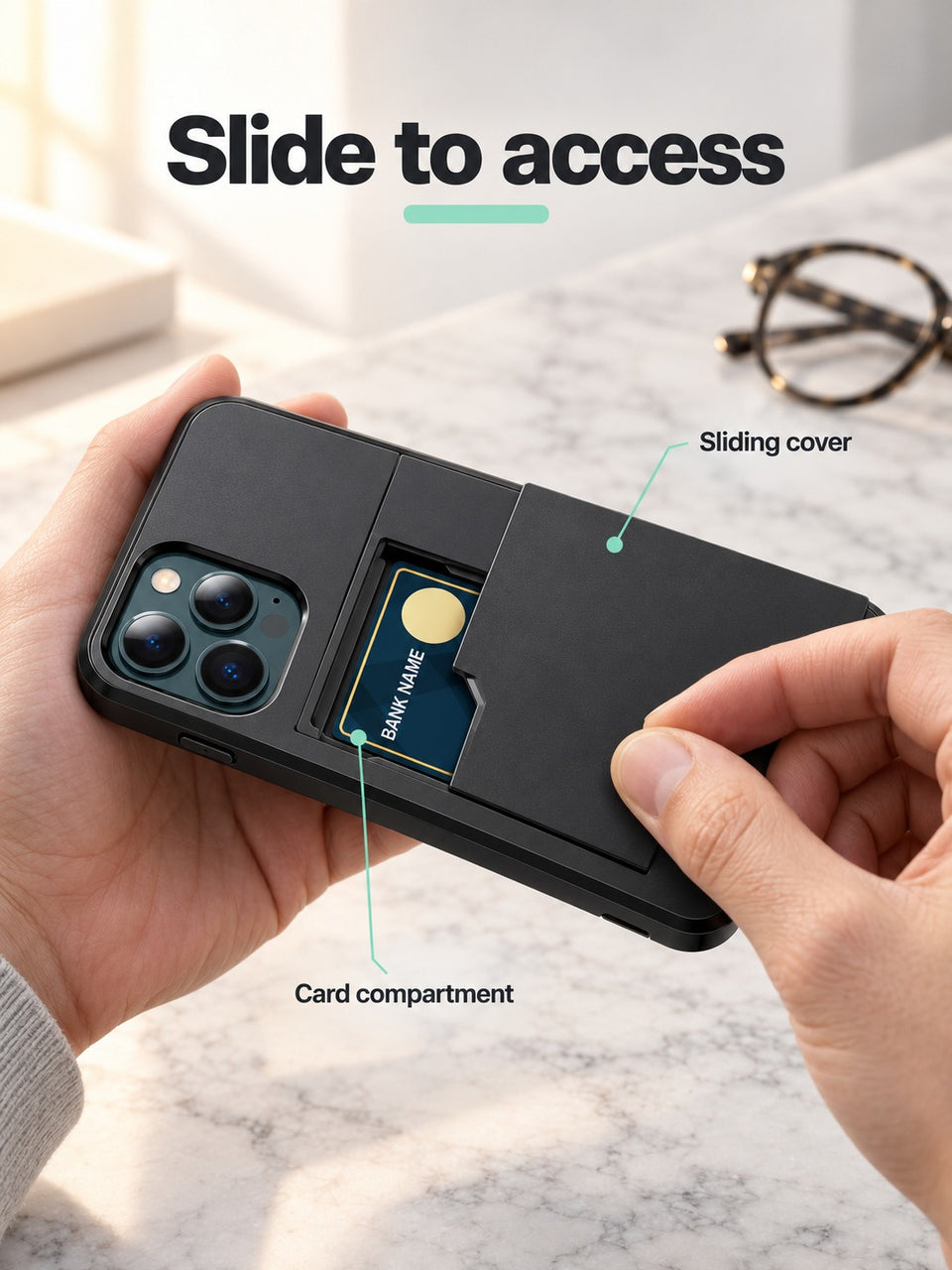
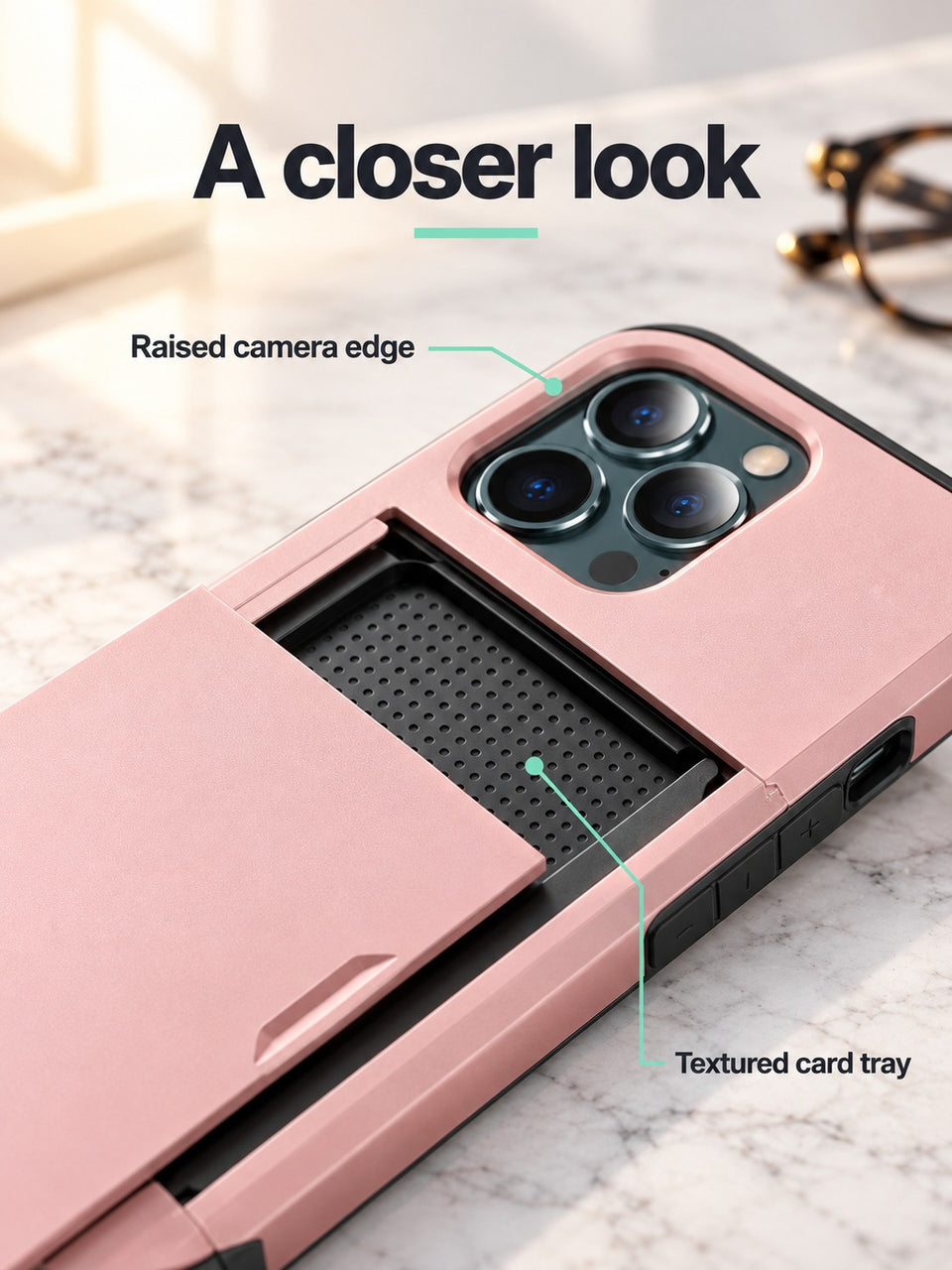
A textured black rubber tray with grip dots holds up to two cards in a sliding slot. The cards sit flat against the back of the phone and stay where you put them when you move, bend, or sit down.

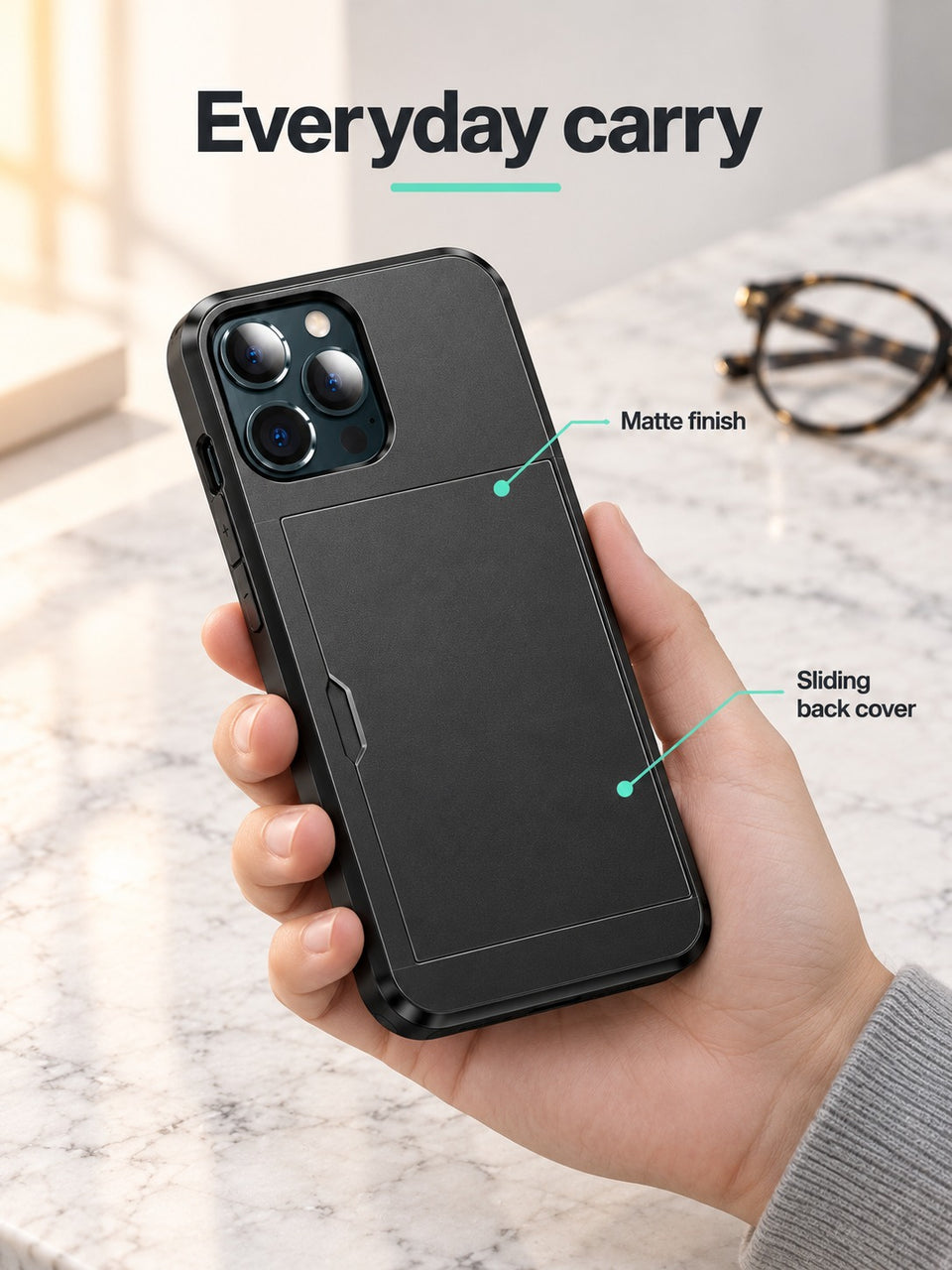
A matte PC shell carries a soft rubber bumper and a raised lip around the camera. The hard outer layer resists scuffs, and the rubber absorbs knocks at the corners. The result is a case that protects the phone and still stays slim in a pocket.

Cutouts line up with the side buttons and the charging port, so the phone works the same with the case on. You can change volume, lock the screen, and plug in a cable without taking the case off.
Push one card into the slot until it sits flush in the black rubber tray. The grip dots hold it without much force.
The tray holds up to two cards. Slide the second one in beside or behind the first, keeping both flat.
Press the two parts of the case together, check that the cards do not show at the edges, and put the phone in your front pocket.
Dust and grit on the rubber can scratch cards and weaken the grip. A dry cloth is enough.
Matte surfaces pick up fingerprints over time. A soft cloth brings the finish back.
Forcing a third card strains the tray and can make the case bulge.
The title names the iPhone 17 Pro Max. The compatibility list also includes iPhone 17 Pro, 17 Air, 17, 16 Pro Max, 16 Pro, 16 Plus, 16, 16E, and 15 Pro Max. Some product photos show other iPhone models, so match your exact model to the list before you order.
The case stays slim with two cards loaded. The cards sit flat in the tray behind the phone instead of stacking up like a wallet, so the bulge stays close to the phone's own thickness.
The tray is textured rubber that holds cards without pressing them hard. Wipe the tray before loading, because grit is the main cause of scratches. Keep cards clean and dry for the best grip.
The grip dots and the snug tray hold cards during everyday movement like walking, biking, and bending down. The case is not a sealed pocket, so keep to one or two cards and check the slot before a long trip.
A folio wallet adds bulk and slows you down at the register. A plain case protects the phone but holds nothing. This case covers both jobs, so one item replaces a separate card holder and most of the reason to carry a wallet for daily errands.
Yes. The raised lip protects the camera area, and cutouts line up with the buttons and charging port. MagSafe compatibility is not listed for this case, so check it before you buy if you rely on a MagSafe charger.


 iPhone 17 Pro Max Card Holder Case: Slide-In Card Slot