
$47.90
Free delivery · 7–14 days
Wired RGB Gaming Mouse With 7200 DPI for FPS Gamers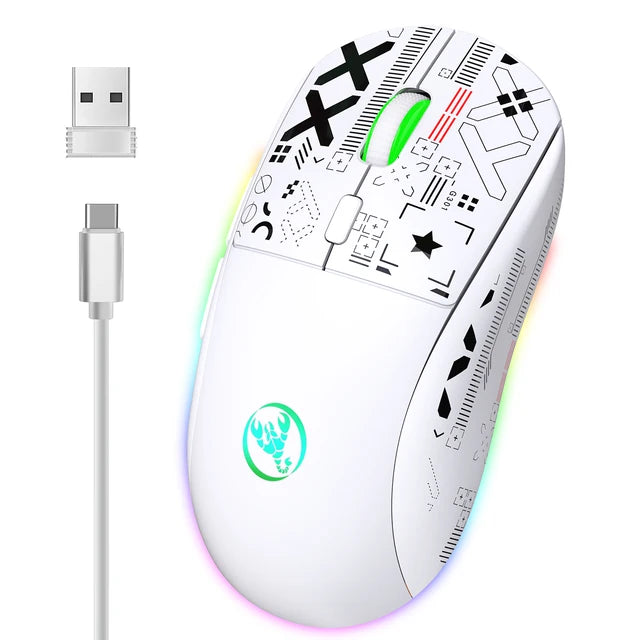
The T90 gives a desk one mouse for every screen. Set the underside switch to 2.4G or Bluetooth, and the cable stays off the desk while the RGB base and green scroll wheel keep the setup lit. Built for gaming and daily work.
Read the full descriptionThe T90 gives a desk one mouse for every screen. Set the underside switch to 2.4G or Bluetooth, and the cable stays off the desk while the RGB base and green scroll wheel keep the setup lit. Built for gaming and daily work.
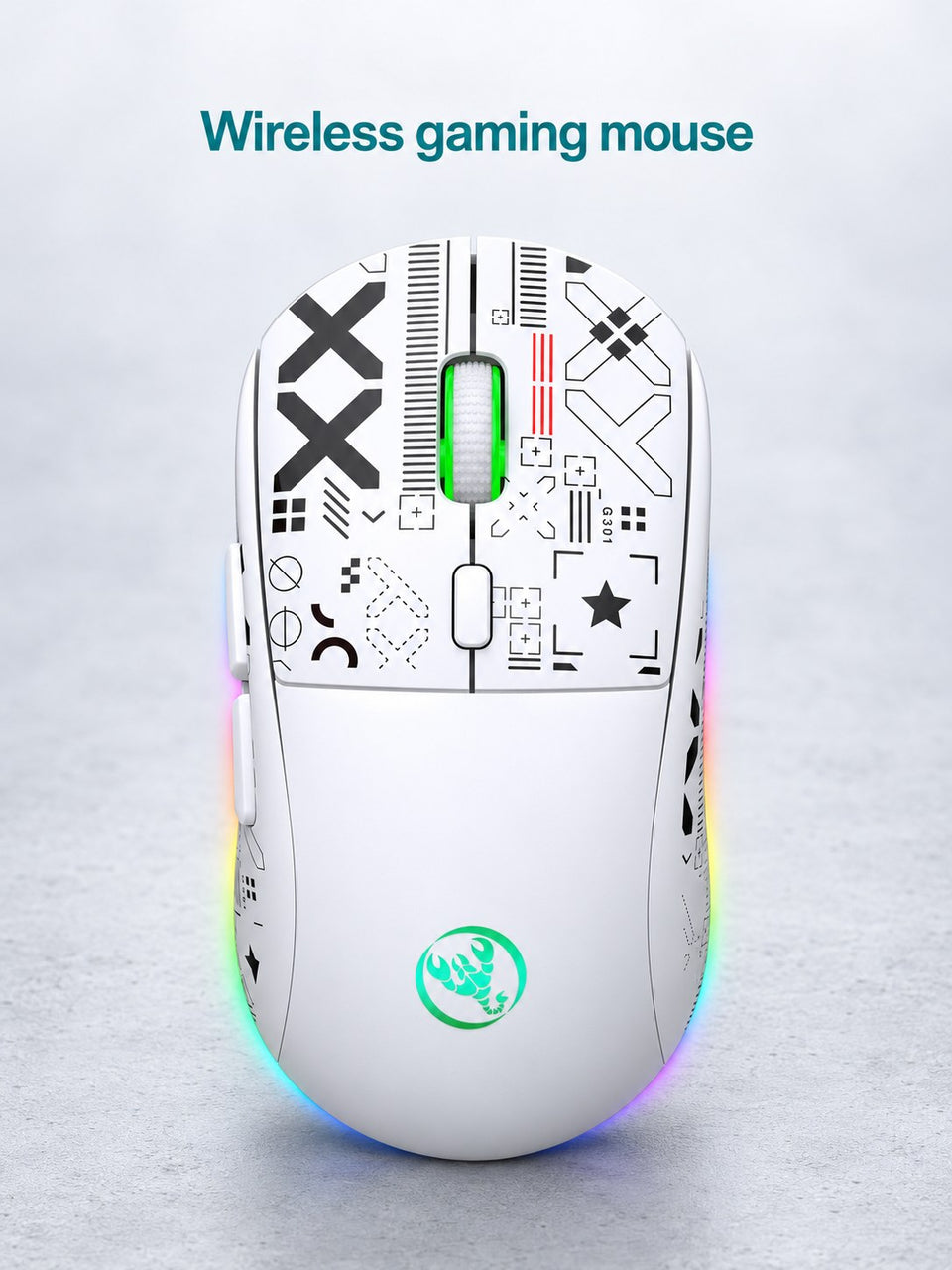
Three-mode wireless gaming mouse with RGB lighting and a hard-core layered build
Tired of tangled cables and re-pairing every device? The hxsj T90 switches between 2.4G and two Bluetooth modes, so your setup stays clean and ready.

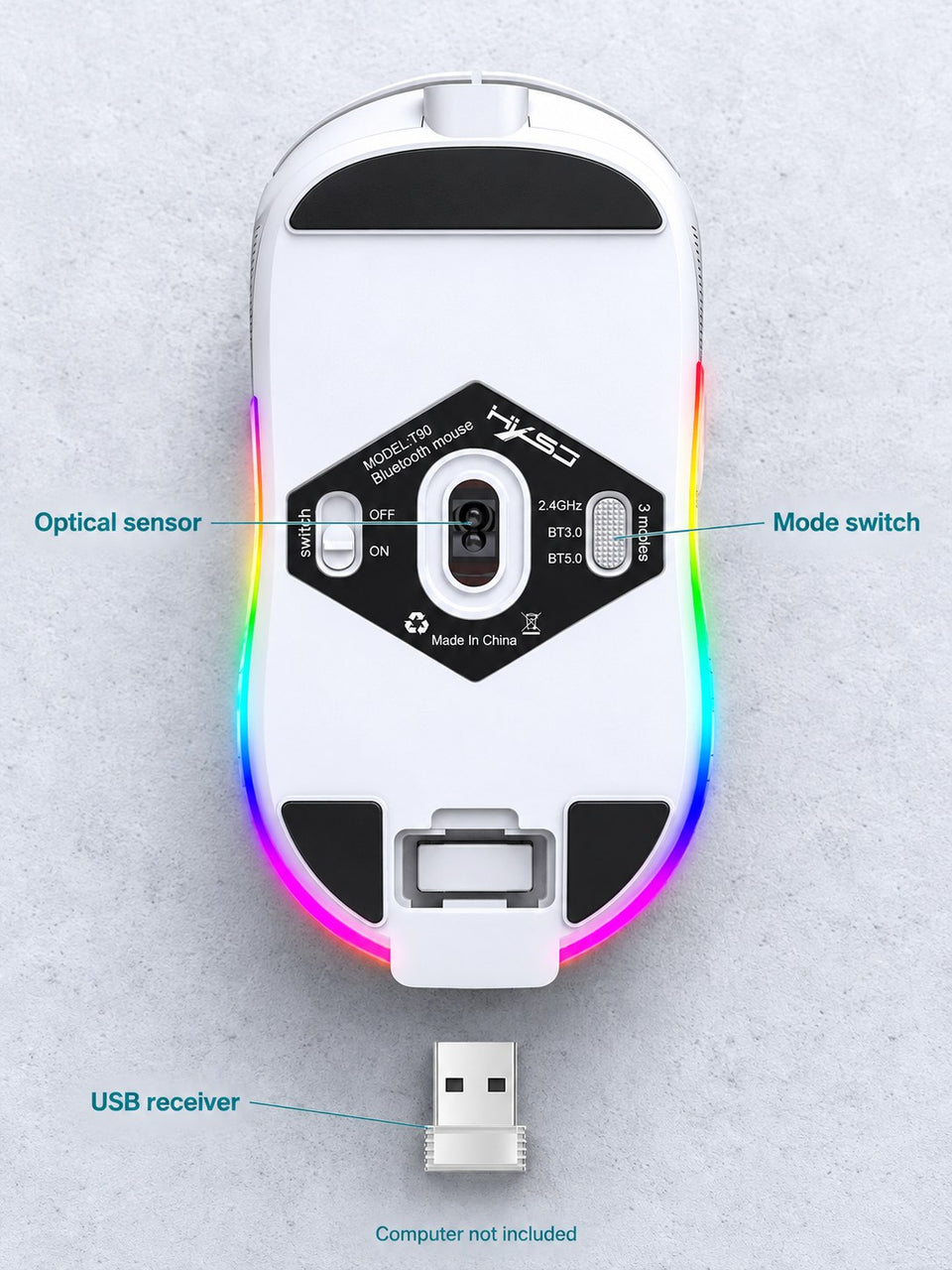
The underside switch selects 2.4GHz, BT 3.0, or BT 5.0. Plug the USB receiver in for 2.4G, or pair over Bluetooth for the second device. Switching takes a flick of the switch, not a re-pair.

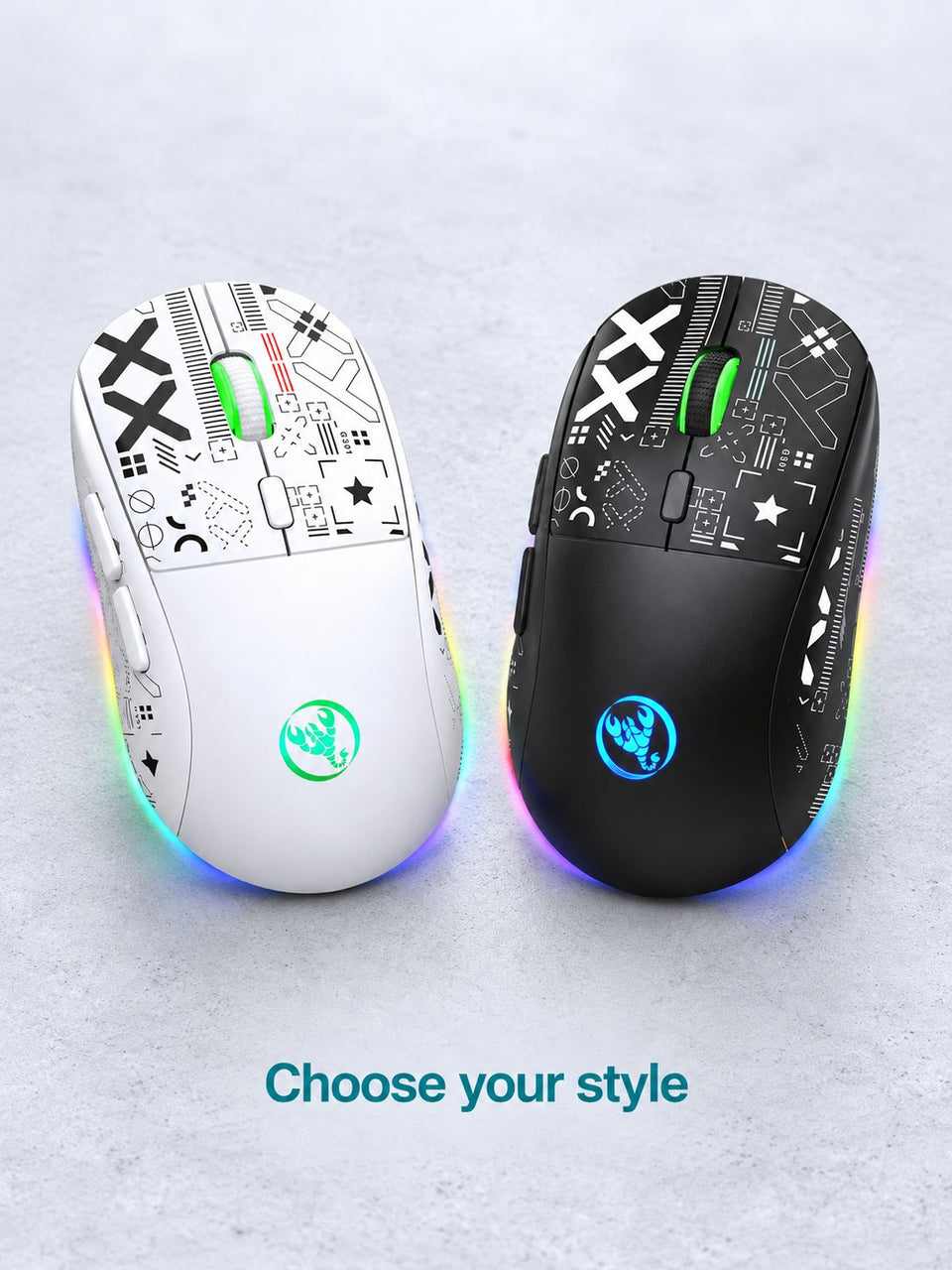
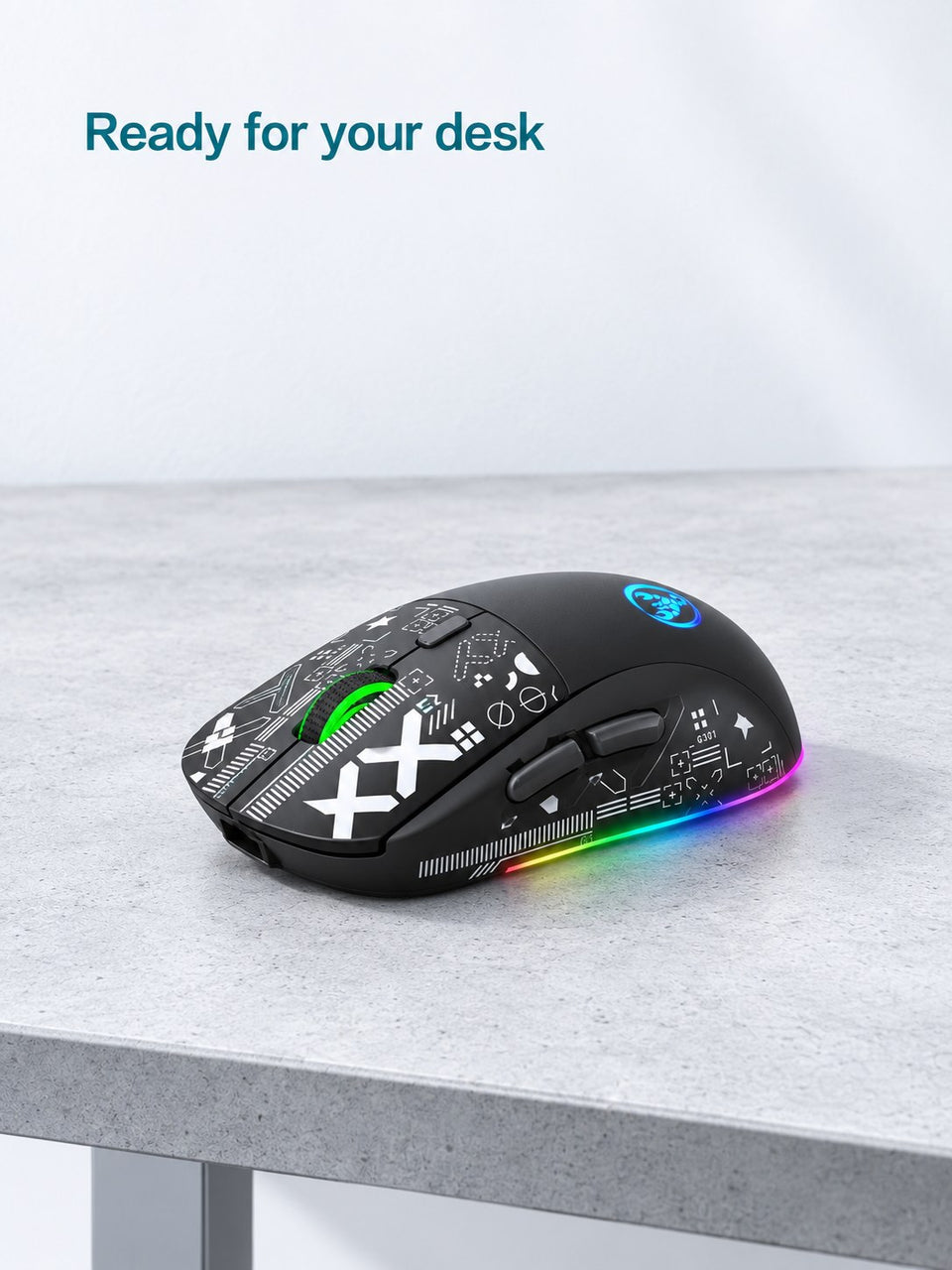
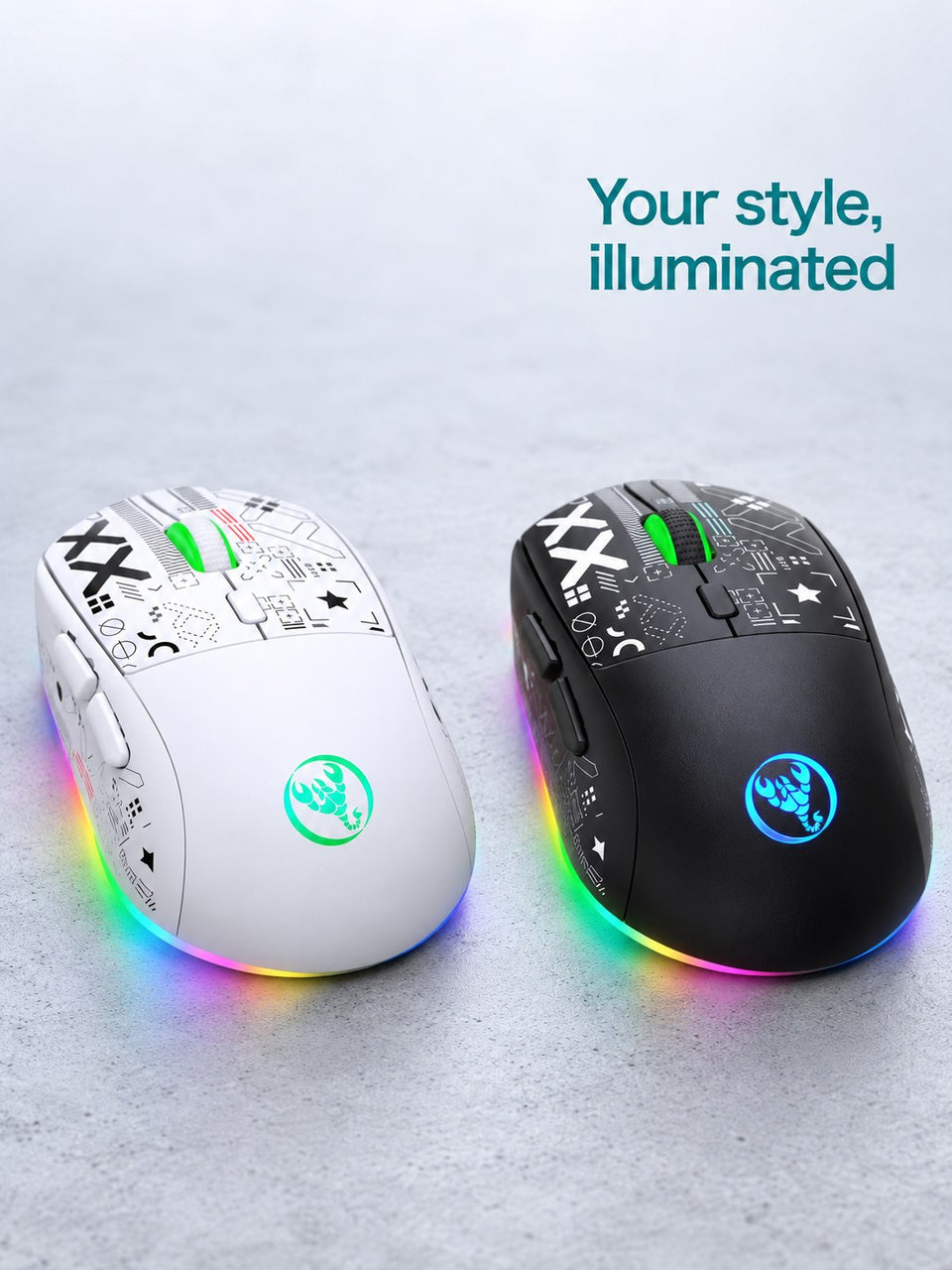
An RGB strip runs along the base and the scroll wheel lights up in green. The mouse offers 11 RGB lighting modes, so the glow can match the rest of the desk.

The exploded view shows the stacked internal build under the matte plastic shell. The shape is ergonomic, and the side thumb buttons and top DPI button sit where your hand expects them.
Flip the ON/OFF switch on the underside to ON. The mouse will not connect while it is off.
Set the underside switch to 2.4GHz, BT 3.0, or BT 5.0 depending on the device you are connecting.
For 2.4G, plug the USB receiver into a free port. For Bluetooth, pair the mouse with the device in its settings.
Use the USB Type-C cable in the box to top up the battery from a powered USB port.
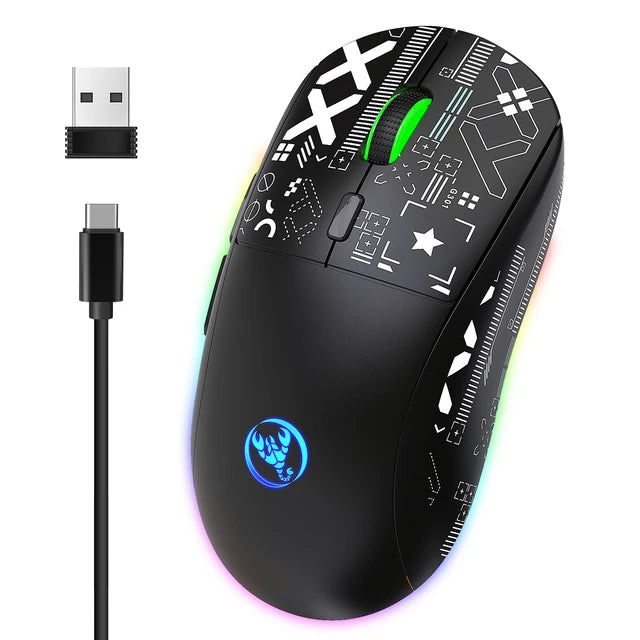
White shell with black tech graphics and RGB base
Plug in for 2.4GHz mode
Top up the battery from a powered USB port

A cable that drags across the desk pulls the cursor off target right when a match gets fast. Add a second machine and the dongle hunt starts: find the receiver, unplug, re-pair, repeat. The T90 ends that routine with a wireless link that stays where you left it.

Set the underside switch to 2.4G for the PC, or to BT 3.0 or BT 5.0 for the laptop or tablet. One mouse covers all three without a second purchase. If you are still weighing options, best wireless mice lists the alternatives.

The RGB strip along the base and the green-lit scroll wheel make the setup look finished. Put the mouse on a plain mouse pads surface and the glow reads clearly from across the room.
| This | Single-mode wireless mouse | Basic wired mouse | |
|---|---|---|---|
| Wireless link | Yes | Yes | No |
| Bluetooth channels to switch between devices | Yes | No | No |
| Cable on the desk | No | No | Yes |
| RGB base and lit scroll wheel | Yes | No | No |
| USB Type-C charging | Yes | Yes | No |
The 2.4G receiver is the direct link for gaming, since it connects without pairing. Bluetooth is the mode for a laptop or tablet, where switching devices matters more than raw speed. Use 2.4G when a match is on the line.
Yes. Set the underside switch to BT 3.0 or BT 5.0 and pair with any device that has Bluetooth. A PC with a free USB port can use the 2.4G receiver instead.
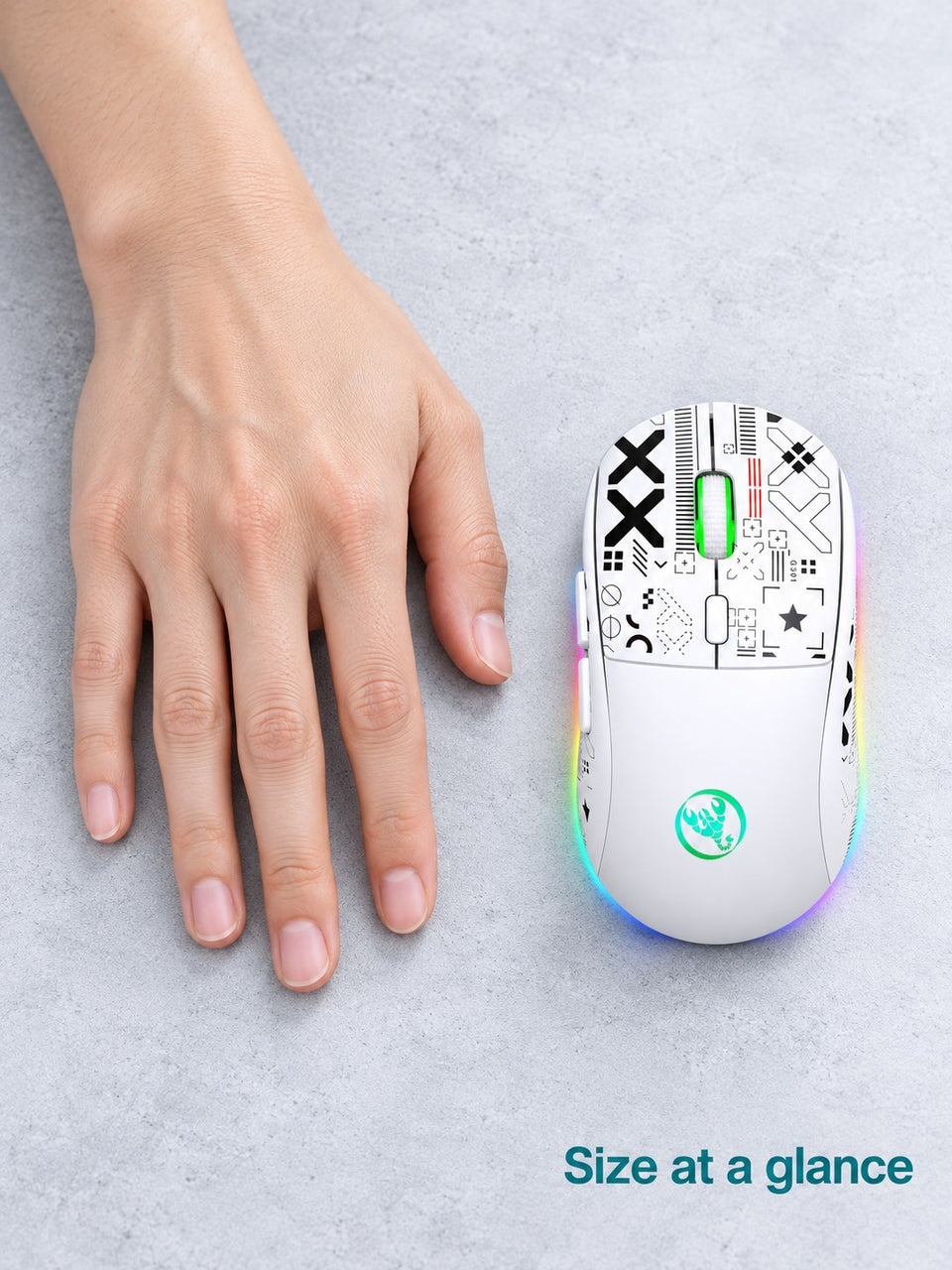
The shell is ergonomic, with a low profile and a matte finish that does not feel slick in the hand. Hand size decides fit, so the best test is a few sessions at your own desk.
Flip the underside switch to 2.4GHz, BT 3.0, or BT 5.0. For 2.4G, plug the USB receiver in. For Bluetooth, pair the mouse with the device you want.
Yes. The USB Type-C charging cable is in the box, so you do not need a separate cable to top it up.
One mouse covers your PC and your laptop or tablet, and the receiver and charging cable are already included. That replaces a second mouse and the extra dongles, which is the cost most desks end up paying.


 Wireless Gaming Mouse with RGB and 3 Connection Modes