
$36.90
Free delivery · 7–14 days
Gradient Tempered Glass Phone Case for Huawei Honor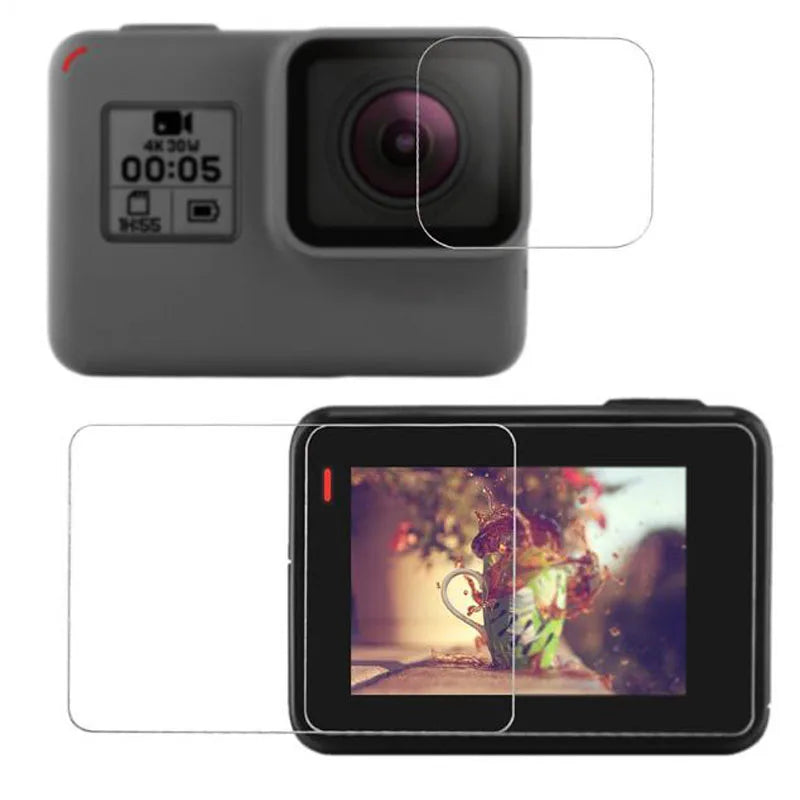
Clear 9H tempered glass covers the lens and LCD of your GoPro HERO5, HERO6, or HERO7 Black, so the screen stays scratch-free after every ride. The five-piece set includes two glass protectors, two cleaning wipes, and an orientation sticker for a clean install. Film the rough stuff without flinching.
Read the full descriptionClear 9H tempered glass covers the lens and LCD of your GoPro HERO5, HERO6, or HERO7 Black, so the screen stays scratch-free after every ride. The five-piece set includes two glass protectors, two cleaning wipes, and an orientation sticker for a clean install. Film the rough stuff without flinching.
9H tempered glass protects your GoPro lens and screen from scratches, cracks and shattering
Your camera spends its life on rocks, bike racks, and dusty trails. Add a 9H glass lens and LCD protector so the screen stays clear and the lens stays sharp for the next trip.
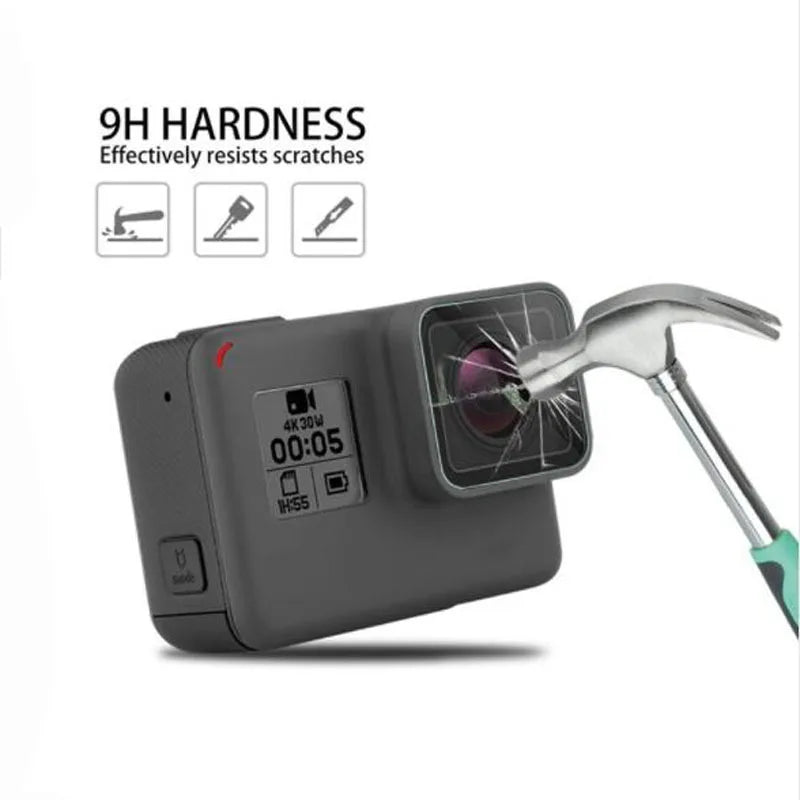
The glass carries a 9H hardness rating, which is what keeps grit, keys, and rock contact from marking the lens and the LCD. Dust and sand hit the glass instead of the camera, so the screen you check between runs stays clear.
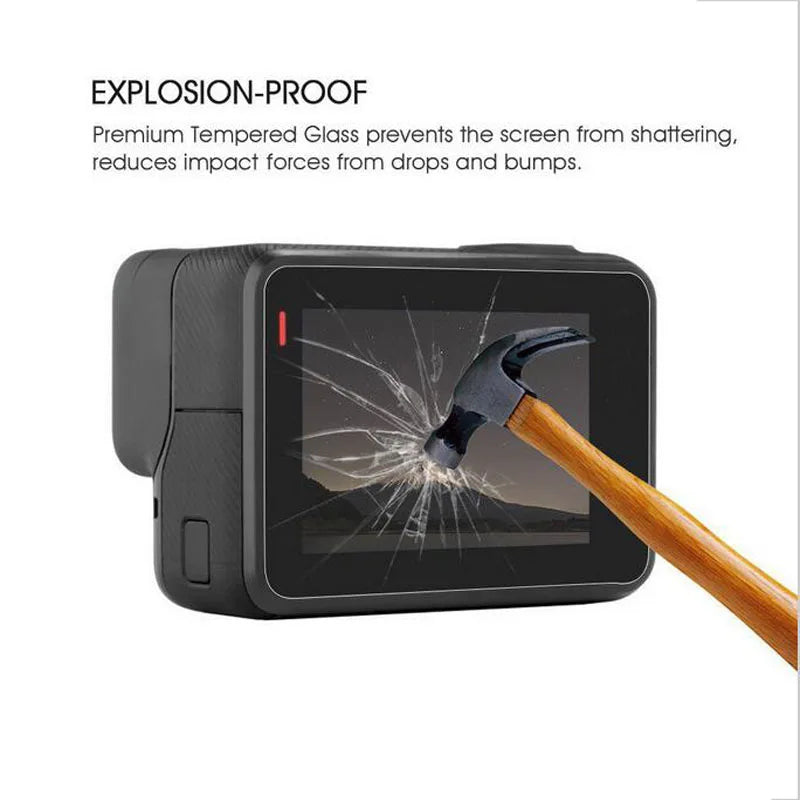
The glass is built to take the hit. In the hammer-test images it cracks while the camera body stays intact and the screen underneath stays protected. Swap the glass and the camera is still ready to film.
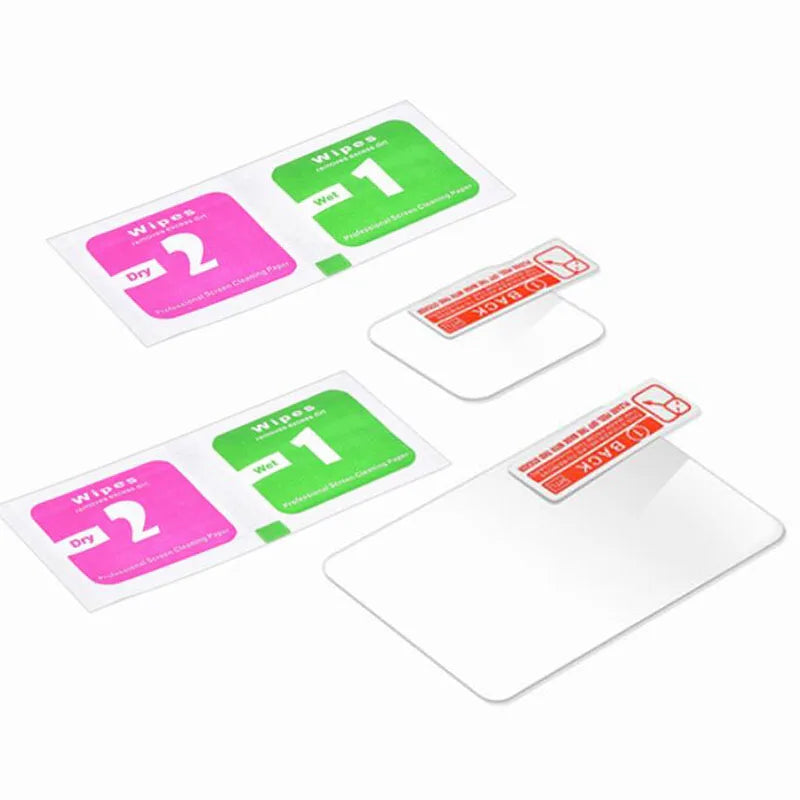
The Dry 2 and Wet 1 wipes clear dust and fingerprints before the glass goes on. The red BACK sticker shows the orientation, so you line up the edges before pressing down.
Inside you find two thin tempered glass sheets in clear protective film, a wet cleaning wipe, a dry cleaning wipe, and a sticker. The glass feels smooth and cool with a glossy finish.
Use the wet wipe first to lift dust and fingerprints from the lens and screen, then the dry wipe to finish. The camera should feel free of grit before you move on.
Use the red BACK sticker as a guide to match the glass orientation. Line the edges up with the camera body before you press down.
Lower the glass gently from one edge and press outward to push out air. A clean, bubble-free seal should sit flush against the lens and LCD.
9H glass cut for the HERO5, HERO6, and HERO7 Black lens
Covers the touchscreen with a clear, glossy finish
Use first to lift dust and oils from the surfaces
Use second to leave the surfaces dry and clean
Red BACK sticker marks the correct glass orientation
The set is made for the HERO5, HERO6, and HERO7 Black. The lens and LCD pieces are cut to those bodies. Check your model name on the camera before you order, since the Session and HERO8 use different layouts.
It is tempered glass rated 9H, not a plastic film. The hammer-test images show the glass cracking while the camera body stays intact, so the glass takes the hit in place of the screen and lens.
The film is ultra-clear and transparent, and it is made to keep both image quality and touch response intact. You will still see the screen clearly and tap through menus as before.
No. The glass covers the lens and LCD only. It protects the surfaces that scratch most, and it works alongside your housing or mount rather than replacing one.
Five pieces cost less than a single repair. If you shoot on rough trails or from a helmet, one cracked LCD or lens can end a trip, so the glass pays for itself the first time it catches a fall.
Clean the surface with the wet wipe, dry it with the dry wipe, then align the glass with the red BACK sticker and press out air from one edge. The wipes are for cleaning before each install, and the glass is a replaceable layer you swap when it has done its job.


 GoPro Hero 5 6 7 Tempered Glass Lens & Screen Protector