


$54.90
Free delivery · 7–14 days
Wireless Gaming Earbuds with LED Battery Display Case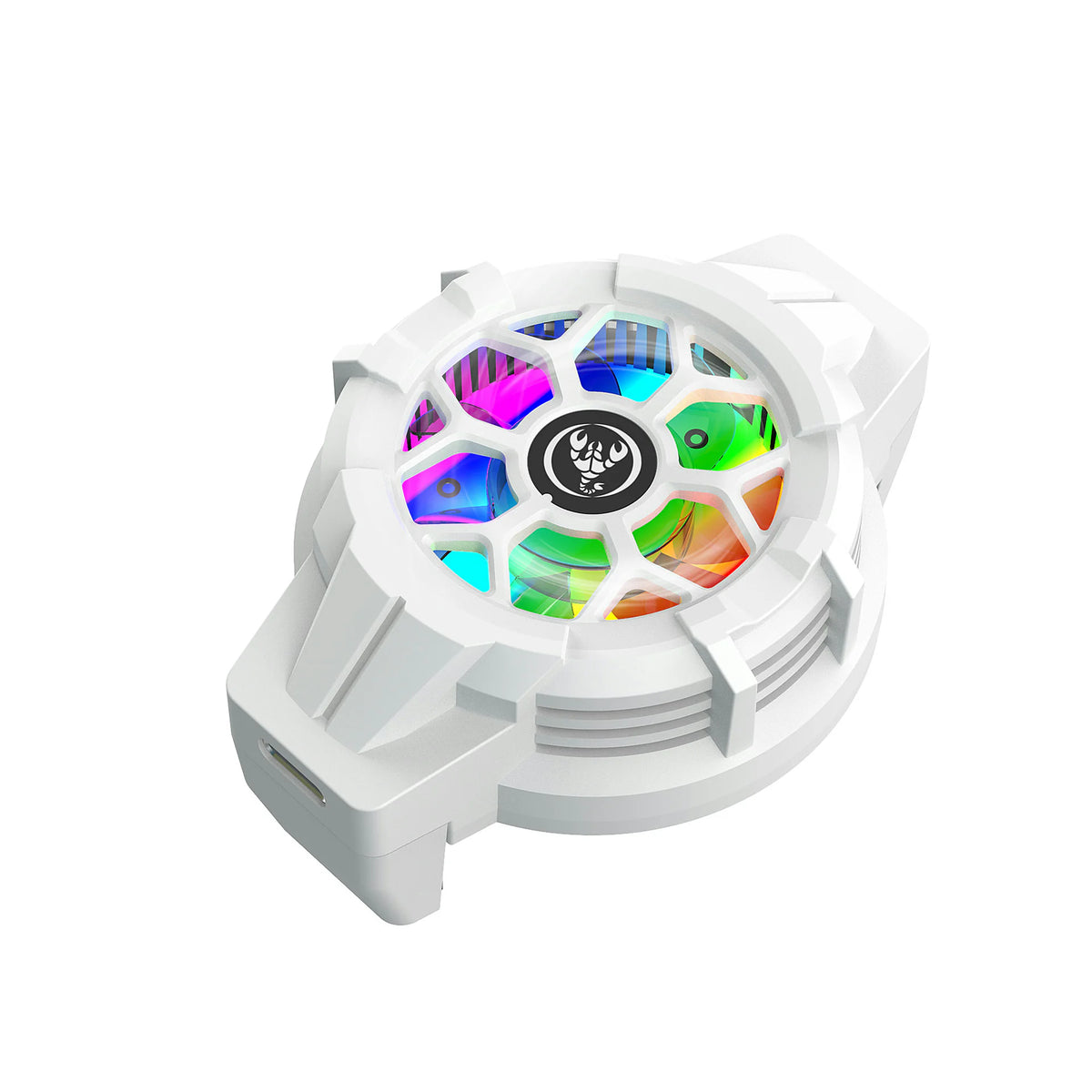
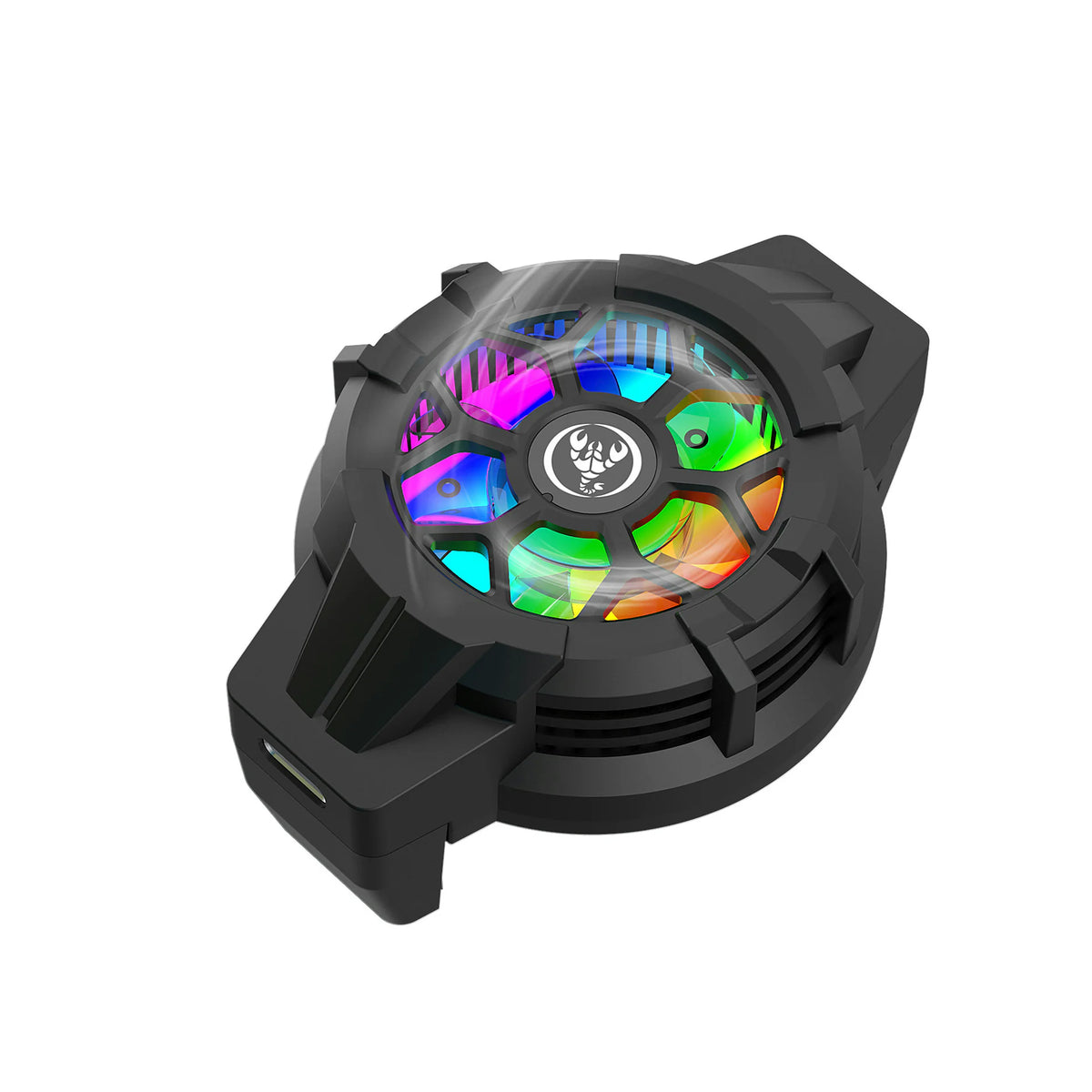
Your phone stops stuttering halfway through a ranked match. A clip-on semiconductor cooler pulls heat off the back panel while a rainbow RGB turbo fan keeps air moving across the body. Built for long sessions at home or on the go.
Read the full descriptionYour phone stops stuttering halfway through a ranked match. A clip-on semiconductor cooler pulls heat off the back panel while a rainbow RGB turbo fan keeps air moving across the body. Built for long sessions at home or on the go.
Semiconductor cooling clip that keeps your gaming phone cool with a rainbow RGB turbo fan
Gaming hard on a hot phone means throttling, lag, and sweaty hands. Clip on a semiconductor cooler with a rainbow turbo fan and play longer with a steady frame rate.

One side of the semiconductor module absorbs heat from the phone while the other side pushes it out through an aluminum heat sink. That is active cooling, so the cooler keeps working while the phone is under load instead of just sitting on the back of it.

The turbo fan pushes air around the phone body with 360 degree coverage, so there are no dead spots on one edge. The Spectra rainbow backlight runs along the fan, which is handy when the rest of your setup is lit up too.

The bracket clips onto the back of the phone with a silica gel thermal layer in the contact area. Keep the case slim so that layer touches the phone directly, and the clip stays put through a full match.
Semiconductor module, turbo fan and RGB backlight in one clip-on bracket.
Powers the fan from a standard USB-C charger or power bank.

You are three rounds into a ranked queue and the phone has turned into a hand warmer. Frames drop during the fights that matter, touch input lags a beat behind your thumbs, and holding the phone gets uncomfortable. Passive back cases only hold the heat in longer.

The clip sits on the back of the phone and does the work actively. A semiconductor module pulls heat from the phone side while a turbo fan with a rainbow backlight moves air across the body. You get a real cooling loop, not just a bit of extra surface area.

Pick the match back up after the break and the phone feels the same as it did at the start. Clip it on, plug the Type-C cord into a charger or power bank, and let the fan run. The sessions get longer and your hands stay comfortable.
Attach the clip to the back of your phone, connect Type-C power, and watch the RGB fan spin up. Run a short test and check that the surface feels cooler.
After a few sessions you will know where the clip sits best on your phone and how it fits with your case.
With regular use the clip becomes a standard part of long gaming sessions. Keep the silica gel pad clean for the best contact over time.
| This cooler | Passive back case | Fan-free cooling pad | |
|---|---|---|---|
| Active cooling | — | — | |
| Built-in turbo fan | — | — | |
| Needs Type-C power | — | — | |
| Works through a thick case | — |
The clip mounts on the back panel, so the side buttons stay free. The Type-C cord runs from the cooler to a charger or power bank, which keeps your phone's own charging port clear for everyday use. Remove a thick case before you clip on, because the silica contact pad needs direct contact with the phone.
The cooler uses a semiconductor module that moves heat from one side to the other, with the fan running off the Type-C cord. Use the included cord with a standard USB-C charger or power bank, keep the fan clear of your hand or a pillow, and do not run it on an unknown power source.
It cools. The packaging infographic shows the phone surface falling from 78.1°C to 10°C with the cold clip in use. The lights are a bonus, but the fan and the semiconductor core are doing the actual work.
Yes. Connect the Type-C cord to a power bank and clip the cooler on before a session. Set the phone on a flat surface so the fan has room to move air.
A fan-free pad or a back case only sheds a little heat under sustained load. This clip is two parts with no subscription and no extra accessories to buy, and it works on the phone you already own. For anyone who loses matches to a throttled screen, that is the value that counts.


 Gaming Phone Cooler Clip With RGB Semiconductor Fan