

$64.90
Free delivery · 7–14 days
Wireless Earbuds with Charging Case: Bluetooth 5.0 Stereo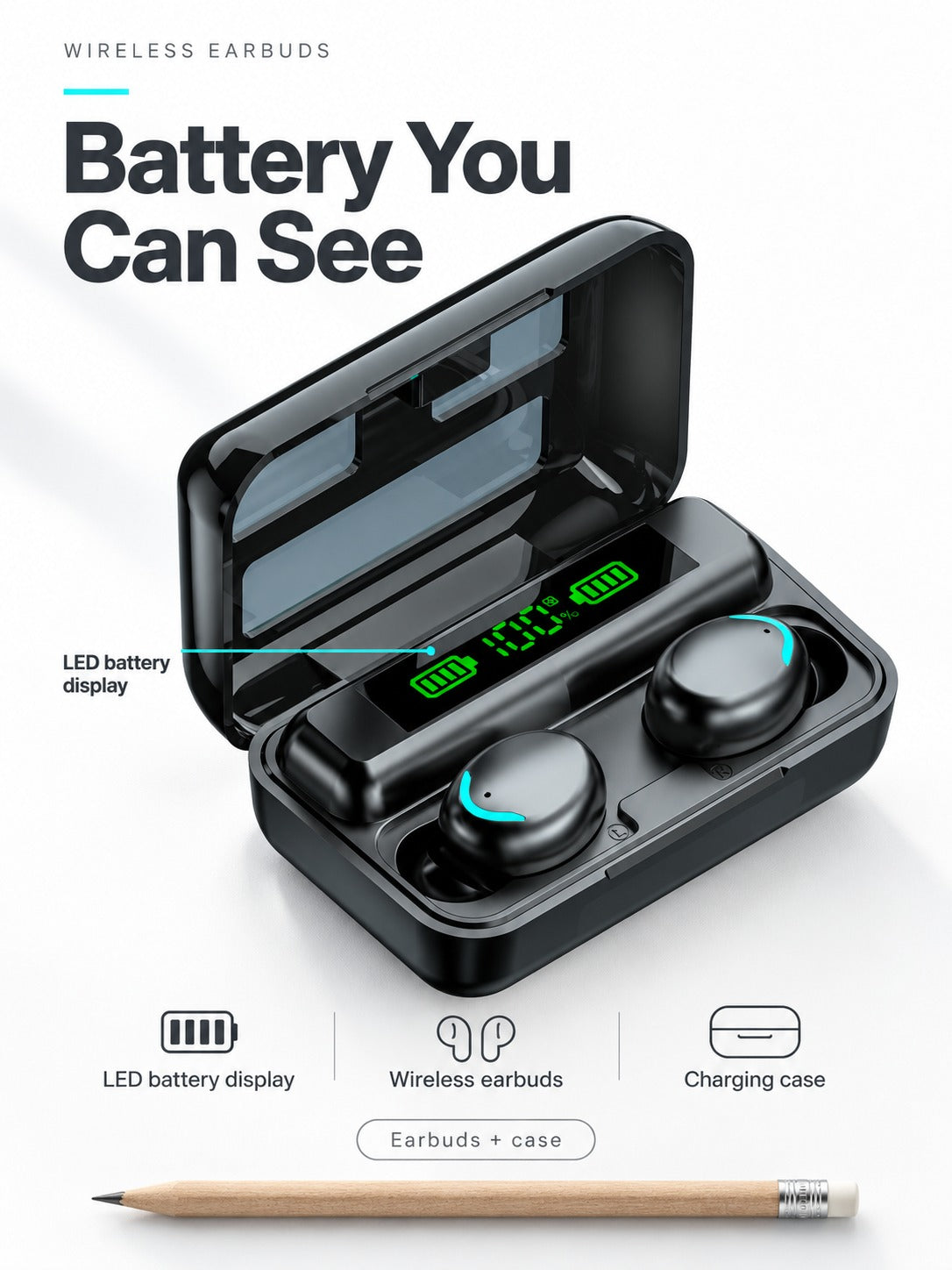
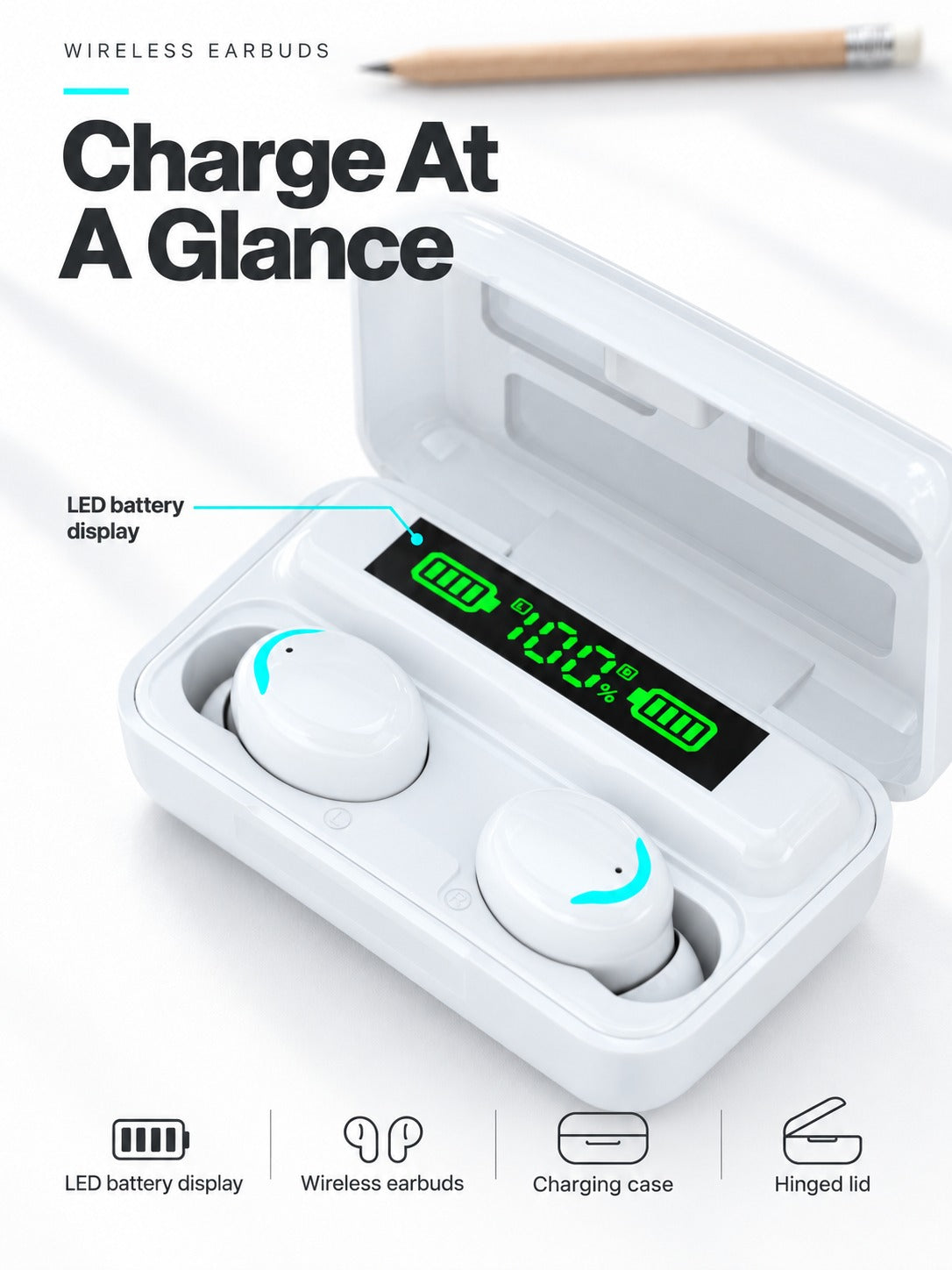
Glance at the case, know your battery, and walk out with earbuds that are ready to go. The LED display on the charging case shows the level before you pull a bud out. Touch controls and a mirrored lid keep the set simple on the commute and at the gym.
Read the full descriptionGlance at the case, know your battery, and walk out with earbuds that are ready to go. The LED display on the charging case shows the level before you pull a bud out. Touch controls and a mirrored lid keep the set simple on the commute and at the gym.
Wireless earbuds with a charging case that shows battery levels at a glance
Dead earbuds mid-commute and tangled cords are over. Check the LED on the case, grab your pair, and head out ready.

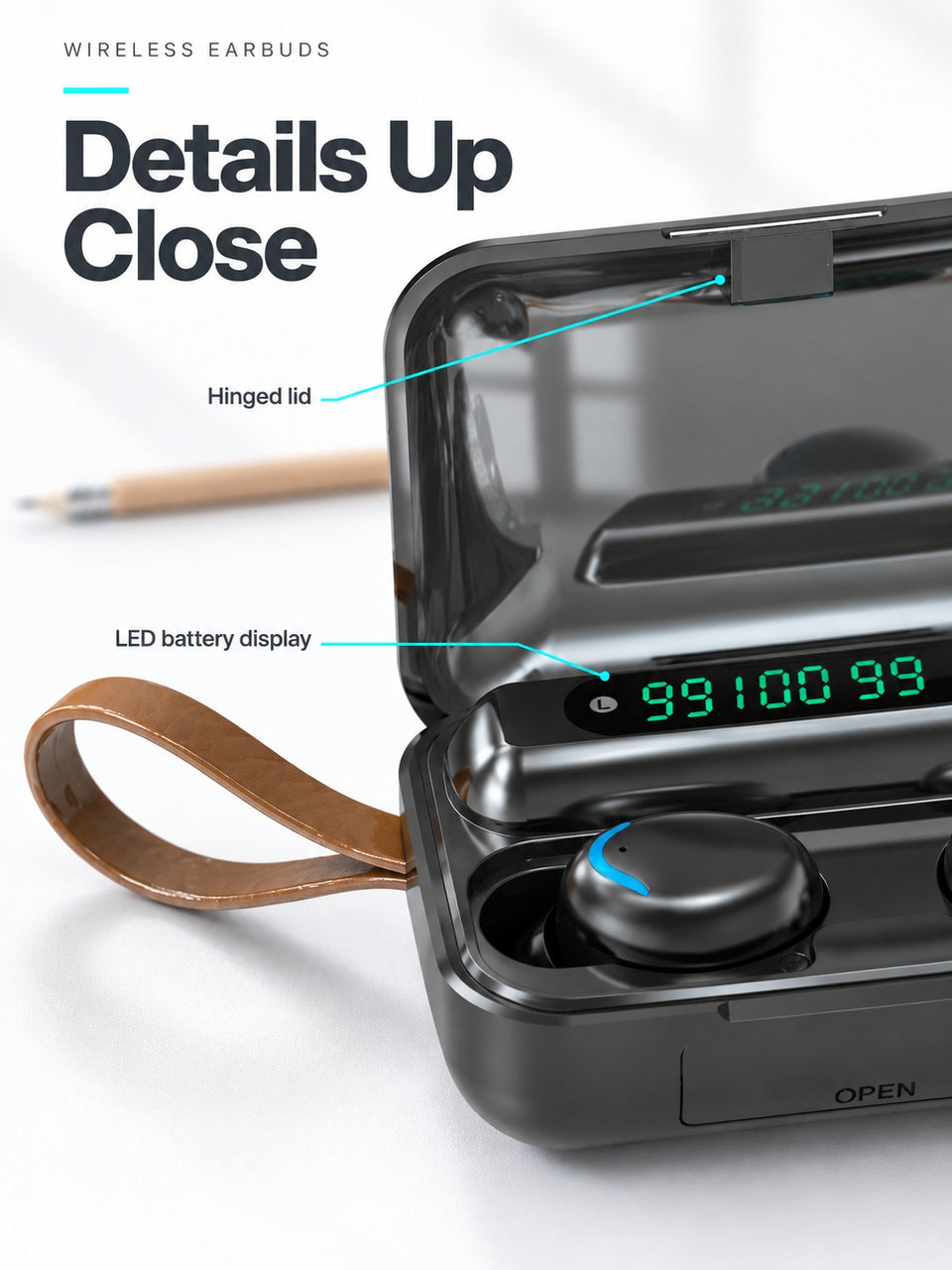
The digital display on the case reads the battery level the moment you open it. Every commute starts with a clear answer, so you know whether the earbuds are ready or need a few minutes on the charger.

Each earbud has touch controls, so a tap can pause a track or answer a call while your phone stays in your bag. Tap lightly with dry fingers for the cleanest response.

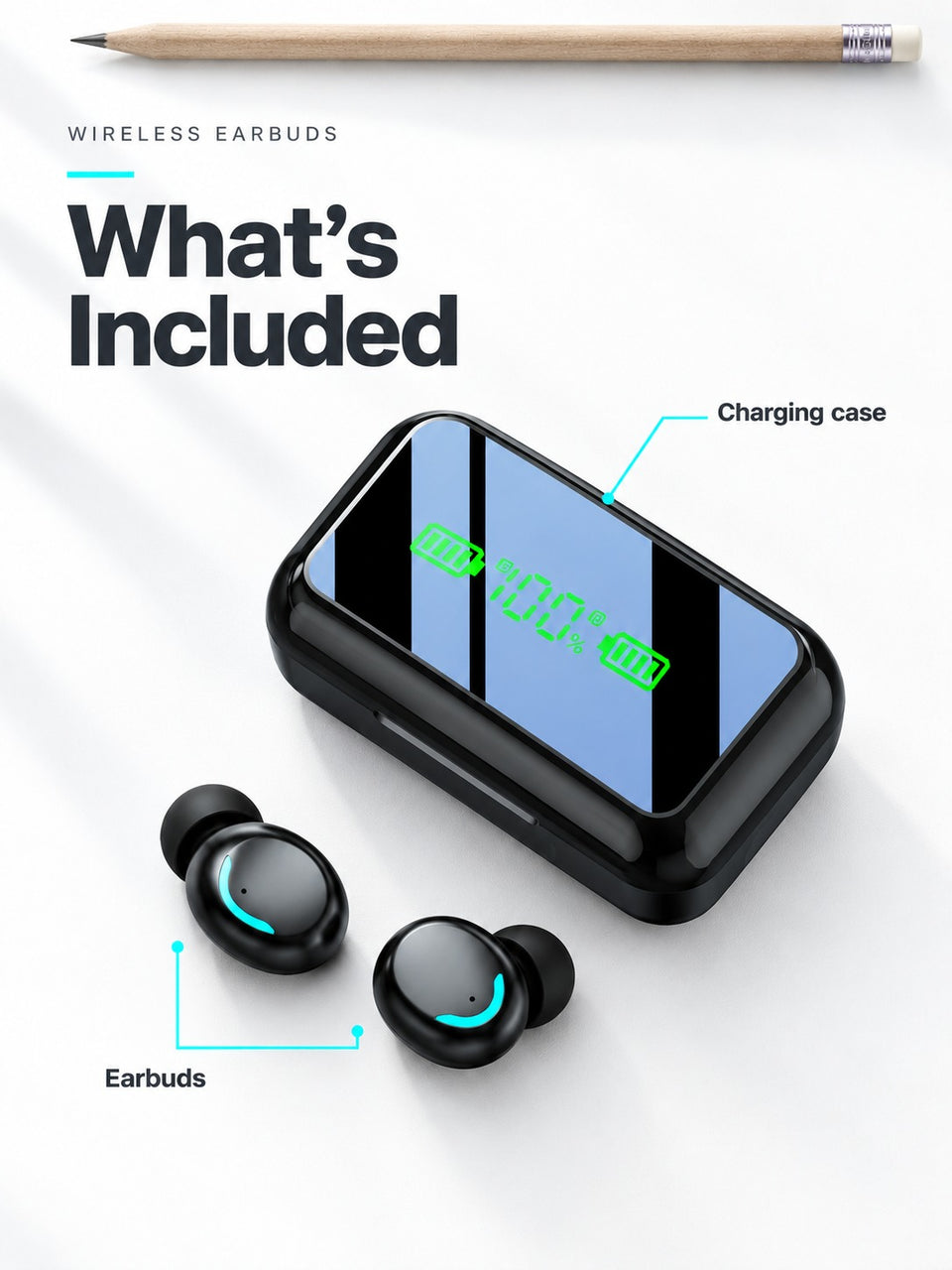
The set is one pair of earbuds and one charging case. Nothing else is in the box, so you open it, check the display, and start listening. The case also works as a portable power bank for topping up the earbuds between uses.
Open the lid and check the display. It shows the battery level, so you know how much charge you have before you go.
Take each earbud from the case. The blue status ring shows that it is active.
Turn on Bluetooth on your phone, then select the earbuds from the device list to connect.
Tap the touch surface on either earbud to control playback and calls. Light taps with dry fingers work best.
Drop the earbuds back in the case and close the lid. Charge the case when the display shows a low level.
Touch controls on each earbud with blue status rings
Mirrored lid with a digital LED battery display, doubles as a portable power bank

You reach the platform, open the pocket, and the case is empty. The train is pulling in and your ears are silent. Cheap buds with a blank case never warn you, so the first sign of trouble is a cut-out in the middle of a track.

The F9-5c changes that routine. The LED display on the case shows the battery level as soon as you lift the lid, so you know the charge before you pull a bud out. Compared with a blank earbud case, the display does the guessing for you.

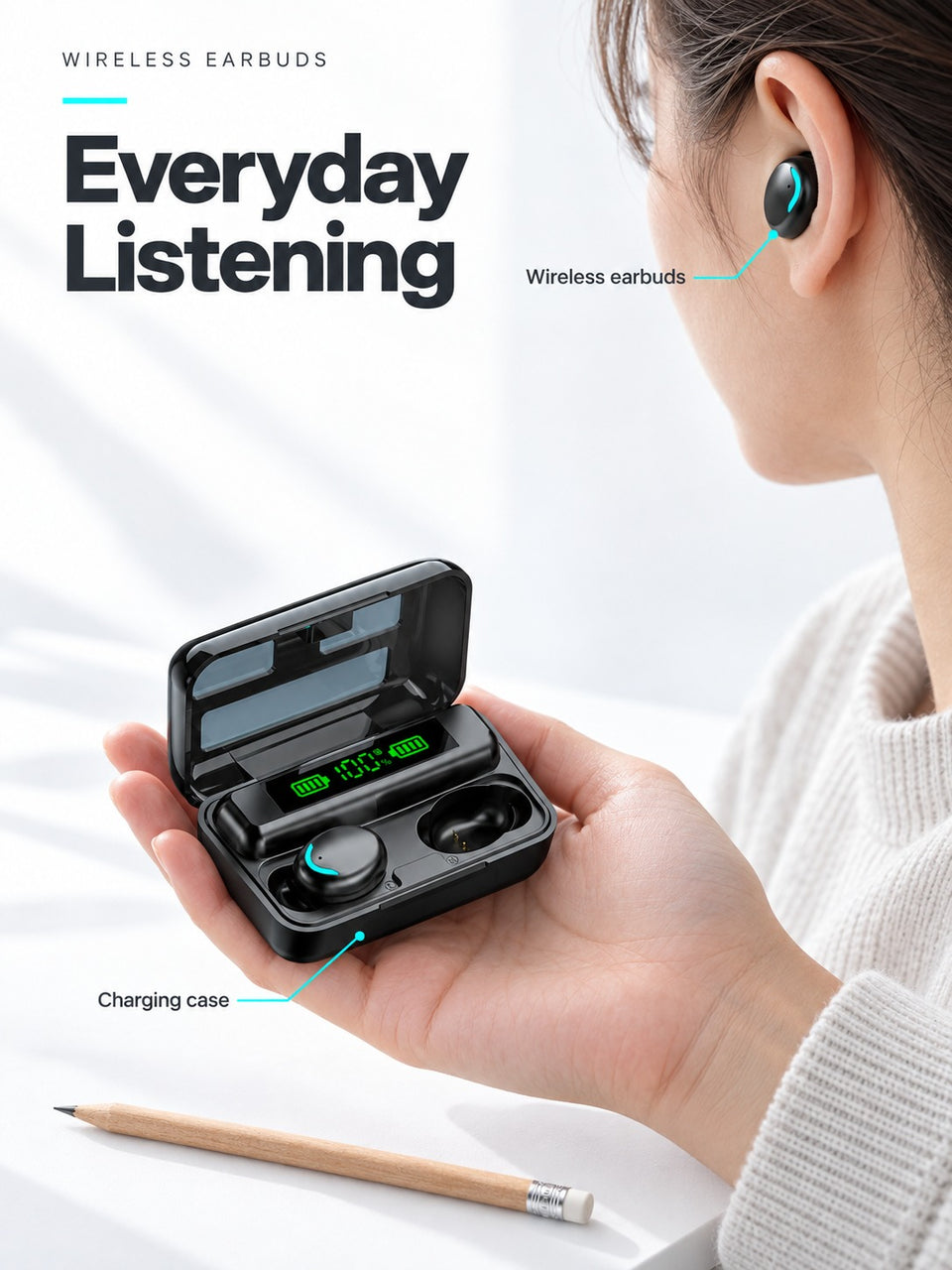
The earbuds sit in your ears with the blue status ring telling you they are active. Touch controls skip the next track or take the call without a phone in your hand. You walk out with no cords to untangle and nothing left to second-guess.
| This | Plain budget TWS case | |
|---|---|---|
| Charge level shown on the case | — | |
| Mirrored lid and LED panel | — | |
| Touch controls on each earbud | Varies |
The case has a glossy finish and a mirrored lid, which looks more premium than most budget sets. It is a budget pair, so judge it on daily use: the display, the touch controls and the compact size are the parts you handle every day.
Fit varies from ear to ear, so run a quick check on your first session. Wipe sweat off your fingers before you tap the touch controls so the taps register cleanly.
Open the lid and read the LED display on the case. It shows the battery level, so you can decide whether to charge before you leave.
They connect over standard Bluetooth, so the same pairing steps work on iPhone and Android phones. Open Bluetooth settings on your phone and select the earbuds from the list.
Run time depends on how loud you play music and how often you take calls. The easiest way to stay ahead of it is to glance at the case LED before every outing.
A plain case tells you nothing until the earbuds cut out. This set shows the charge on the case before every outing and doubles as a power bank for topping up between uses. You pay a little for the display and get it every day.


 Wireless Earbuds with LED Battery Display Charging Case