
$74.90
Free delivery · 7–14 days
Rechargeable Motion Sensor Night Light for Hallways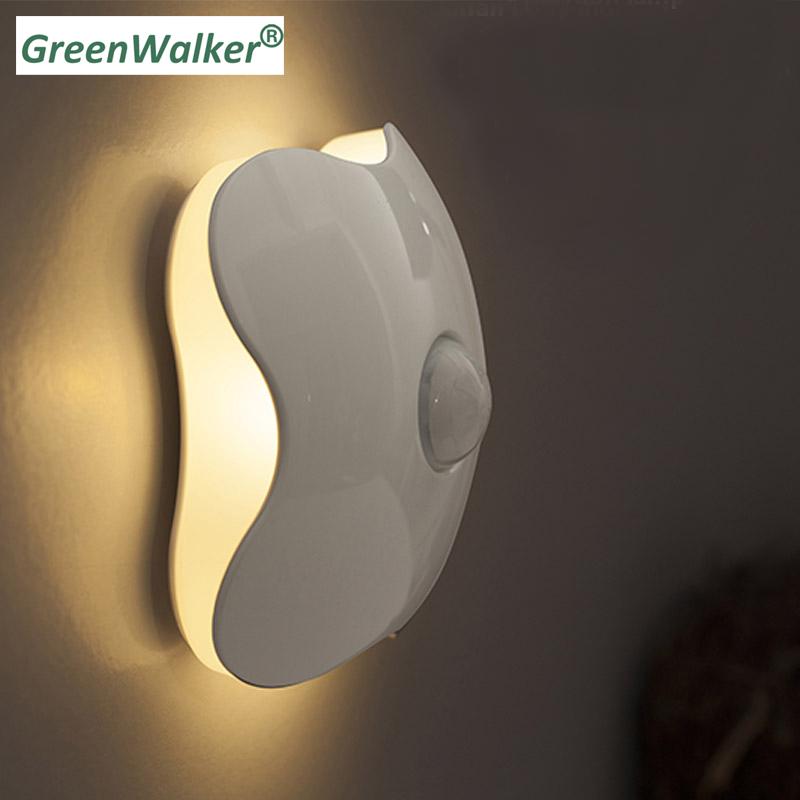
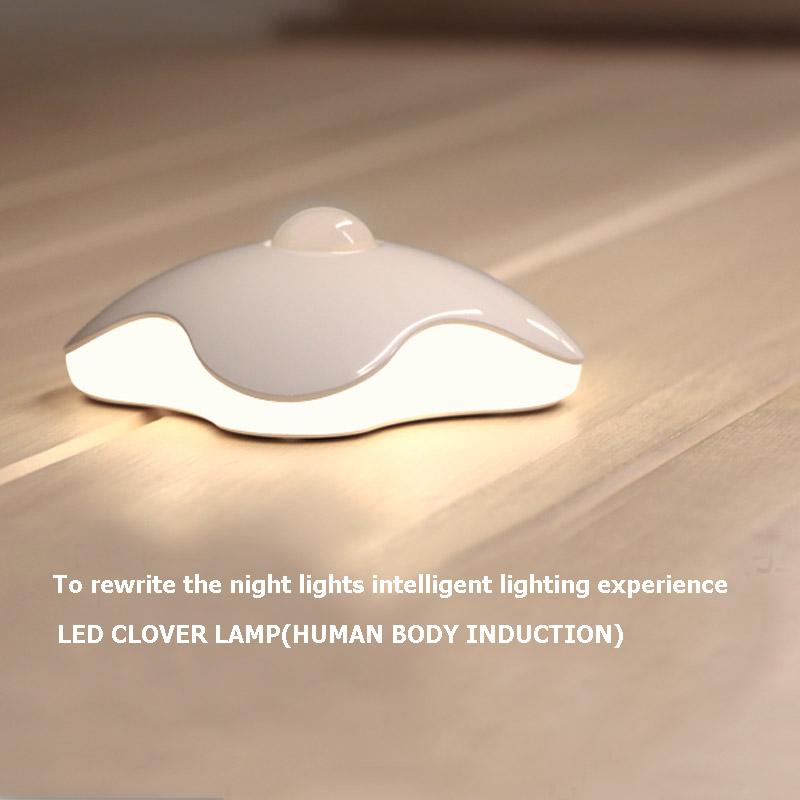
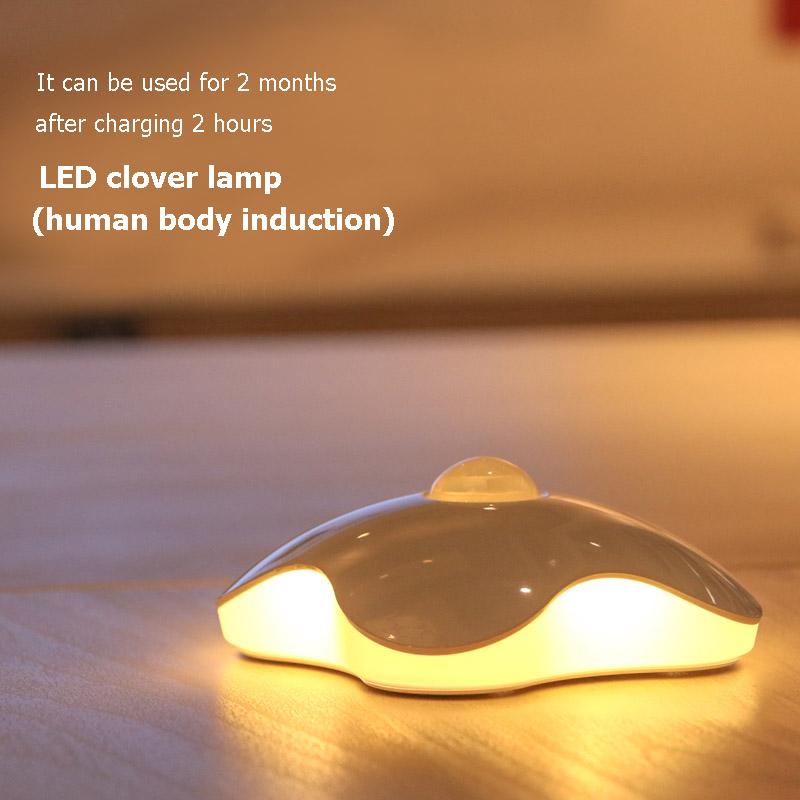
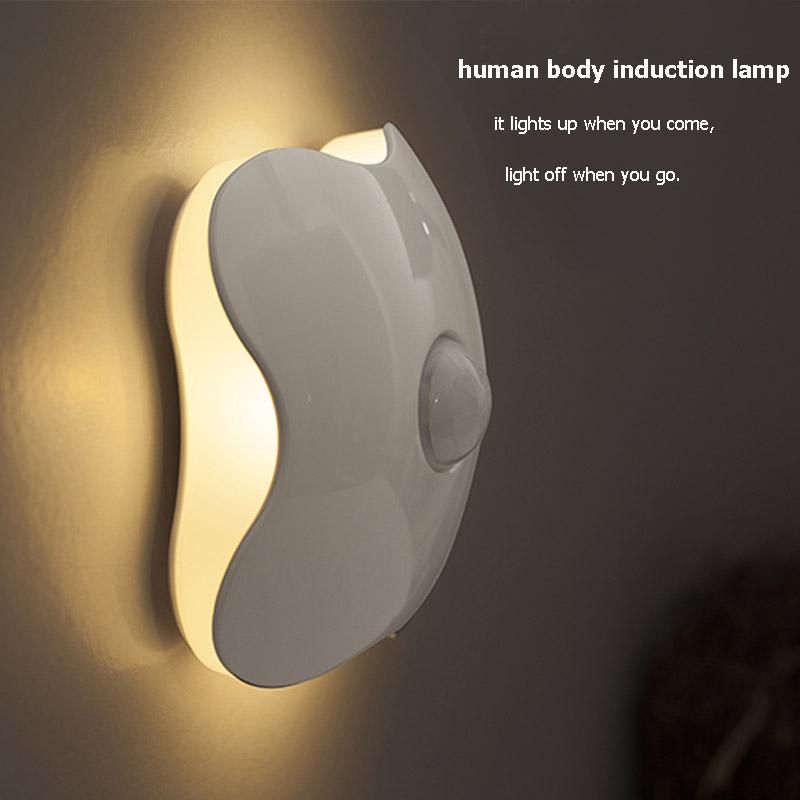
A clover-shaped night light that switches on as you walk and fades out behind you. Warm white light covers the floor and wall on your path, so you can get up at night without flipping on a bright overhead bulb. Charge it for 2 hours and it runs for about 2 months.
Read the full descriptionA clover-shaped night light that switches on as you walk and fades out behind you. Warm white light covers the floor and wall on your path, so you can get up at night without flipping on a bright overhead bulb. Charge it for 2 hours and it runs for about 2 months.
Lights up automatically when you move, so you can find your way at night without switching on a bright light
Before: fumbling for a switch and jolting awake under a harsh overhead bulb. After: a soft warm glow appears as you move and fades when you're gone.
A PIR dome sits on top of the clover body and picks up body movement. You do not touch anything in the dark. Pair it with your usual night lights setup and the hallway lights itself as you pass, which is the whole point.
The warm white LED spreads across the wall and floor instead of shooting straight into your eyes. It is bright enough to see your footing and soft enough that you can walk back to bed without a full wake up. It is not a reading lamp, and that is the point.
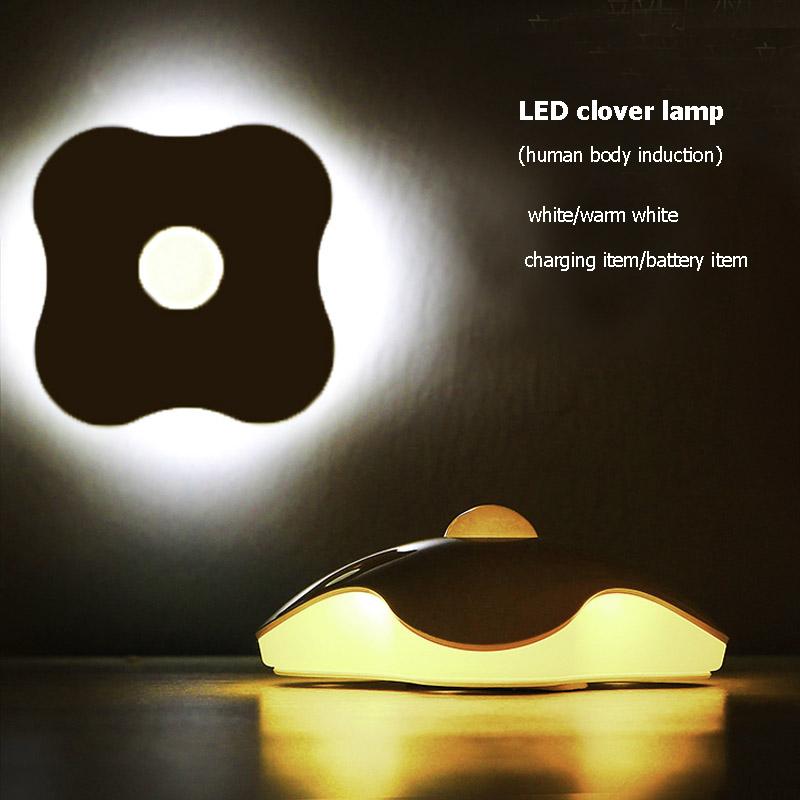
Give it a full 2 hours on the charger and it runs for about 2 months. Choose the rechargeable version for USB charging, or the battery version that takes AAA cells. Both come in white and warm white, so you can match the room.
Plug in the charging cable and let it fill up for the full 2 hours before first use. A short top-up will not give you the advertised run time.
Stick it to a wall or set it free-standing on a shelf or the floor. Aim the dome at the path you use most at night, such as the bed to bathroom route.
Turn off the overhead light and walk the path. The warm glow fills the nearby wall and floor, then fades once you are out of range.
Use a dry cloth when dust builds up on the domed lens so the sensor sees movement clearly.
Tape, stickers and dust over the dome block detection, so the light stays off when you walk by.
Point the sensor away from heaters, vents and moving curtains to avoid false triggers that drain the battery.
It is built as a path light. The warm white LED spreads across the wall and floor so you can see where your feet go without the jolt of an overhead bulb. It is not meant for reading or detailed tasks.
The PIR sensor reacts to body heat and movement, so a pet crossing its field can set it off. Aim the dome at the walking path and keep it away from vents, heaters and curtains that move. That placement step cuts most false triggers.
Give it a full 2 hours on the charging cable and it runs for about 2 months. The rechargeable version charges over USB. The battery version takes AAA cells, which are not included.
Both. Mount it on a wall where the path is, or set it on a shelf, cabinet floor or hallway floor. Renters can skip drilling and just place it on a shelf.
The listing does not give a water-resistance rating, so keep it on a dry wall or shelf out of direct splashes. Place it at the edge of the room where the path runs, not inside the spray zone.
A plug-in light is fixed to one outlet and always on. This one goes where you walk, runs on battery or USB, and only lights when someone moves past it. The lifetime rating is 50000 hours, so the light itself is built to last, and one charge covers about 2 months of nights.


 Clover Motion Sensor Night Light: Hands-Free Warm Glow