Clip-On Step Counter Pedometer with Big LCD Display


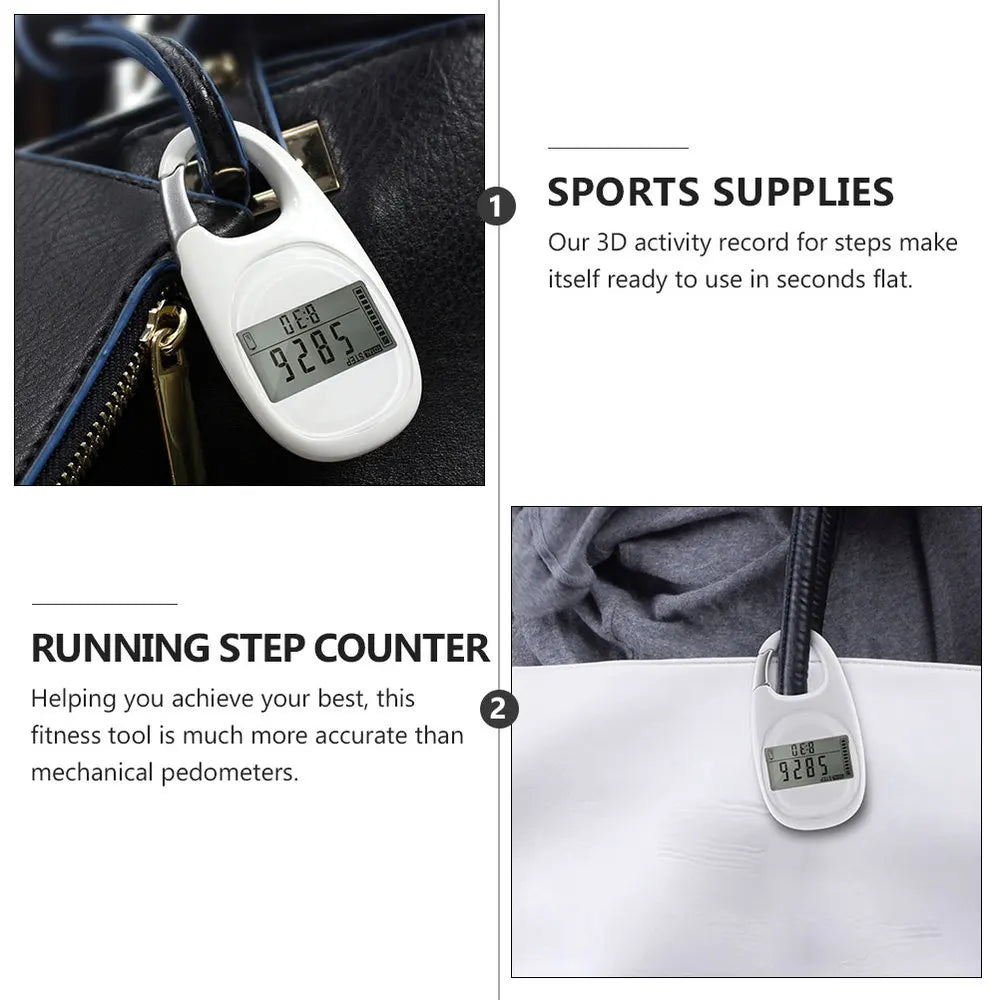






Clip it on and the step count sits right there on a big LCD, so you know how far you walked without touching a phone. It is a small, plain counter for daily walks, commutes and shopping trips, with three buttons and no app to set up.
Read the full descriptionDescription
Clip it on and the step count sits right there on a big LCD, so you know how far you walked without touching a phone. It is a small, plain counter for daily walks, commutes and shopping trips, with three buttons and no app to set up.
Compact clip-on pedometer with a big, easy-to-read step counter
- forgetting to track daily steps
- hard-to-read small displays
- bulky fitness trackers
Know Your Steps Without Thinking About Them
Stop guessing how far you walked today. Clip it on, glance down at the big screen, and see your steps climb on every walk, commute and errand.
A Big Screen That Reads at a Glance

A Screen You Can Read Instantly
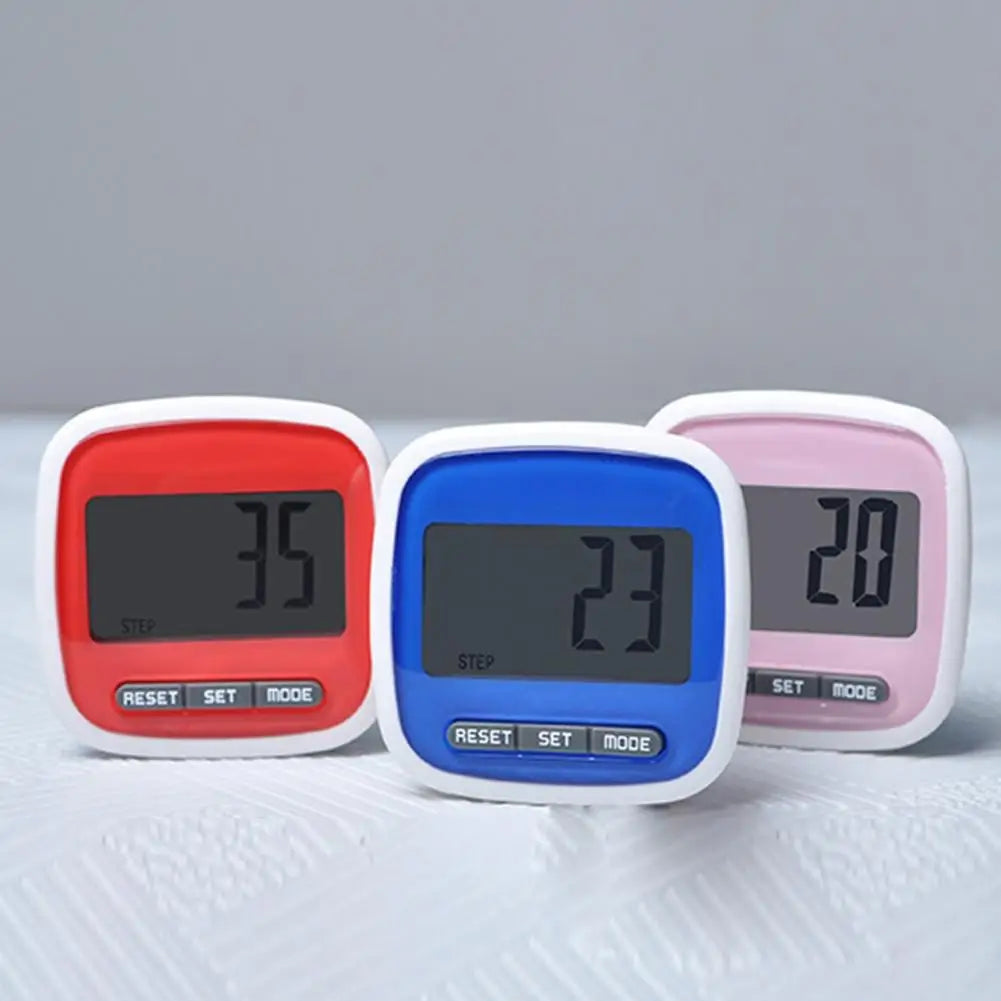
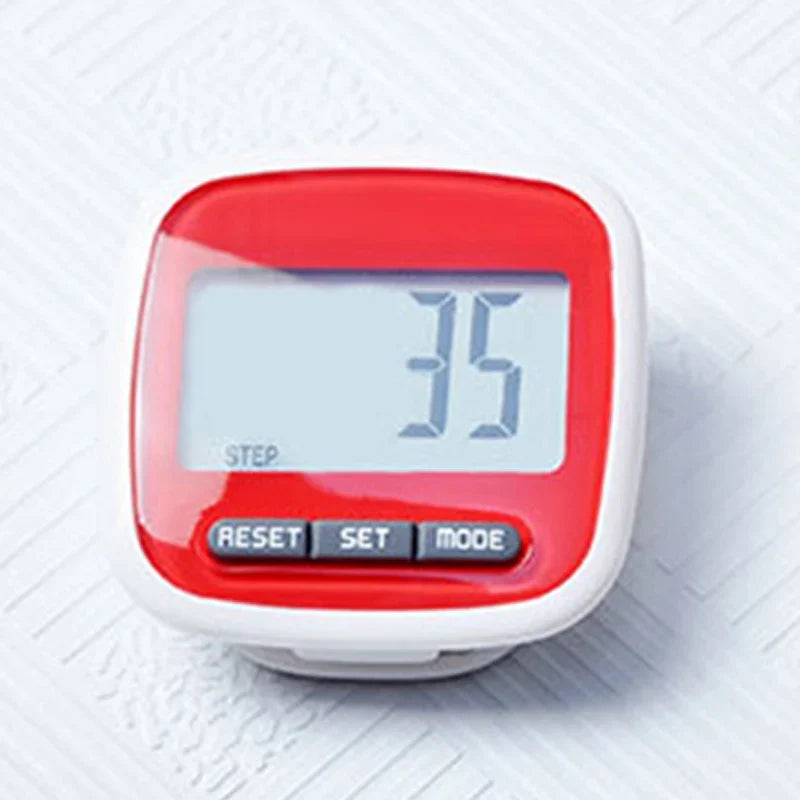
The LCD is large for a counter this size, so the live step number is readable from arm's length. Glance down mid-stride and the number is already there. No unlocking a phone, no squinting at a tiny display.

Clips On, Stays Put
The rear clip grips a waistband, pocket or bag strap. Clip it at the side of your hip, keep it upright, and it rides along on the walk, the commute or the shopping trip without you thinking about it.

Simple Controls, No Learning Curve
Three buttons labelled RESET, SET and MODE cover the basics. Press RESET to clear the count and start a fresh outing. There is no app to pair, no account to create and no charging cable to hunt down.
Clip On, Walk Off, Done
- 1Clip it on
Attach the rear clip to a waistband at the side of your hip, roughly level with your hip joint.
- 2Keep it upright
Check that the counter sits flat and upright so it follows your hip movement with each step.
- 3Reset to zero
Press RESET before you leave to start the count from zero.
- 4Walk and glance
Walk as normal and check the LCD at rest breaks or whenever you pause at a crossing.
Easy Care for a Budget-Friendly Tracker
- Keep it dry
Skip swimming, showers and hot tubs. Splashes are fine, soaking is not.
- Wipe the screen and clip
Use a soft dry cloth. Skip harsh cleaners on the glossy housing.
- Clip with care
Open the clip gently and avoid forcing it over thick seams.
Characteristics
Reviews
Questions and answers
Yes. The rear clip fits a waistband, pocket or bag strap. Keep it upright at the side of the hip for the most reliable count.
It counts the up and down movement of your hip, so a firm clip at the waistband gives the cleanest count. A slow shuffle or a bag that swings can throw the number off.
The body is lightweight plastic with a glossy finish, so it feels budget next to a metal watch. It is wear-resistant and handles daily clipping and the occasional bump. Keep it out of water, since soaking can damage the buttons and screen.
A smartwatch costs far more and needs charging and syncing. This counter has no app to set up and no charging routine to keep up with, so you pay once for a plain daily step count. Be clear about the trade: it counts steps and nothing more.
No. It is a step counter, not a calorie or heart-rate monitor, and it does not sync to a phone. If you need heart-rate data, pair it with a separate device.
Yes. There are three buttons and one main screen. Read the number straight off the big LCD without a phone or menus.
Similar products
See all Clip-On Step Counter Pedometer with Big LCD Display