
$149.90
Free delivery · 7–14 days
Gaming Mouse 16400 DPI with 9 Programmable Buttons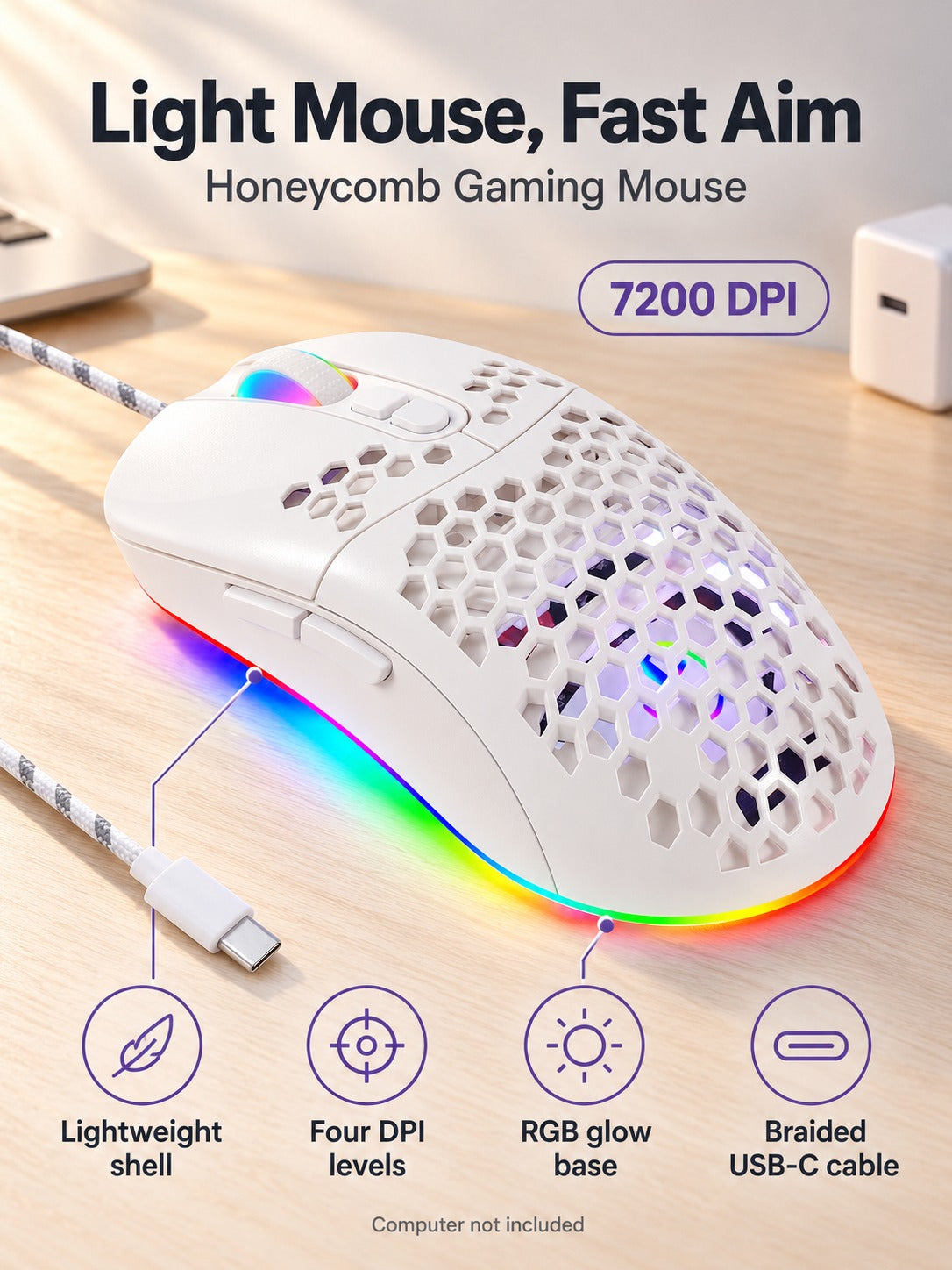
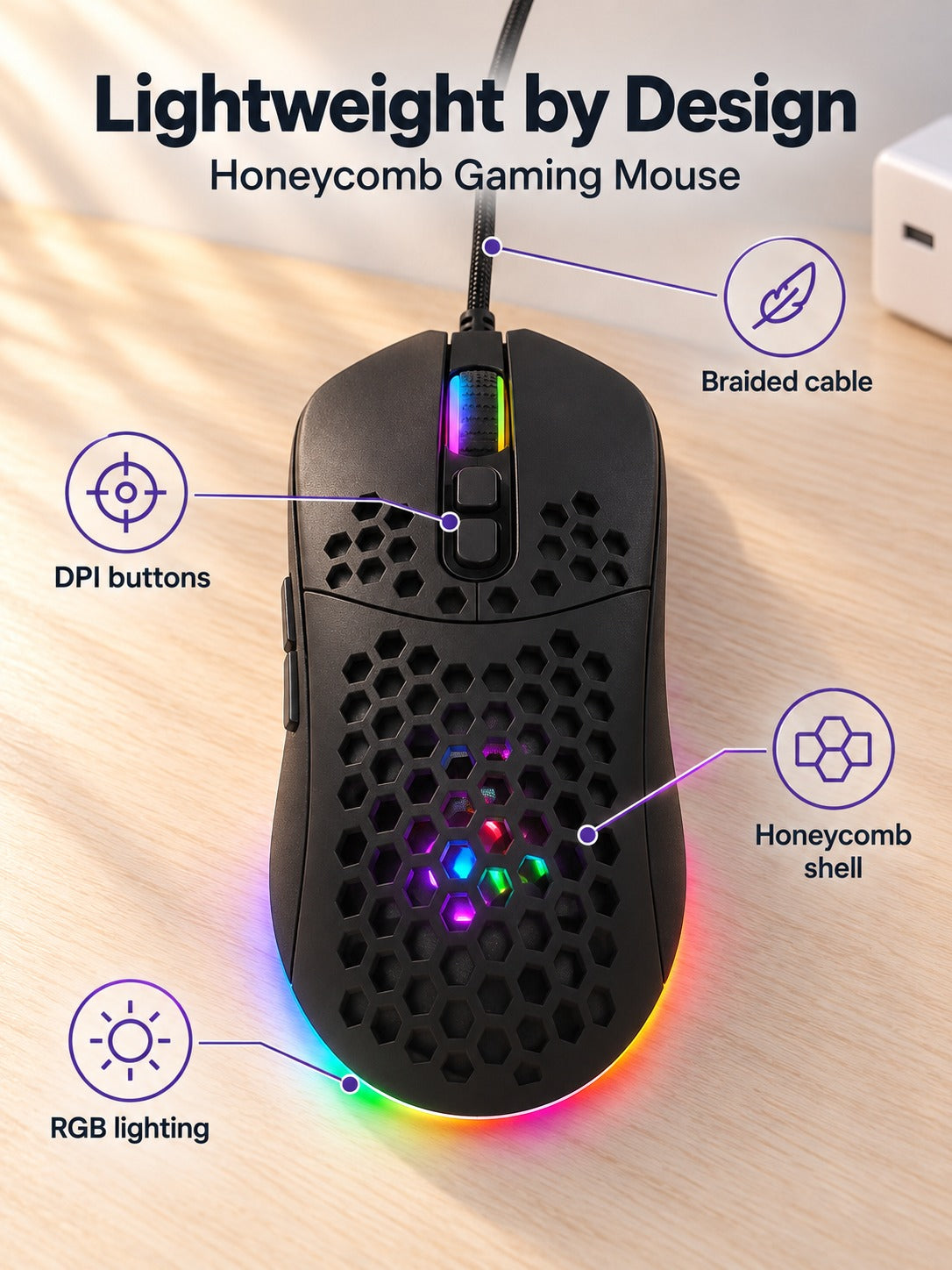
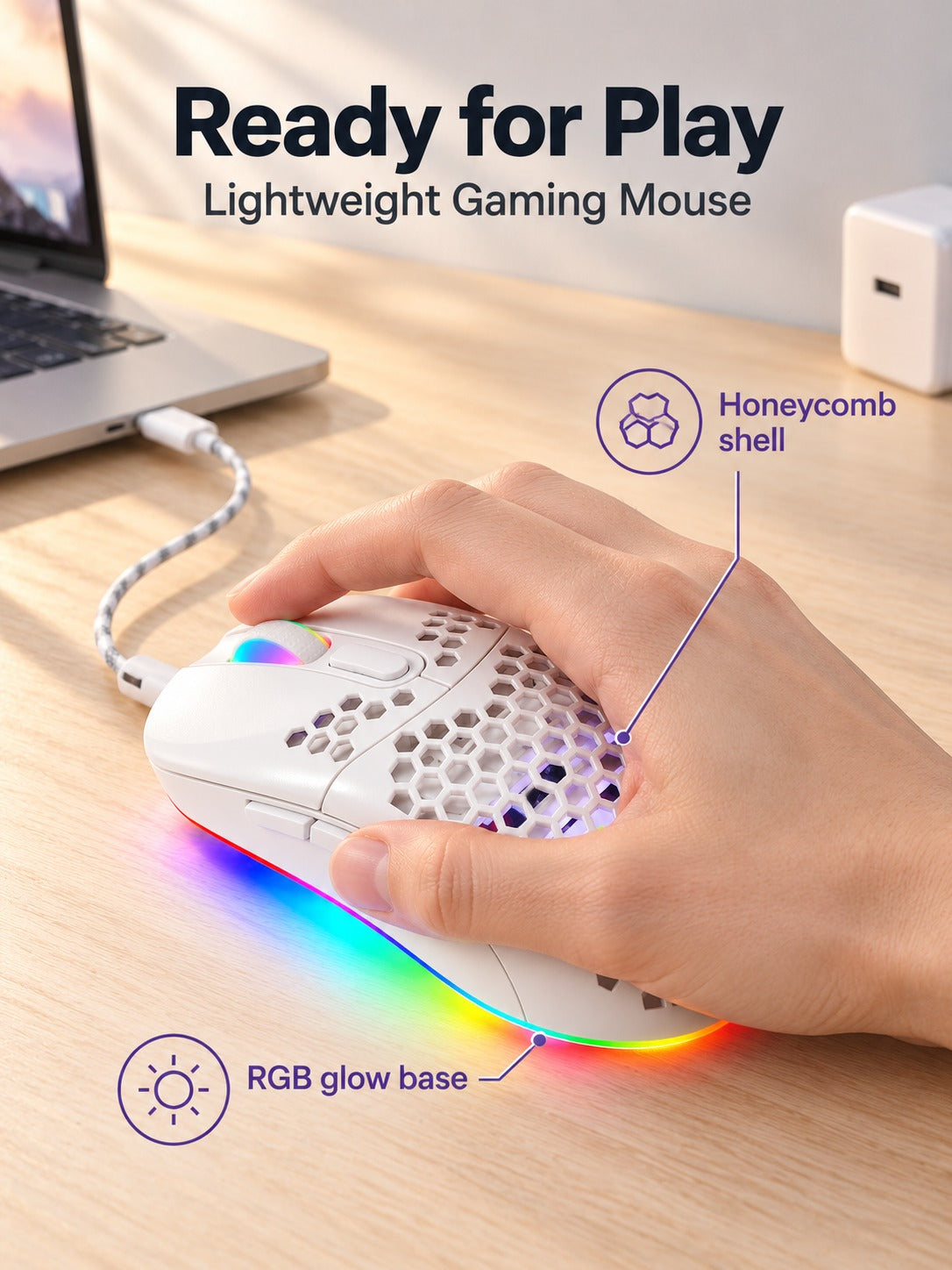


Light enough to flick without fighting it. This wired gaming mouse has a hollow honeycomb shell, four one-click DPI levels from 1200 to 7200, and an RGB base that lights your desk while you play. The indicator color tells you your level at a glance.
Read the full descriptionLight enough to flick without fighting it. This wired gaming mouse has a hollow honeycomb shell, four one-click DPI levels from 1200 to 7200, and an RGB base that lights your desk while you play. The indicator color tells you your level at a glance.
Lightweight honeycomb gaming mouse with RGB glow and 4 adjustable DPI levels
Before: a heavy mouse that drags every fast swipe and makes you miss. After: a light honeycomb shell, four one-click sensitivity levels, and a glowing desk you actually enjoy.

The shell is cut into a honeycomb pattern, so the mouse carries less weight in your hand and every flick needs less effort. The cutouts also let air move through the body, which keeps a long session more comfortable. The matte plastic finish gives a steady grip without any slip.

Step through 1200, 2400, 4800 and 7200 DPI with the button on top. Low DPI gives you pixel-level control for headshots, and 7200 covers wide sweeps across a big monitor. The indicator changes color for each level, so you know your setting without checking the screen: red for 1200, blue for 2400, purple for 4800 and orange for 7200.

An RGB strip runs along the base and the scroll wheel lights up too. The glow spreads across the desk surface, so the setup looks finished even when the room is dim. Turn the lights off if you prefer a quieter desk.
Connect the USB-C end to your PC. The RGB base and scroll wheel light up as soon as the mouse has power.
Each press moves to the next level: 1200, 2400, 4800 or 7200 DPI. Pick the level that matches your game.
Red means 1200, blue means 2400, purple means 4800 and orange means 7200. Glance at the light on top and keep playing.
Honeycomb shell with RGB base, scroll wheel and DPI indicator
Woven sleeve that resists tangling on the desk
The shell is hollow by design, so it weighs less than a solid body. The matte plastic is built for daily use at the desk, and the cutouts are part of the shape rather than thin spots added for looks. Treat it like any other mouse: relaxed grip, no drops onto hard floors.
No. The DPI button on top steps through the four levels, and the indicator light shows which one is active. Start on 2400 and move up or down as your game calls for it.
It helps when you need to cross a large screen quickly. Most players aim with the lower levels and use the top setting for fast sweeps. The benefit is the range itself: 1200 to 7200 covers precise aim and quick movement in one mouse.
It feels lighter, not hollow. Lighter mice move faster and tire the wrist less over long sessions. If you prefer a heavier, planted feel, you will notice the difference, but most players find the lighter build quicker for flicks.
The braided USB-C cable has a woven outer sleeve that resists tangling on the desk. The mouse works for everyday office tasks as well: drop to 1200 or 2400 DPI for spreadsheets and browsing, and keep the RGB base dim or off.


 Lightweight Honeycomb Gaming Mouse with RGB and 7200 DPI