
$59.90
Free delivery · 7–14 days
Switch-Style Wireless Bluetooth Controller with Vibration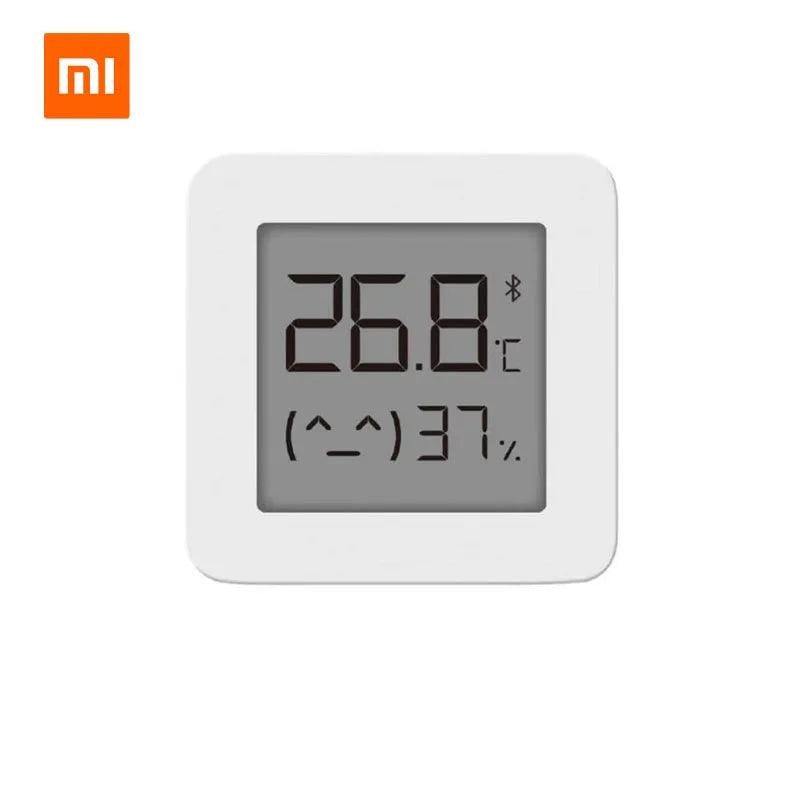



Know the temperature and humidity in every room before you feel it. The sensor shows live °C and % on a readable e-ink face, and the Mijia app keeps the history. Mount it flat on the wall and check the air in seconds.
Read the full descriptionKnow the temperature and humidity in every room before you feel it. The sensor shows live °C and % on a readable e-ink face, and the Mijia app keeps the history. Mount it flat on the wall and check the air in seconds.
Track your home's temperature and humidity at a glance, synced to your phone
Stop guessing whether the nursery is too cold or the bedroom air is too dry. Read temperature and humidity at a glance on the wall, then check the history in the Mijia app.

The readout shows temperature in °C and humidity in % in a grey e-ink window. The numbers stay sharp in bright kitchen light and in a dim hallway, and the display draws no power from a glowing backlight.

Bluetooth links the sensor to the Mijia app, so the readings and the history sit on your phone too. Pair it once and check the room from the sofa, the bed or the car park.

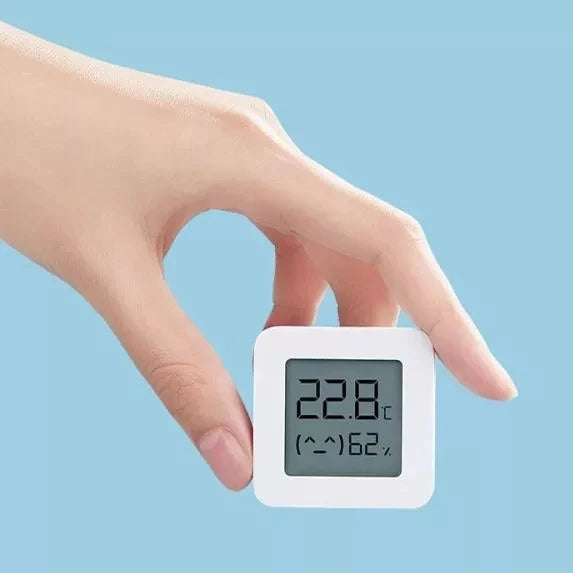
The flat back sits flush against the wall, so there is no bulky stand to knock over. The body is light plastic that fits in one hand, which makes it easy to move between rooms until you find the right spot.
Switch the sensor on and the e-ink display shows its first reading straight away.
Open the Mijia app and connect the sensor over Bluetooth. Once it is paired, the readings and history sync to your phone.
Choose an interior wall at about head height, away from radiators, windows and direct sun. Stick or fix the flat back to the wall and leave it in open air, not inside a cabinet.
Check the readings at morning and evening. The app history shows how the room changes with heating and time of day.
You walk into the bedroom and cannot tell if the air is too warm, too dry or stuffy. The guess is usually wrong, and it costs you sleep, dry skin and sometimes a damp wall you only notice months later.
A small square sensor with a flat back takes the guesswork out. It shows the exact reading in °C and % on an e-ink face, and it sits on the wall without a stand or a cable run.
Over a few weeks the Mijia app builds a history of the room. You see how heating, windows and time of day change the air, and you adjust based on numbers instead of a hunch.
Pair it with the Mijia app over Bluetooth. The display shows the current temperature and humidity, and you can compare it with what you expected in the room.
Check the readings at morning and evening. You will see how the room changes with heating, windows and time of day, which guessing never reveals.
The app history gives you a month of data for the room. Use it to decide where to adjust heating, ventilation or humidity, based on what the numbers show.
| This | Cheap LCD hygrometer | |
|---|---|---|
| E-ink display | — | |
| Readable without a backlight | — | |
| Bluetooth to Mijia app | — | |
| Live °C and % readings |
You need the Mijia app to pair the sensor and see the history. The app is what turns a live reading into a trend you can check. The sensor itself connects over Bluetooth, so the app is the part to set up first.
It gives a clear, readable temperature in °C and humidity in %, which is what most rooms need for day to day decisions. For the most useful result, mount it on an interior wall at head or cot height, away from radiators and windows, so the reading reflects the room.
It has a flat back made for wall mounting, so it works on most interior walls. Avoid spots next to a heater, a radiator, a window or direct sun, since those skew the reading.
No. The e-ink window reads like paper in daylight and in ordinary room light, so you do not need a glowing screen in a bedroom or nursery at night.
A cheap LCD hygrometer shows one number and forgets it. This sensor pairs with the Mijia app, keeps a history of the room and uses an e-ink face you can read without a backlight. You pay more for the history and the readability, and you get a record instead of a single reading.


 Bluetooth Thermometer Hygrometer with Mijia App Sync