
$59.90
Free delivery · 7–14 days
Bluetooth Audio Transmitter & Receiver Adapter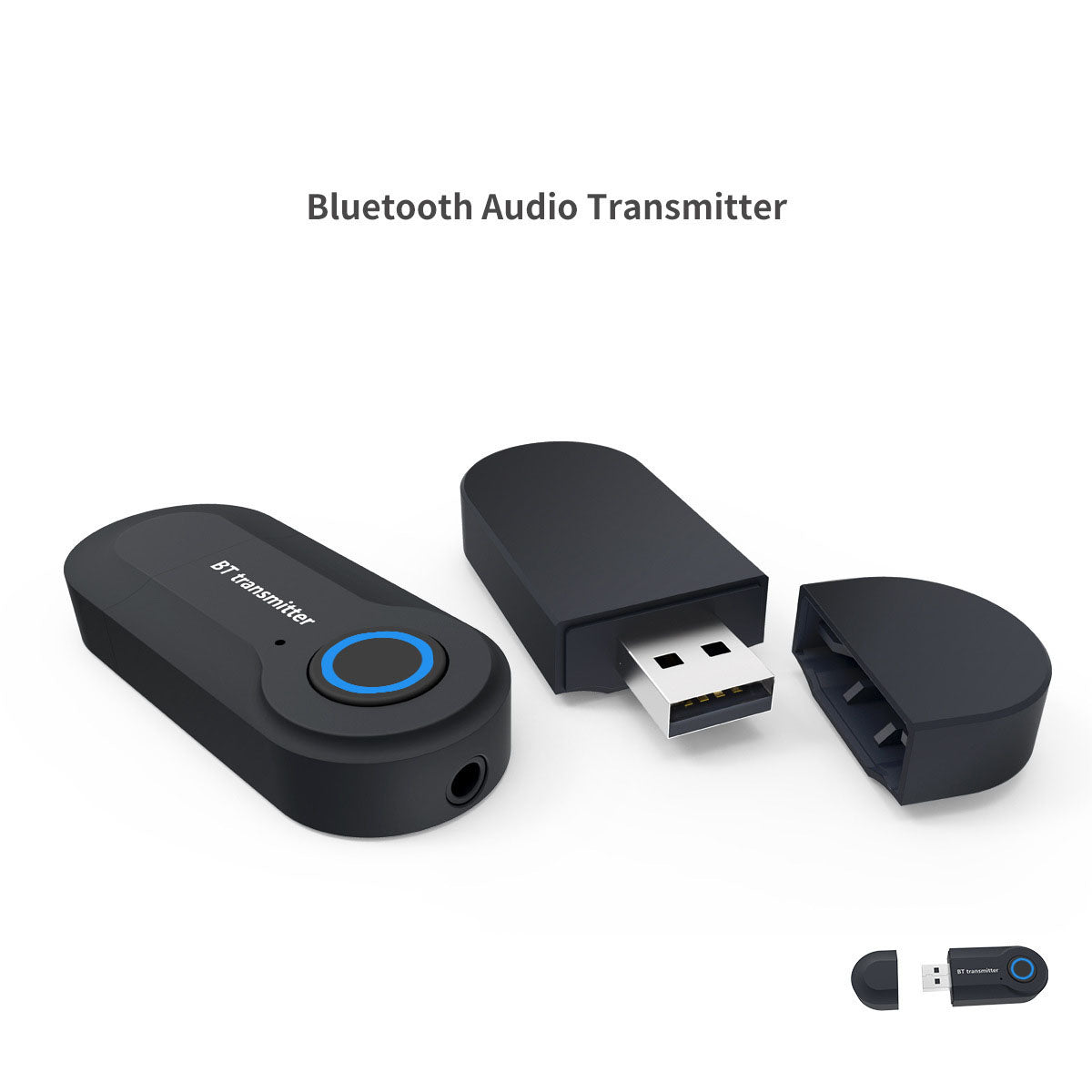
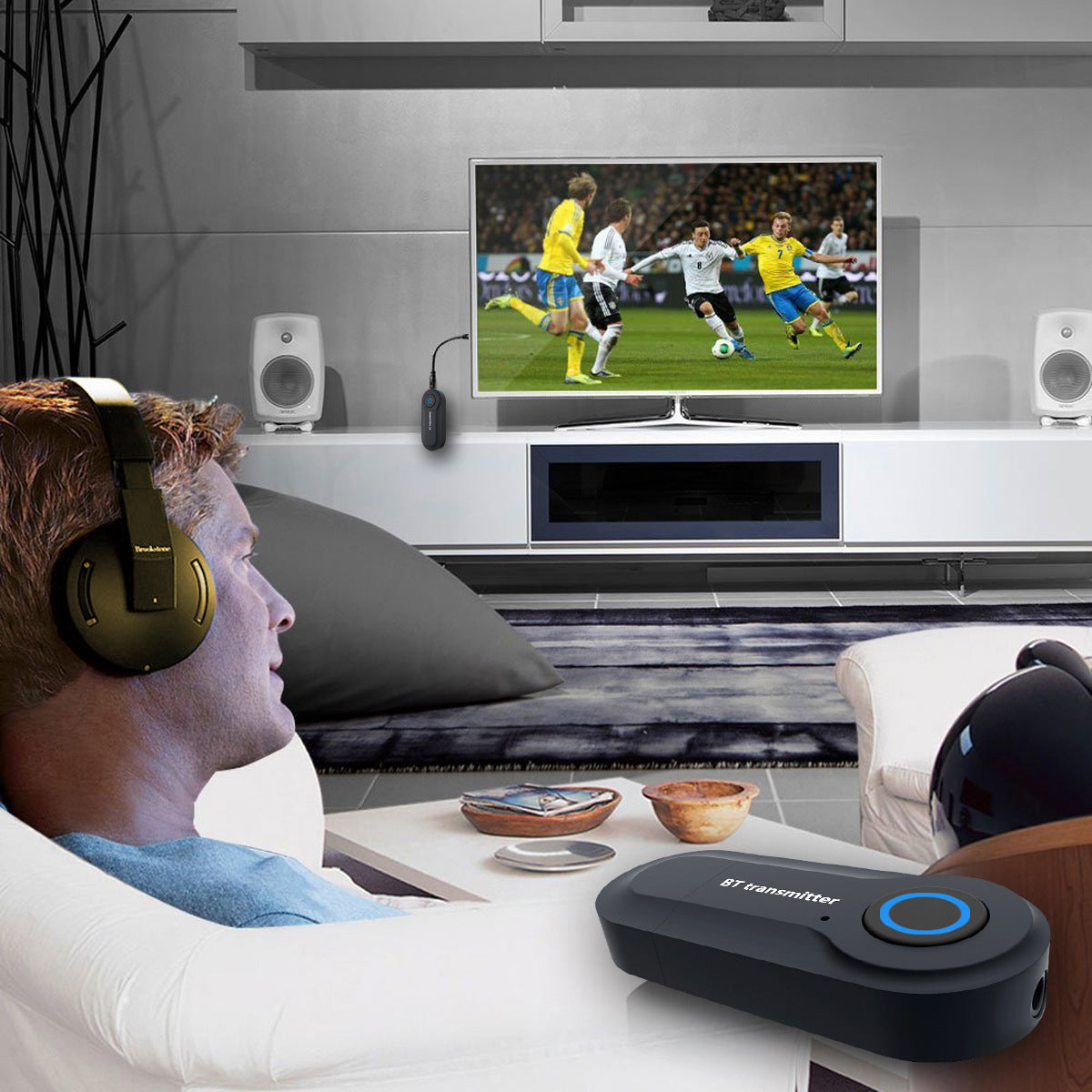
Your TV has no Bluetooth, and that cord keeps you pinned to the couch. This compact adapter plugs into the TV or computer audio output, so you can walk around in wireless headphones while the room stays quiet. One button and a blue ring handle pairing.
Read the full descriptionYour TV has no Bluetooth, and that cord keeps you pinned to the couch. This compact adapter plugs into the TV or computer audio output, so you can walk around in wireless headphones while the room stays quiet. One button and a blue ring handle pairing.
Turn any TV or audio device into a wireless Bluetooth source in seconds
Stuck with a headphone cable tethering you to the couch? Plug in one small adapter and your TV or computer sound goes wireless.
A single button sits on top of the transmitter, and its blue LED ring tells you what is happening. Press it to start pairing, then watch the ring settle once the link is live. No menus, no setup screens.
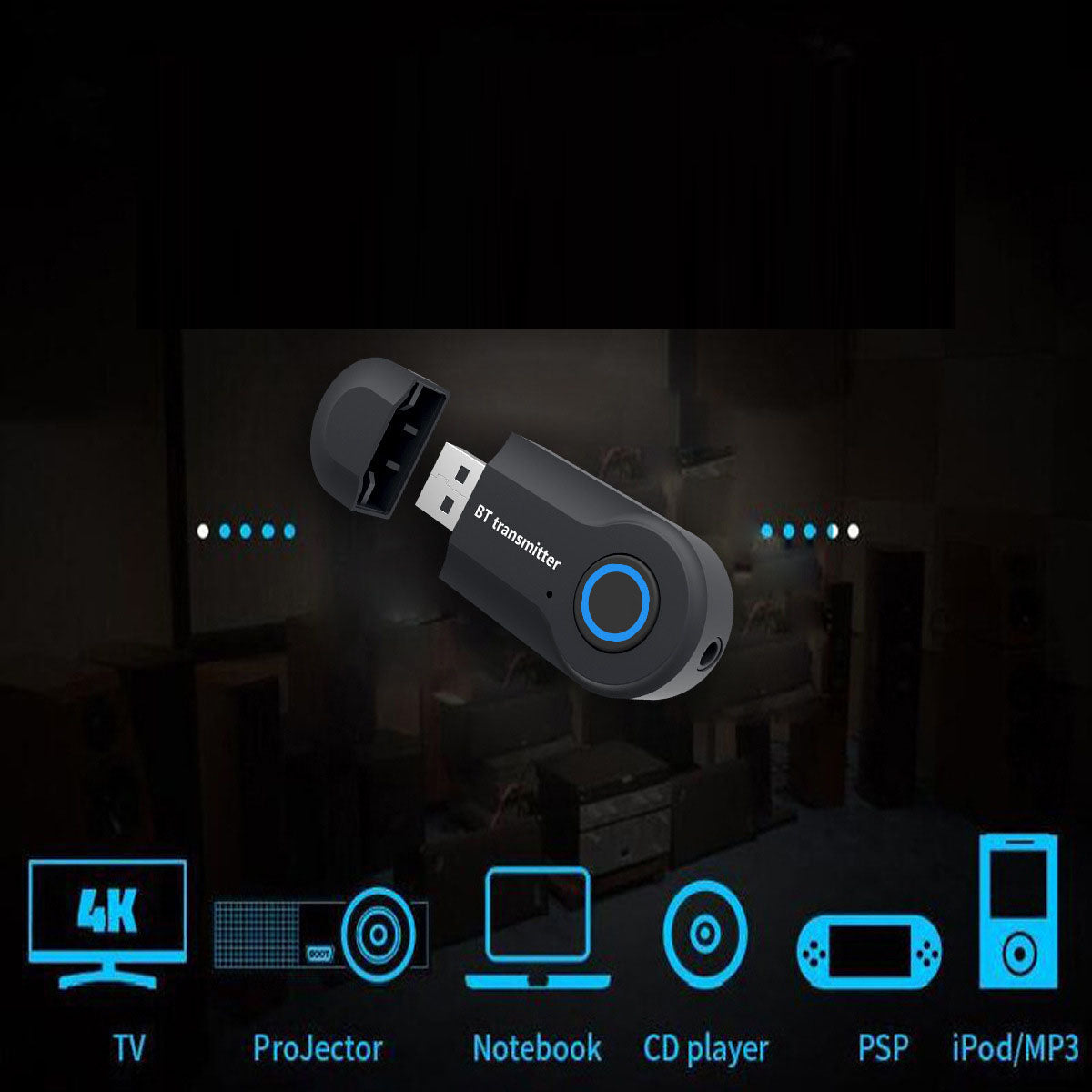
The 3.5mm jack and USB-A plug cover the audio outputs on most TVs, computers, projectors, CD players and MP3 players. If the device sends sound out of a port, this adapter can pass it to your headphones.
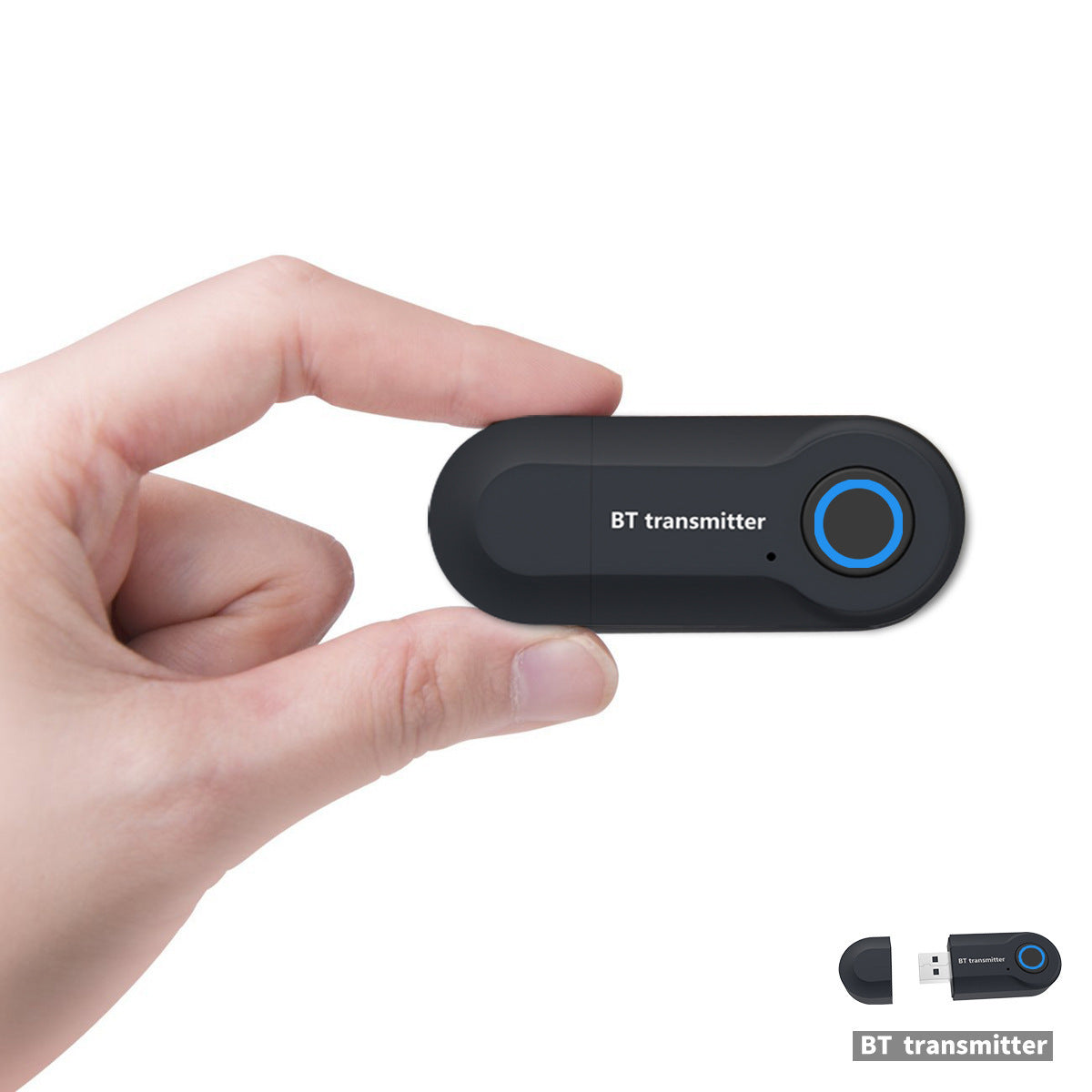
The matte black plastic body is compact enough to sit on a TV stand without crowding the remote. The removable USB cap snaps over the plug when the adapter is idle, so the contacts stay clean in the drawer.
Insert the USB-A plug into a USB port, or the 3.5mm jack into the audio output on your TV or computer.
The blue LED ring around the button shows the adapter is active. Keep the adapter close to your headphones while you pair.
Follow the pairing step in your headphones' manual and select the adapter. Once linked, the ring holds a steady light.
Set the TV to a comfortable level, then fine-tune the loudness on your headphones.
Matte black body with a single button and blue LED ring
Snaps over the USB-A plug when the adapter is not in use
If the device has a 3.5mm audio output or a USB port that carries sound, it works. The adapter taps that audio path, so the TV itself does not need Bluetooth. Ports that only carry video give the adapter no sound to send, so check for an audio output first.
Bluetooth audio runs a little behind the picture, the same as most wireless headphones. Keep the adapter within a short distance of your headphones to avoid dropouts. Fast action scenes will show the gap most clearly, and that gap comes from the wireless link.
The blue LED ring around the button shows the adapter's status. Press the button to start pairing, and the ring signals when the connection is ready. A steady light means your headphones are linked and sound will follow.
Wired headphones are cheap, but they keep you on the couch. A new Bluetooth TV or soundbar costs far more than this two item set, and the adapter works with the TV and devices you already own. Your existing headphones can go wireless without a replacement.


 Bluetooth Audio Adapter for TV and Headphones