
$84.90
Free delivery · 7–14 days
Adjustable Projector Ceiling Mount, 670-1200mm Length

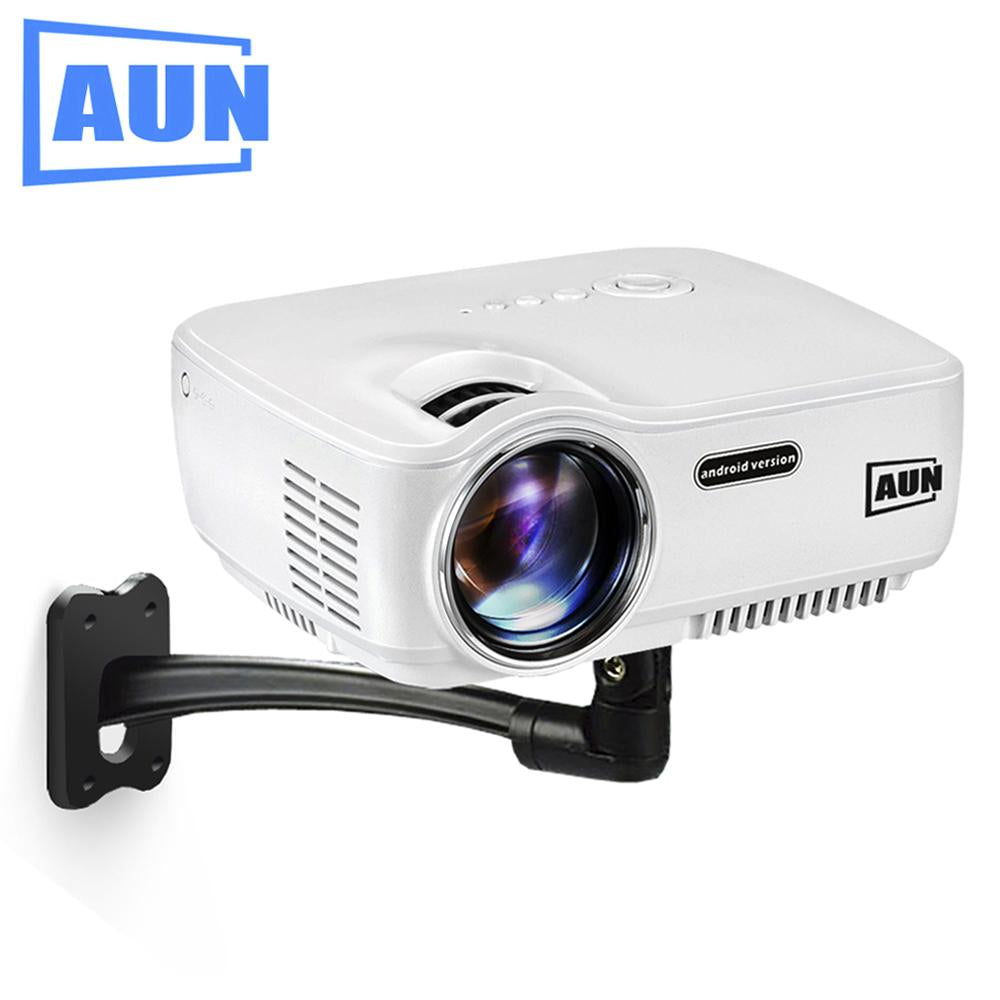


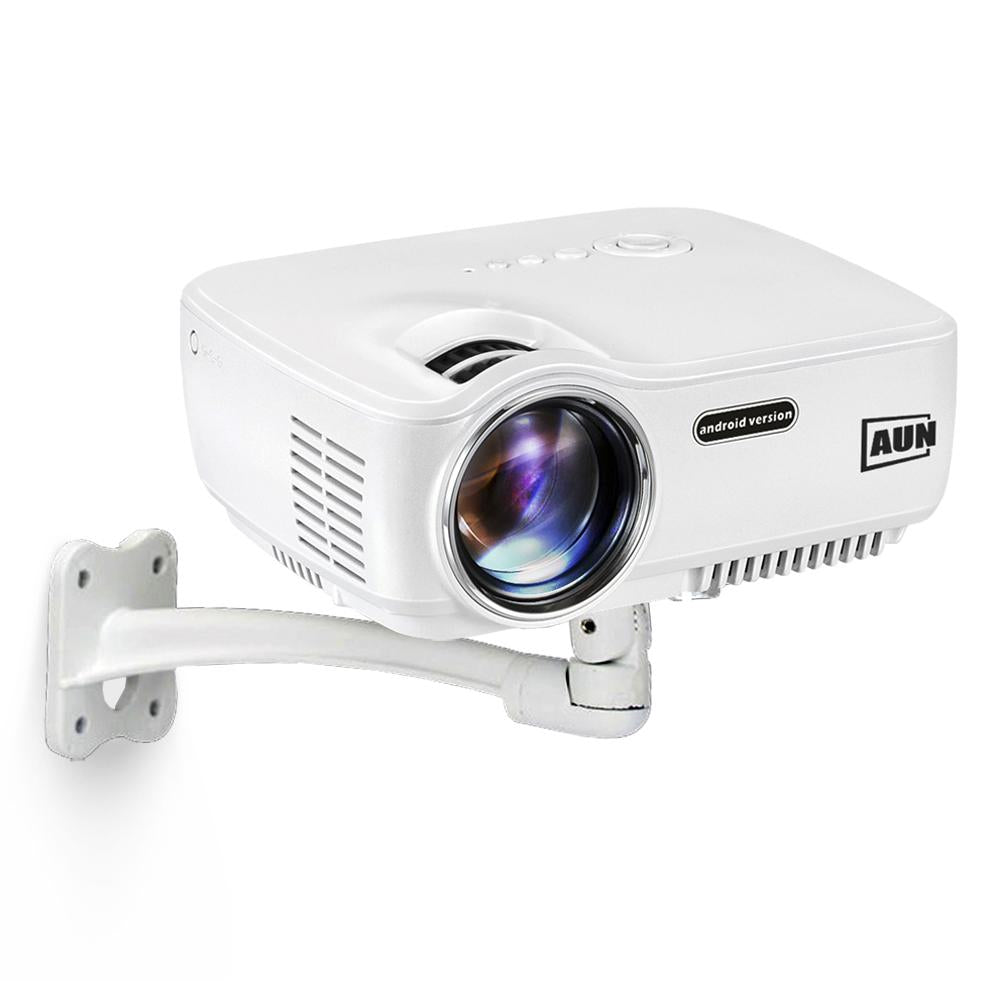


Your projector should be aimed at the screen, not balanced on a shelf. This AUN bracket mounts to the wall or ceiling, pivots a full 360 degrees, and gives your table back. Set the angle once and every movie night starts square.
Read the full descriptionYour projector should be aimed at the screen, not balanced on a shelf. This AUN bracket mounts to the wall or ceiling, pivots a full 360 degrees, and gives your table back. Set the angle once and every movie night starts square.
Adjustable 360-degree mount that holds the AUN projector securely on a wall or ceiling
Stop stacking books and fighting keystone distortion. Mount your AUN projector on the wall or ceiling and angle it 360 degrees toward the screen, then get your table back.

The pivoting head turns through a full 360 degrees, so you can line the projector up with the screen before you lock it. Set the picture square at the start and it stays square, with no keystone correction eating into the image. A fitted clamp holds the AUN body firmly while you work.

The curved arm is metal with a smooth matte powder-coated finish, and the wall or ceiling plate carries several screw holes for a fixed fixing. It has the heft of a proper mount, not a flimsy bracket. The finish is clean and uniform in both white and black.

Once the projector is on the wall, the shelf or coffee table it used to occupy is free again. The bracket is compact, so it sits neatly on a living room or bedroom wall without dominating the space.
Hold the black wall or ceiling plate where you want it and fix it through its screw holes into a stud or ceiling joist. Drywall alone will not hold a projector over time.
Seat the AUN projector in the pivoting clamp head and tighten it so the body sits firmly.
Lightly tighten the joints, turn the head toward the screen until the picture is square, then lock the pivot fully.
Matte white or black, depending on your colour choice
Black plate with several screw holes
Grips the AUN projector and turns through 360 degrees

The projector sits on whatever surface was free that day. Every movie night starts the same way: a nudge here, a tilt there, a chair pulled back to clear the beam. The picture is never quite square, and the snacks have nowhere to go.

The AUN bracket moves the projector off the table and onto a fixed point on the wall or ceiling. The 360-degree pivot and curved arm let you line the image up with the screen, then lock the head down. The picture stays where you put it, film after film.
Once the plate is secured to solid structure and the projector sits in the clamp, aim it at the screen and check the picture before you tighten everything.
After a few sessions you know the pivot position that frames your screen, so you can repeat the setup without re-aiming each time.
With the projector on the wall, the surface it used to occupy stays free, and the mount holds its position through regular viewing.
| AUN 360 Bracket | Generic universal mount | Shelf or table | |
|---|---|---|---|
| 360-degree pivot | — | — | |
| Head fitted to AUN projector | — | — | |
| Picture square without tilting | Partial | — | |
| Keeps table and shelf clear | — |
It is built for AUN projectors, and the clamp head is shaped to seat the AUN body. Check that your model is listed before you order, since a mismatched body will not sit firmly in the clamp.
Yes. The black mounting plate is designed for wall or ceiling use and carries several screw holes for fixing into solid structure. Use a stud or joist for either position.
Most people can do it with basic tools and a helper for the projector. The job is three steps: fix the plate, clamp the head, then aim and lock. If you are unsure where the structure sits in your wall, a stud finder settles it in a minute.
Universal mounts rarely have a head fitted to a compact projector body, so the projector wobbles or sits off-centre. This bracket is matched to the AUN body and turns a full 360 degrees, so you can aim it once and lock it in place.
A stack of books or a shelf costs nothing up front, but it keeps the picture crooked and the table full. A one-time metal mount gives you a square picture on every film and frees up the surface you were using for the projector.
Yes. Loosen the pivot, turn the head toward the screen, and lock it down again. You can re-aim whenever you move the seating or change rooms.


 AUN Projector Wall Mount with 360° Angle Adjustment