
$69.90
Free delivery · 7–14 days
Wireless Sport Earbuds with Up to 24 Hours Playtime


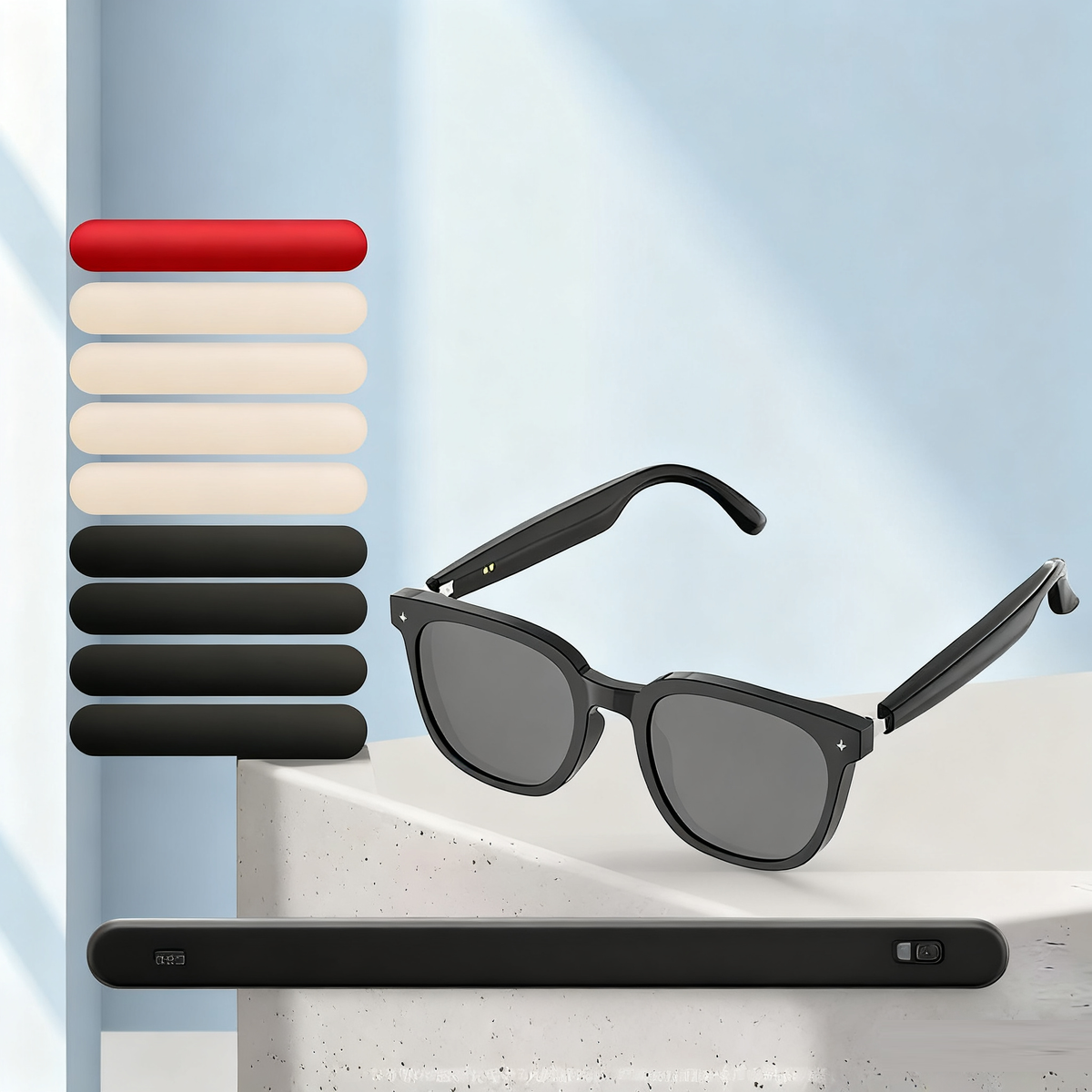


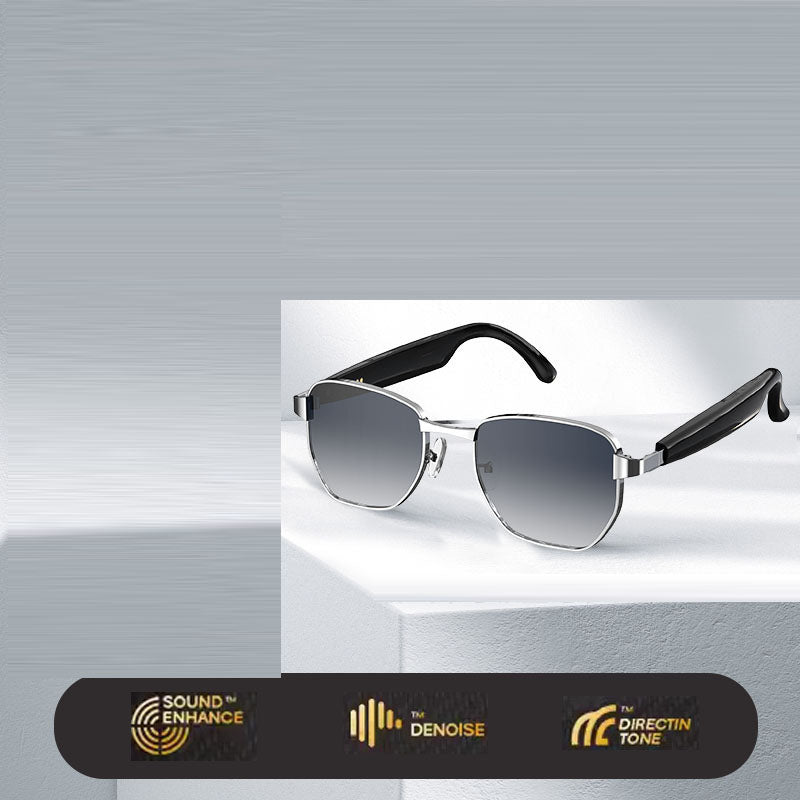

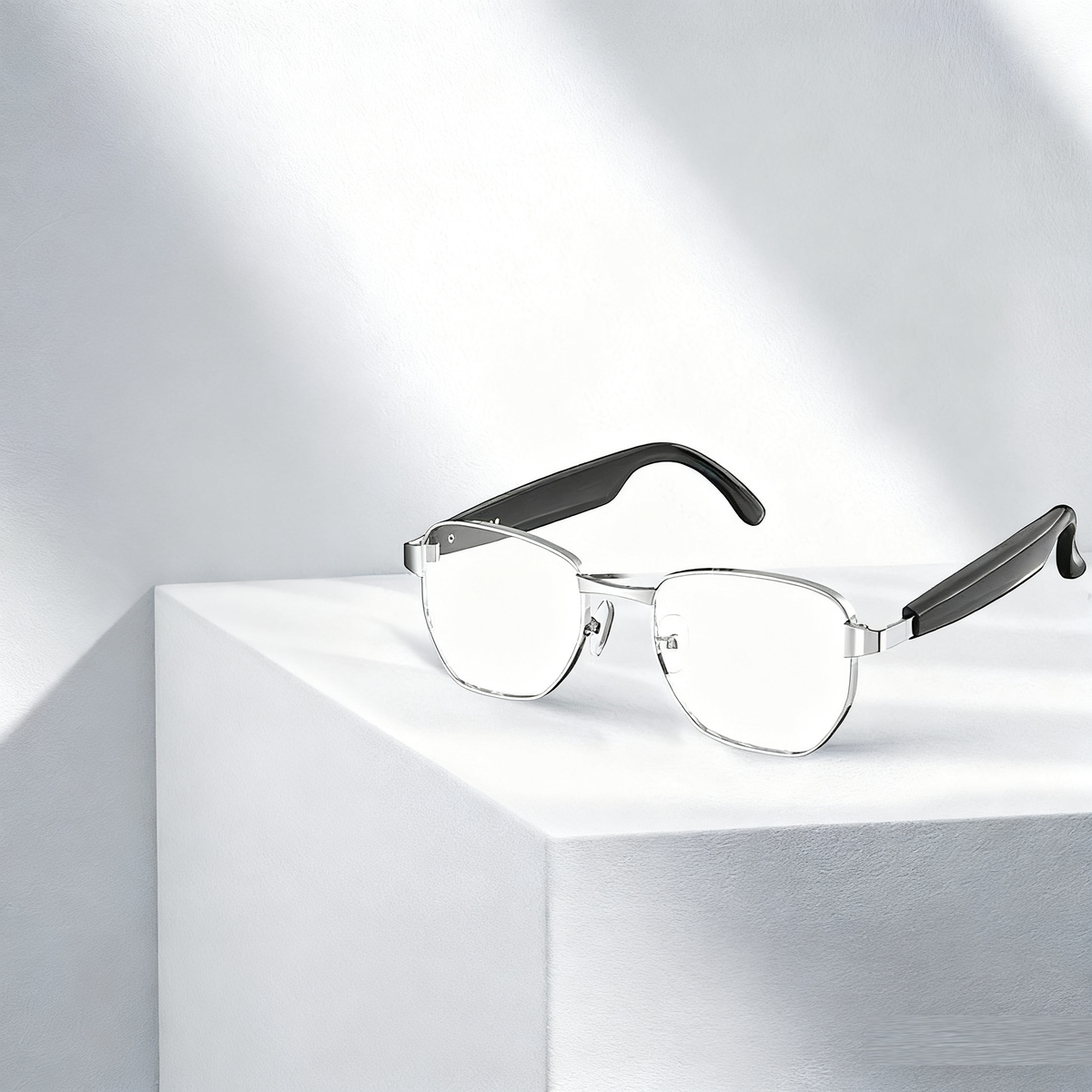

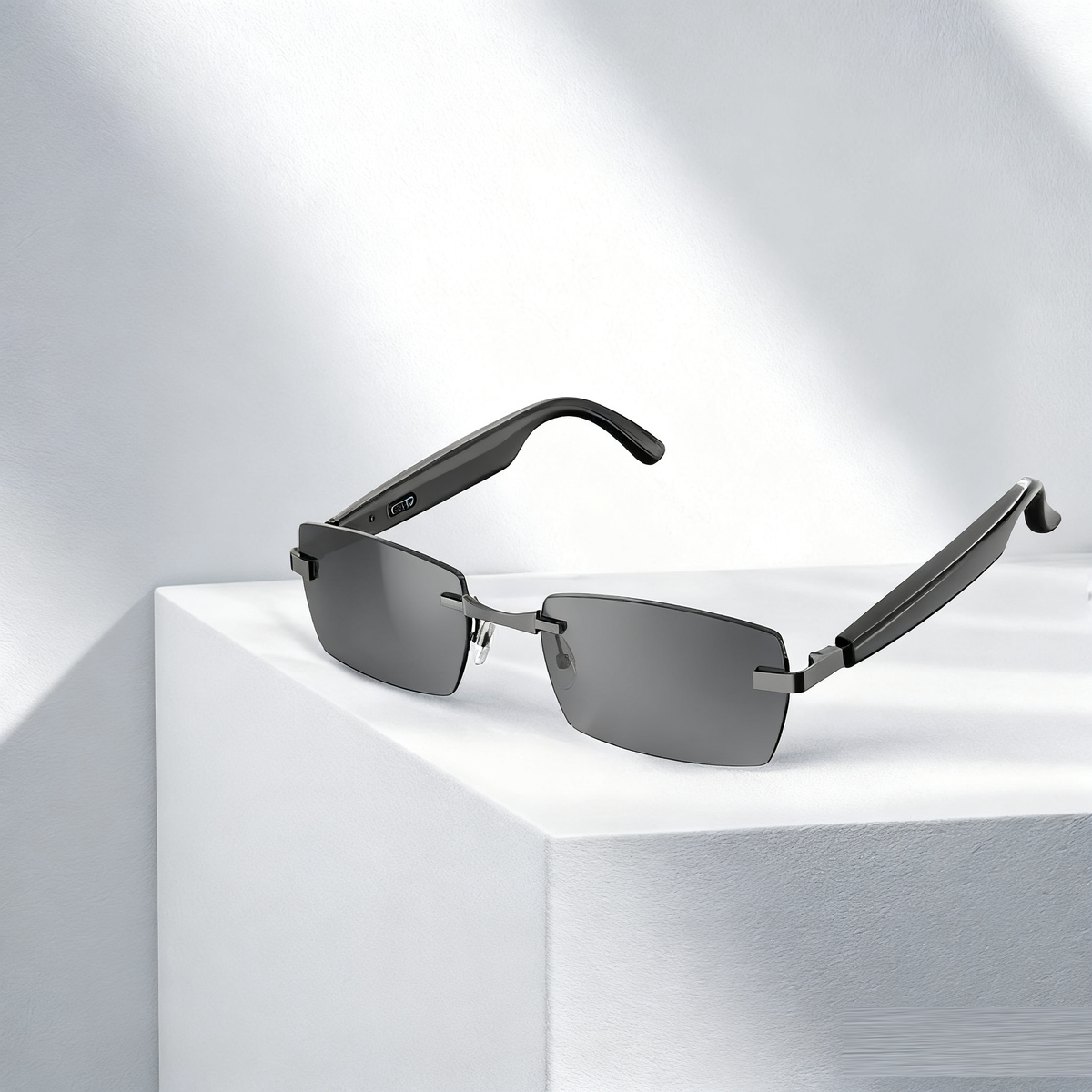


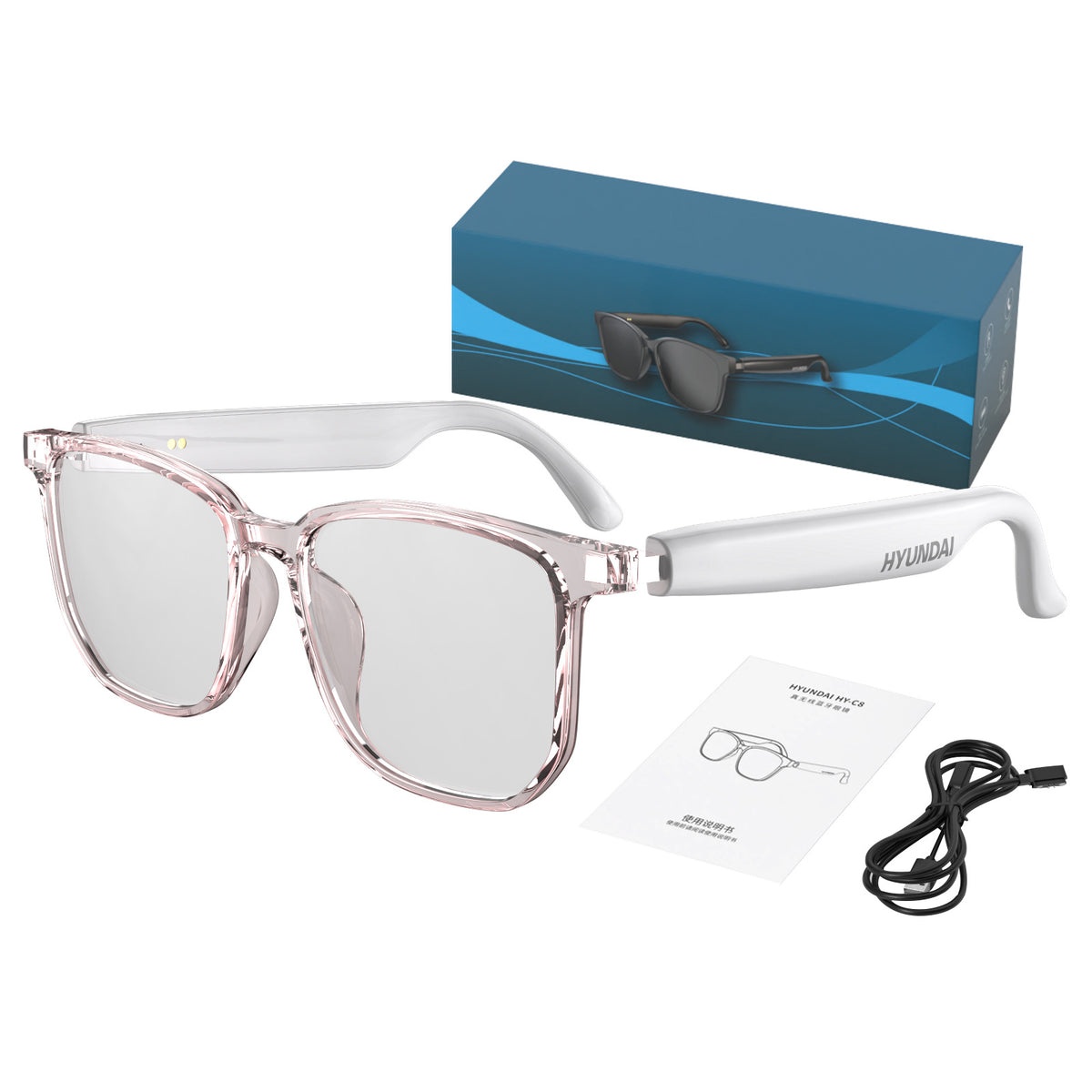


Take the call and follow the meeting without reaching for an earbud. The glasses put open-ear speakers and a built-in mic in everyday sunglasses, with smoke-tinted UV-protect lenses and touch control on the temple. One pair covers calls, sun and translation.
Read the full descriptionTake the call and follow the meeting without reaching for an earbud. The glasses put open-ear speakers and a built-in mic in everyday sunglasses, with smoke-tinted UV-protect lenses and touch control on the temple. One pair covers calls, sun and translation.
Hands-free audio and calls in stylish everyday sunglasses, with AI translation for multilingual meetings (per listing title)
Stop digging for earbuds between calls and meetings. Wear stylish everyday sunglasses with open-ear audio and AI translation, and keep both hands free.

The speakers sit in the arms of the frame and rest beside your ears instead of inside them. You keep hearing the street, the train announcement and the person next to you. Sound Enhance, Denoise and DirectinTone are the audio features printed on the box, and they work through the speakers you are already wearing.

The microphone sits in the frame, so you talk at normal volume. Tap the touch control on the temple to answer, tap again to end the call. The glasses also support a voice assistant, which keeps the phone in your pocket for most of the day.

The listing advertises AI translation across 75 languages for multilingual meetings, and the app handles setup. Pair the glasses first, check that translation is active in the app, then walk into the session ready. Run one short test before an important meeting so the first sentence is not the first try.
The card in the box links to the app and the user guide. Scan it with your phone.
Open the app, follow the pairing steps in the guide, and connect the glasses to your phone.
Tap the temple to answer or end a call. Speak at normal volume, since the mic sits in the frame.
Open-ear speakers, built-in mic, touch control
Printed guide
Scan to download the app
Fast charging mode supported
For the tinted lenses
Keeps the frame safe in a bag
Rigid box with feature icons

You fish for earbuds in a crowded train while the phone keeps ringing. One earbud is in the case, the other is under the seat, and the client has already hung up. Earbuds sore after an hour, phone speakerphone broadcasts private calls to the whole carriage, and translation means holding a phone up like a tourist.

The speakers sit in the temples, so sound reaches you without sealing your ears. You hear the caller and the street at the same time. The built-in microphone picks up your voice, and a touch on the arm answers or ends the call. Your hands stay on your bag and your coffee.

Translation runs through the app, and the listing puts it at 75 languages. Set it up before you leave the hotel, then follow the room from the glasses you already wear. You stop passing a phone across the table and start the conversation.
Use the included lens cleaning cloth, never a shirt or tissue.
The drawstring pouch protects the lenses in a bag.
Use the included cable to keep the battery ready for calls.
| Smart glasses | Earbuds | Phone translation app | |
|---|---|---|---|
| Hands-free calls | Yes | Yes | No |
| Ears stay open to the street | Yes | No | Yes |
| Sun protection | Yes | No | No |
| Nothing extra to carry | Yes | No | No |
| Translation without holding a phone | Yes | No | No |
Yes, if the volume is high. The speakers sit in the temples and do not seal your ears, so people close to you can hear audio, especially in a quiet room. Keep the volume low in quiet spaces and switch to earbuds for sensitive calls.
Scan the QR code on the included card, install the app, and pair the glasses over Bluetooth. Translation runs through the app, so finish setup before your meeting. Run one short test on a call first.
Yes. The tinted lenses carry a UV protect claim on the packaging. They are smoke-tinted, so they work as everyday sunglasses on a walk, a commute or a terrace lunch.
One pair covers three jobs: calls, sun protection and translation support. You stop replacing lost earbuds and stop holding a phone up during conversations. The box includes seven items, among them the gift box, drawstring pouch, cleaning cloth and USB cable, and the frame is built from premium materials that feel finished in the hand.
A USB charging cable is in the box, and the packaging lists fast charging mode. The glasses work with your phone for calls and the voice assistant, so you answer from the temple touch control and keep the phone in your pocket.
The frame is glossy plastic, so keep the glasses in the included drawstring pouch in a bag and wipe the lenses with the cloth instead of a shirt. With that routine they handle daily wear in a commute or on a business trip.


 AI Translation Bluetooth Glasses with Open-Ear Audio