
$149.90
Free delivery · 7–14 days
Gaming Mouse 16400 DPI with 9 Programmable Buttons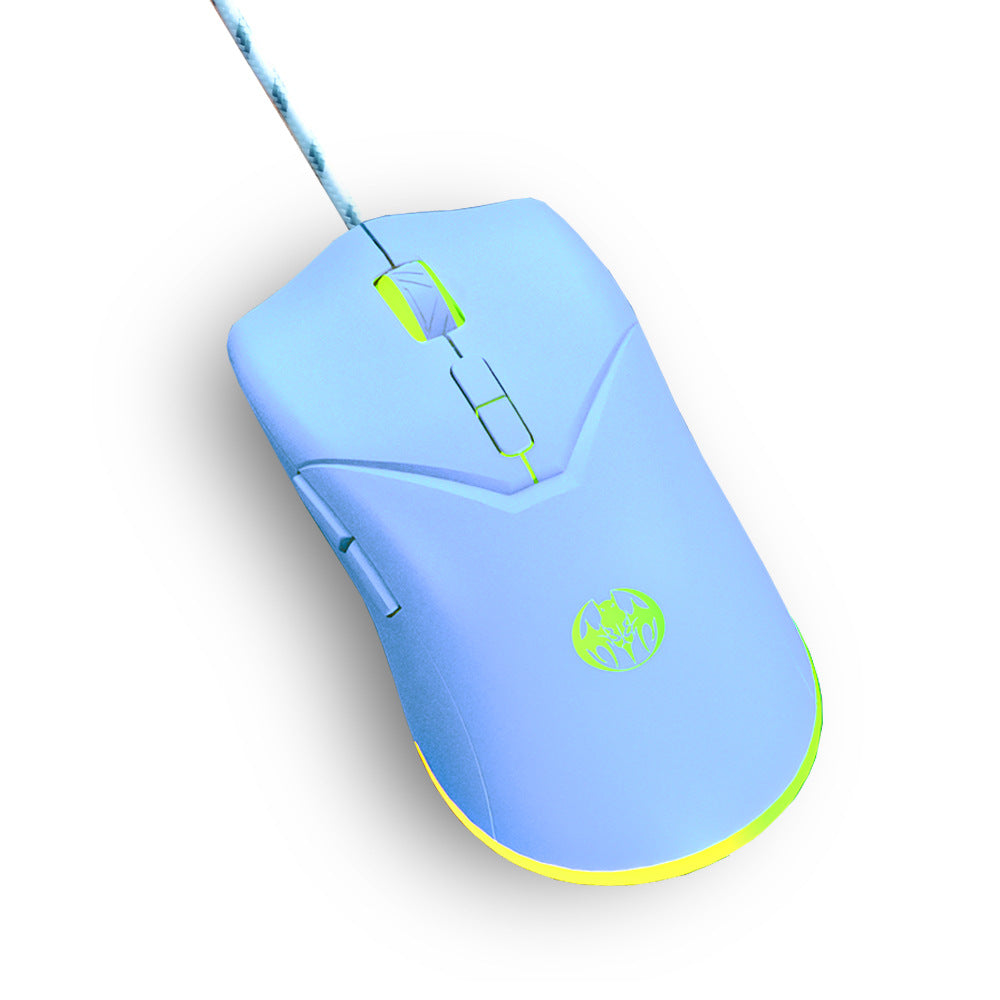
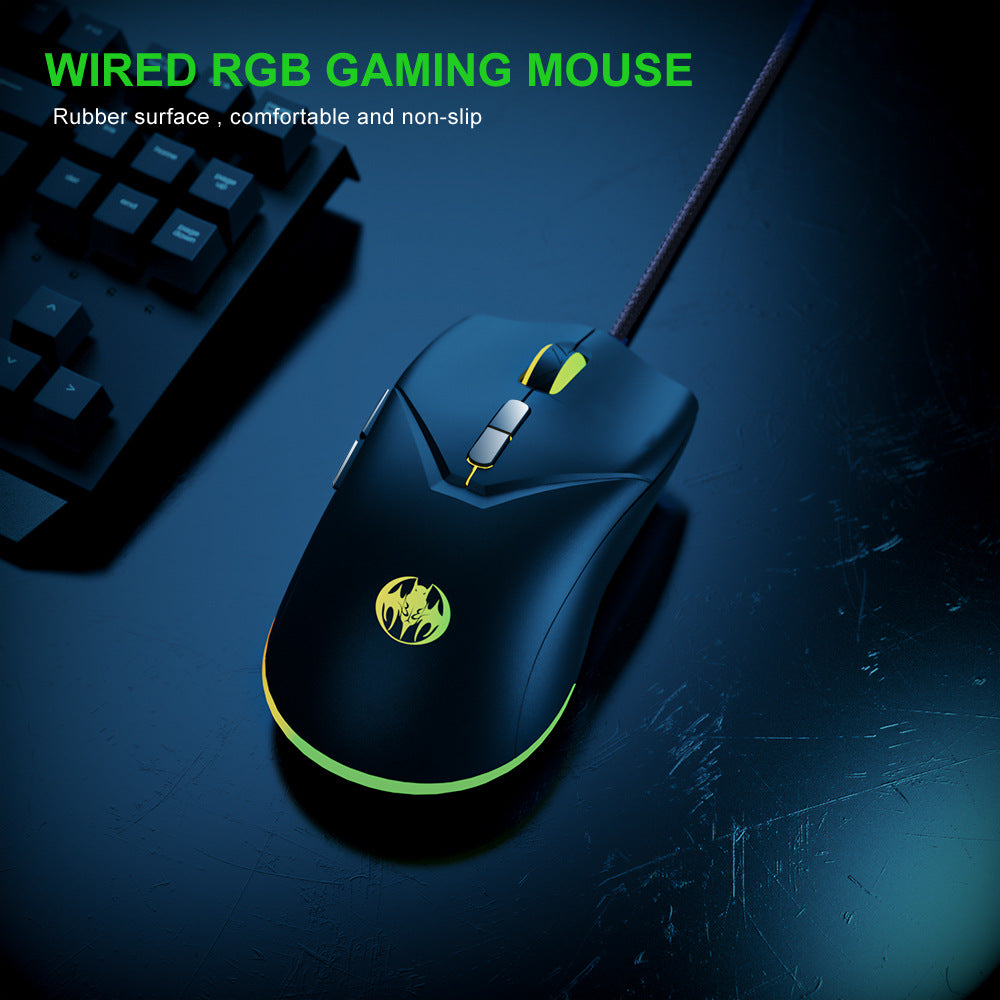


Your palm stays put and your aim stays where you put it. The 7D Youbat wired mouse pairs a matte rubberized body with textured side grips and six DPI steps from 1000 up to 7200. It is a simple wired setup with a lime RGB edge that makes the desk look like it belongs to...
Read the full descriptionYour palm stays put and your aim stays where you put it. The 7D Youbat wired mouse pairs a matte rubberized body with textured side grips and six DPI steps from 1000 up to 7200. It is a simple wired setup with a lime RGB edge that makes the desk look like it belongs to a player.
Comfortable, non-slip wired RGB gaming mouse with 6 DPI levels up to 7200
Before: your hand slides and your crosshair drifts when it counts. After: a rubberized, side-gripped mouse with six DPI steps keeps every flick where you meant it to land.

The matte rubberized body and textured side grips cut down on hand slide during fast play. Your palm stays where you put it, even when the match gets sweaty. Pair it with a wide mouse pads surface and the whole setup feels planted.

Six adjustable levels run from 1000 up to 7200. Drop to the low end for sniping and long, careful placement, then step up for quick turns in close fights. Switching takes a click, so you never have to stop mid-round to fix your settings.

RGB lighting runs along the base edge and throws a lime accent across the desk. The braided cable lies flat, the scroll wheel carries a matching lime ring, and the glow does not change how the mouse performs. It is a setup upgrade you can see from across the room.
Connect the braided cable to a free USB port. There is no pairing and no charging to set up.
Use the on-mouse switch to step from 1000 up to 7200 and note which level feels right for your first game.
Use a lower step for precise aiming in shooters and a higher step for fast sweeps and turns. Adjust after a few sessions.
Run the cable along the desk edge with a small loop of slack so it never tugs the mouse mid-flick.

You line up the shot, your palm gets damp, and the mouse creeps under your fingers. By the time you correct, the moment is gone. A glossy shell does not forgive that kind of drift, and it turns every tense fight into a fight with your own hand.

The 7D Youbat swaps the slick finish for a matte rubberized body with textured side grips. Your fingers find the same spot every time, and the surface stays planted through a long ranked queue. It is a fix that does not require a premium price tag.
A slightly damp soft cloth lifts sweat and dust from the rubber surface.
Strong cleaners can dull the matte finish and reduce its grip over time.
Let the mouse dry before your next session so the surface does not feel tacky.
| 7D Youbat | Cheap glossy mouse | Pricier wireless mouse | |
|---|---|---|---|
| Grip finish | Matte rubberized | Glossy plastic | Varies by model |
| Side grips | Textured | Smooth sides | Varies by model |
| DPI switching | Six steps on the mouse | Limited or fixed | Multiple steps |
| Power | Wired, nothing to charge | Wired, nothing to charge | Battery to manage |
For most ranked ladders, yes. The 7200 DPI ceiling and six steps cover fast shooters and MOBAs. Aim comes from practice and a grip you trust, and the matte rubber body removes the slip that breaks a good shot.
The matte rubberized finish is built to hold up to sweaty palms. Wipe it with a slightly damp soft cloth, dry it fully, and avoid harsh solvents. That routine keeps the surface grippy over time.
No. Most players start mid-range and adjust per game. Keep the lowest steps for precise placement and move up only when you need quick turns. The top setting is a ceiling, not a default.
You pay for the grip and the DPI steps, not a battery, a receiver or a charging dock. There is nothing to recharge and nothing to pair, so the money goes straight into the features you use every match.
The body suits palm and claw grips on a standard desk. If you have small hands, try a few matches before you decide, since the side grips take a moment to settle into.


 Wired RGB Gaming Mouse 7200 DPI with Non-Slip Grip