

$36.90
Free delivery · 7–14 days
5-Port 48W USB Wall Charger with USB-C PD Fast Charging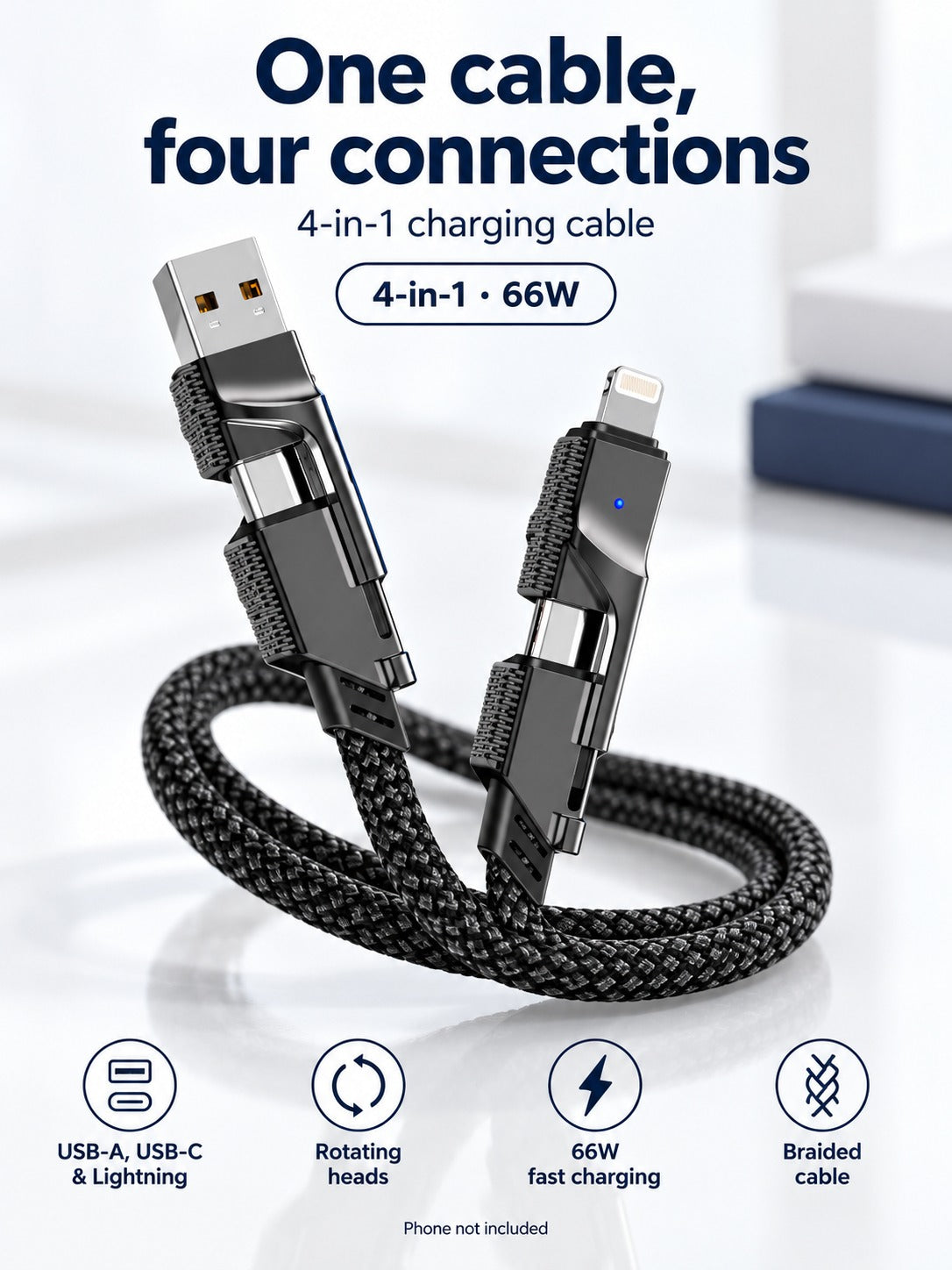
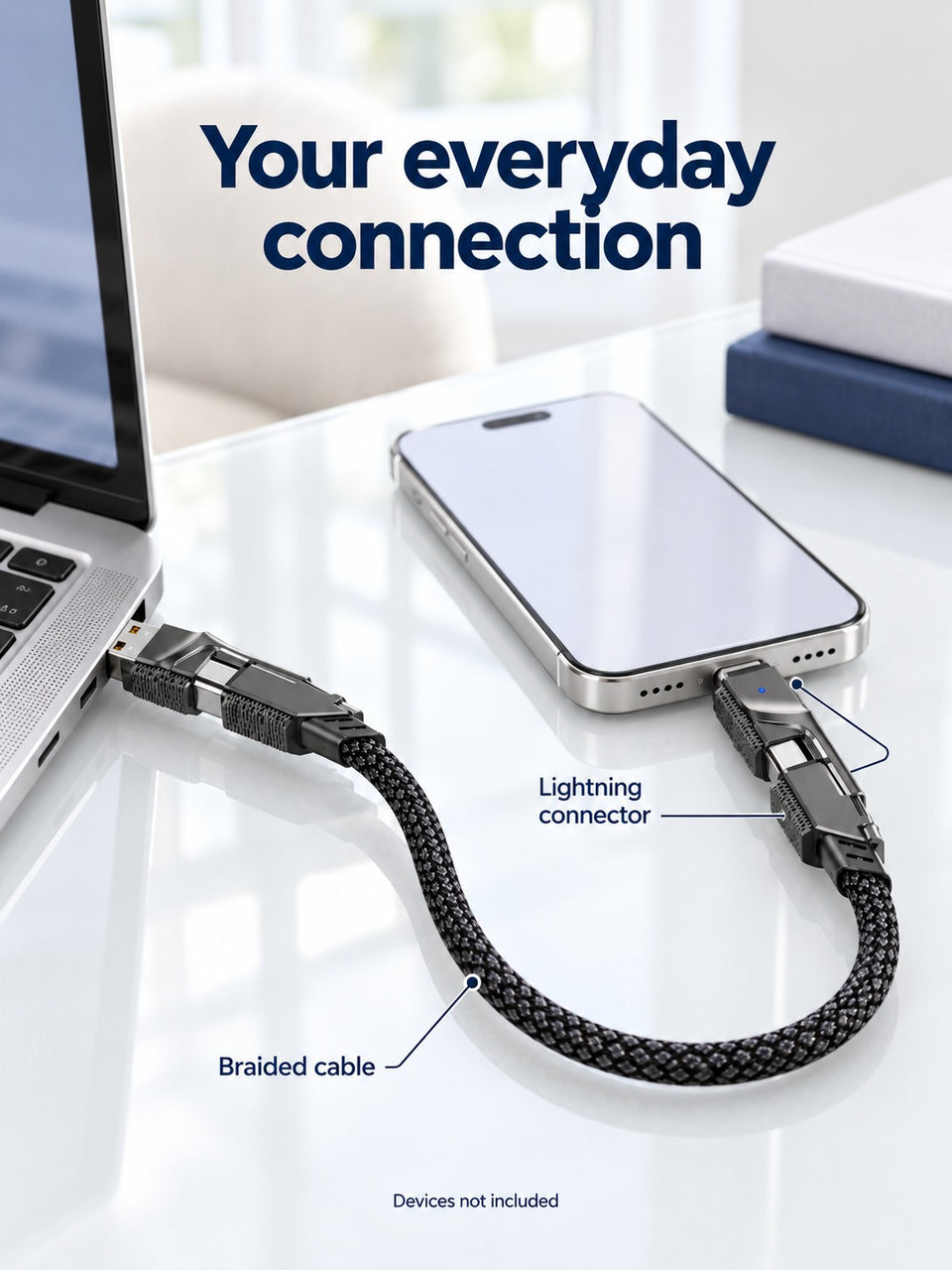
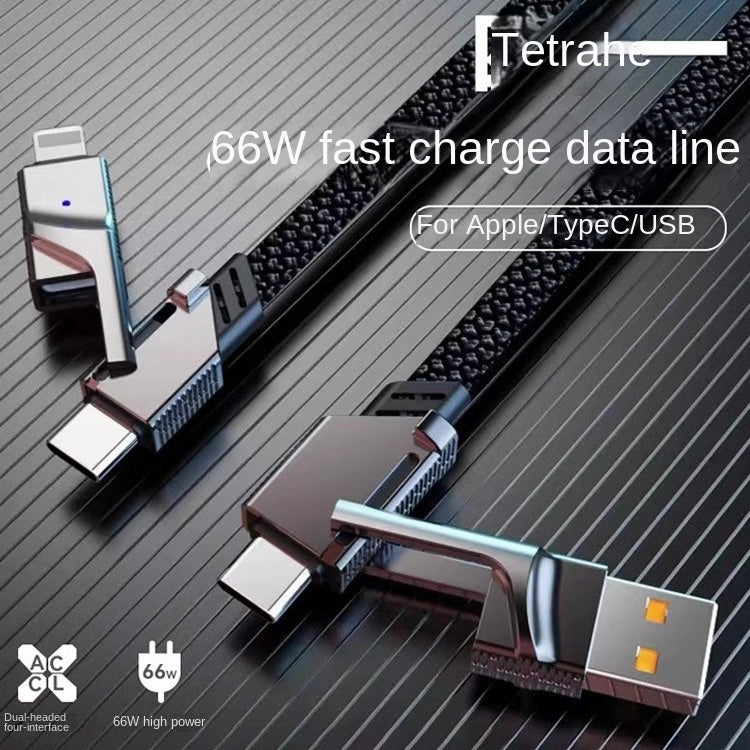
Charge an iPhone, a USB-C phone or a USB device from one braided cable. Turn the metal heads to the port in front of you, and the bag stays free of spare cables. The 66W fast-charge rating and braided nylon jacket make it a cable you carry every day.
Read the full descriptionCharge an iPhone, a USB-C phone or a USB device from one braided cable. Turn the metal heads to the port in front of you, and the bag stays free of spare cables. The 66W fast-charge rating and braided nylon jacket make it a cable you carry every day.
One cable, four interfaces: charge and sync Apple, USB-C and USB devices with fast 66W charging
Stop carrying three cables and still running low at the airport gate. This 66W braided cable turns to match your iPhone, USB-C or USB device in seconds.

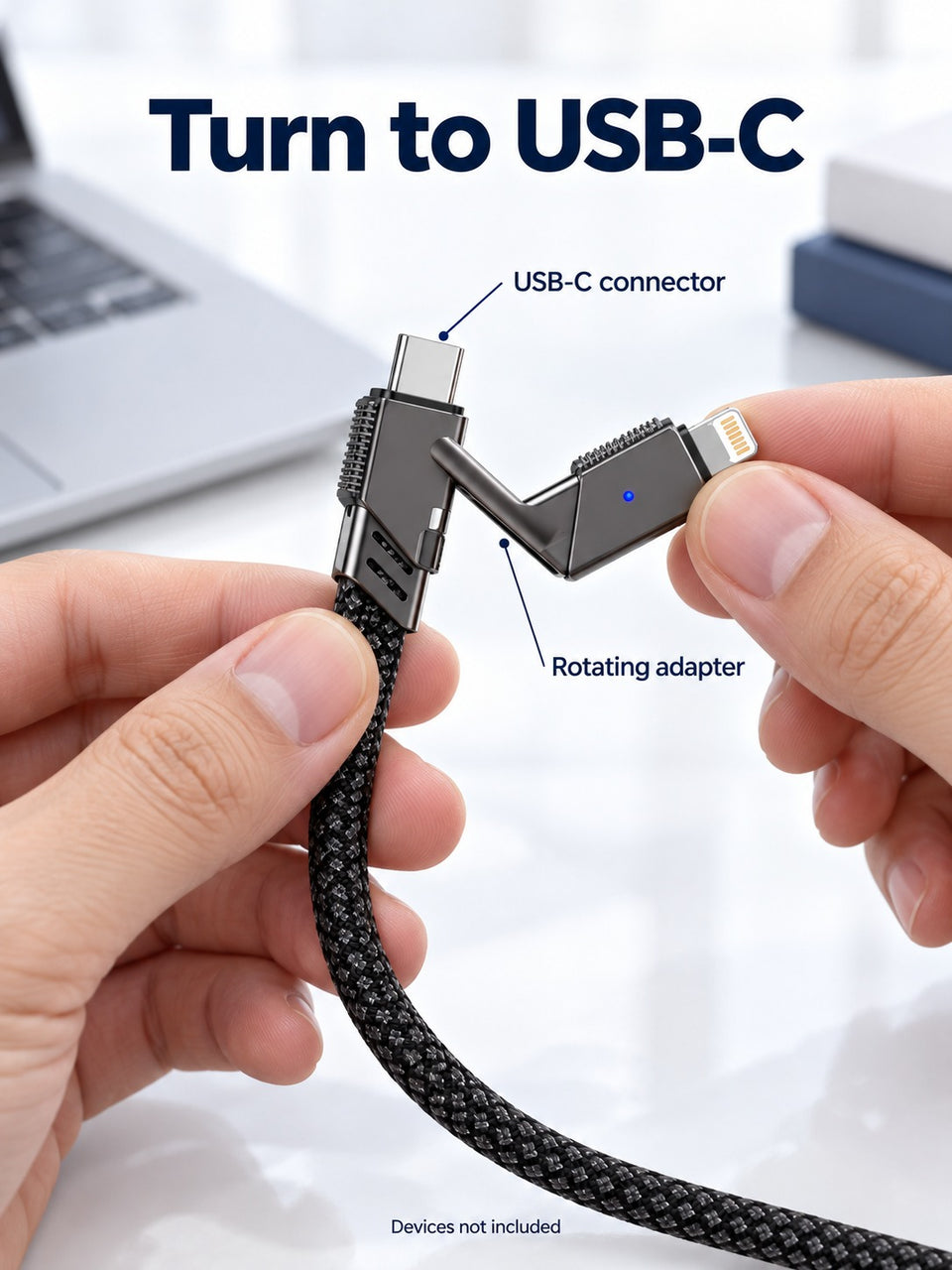
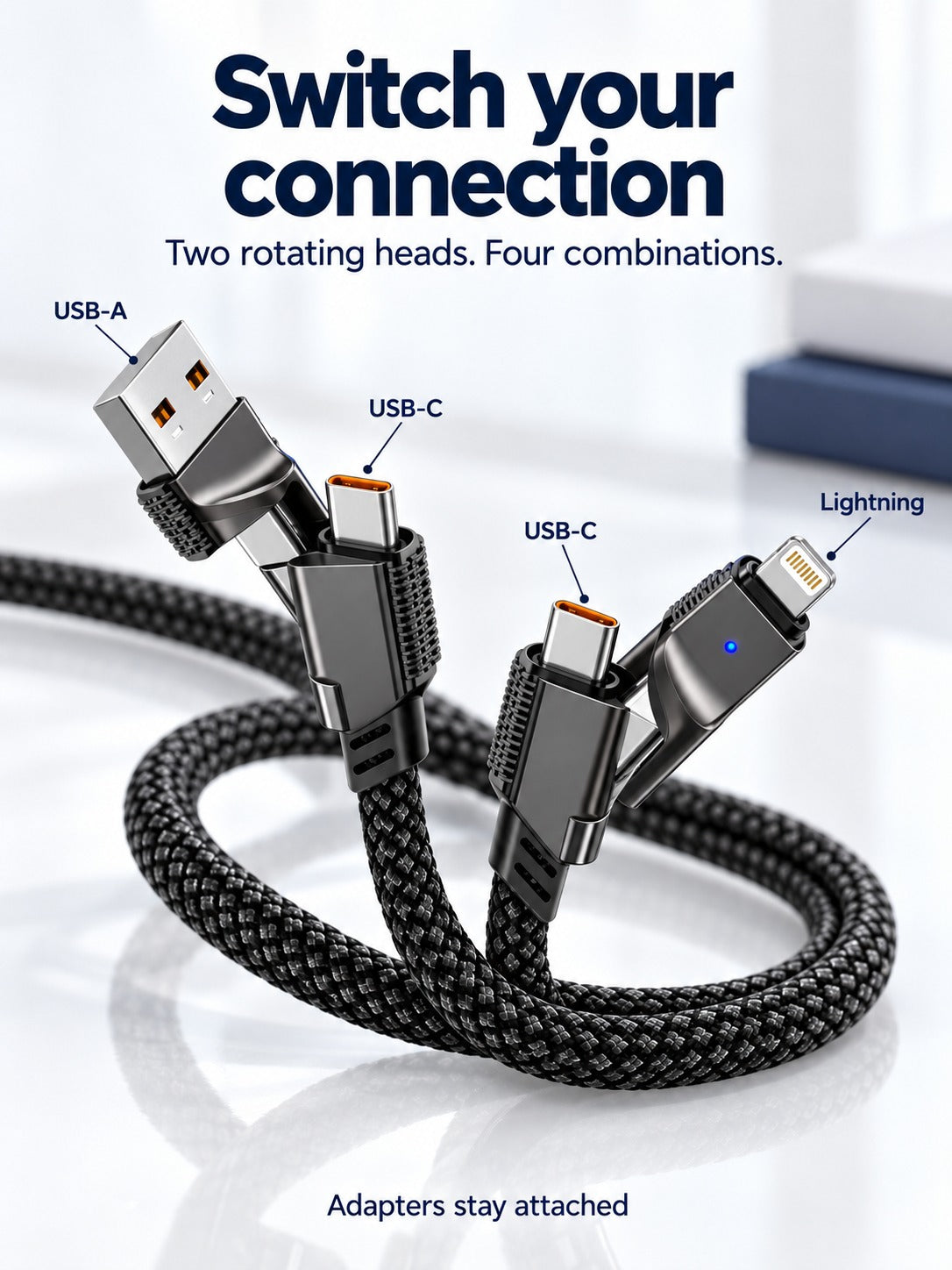
Each end rotates on its own joint, so the cable becomes USB to Lightning, Type-C to Lightning, Type-C to Type-C or USB to Type-C without a second cable. Turn each head until it clicks at its stop and the interface is set.

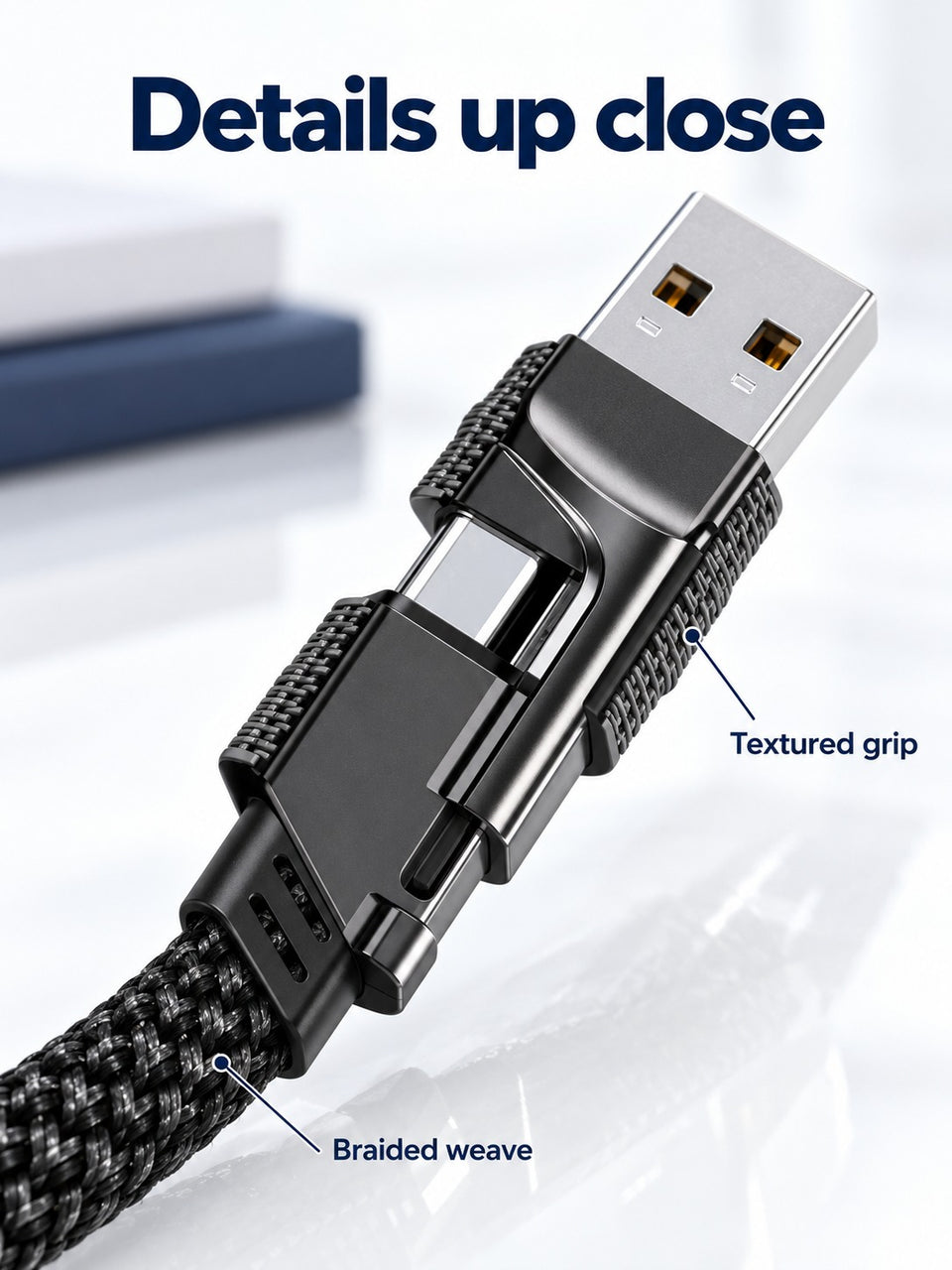
The jacket is black braided nylon over a gunmetal metal head. It feels dense in the hand and sits flat in a coat pocket. A blue LED on the head lights up while the cable charges, so you can see the connection without checking the screen.

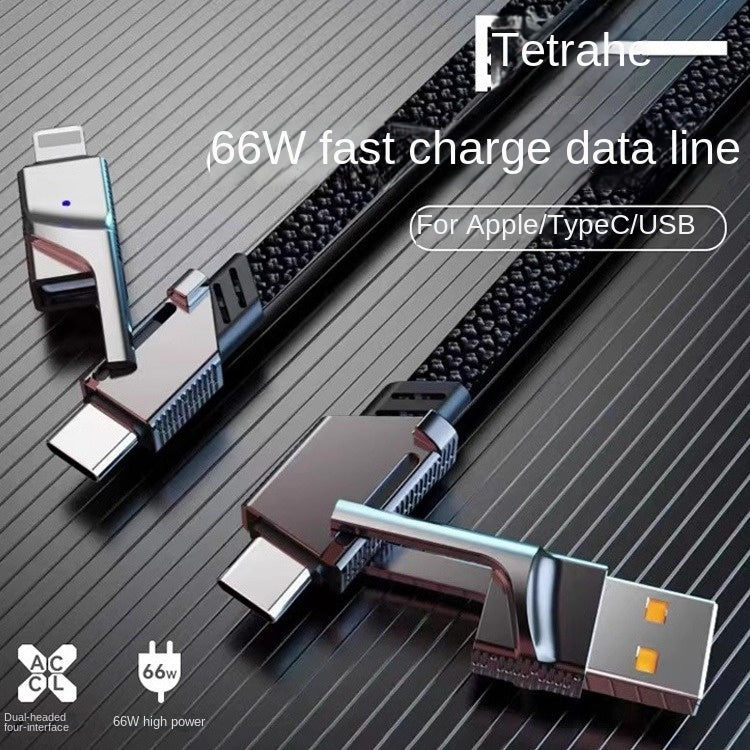
The packaging lists a 66W fast-charge data line. Your phone and power adapter set the final speed, so pair the cable with a PD-capable adapter to get the most out of it.
The heads turn smoothly and click at each stop. Turn each one gently until it clicks into the interface you need. Do not force a head past its stop.
Choose from USB to Lightning, Type-C to Lightning, Type-C to Type-C or USB to Type-C based on your device and the port you have.
Connect the matching ends. The blue LED on the head lights when charging starts, and the amber contact pins sit flush for a solid connection.
Interface 1. USB-A end to Lightning end for iPhone and other Lightning devices.
Interface 2. USB-C end to Lightning end for iPhone on a USB-C adapter.
Interface 3. USB-C on both ends for phones, tablets and laptops.
Interface 4. USB-A end to USB-C end for USB-C devices on a standard USB port.

Each device wants its own plug. The bag fills with three or four cables, and the phone sits at 12% on the train while you dig through lint and receipts. Cheap cables fray at the connector within months, so the pile only grows.

The connector heads rotate on metal joints. Turn the head to the interface your phone needs, and the same cable covers Lightning, USB-C and USB. There are no adapters to snag or lose, and the wall plug stays in the bag. Shoppers who already use USB-C cables will recognize the fit on day one.

Plug the USB-A end into a car adapter and turn the head to match your phone. At the desk, one end feeds the laptop while the other charges the phone. The cable stays in one pocket and goes wherever you go, from the train platform to the hotel room.
Turn the rotating heads until the port you need is selected. Once you learn the click, you can match a device in seconds.
Most people stop reaching for a second cable on the commute. The braided jacket holds up to daily carry.
With the spare cables gone, the bag sits flatter and the search for a charger ends at the same pocket every day.
| 4-in-1 Braided Cable | Separate single-port cables | |
|---|---|---|
| Lightning, USB-C and USB ports | Partial | |
| One cable in the bag | — | |
| Rotating metal connector heads | — | |
| Braided nylon jacket | Partial | |
| Blue LED indicator | — |
USB to Lightning fits iPhones and other Lightning devices from a USB-A port. Type-C to Lightning fits iPhones on a USB-C adapter. Type-C to Type-C covers USB-C phones, tablets and laptops. USB to Type-C fits USB-C devices from a standard USB-A port. Turn the heads until the one you need is set.
66W is the fast-charge rating printed on the packaging. Your phone's own maximum and the adapter you plug into set the real speed. Pair the cable with a PD-capable USB wall charger to get the most from it. A phone that charges slower on a basic cable will still charge at its own limit.
The heads are metal and the jacket is braided nylon, which is why the build feels dense in the hand. The one habit that protects the joints is to turn each head until it clicks at its stop and never force it past. Loose joints usually come from twisting past the stop, not from normal use.
No. It is a cable, so it still needs a power adapter. Use it for laptops that charge within the 66W rating. A laptop that needs more power should stay on its own charger, and the cable can handle the phone and tablet.
Four separate cables plus the adapters they need add up quickly, and they get lost or tangled. One braided cable with metal heads covers the same ports, so you buy once instead of replacing the drawer every few months.


 4-in-1 Fast Charging Cable for iPhone, USB-C & USB 66W