
$34.90
Free delivery · 7–14 days
Phone Screen Magnifier Stand With Folding 3D Viewer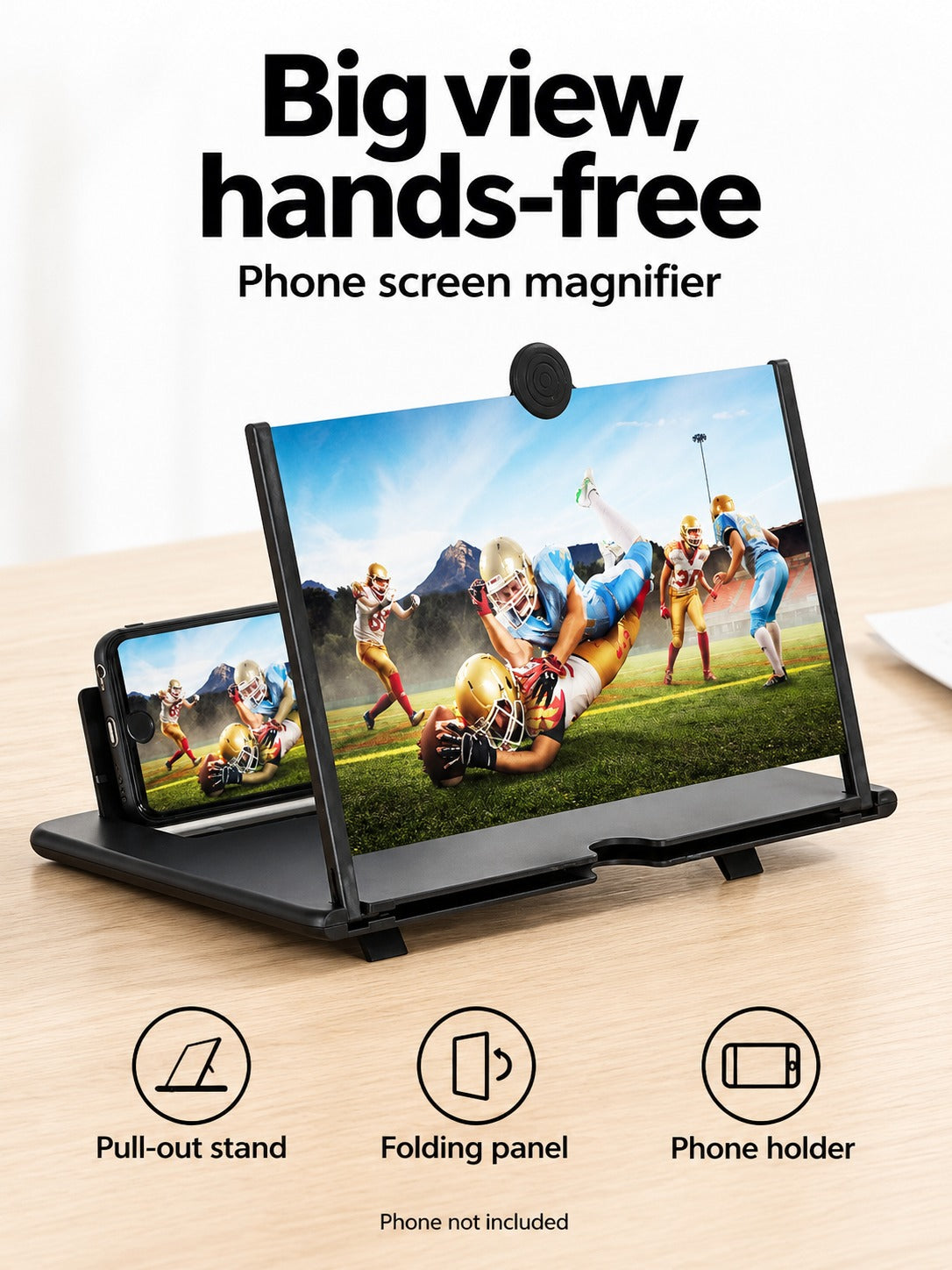
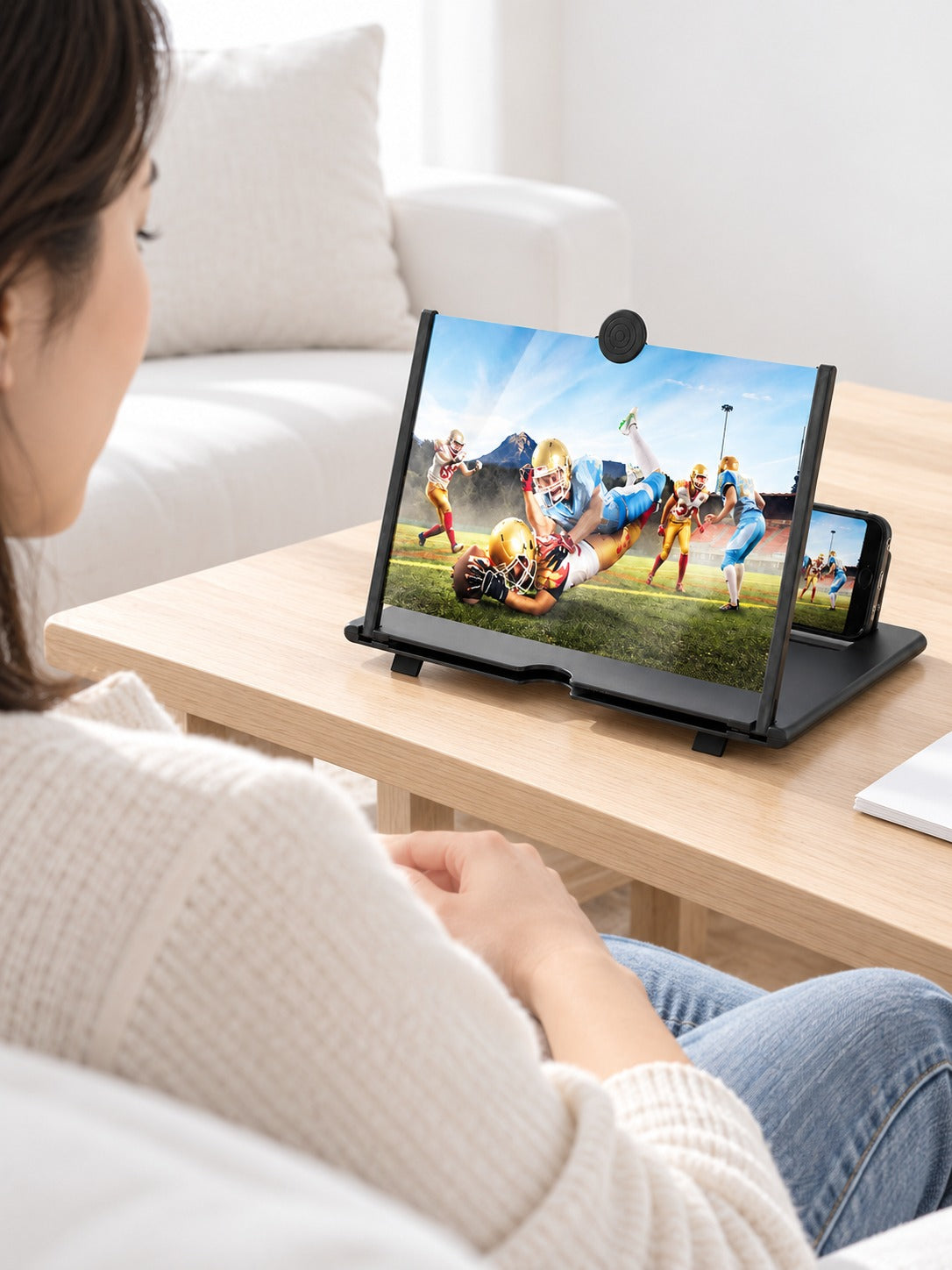
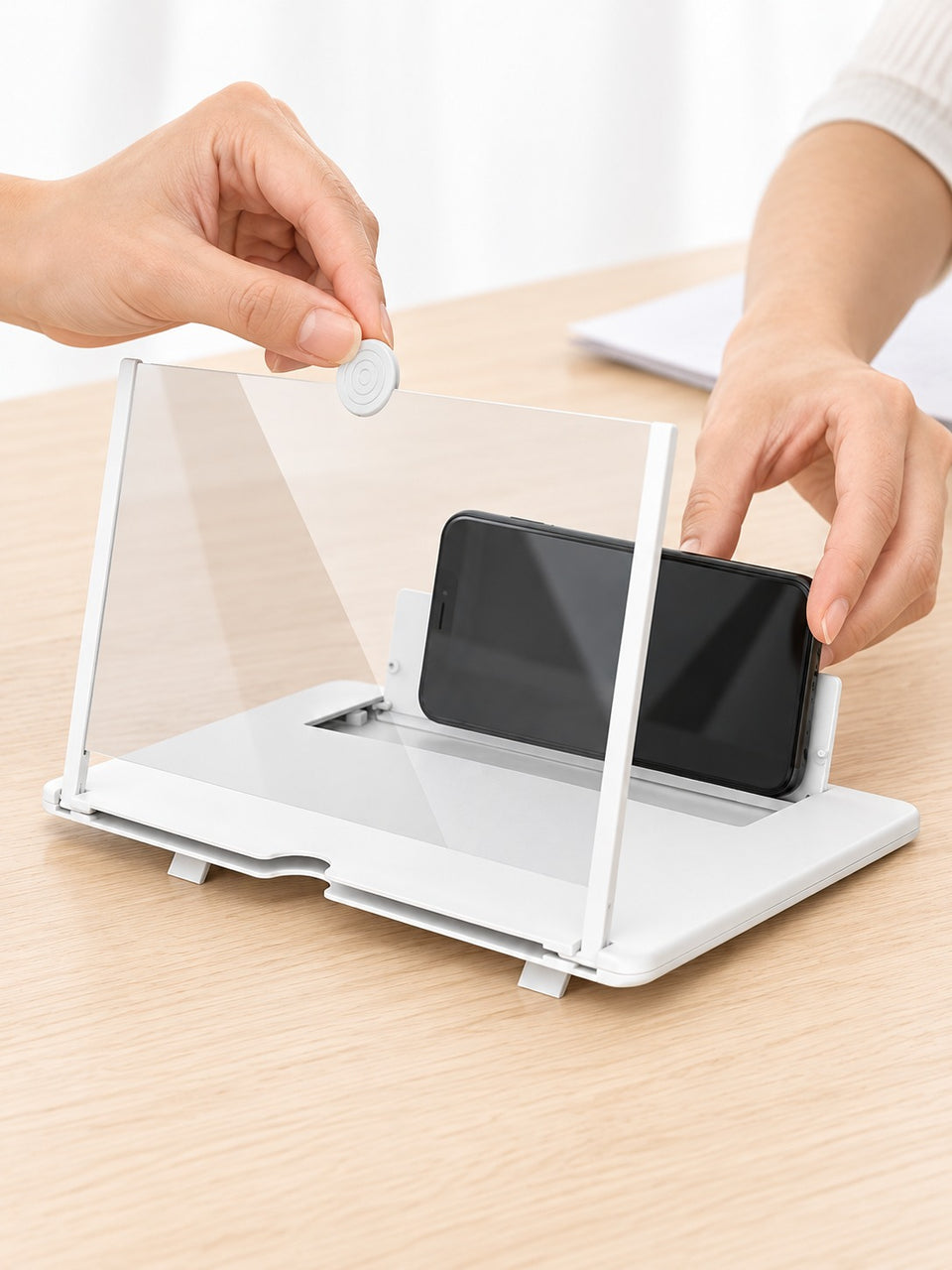
Your phone already has the show. This stand gives it a 14-inch stage, so you lean back on the couch or the pillow instead of squinting at a palm-sized screen. Slide the phone into the base, pull out the clear HD panel and tilt it toward you.
Read the full descriptionYour phone already has the show. This stand gives it a 14-inch stage, so you lean back on the couch or the pillow instead of squinting at a palm-sized screen. Slide the phone into the base, pull out the clear HD panel and tilt it toward you.
Turns your phone into a 14-inch HD screen for hands-free viewing
Stop squinting at a palm-sized display and holding it up for an hour. Slide your phone in, pull out the panel, and watch the whole game from the couch.

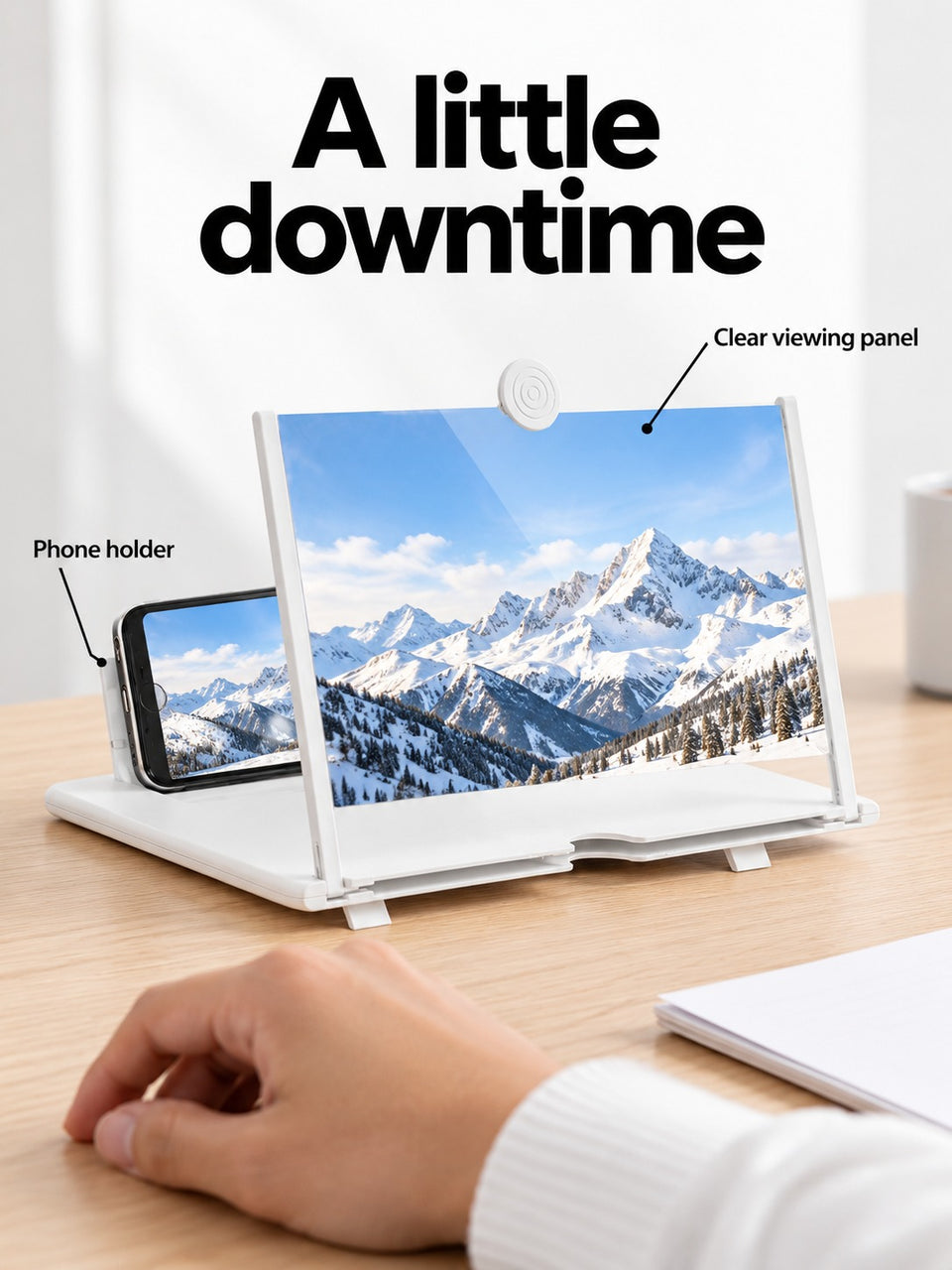
The clear HD panel shows your phone's picture magnified to 14 inches. Sports, shows and home videos fill the frame, and the slim black border keeps the focus on the picture.

Slide the phone into the base, pull the panel out, and tilt it toward your seat. No app, no cables, no tools. Most people land on the right angle within a few tries, and after that setup takes seconds.

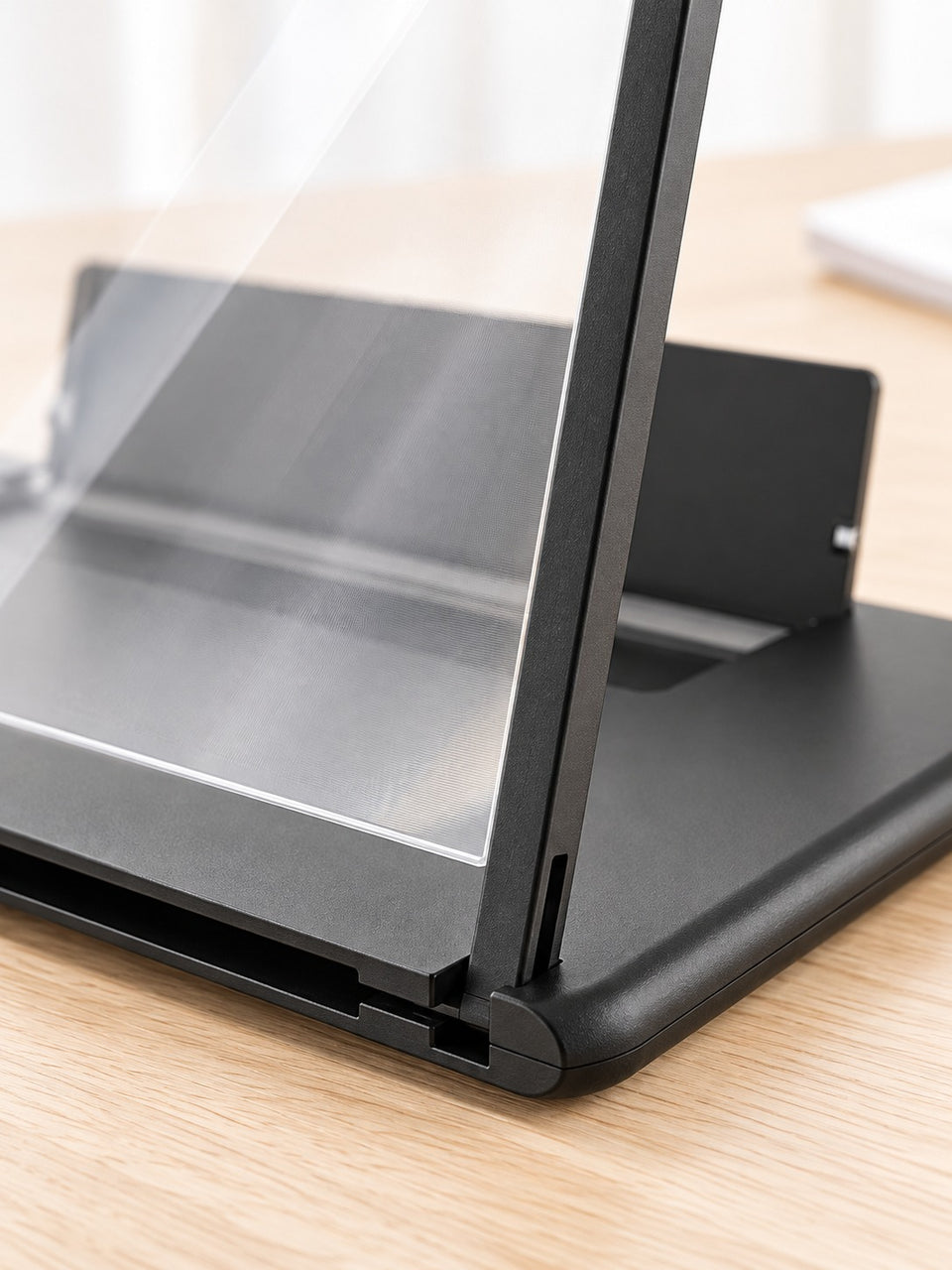
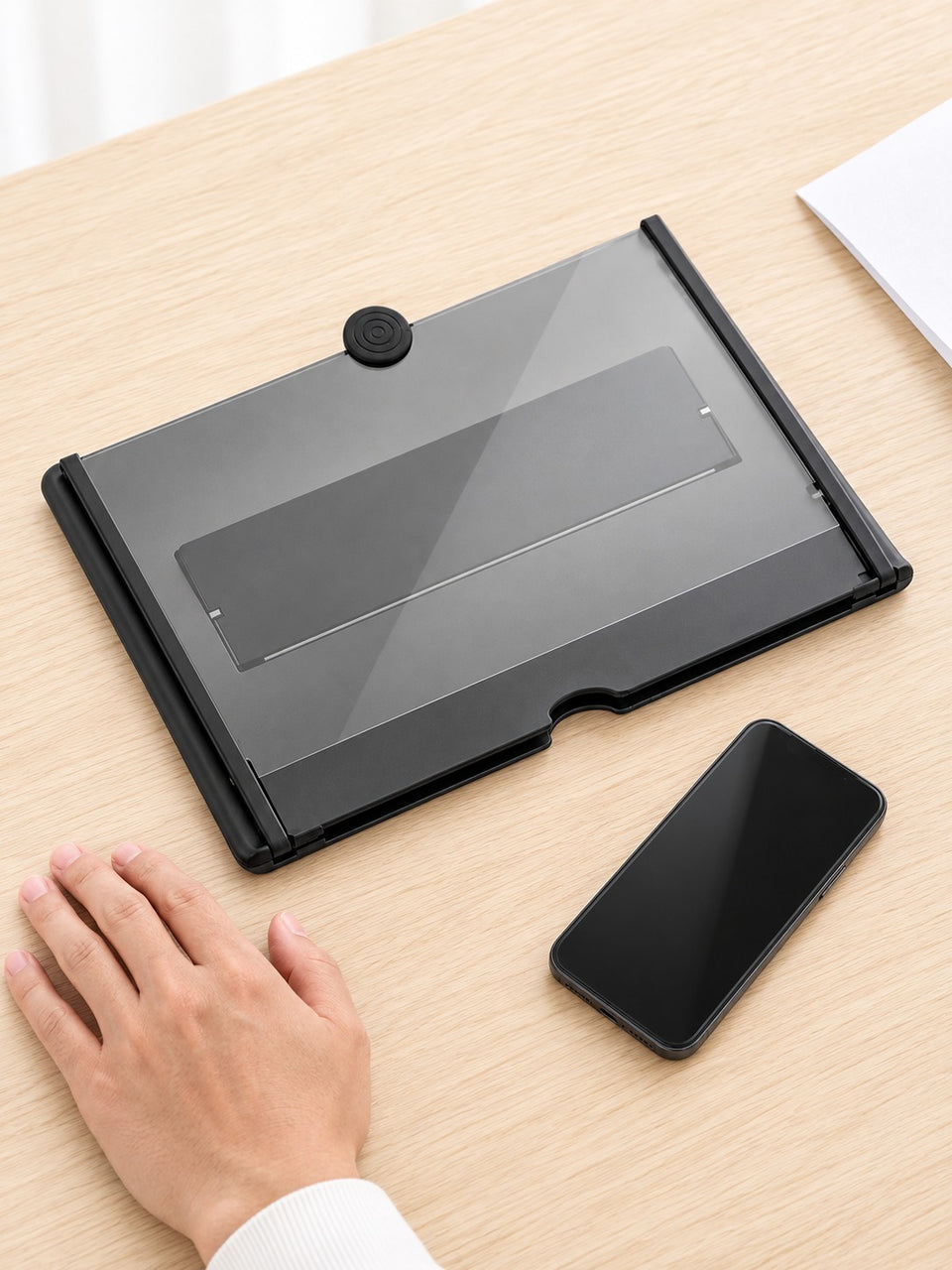
The matte black base retracts and folds smoothly once the show is over. It tucks onto a shelf or into a drawer, so the 14-inch view is always one pull away.
Set it on a coffee table, tray or nightstand. A soft cushion or uneven top is what makes the panel wobble.
If a thick case stops the phone from sitting flat, take the case off for viewing. The phone should sit snug without force.
Draw the clear panel out along its track until it locks at full 14-inch height.
Adjust the tilt until the picture fills the panel from where you sit, then lean back.
Check the fit first. Slide your phone into the slot and see whether it sits flat and level. Thick cases cause most fit trouble, so take the case off for viewing if it blocks the slot. A snug, level phone is what keeps the whole setup steady.
The panel is a clear HD magnifier, so the image stays clean at 14 inches when the phone sits centered and the panel is tilted toward you. Bright lamps can cause some glare on the clear surface, so set the stand away from direct light for the best view.
Yes, as long as the surface is flat and firm. Use a coffee table, tray or nightstand. Soft cushions and uneven tabletops are where it wobbles, so skip those.
A tablet costs far more and adds a second device to charge, carry and keep track of. This uses the phone you already own, so the only new item is a stand that folds flat when you are done. For couch and bed viewing, that is the cheaper way to get a bigger picture.
Wipe it with a soft, dry microfiber cloth. For fingerprints, use a lightly damp cloth and dry it straight after. Skip alcohol-based and abrasive cleaners, since they can cloud the clear panel and dull the matte frame over time.


 14-Inch HD Phone Screen Magnifier with Pull-Out Stand