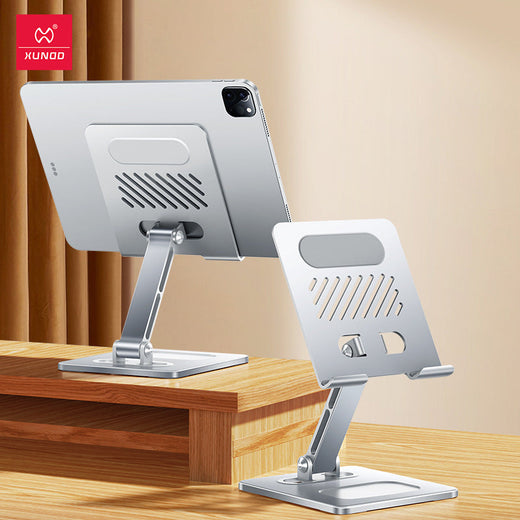
Dual-Arm Tablet Stand with 360° Rotation & Cooling —
Rest Comfortably — Work Smarter, Game Longer
A dual-arm tablet stand that adapts to any angle, keeps your device cool, and stays steady through marathon sessions—without the neck ache.

Three Stand‑Apart Engineering Decisions
Every joint, slot, and grip serves a purpose beyond mere holding.

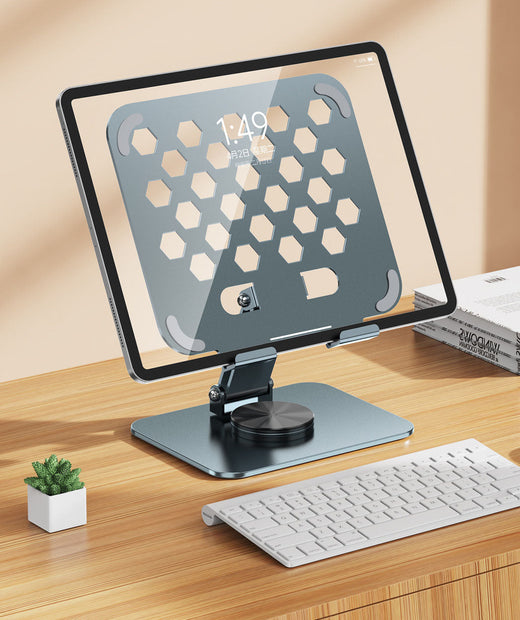
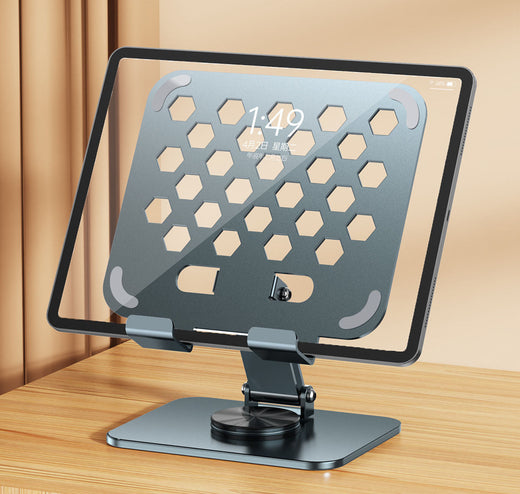
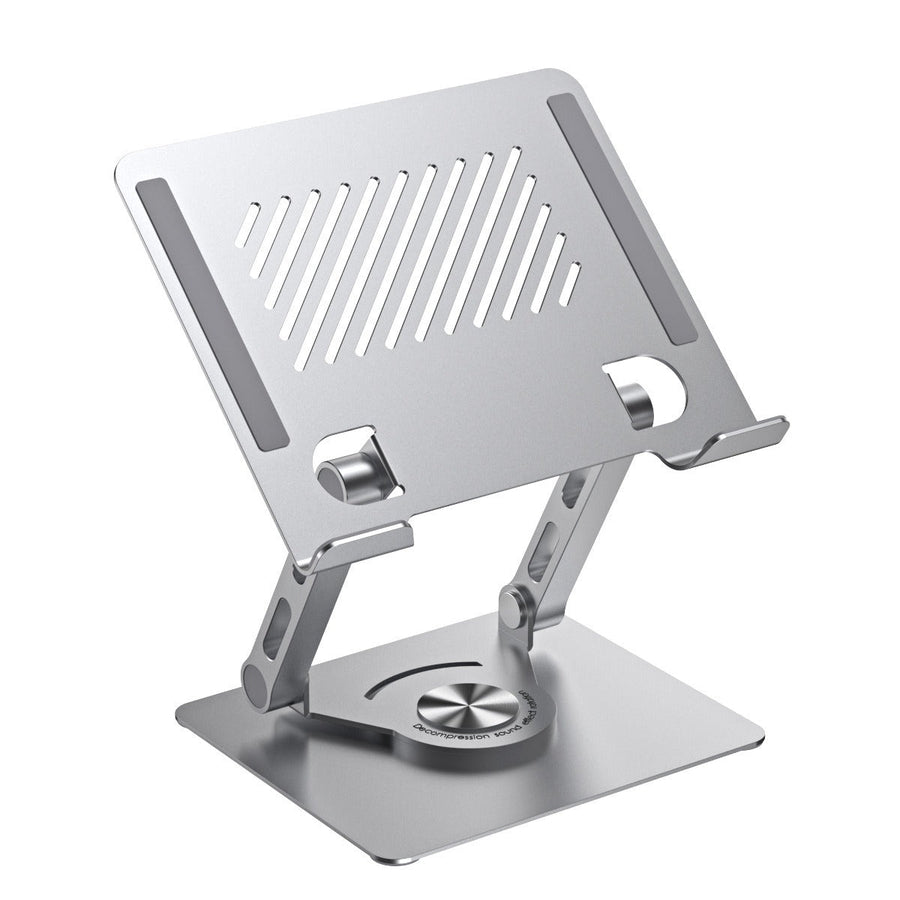
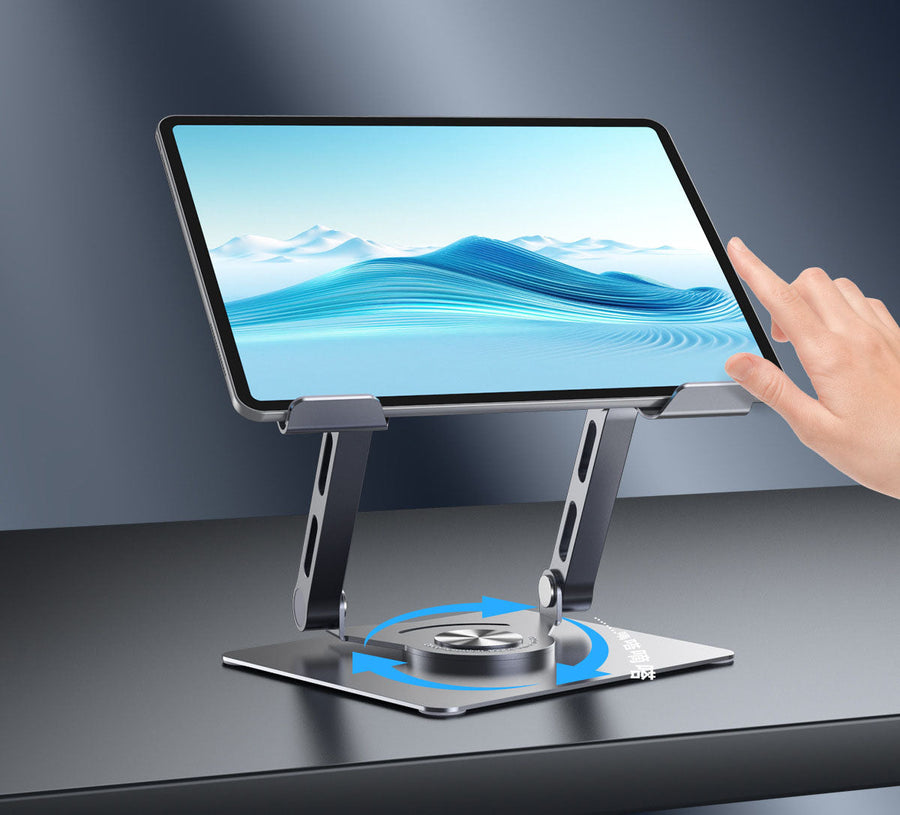
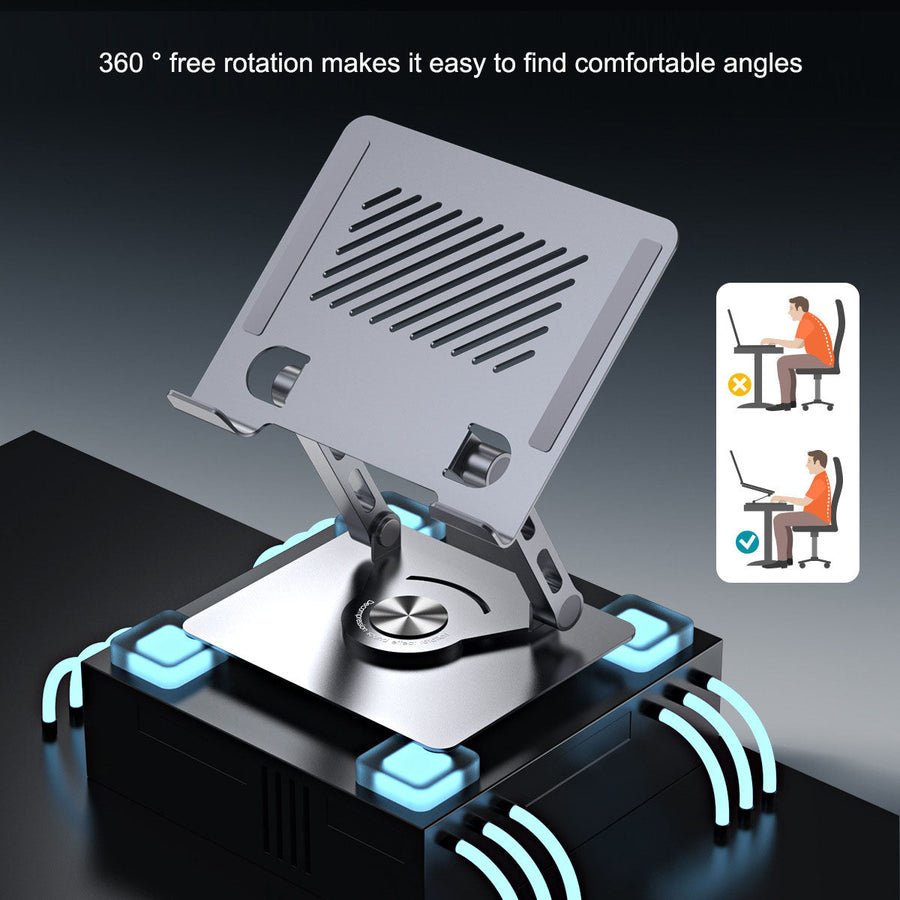
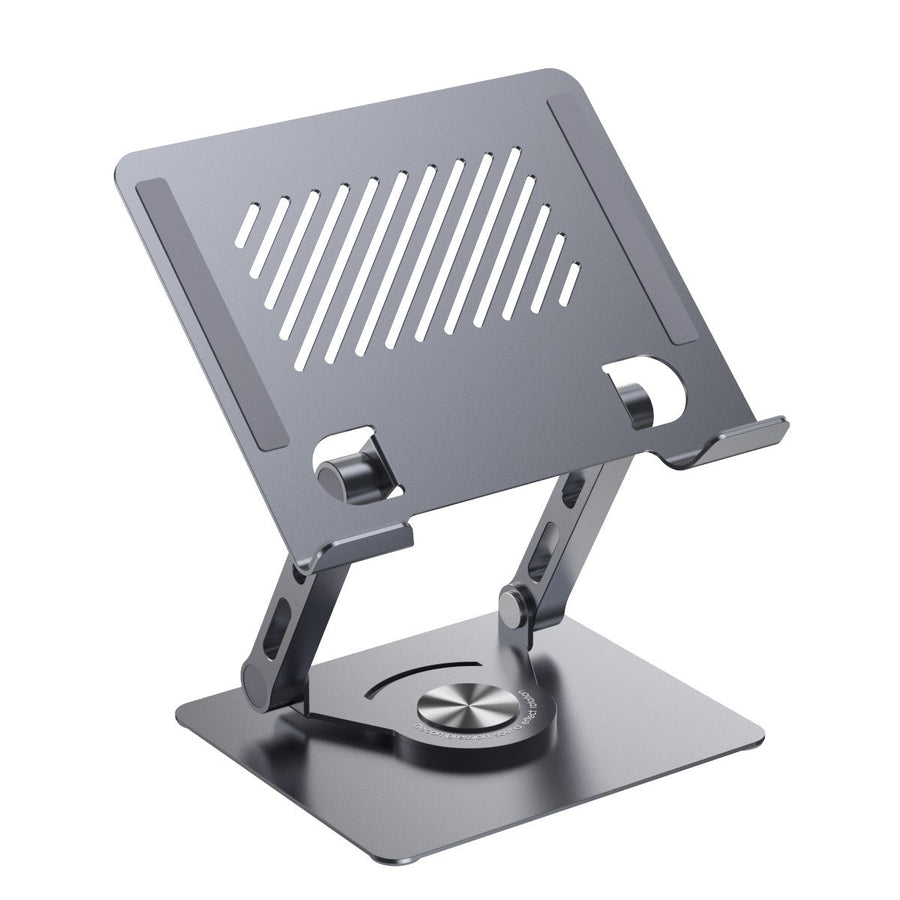
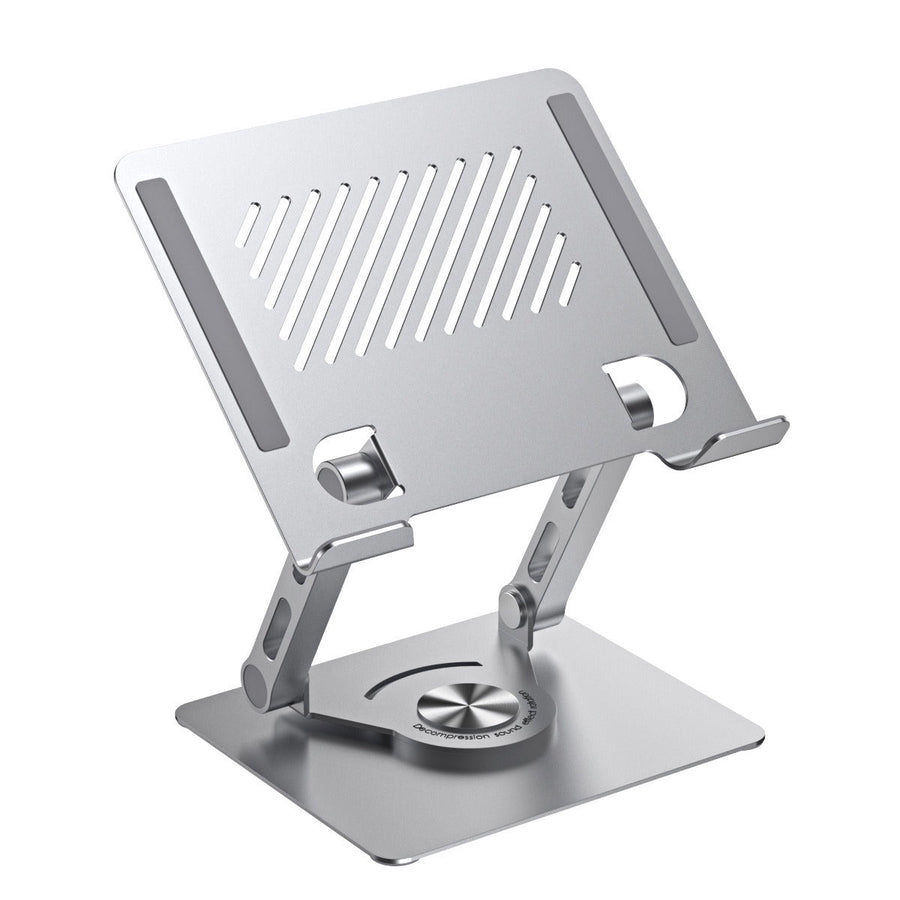
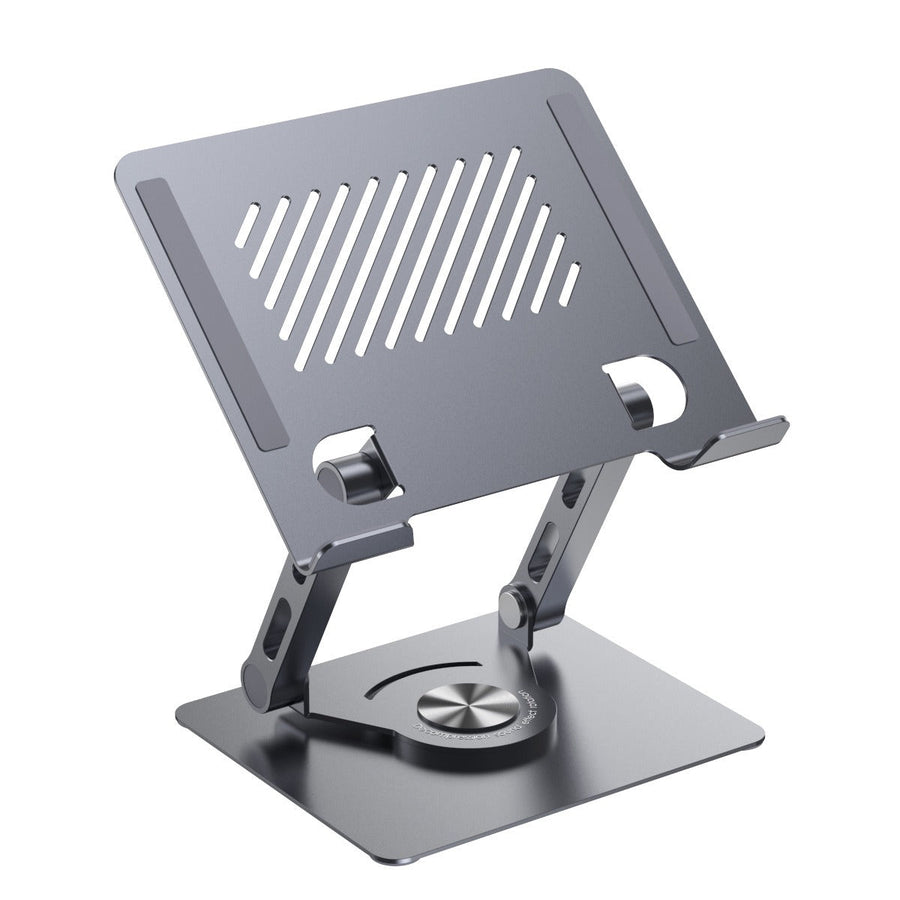
Articulated Dual Arms + 360° Rotation
Independent arm angles and a ball‑joint base pivot in every direction. Raise the screen to eye level, tilt it toward your face, or rotate for a shared video call — all in seconds.

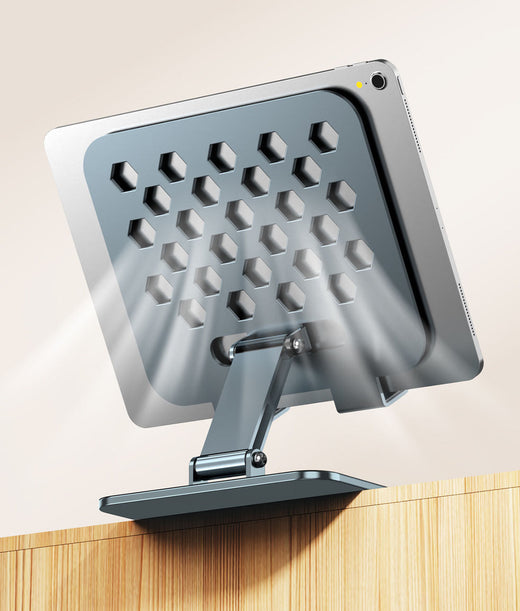
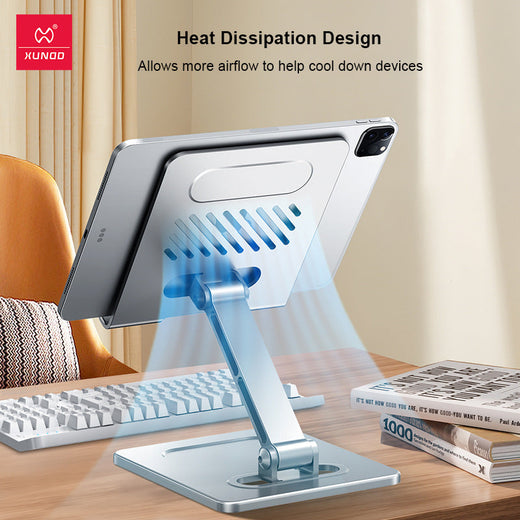
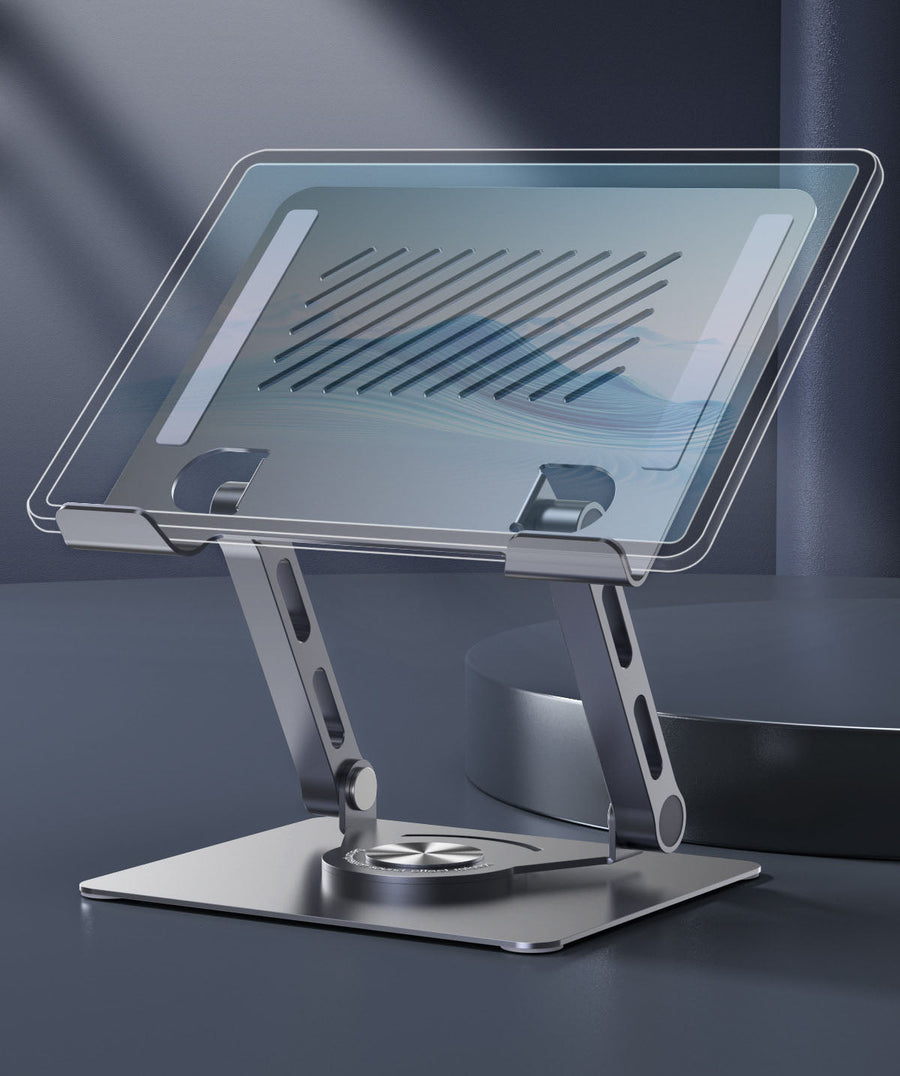
Integrated Heat Dissipation
A patterned network of ventilation slots draws heat away from the device’s back panel. Games and video calls no longer bring throttling, lag, or uncomfortable warmth.
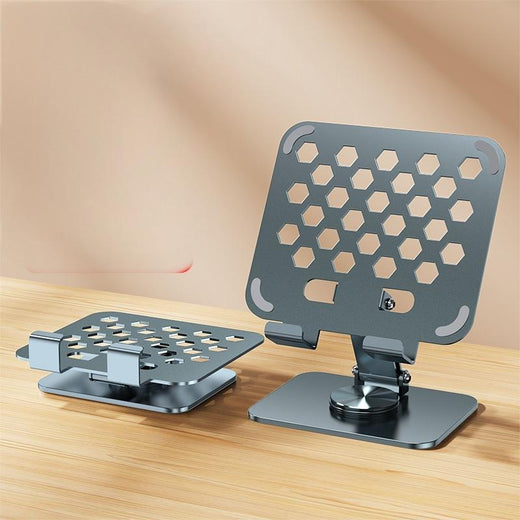
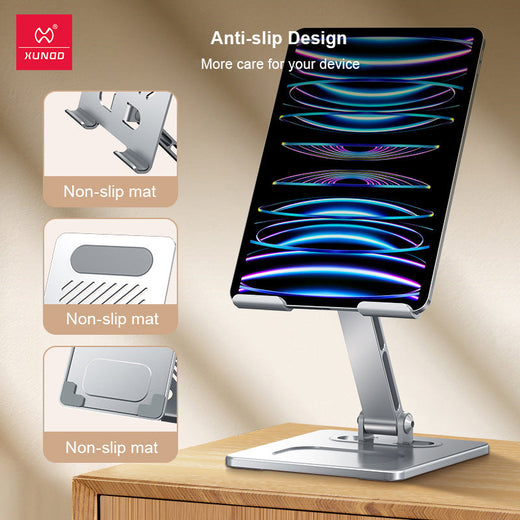
Foldable Base with Rubber‑Padded Grip
Wide silicone‑lined clamps and a low‑center‑of‑gravity base hold tablets up to 12.9 inches without wobble. Fold the legs flat to toss it in a bag when you move rooms.
What Users Changed
Candid feedback from long‑session professionals, students, and gamers.
I used to stack books under my iPad. Now I can tilt it to exactly the right angle and my neck pain is gone.
Gaming on my iPad Pro used to make it hot enough to cook an egg — the vents on this thing actually work.
Sturdier than I expected. The dual arms let me position the screen above my monitor for reference while I code.
I prop my phone for video calls every day. No more propping it against a mug — and it never tips.
The fold‑flat design is perfect. I take it to my nightstand for reading, then back to the desk in the morning.
Was skeptical about the cooling, but after a two‑hour rendering session my tablet was just warm, not scorching.
Solid aluminum feel, and the rubber grips don’t mark the tablet. Only wish it came in a darker gray.
Perfect for cooking — YouTube chopping tutorials stay at eye level, away from the splatter zone.
The rotation is buttery smooth. I use it every day for virtual meetings and my posture has visibly improved.
Twenty Seconds to Perfect Placement
No tools, no permanent mount — just unfold, clamp, and adjust.
Unfold the legs and lock the base
Flip open the stabilizer feet until they click. The wide stance keeps the stand planted on any desk or counter.
Slide your device into the cradle
Extend the arms gently and place the tablet or phone between the rubber‑padded clamps. Release — the spring tension holds it securely.
Lift, tilt, rotate — find your line
Raise the arm assembly to eye level, angle the screen to avoid glare, and rotate for portrait or landscape. The joints stay where you leave them.
Ergonomic Proof Points
What fixity costs you — and how this stand returns the investment.
This Stand vs a Basic Kickstand
The difference isn’t just metal — it’s the posture, the cooling, and the life it supports.
| ThisBEST | Basic Kickstand | |
|---|---|---|
| 360° free rotation | ✓ | ✗ |
| Infinite height & tilt adjustment | ✓ | 1–3 fixed angles only |
| Integrated heat dissipation | ✓ | ✗ |
| Dual‑arm articulated mechanism | ✓ | ✗ |
| Solid aluminum construction | ✓ | Plastic frame |
Everything You Need, No Extras
The stand comes pre‑assembled except for the cradle arm attachment — snap on and go.
From Desk Pain to Fluid Focus
Fixed stands force your neck to bend and trap heat. This one moves with you — and breathes.
The Strain of Staring Down
Hours hunched over a tablet or phone leads to neck, shoulder, and lower back stiffness. The device sits flat, the screen glares, and heat builds up — especially during gaming or video calls. Your concentration breaks before you do.

The Pivot Point
Dual articulating arms and a 360° rotating base let you lift, tilt, and rotate the screen to exactly eye level — portrait or landscape, in one smooth motion. The wide rubber-padded cradle grips any device securely, while the ventilation slots pull heat away from the back.
Stay Cool and On Task
With the tablet lifted to a natural line of sight, your shoulders relax, your spine straightens, and your device runs noticeably cooler. Whether you’re editing a document, streaming a recipe, or gaming for hours, the stand stays stable and the screen follows your flow.
Aluminum Stays New
A few simple habits keep the joints moving and the finish spotless.
About this item
A dual‑arm aluminum tablet stand that gives you 360° rotation, infinite height adjustment, and integrated cooling — so every angle feels natural and every session runs smooth. Designed for professiona
Infinitely adjustable with 360° rotation for any viewing angle, anywhere
- poor viewing angles at desk
- device overheating during gaming
- neck and back strain from fixed positions
- lack of stability for larger tablets
What Buyers Actually Ask
No marketing fluff — just the answers that matter before you try it.