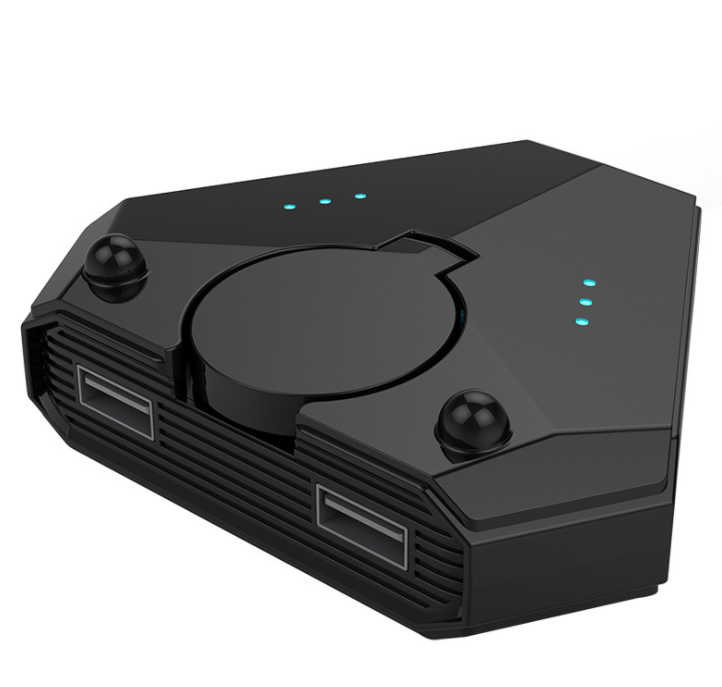
Bluetooth 5.0 Gaming Converter — Console‑Grade Mobile
Console-Grade Controls for Mobile Domination
Transform your phone into a precision gaming rig with twin joysticks, keyboard, and mouse—all while charging.

What Sets This Converter Apart
It’s not just a dongle—it’s a complete mobile gaming hub. Each element was chosen by competitive players to eliminate every obstacle between you and the win.

Dual Rotary Joysticks with Console Feel
Each joystick rotates independently with a smooth, analog‑grade resistance. Aim, strafe, and build with the muscle memory you honed on PC and console—no more squinting at floating d‑pads.

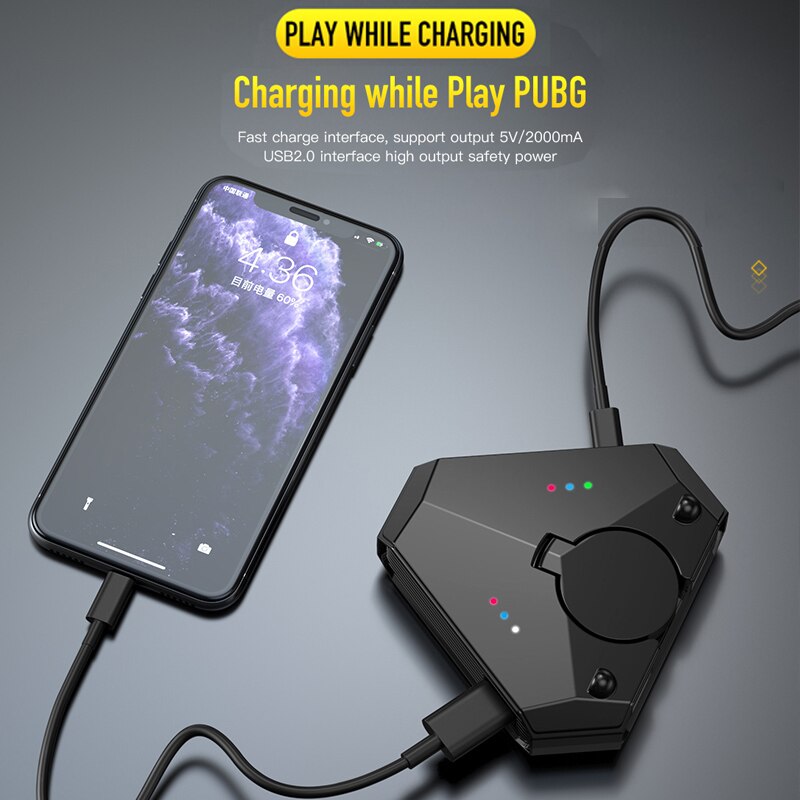
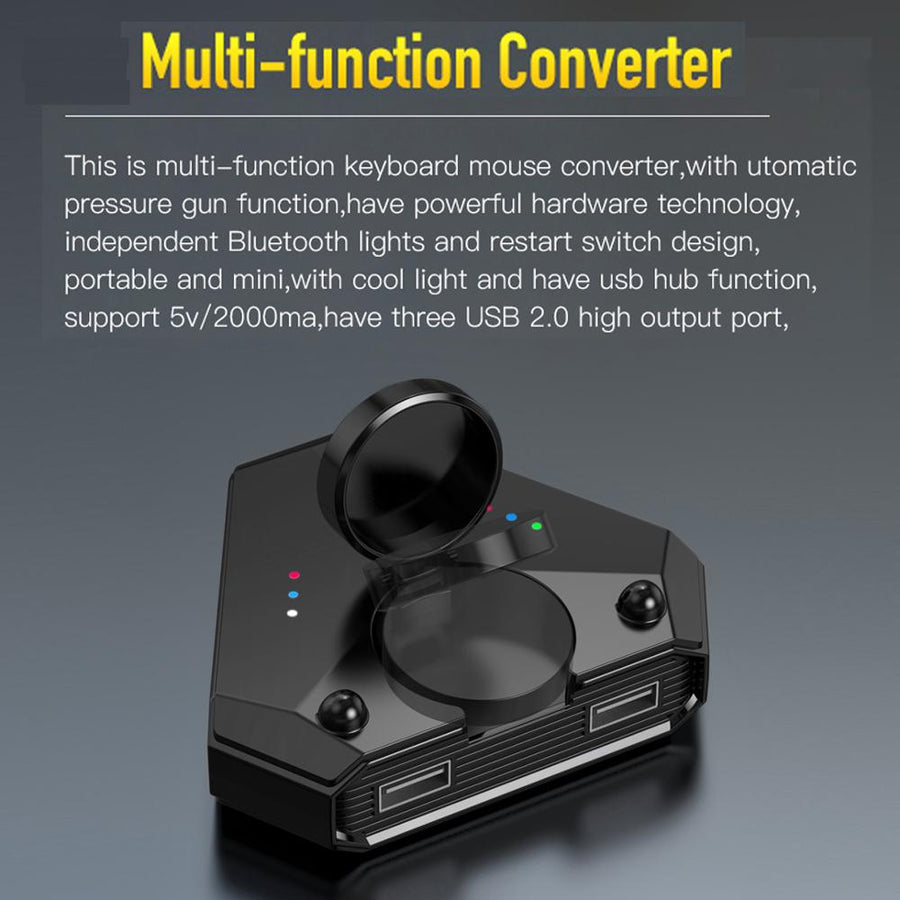
Play While Charging + 3‑Port USB Hub
The 5V/2000mA pass‑through circuit charges your phone or tablet while you play. Use the three USB 2.0 ports for a keyboard, mouse, or external storage—all through a single cable.

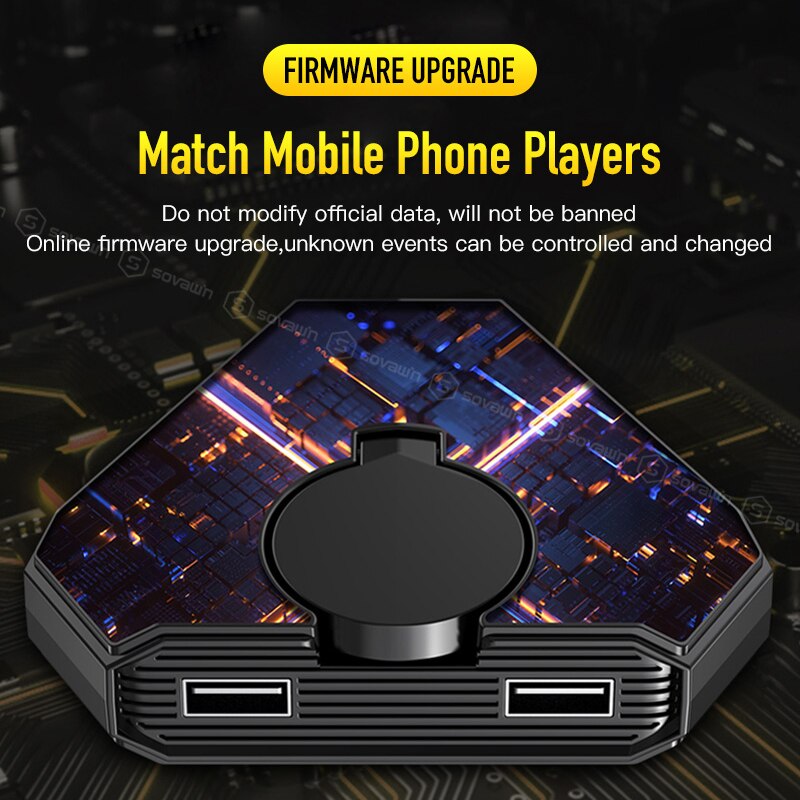
Online Firmware Updates
Game developers tweak input detection with every patch. This converter stays ahead with over‑the‑air firmware upgrades, specifically tuned for PUBG and other competitive titles. No bans, no glitches.
Straight From the Community
Verified owners share their honest experience—the good, the great, and the nitpicks.
My K/D jumped from 1.4 to 3.2 in a week. The joysticks are buttery smooth and the charging passthrough is a game‑changer.
Setup took me three minutes. Everything just worked on my iPad. Only downside is I wish the cable was a bit longer.
Used to get smoked by PC players in cross‑platform lobbies. Now I hold my own. The firmware update for the latest season was already waiting when I opened the app.
Solid build—heavy enough it doesn’t slide around. I’ve used it 5 hours straight with no input lag.
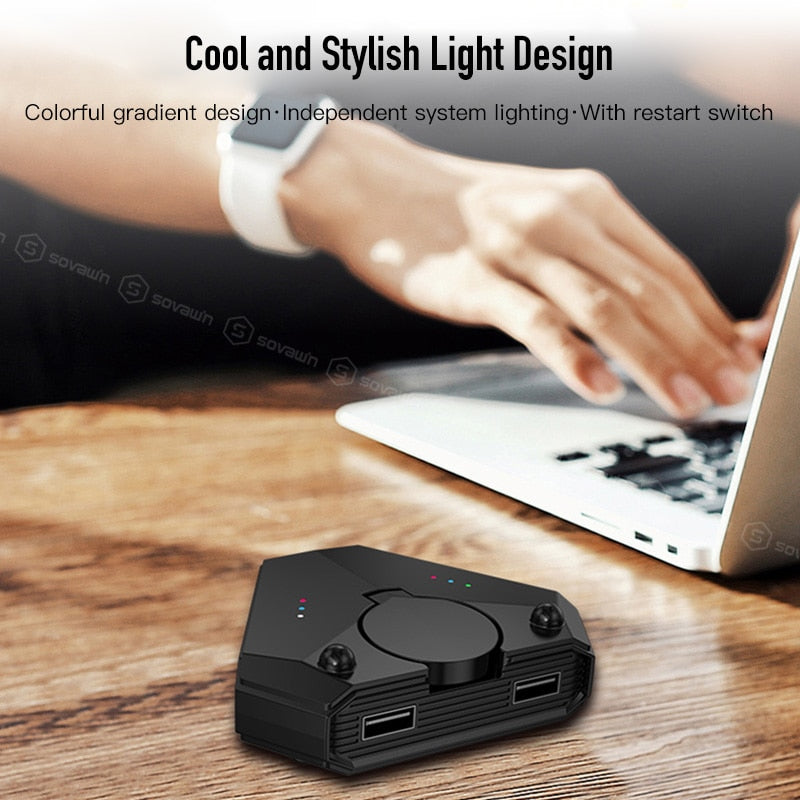
The RGB lights are a nice touch. It looks as good as it performs. My squad keeps asking what I’m using.
Works perfectly with my Android tablet. The only thing—I had to remap a couple buttons, but the manual explains it well.
Bought it for PUBG, now I use it for CoD Mobile and Genshin too. The extra USB ports let me plug in an external fan.
Great value for the price. Feels like a mini console in my hands. Would buy again.
Play while charging is legit. I’ve done six‑hour sessions without a battery warning. The converter itself stays cool.
3 Minutes to Competitive Play
No tools, no confusing software. Just connect and dominate.
Charge the Converter
Use any USB‑C cable to fully charge the converter’s internal battery. The RGB indicator will turn solid cyan when ready.
Pair via Bluetooth
Hold the Bluetooth button for 3 seconds. Open your phone’s Bluetooth settings and pair with “Gaming Converter 5.0”.
Connect Your Gear
Plug your keyboard, mouse, or gamepad into any of the three USB ports. The converter auto‑recognizes input types.
Launch Your Game
Open PUBG or your preferred shooter. In‑game settings, enable external controller support. The default key mapping is already optimized.
Plug In Charging
Connect your phone’s charging cable to the converter’s passthrough port. The converter powers your phone and peripherals simultaneously.
The Numbers That Matter
Hard specs that translate directly to in‑game performance.
Why This Beats the Rest
Don’t settle for half‑measures. See how it stacks up.
| This ConverterBEST | Clip‑On Triggers | Touchscreen Only | |
|---|---|---|---|
| Joystick Precision | ✓ Full analog | ✗ None | ✗ None |
| Keyboard/Mouse Support | ✓ USB hub | ✗ No | ✗ No |
| Play While Charging | ✓ Passthrough | ✗ No | ✗ No |
| Anti‑Ban Firmware | ✓ Updated online | ✗ No | ✗ No |
| Screen Visibility | ✓ Full view | ✓ Partial | ✗ Blocked |
| Cross‑Platform | ✓ iOS/Android/PC | ✗ Mobile only | ✗ Mobile only |
Everything You Get Out of the Box
Unbox and go competitive in minutes.
From Thumb Fatigue to Precision Gameplay
Mobile gaming has a dirty secret: touchscreen controls rob you of the precision and speed that separate winning from losing. This converter changes the equation—bringing console muscle to your mobile arena.
The Touchscreen Trap
You know the feeling: your thumbs slip, you miss the headshot by a pixel, and the match tilts against you. On-screen controls were never built for competitive play—they slow reaction time, obscure your view, and sap your fingers after the first hour. Worse, your battery dips into the red while you’re still grinding for rank.
The Discovery
Enter a device engineered to bridge the gap. This Bluetooth 5.0 converter pairs with your iPad, iPhone, or Android phone and instantly unlocks keyboard, mouse, and dual‑joystick input. Its 3‑port USB hub lets you connect all your gear, while passthrough charging keeps the battery full during marathon sessions. No jailbreak, no complex mapping—just plug and play.

Your New K/D Ratio
With physical controls under your fingers, building, aiming, and firing become second nature. The rotary joysticks offer the same tension and throw as a full‑sized console controller. RGB status lights confirm your connection, and firmware updates keep you ban‑safe. Now you can play through the night, topping the leaderboards while your device stays fully charged.
About this item
Turn your phone into a console‑quality gaming rig with dual rotary joysticks, keyboard, and mouse while simultaneously charging. Built for competitive PUBG and cross‑platform play with zero‑lag Blueto
Play competitive mobile games with console-grade controls while charging your device
- Limited mobile gaming precision
- Uneven competitive advantage against keyboard/mouse players
- Battery drain during extended gaming sessions
- Device disconnection during gameplay
Honest Answers to Tough Questions
We get these a lot. No gloss, just the facts.